当前位置:网站首页>Webpage connection database ~ simple implementation of addition, deletion, modification and query complete code
Webpage connection database ~ simple implementation of addition, deletion, modification and query complete code
2022-07-03 14:03:00 【A ke】
html:
<!DOCTYPE html>
<html>
<head>
<meta charset="UTF-8">
<title> home page </title>
<script src="https://cdn.staticfile.org/jquery/1.10.2/jquery.min.js"></script>
</head>
<body onload="get()">
// Insert ( add to ) Page style of
<div>
 full name <input type="text" name="name" id="name"/><br/>
 height <input type="text" name="height" id="height"/><br/>
 Age <input type="text" name="age" id="age"/><br/>
<input value=" Insert " type="button" onclick="insert()"/>

</div>

 // Update Style
<div style="display:none;background-color:red" id="up_div">
ID<input type="text" name="id" id="up_id"/><br/>
 full name <input type="text" name="name" id="up_name"/><br/>
 height <input type="text" name="height" id="up_height"/><br/>
 Age <input type="text" name="age" id="up_age"/><br/>
<input value=" change " type="button" onclick="update()"/>
</div>
</body>

//js part
<script type="text/javascript">

function get() {
	$.ajax({
		url:" Your display data servlet link ",
		data:{},
		type:"get",
		success:function(value){
			console.log(value.data);
			ViewList(value.data);
		}
	})
}

// Data display table
function ViewList(data) {
	console.log(data+"---");
	var html= '<table style="border:1px solid #000; width:300px;height:20px;">';
	for(var i=0;i<data.length;i++){
		html+='<tr>';
		html += '<td style="border:1px solid #000; width:30px;height:20px;" id="td_type">' + data[i].id + '</td>';
		html += '<td style="border:1px solid #000; width:60px;height:20px;" id="td_type">' + data[i].name + '</td>';
		html += '<td style="border:1px solid #000; width:30px;height:20px;" id="td_type">' + data[i].height + '</td>';
		html += '<td style="border:1px solid #000; width:30px;height:20px;" id="td_type">' + data[i].age + '</td>';
		html += '<td style="border:1px solid #000; width:135px;height:20px;">' ;
		html += '<input style="border:1px solid #000; width:40px;height:20px;" id="td_type" type="submit" value=" modify "   onclick="updateDiv('+data[i].id+')"/>';
		html += '<input style="border:1px solid #000; width:40px;height:20px;" id="td_type"type="submit" value=" Delete "   onclick="del('+data[i].id+')"/>';
		html+='</td>';
		html+='</tr>';
	}
	html +='</table>';
	$("#inf").empty().append(html);
}

// Insert
function insert() {
	var name=$("#name").val();
	var height=$("#height").val();
	var age=$("#age").val();
	$.ajax({
		url:" Your insertion servlet link ",
		data:{"name":name,"height":height,"age":age},

		success:function(value){
			console.log(value);

		}
	})
}

// This paragraph is after clicking update , The updated page is displayed
function updateDiv(id) {
	document.getElementById("up_div").style.display="block";
	$("#up_id").val(id);
}

// update operation
function update() {
	var id=$("#up_id").val();
	var name=$("#up_name").val();
	var height=$("#up_height").val();
	var age=$("#up_age").val();
	$.ajax({
		url:" Your update servlet link ",
		data:{"id":id,"name":name,"height":height,"age":age},

		success:function(value){
			console.log(value);

		}
	});
}

// Delete
function del(id) {
	alert(id);
	$.ajax({
		url:" Your deletion servlet link ",
		data:{"id":id},
		type:"get",
		success:function(value){
			console.log(value.data);
			ViewList(value.data);
		}
	})
}
function list(data) {

}
</script>
</html>
servlet.java:
see .
protected void doGet(HttpServletRequest request, HttpServletResponse response) throws ServletException, IOException {
//servlet Successfully generated , View the back end of the function Java  The language is as follows , front 3 OK, it can solve the problem of Chinese garbled code
		 request.setCharacterEncoding("utf-8");
		response.setCharacterEncoding("utf-8");
		response.setContentType("text/json;charset=utf-8");

		String sql = "select * from student";
		String sqlcount = "select count(*) from student";
		String[] colums = {"id","name","height","age"};
		String data = MysqlUtil.getJsonBySql(sqlcount, sql, colums);// Pay attention to the introduction of mysqlutil file
		System.out.println(data);

		response.getWriter().append(data);

	}
Delete
protected void doGet(HttpServletRequest request, HttpServletResponse response) throws ServletException, IOException {
	//servlet Successfully generated , Delete the back end of the function Java  The language is as follows , front 3 OK, it can solve the problem of Chinese garbled code
         request.setCharacterEncoding("utf-8");
		response.setCharacterEncoding("utf-8");
		response.setContentType("text/json;charset=utf-8");

		String id=request.getParameter("id");
		System.out.println(id);
		String sql="delete from student where id="+id;

		int i=MysqlUtil.del(sql); Pay attention to the introduction of mysqlutil file

		String json="";
		if(i==0) {
			json="{\"code\":\"200\",\"message\":\" Delete failed \"}";
		}else {
			json="{\"code\":\"200\",\"message\":\" Delete successful \"}";
		}
		response.getWriter().append(json);
	}
Insert .
protected void doGet(HttpServletRequest request, HttpServletResponse response) throws ServletException, IOException {
//servlet Successfully generated , Insert the back end of the function Java  The language is as follows , front 3 OK, it can solve the problem of Chinese garbled code
	        request.setCharacterEncoding("utf-8");
		response.setCharacterEncoding("utf-8");
		response.setContentType("text/json;charset=utf-8");

		String name=request.getParameter("name");
		String height=request.getParameter("height");
		String age=request.getParameter("age");
		System.out.println(name+""+height+""+age);

		String insert ="insert into student(name,height,age) values('"+name+"',"+height+","+age+")";

		int i=MysqlUtil.add(insert);// Pay attention to the introduction of mysqlutil file

		String json="";
		if(i==0) {
			json="{\"code\":\"200\",\"message\":\" Insert the failure \"}";
		}else {
			json="{\"code\":\"200\",\"message\":\" Insert the success \"}";
		}
		response.getWriter().append(json);
	}
to update ( modify )
protected void doGet(HttpServletRequest request, HttpServletResponse response) throws ServletException, IOException {
	//servlet Page generation , Back end of update function Java  The language is as follows , front 3 OK, it can solve the problem of Chinese garbled code
		request.setCharacterEncoding("utf-8");
		response.setCharacterEncoding("utf-8");
		response.setContentType("text/json;charset=utf-8");

		String id=request.getParameter("id");
		String name=request.getParameter("name");
		String height=request.getParameter("height");
		String age=request.getParameter("age");
		System.out.println(id+" "+name+" "+height+" "+age);
		String update="update student set name = '"+name+" ',height = "+height+",age = " +age+ " where id= "+ id;

		int i=MysqlUtil.update(update);// Pay attention to the introduction of mysqlutil file

		String json="";
		if(i==0) {
			json="{\"code\":\"200\",\"message\":\" Modification failed \"}";
		}else {
			json="{\"code\":\"200\",\"message\":\" Modification successful \"}";
		}
		response.getWriter().append(json);
	}
//1. Be careful mysqlutil file ,( There are additions, deletions, modifications and checks in yours Java Code file ).
//2. Want to have jdbc Linked database java Code file
边栏推荐
- [ACNOI2022]猜数
- Uniapp tips - set background music
- 记录关于银行回调post请求405 问题
- windos 创建cordova 提示 因为在此系统上禁止运行脚本
- 3D vision - 2 Introduction to pose estimation - openpose includes installation, compilation and use (single frame, real-time video)
- Go language unit test 5: go language uses go sqlmock and Gorm to do database query mock
- Unable to stop it, domestic chips have made another breakthrough, and some links have reached 4nm
- Windos creates Cordova prompt because running scripts is prohibited on this system
- Leetcode-1175.Prime Arrangements
- C language standard IO function sorting
猜你喜欢
28: Chapter 3: develop Passport Service: 11: define attributes in the configuration file, and then obtain them in the code;
Another industry has been broken by Chinese chips. No wonder the leading analog chip companies in the United States have cut prices and sold off
Qt学习17 对话框及其类型
Richview trvstyle liststyle list style (bullet number)

使用vscode查看Hex或UTF-8编码

SQL Injection (AJAX/JSON/jQuery)

Qt学习24 布局管理器(三)
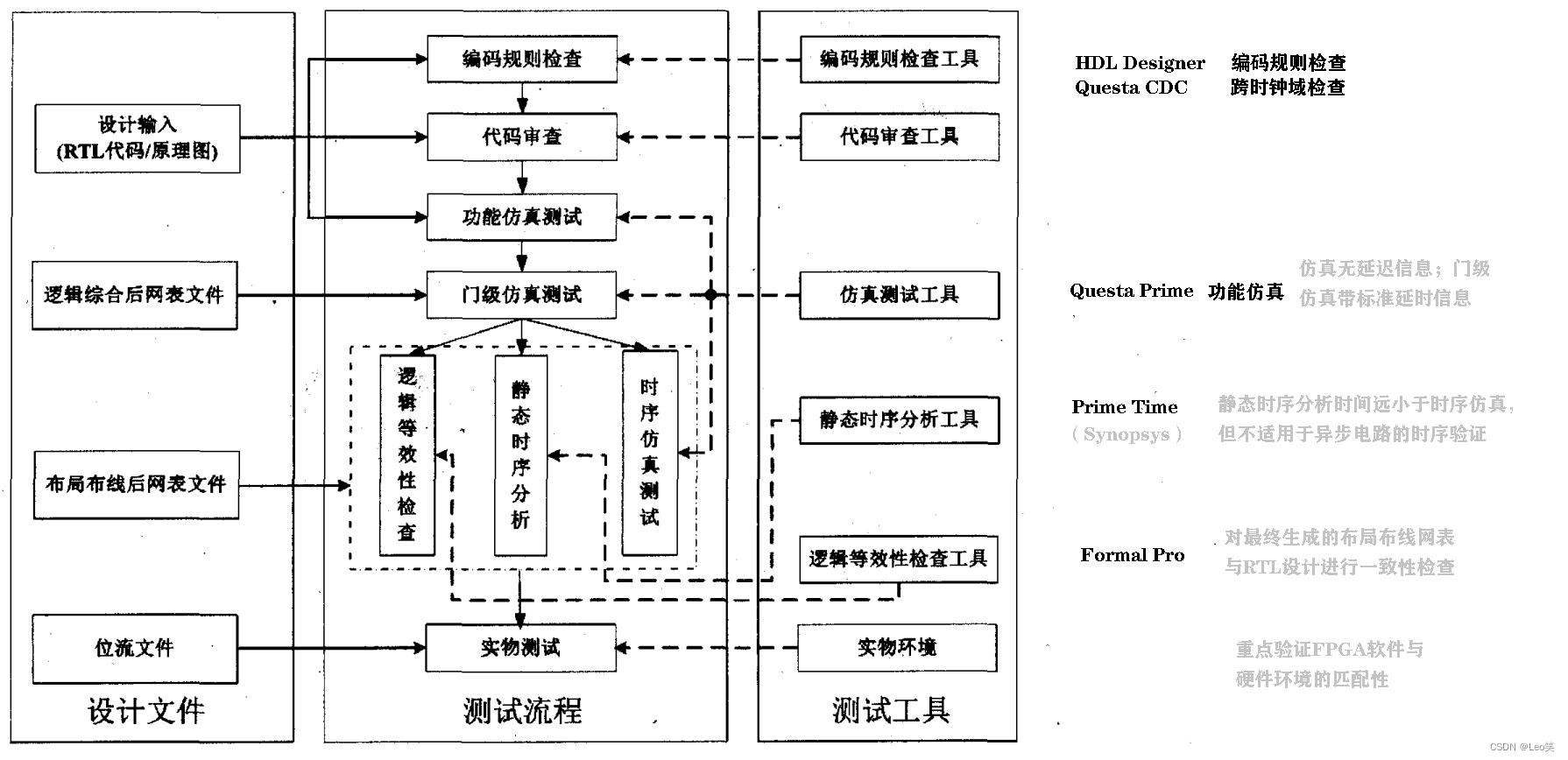
FPGA测试方法以Mentor工具为例

Solve MySQL 1045 access denied for user 'root' @ 'localhost' (using password: yes)
QT learning 21 standard dialog box in QT (Part 2)
随机推荐
Selenium browser (1)
从零开始的基于百度大脑EasyData的多人协同数据标注
Summary of common error reporting problems and positioning methods of thrift
使用vscode查看Hex或UTF-8编码
Use vscode to view hex or UTF-8 codes
QT learning 17 dialog box and its types
QT learning 23 layout manager (II)
JVM runtime data area
Qt学习18 登录对话框实例分析
[技術發展-24]:現有物聯網通信技術特點
Go language web development series 29: Gin framework uses gin contrib / sessions library to manage sessions (based on cookies)
全局事件总线
JS download files through URL links
Mysql:insert date:sql error [1292] [22001]: data truncation: incorrect date value:
3D vision - 2 Introduction to pose estimation - openpose includes installation, compilation and use (single frame, real-time video)
RichView TRVStyle ListStyle 列表样式(项目符号编号)
Global event bus
Metal organic framework MOFs loaded with non steroidal anti-inflammatory drugs | zif-8 wrapped Prussian blue loaded quercetin (preparation method)
The small project (servlet+jsp+mysql+el+jstl) completes a servlet with login function, with the operation of adding, deleting, modifying and querying. Realize login authentication, prevent illegal log
Use docker to build sqli lab environment and upload labs environment, and the operation steps are provided with screenshots.