当前位置:网站首页>JDBC練習案例
JDBC練習案例
2022-07-02 23:30:00 【pengege666】
需求
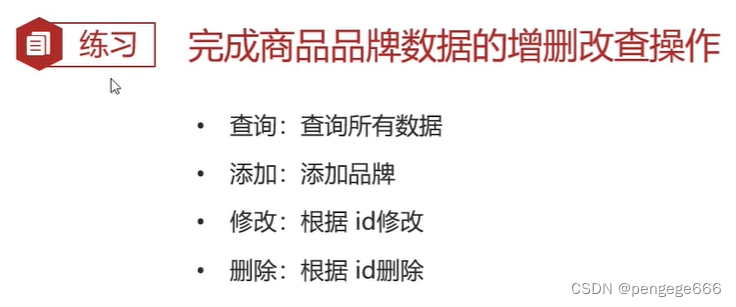
環境准備
1.數據庫錶 tb_brand
-- 删除tb_brand錶
drop table if exists tb_brand;
-- 創建tb_brand錶
create table tb_brand (
    -- id 主鍵
    id int primary key auto_increment,
    -- 品牌名稱
    brand_name varchar(20),
    -- 企業名稱
    company_name varchar(20),
    -- 排序字段
    ordered int,
    -- 描述信息
    description varchar(100),
    -- 狀態:0:禁用  1:啟用
    status int
);
-- 添加數據
insert into tb_brand (brand_name, company_name, ordered, description, status)
values ('三只松鼠', '三只松鼠股份有限公司', 5, '好吃不上火', 0),
       ('華為', '華為技術有限公司', 100, '華為致力於把數字世界帶入每個人、每個家庭、每個組織,構建萬物互聯的智能世界', 1),
       ('小米', '小米科技有限公司', 50, 'are you ok', 1);
2.在pojo包下實體類 Brand
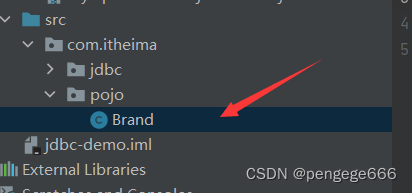
/** * 品牌 * alt + 鼠標左鍵:整列編輯 * 在實體類中,基本數據類型建議使用其對應的包裝類型 */
public class Brand {

    // id 主鍵
    private Integer id;
    // 品牌名稱
    private String brandName;
    // 企業名稱
    private String companyName;
    // 排序字段
    private Integer ordered;
    // 描述信息
    private String description;
    // 狀態:0:禁用 1:啟用
    private Integer status;

    public Integer getId() {

        return id;
    }

    public void setId(Integer id) {

        this.id = id;
    }

    public String getBrandName() {

        return brandName;
    }

    public void setBrandName(String brandName) {

        this.brandName = brandName;
    }

    public String getCompanyName() {

        return companyName;
    }

    public void setCompanyName(String companyName) {

        this.companyName = companyName;
    }

    public Integer getOrdered() {

        return ordered;
    }

    public void setOrdered(Integer ordered) {

        this.ordered = ordered;
    }

    public String getDescription() {

        return description;
    }

    public void setDescription(String description) {

        this.description = description;
    }

    public Integer getStatus() {

        return status;
    }

    public void setStatus(Integer status) {

        this.status = status;
    }

    @Override
    public String toString() {

        return "Brand{" +
                "id=" + id +
                ", brandName='" + brandName + '\'' +
                ", companyName='" + companyName + '\'' +
                ", ordered=" + ordered +
                ", description='" + description + '\'' +
                ", status=" + status +
                '}';
    }
}
JDBC操作
1.查詢所有
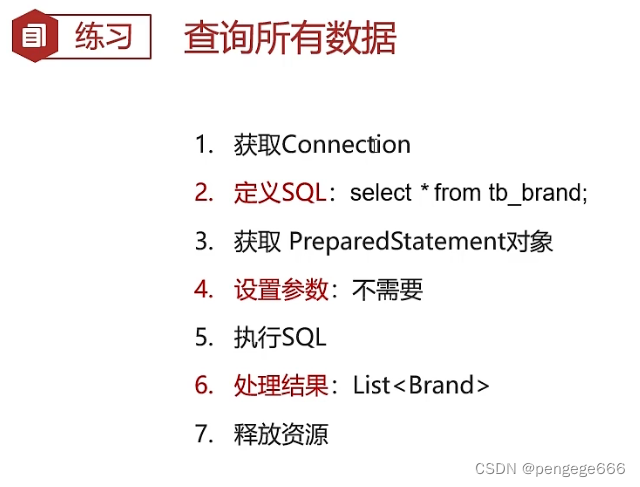
/** * Druid數據庫連接池演示 */
public class DruidDemo {

    public  static void fun() throws  Exception {


        //1. 獲取Connection
        //3. 加載配置文件
        Properties prop = new Properties();
        prop.load(new FileInputStream("jdbc-demo/src/druid.properties"));
        //4. 獲取連接池對象
        DataSource dataSource = DruidDataSourceFactory.createDataSource(prop);

        //5. 獲取數據庫連接 Connection
        Connection conn = dataSource.getConnection();
        //2. 定義SQL
        String sql = "select * from tb_brand;";
        //3. 獲取pstmt對象
        PreparedStatement pstmt = conn.prepareStatement(sql);
        //4. 設置參數
        //5. 執行SQL
        ResultSet rs = pstmt.executeQuery();
        //6. 處理結果 List<Brand> 封裝Brand對象,裝載List集合
        Brand brand = null;
        List<Brand> brands = new ArrayList<>();
        while (rs.next()){

            //獲取數據
            int id = rs.getInt("id");
            String brandName = rs.getString("brand_name");
            String companyName = rs.getString("company_name");
            int ordered = rs.getInt("ordered");
            String description = rs.getString("description");
            int status = rs.getInt("status");
            //封裝Brand對象
            brand = new Brand();
            brand.setId(id);
            brand.setBrandName(brandName);
            brand.setCompanyName(companyName);
            brand.setOrdered(ordered);
            brand.setDescription(description);
            brand.setStatus(status);

            //裝載集合
            brands.add(brand);
        }
        System.out.println(brands);
        //7. 釋放資源
        rs.close();
        pstmt.close();
        conn.close();

    }
    public static void main(String[] args) throws Exception {

        fun();
    }
}

2.添加數據
/** * Druid數據庫連接池演示 */
public class DruidDemo {

    public  static void fun() throws  Exception {

// 接收頁面提交的參數
        String brandName = "香飄飄";
        String companyName = "香飄飄";
        int ordered = 1;
        String description = "繞地球一圈";
        int status = 1;

        //1. 獲取Connection
        //3. 加載配置文件
        Properties prop = new Properties();
        prop.load(new FileInputStream("jdbc-demo/src/druid.properties"));
        //4. 獲取連接池對象
        DataSource dataSource = DruidDataSourceFactory.createDataSource(prop);
        //5. 獲取數據庫連接 Connection
        Connection conn = dataSource.getConnection();
        //2. 定義SQL
        String sql = "insert into tb_brand(brand_name, company_name, ordered, description, status) values(?,?,?,?,?);";
        //3. 獲取pstmt對象
        PreparedStatement pstmt = conn.prepareStatement(sql);
        //4. 設置參數
        pstmt.setString(1,brandName);
        pstmt.setString(2,companyName);
        pstmt.setInt(3,ordered);
        pstmt.setString(4,description);
        pstmt.setInt(5,status);

        //5. 執行SQL
        int count = pstmt.executeUpdate(); // 影響的行數
        //6. 處理結果
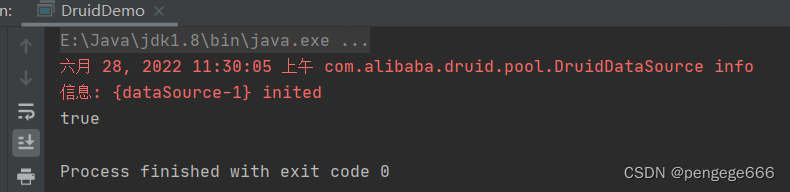
        System.out.println(count > 0);

        //7. 釋放資源
        pstmt.close();
        conn.close();
    }
    public static void main(String[] args) throws Exception {

        fun();
    }

3.修改數據
public class DruidDemo {

    public  static void fun() throws  Exception {


        // 接收頁面提交的參數
        String brandName = "香飄飄";
        String companyName = "香飄飄";
        int ordered = 1000;
        String description = "繞地球三圈";
        int status = 1;
        int id = 4;

        //1. 獲取Connection
        //3. 加載配置文件
        Properties prop = new Properties();
        prop.load(new FileInputStream("jdbc-demo/src/druid.properties"));
        //4. 獲取連接池對象
        DataSource dataSource = DruidDataSourceFactory.createDataSource(prop);
        //5. 獲取數據庫連接 Connection
        Connection conn = dataSource.getConnection();
        //2. 定義SQL
        String sql = " update tb_brand\n" +
                " set brand_name = ?,\n" +
                " company_name= ?,\n" +
                " ordered = ?,\n" +
                " description = ?,\n" +
                " status = ?\n" +
                " where id = ?";

        //3. 獲取pstmt對象
        PreparedStatement pstmt = conn.prepareStatement(sql);

        //4. 設置參數
        pstmt.setString(1,brandName);
        pstmt.setString(2,companyName);
        pstmt.setInt(3,ordered);
        pstmt.setString(4,description);
        pstmt.setInt(5,status);
        pstmt.setInt(6,id);

        //5. 執行SQL
        int count = pstmt.executeUpdate(); // 影響的行數
        //6. 處理結果
        System.out.println(count > 0);

        //7. 釋放資源
        pstmt.close();
        conn.close();

    }
    public static void main(String[] args) throws Exception {

        fun();
    }
}
4.删除數據
public class DruidDemo {

    public  static void fun() throws  Exception {


        // 接收頁面提交的參數
        int id = 4;
        //1. 獲取Connection
        //3. 加載配置文件
        Properties prop = new Properties();
        prop.load(new FileInputStream("jdbc-demo/src/druid.properties"));
        //4. 獲取連接池對象
        DataSource dataSource = DruidDataSourceFactory.createDataSource(prop);
        //5. 獲取數據庫連接 Connection
        Connection conn = dataSource.getConnection();
        //2. 定義SQL
        String sql = " delete from tb_brand where id = ?";
        //3. 獲取pstmt對象
        PreparedStatement pstmt = conn.prepareStatement(sql);
        //4. 設置參數
        pstmt.setInt(1,id);
        //5. 執行SQL
        int count = pstmt.executeUpdate(); // 影響的行數
        //6. 處理結果
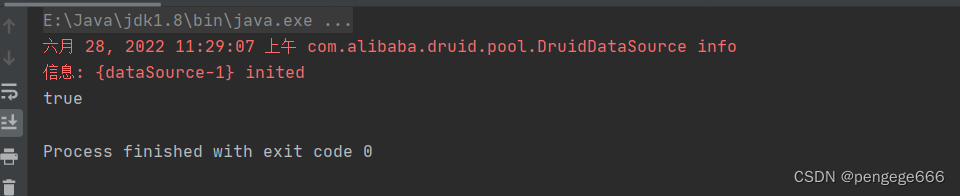
        System.out.println(count > 0);

        //7. 釋放資源
        pstmt.close();
        conn.close();

    }
    public static void main(String[] args) throws Exception {

        fun();
    }
}

边栏推荐
- golang中new与make的区别
- BBR encounters cubic
- SharedPreferences 保存List<Bean> 到本地并解决com.google.gson.internal.LinkedTreeMap cannot be cast to异常
- Submit code process
- 2016. maximum difference between incremental elements
- Introduction to the latest plan of horizon in April 2022
- 解决:exceptiole ‘xxxxx.QRTZ_LOCKS‘ doesn‘t exist以及mysql的my.cnf文件追加lower_case_table_names后启动报错
- Strictly abide by the construction period and ensure the quality, this AI data annotation company has done it!
- Deep analysis of data storage in memory - C language
- RuntimeError: no valid convolution algorithms available in CuDNN
猜你喜欢
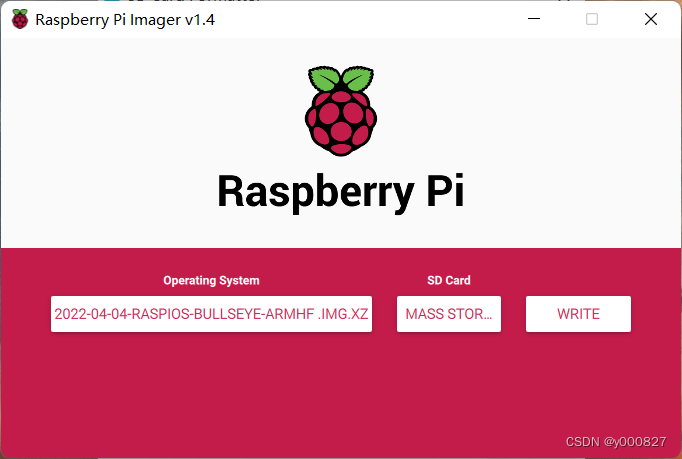
Remote connection of raspberry pie by VNC viewer

Redis expiration policy +conf record

RuntimeError: no valid convolution algorithms available in CuDNN
![[live broadcast appointment] database obcp certification comprehensive upgrade open class](/img/d8/a367c26b51d9dbaf53bf4fe2a13917.png)
[live broadcast appointment] database obcp certification comprehensive upgrade open class
![[redis notes] compressed list (ziplist)](/img/83/ff38fabb1baebc5fa4d3d72da315dc.png)
[redis notes] compressed list (ziplist)
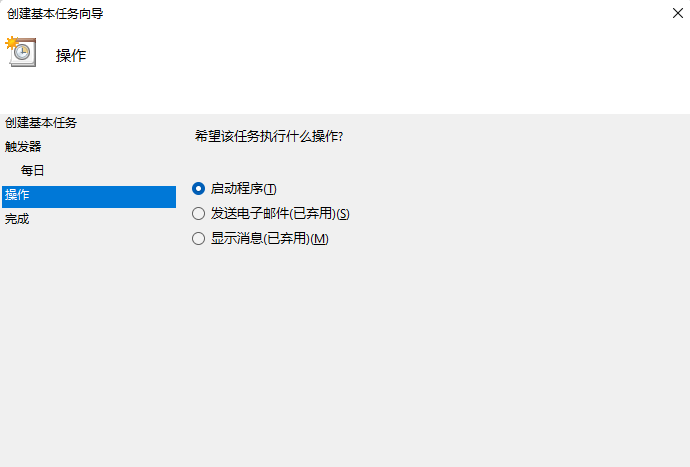
Where is the win11 automatic shutdown setting? Two methods of setting automatic shutdown in win11

Solution: exceptiole 'xxxxx QRTZ_ Locks' doesn't exist and MySQL's my CNF file append lower_ case_ table_ Error message after names startup

Use redis to realize self increment serial number

What experience is there only one test in the company? Listen to what they say

程序员版本的八荣八耻~
随机推荐
【Proteus仿真】51单片机+LCD12864推箱子游戏
Implementation of VGA protocol based on FPGA
vim区间删行注释
Which common ports should the server open
为什么RTOS系统要使用MPU?
Win11自动关机设置在哪?Win11设置自动关机的两种方法
Redis expiration policy +conf record
Static file display problem
2016. maximum difference between incremental elements
程序员版本的八荣八耻~
Strictly abide by the construction period and ensure the quality, this AI data annotation company has done it!
一文掌握基于深度学习的人脸表情识别开发(基于PaddlePaddle)
Win11系统explorer频繁卡死无响应的三种解决方法
【STL源码剖析】仿函数(待补充)
Integration of revolution and batch normalization
数据集-故障诊断:西储大学轴承的各项数据以及数据说明
Alibaba cloud award winning experience: how to use polardb-x
@How to use bindsinstance in dagger2
Go basic data type
php 获取真实ip