当前位置:网站首页>docker安装及启动mysql服务
docker安装及启动mysql服务
2022-07-03 03:23:00 【水w】
目录
1.docker安装mysql
前提:确保自己的服务器已经安装好了docker
(1)输入命令,查看docker,
docker info
或
docker version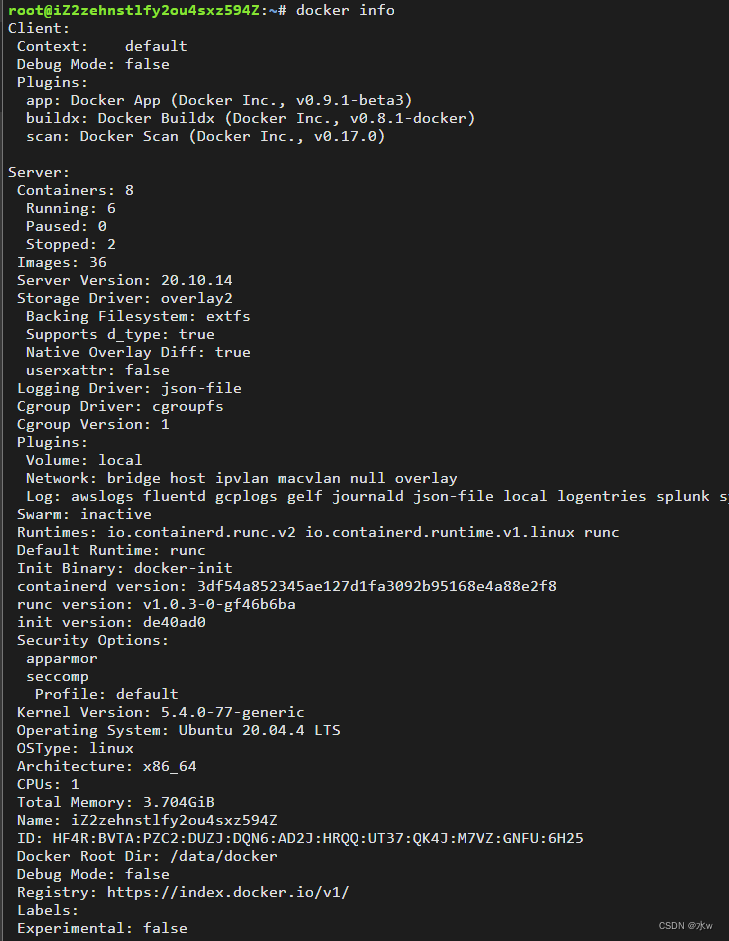
(2)然后我们进入docker hub官去下载自己想要的mysql镜像Docker Hub
搜索mysql,

(3)找到office版本,
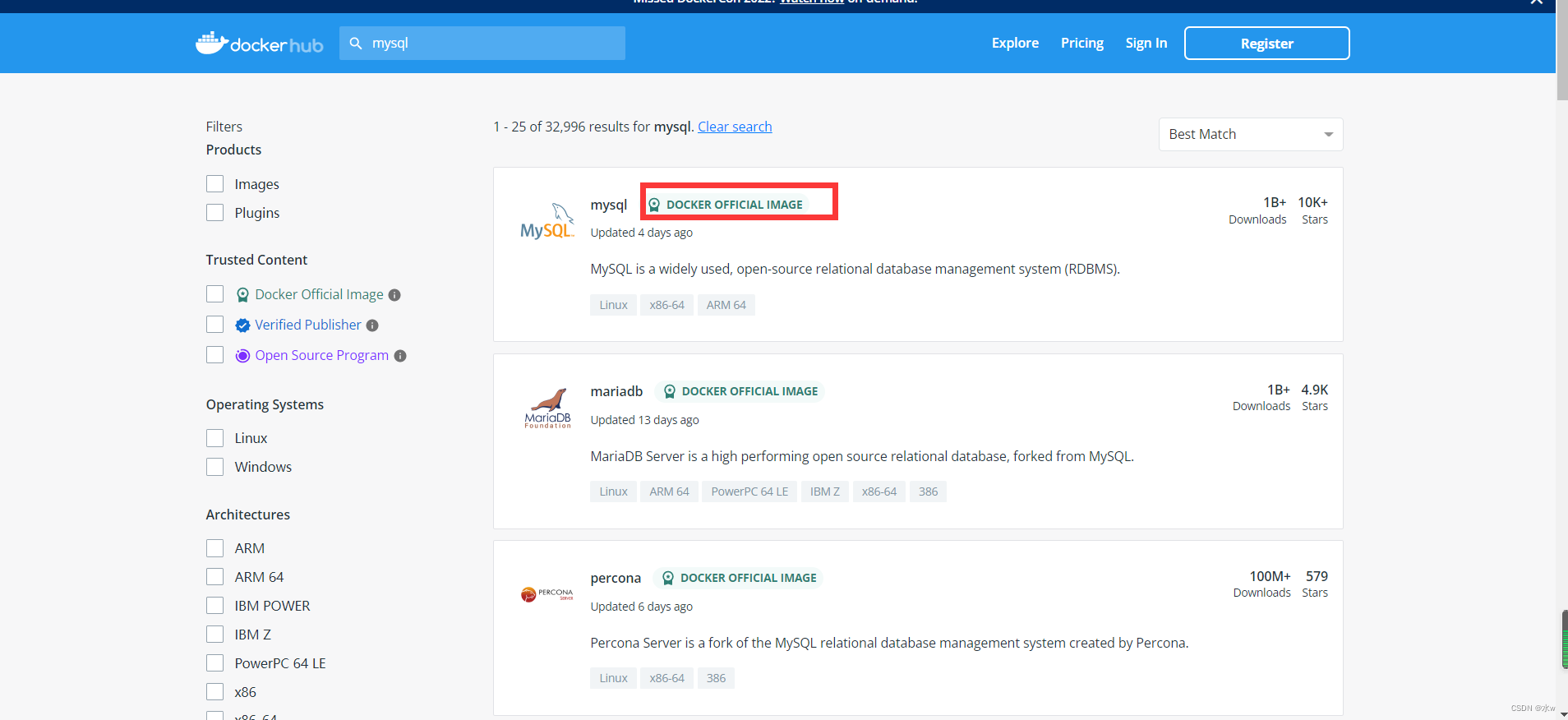
点击进入之后,可以看到docker安装mysql的命令为:
docker pull mysql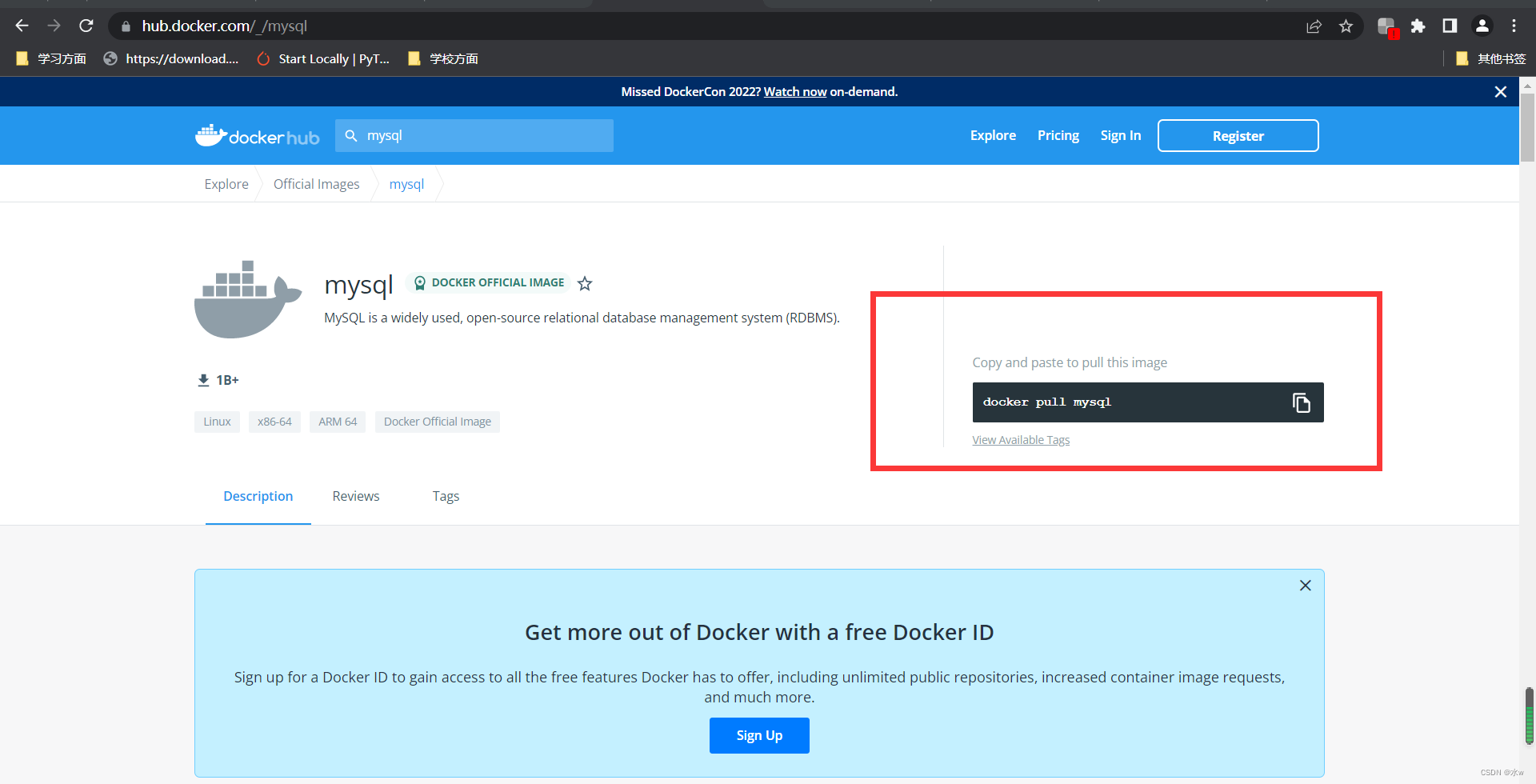
(4)在服务器linux中运行此命令,安装mysql,
docker pull mysql
(5) 运行以下命令来检测mysql是否下载成功,
docker images
(6)运行以下命令来启动mysql服务, 启动成功后就返回一个容器ID。
docker run --name mysql-ytz -d -p 3306:3306 -e MYSQL_ROOT_PASSWORD=123456 -v /root/data:/var/lib/mysql mysql:latest
解释:
1:--name mysql-ytz:该容器启动后的名字:(自定义命名)如果没有设置,系统会自动设置一个。
-d 代表后台启动该服务。
2:-p 3306(这是liunx的端口号,宿主机,如果我们想要远程服务的话,访问的端口就是这个端口):3306(docker容器的端口,每一个容器都是独立的,可理解成操作系统层面的系统),访问这个端口就是先通过远程访问宿主机的端口,再映射到docker容器的端口访问mysql。
3:-e MYSQL_ROOT_PASSWORD=123456 这是说mysql启动需要的开机密码,默认的账号是root ,密码就是上面设置的:123456
4: -v /root/data:/var/lib/mysql /root/data/:这是宿主机的数据存放路径(你也可以自定义),
5: /var/lib/mysql:这是mysql容器存放数据的地方。也是为了同步数据,防止,容器被删除以后,数据就不存在了。
6: 版本号
2.连接数据库
(7)最后去连接数据库就可以了,我是在navicat中连接的,
- 连接名:自己起的
- 主机:ip地址,本地为localhost
- 端口:与之前命令里的端口号相同,一般默认为3306
docker run --name mysql-ytz -d -p 3306:3306 -e MYSQL_ROOT_PASSWORD=123456 -v /root/data:/var/lib/mysql mysql:latest- 用户名:root
- 密码:使用之前命令设置的密码
docker run --name mysql-ytz -d -p 3306:3306 -e MYSQL_ROOT_PASSWORD=123456 -v /root/data:/var/lib/mysql mysql:latest

连接之后,会出现数据库,
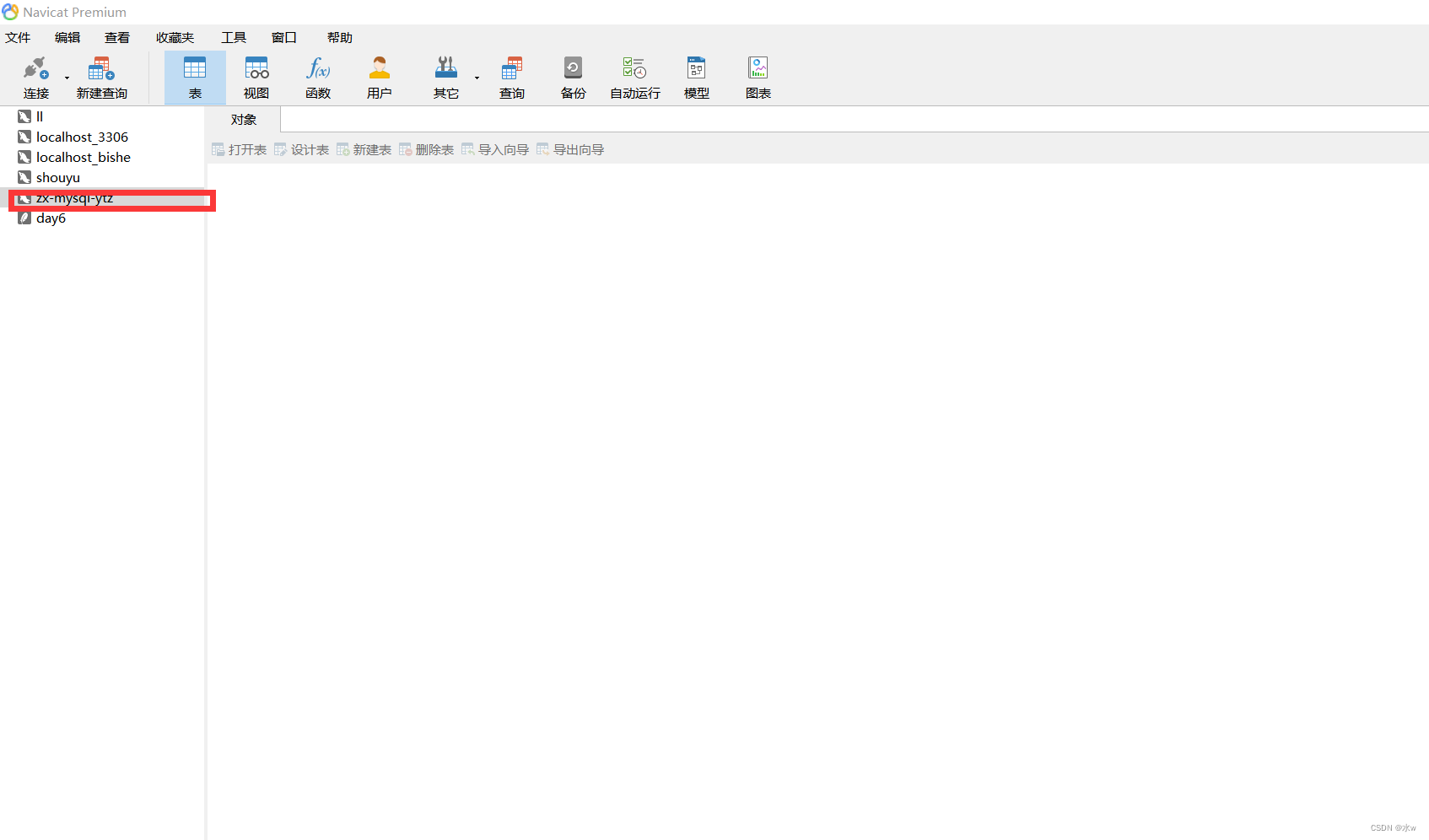
OK,这样就说明连接上了。
边栏推荐
- The series of hyperbolic function in daily problem
- Pytorch multi card distributed training distributeddataparallel usage
- 45 lectures on MySQL [index]
- File rename
- docker安装mysql
- 文件重命名
- About HTTP cache control
- Bid farewell to artificial mental retardation: Mengzi open source project team received RMB 100 million financing to help NLP develop
- Section 26 detailed explanation and demonstration of IPSec virtual private network configuration experiment - simulation experiment based on packettracer8.0
- MongoDB簡介
猜你喜欢
3D drawing example

Limit of one question per day
Gavin teacher's perception of transformer live class - rasa project's actual banking financial BOT Intelligent Business Dialogue robot architecture, process and phenomenon decryption through rasa inte

VS 2019 配置tensorRT生成engine
Ansible简介【暂未完成(半成品)】
VS code配置虚拟环境

The idea setting code is in UTF-8 idea Properties configuration file Chinese garbled

Why does thread crash not cause JVM crash

Bid farewell to artificial mental retardation: Mengzi open source project team received RMB 100 million financing to help NLP develop
Vs 2019 configuration du moteur de génération de tensorrt
随机推荐
用Three.js做一個簡單的3D場景
Basic information of Promethus (I)
New programmers use the isXXX form to define Boolean types in the morning, and are discouraged in the afternoon?
解决高并发下System.currentTimeMillis卡顿
[mathematical logic] normal form (conjunctive normal form | disjunctive normal form | major item | minor item | maximal item | minor item | principal conjunctive normal form | principal disjunctive no
Pytoch configuration
静态网页 和 动态网页的区别 & WEB1.0和WEB2.0的区别 & GET 和 POST 的区别
Vs 2019 configuration tensorrt
QQ小程序开发之 一些前期准备:预约开发账号、下载安装开发者工具、创建qq小程序
VS克隆时显示403错误
Limit of one question per day
Why does thread crash not cause JVM crash
[pyg] understand the messagepassing process, GCN demo details
[combinatorics] Application of exponential generating function (multiple set arrangement problem | different balls in different boxes | derivation of exponential generating function of odd / even sequ
The idea setting code is in UTF-8 idea Properties configuration file Chinese garbled
Elsevier latex 提交文章 pdftex.def Error: File `thumbnails/cas-email.jpeg‘ not found: using draf
VS 2019安装及配置opencv
docker安装redis
[combinatorics] basic counting principle (addition principle | multiplication principle)
UMI route interception (simple and rough)