当前位置:网站首页>碎片化知识管理工具Memos
碎片化知识管理工具Memos
2022-07-05 12:48:00 【杨浦老苏】

什么是 Memos ?
Memos是一个基于SQLite数据库的开源、自托管的知识库。
Memos 和我们之前介绍的 Jotsy 比较像,用网友 zxc 的话说,“好像没有字数限制的 twitter 一样。”
关于
Jotsy可以去看老苏写的:『 Rust构建的开源笔记Jotsy 』
这种碎片化的记录工具,用来做知识管理,效果如何不得而知,毕竟老苏也没有深入用过。
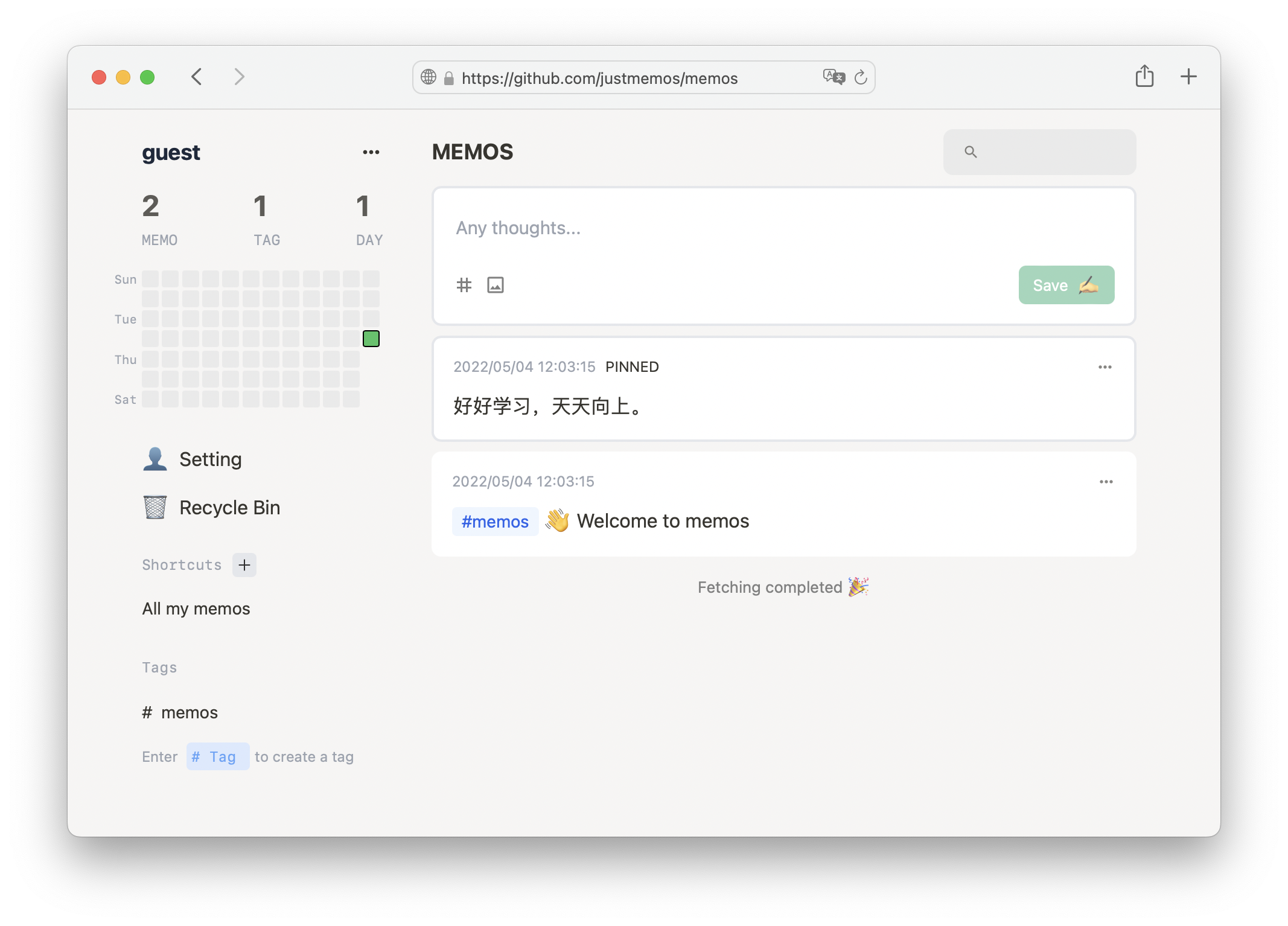
个人感觉 Memos 应该是跟 flomo · 浮墨笔记 差不多的应用,界面也几乎一致,所以从 flomo 可以了解 Memos 的应用场景和开发理念:
- 快速记录想法
- 持续不断记录
- 产生奇思妙想
从官网提供的界面看,Memos 很可能是国人开发的,我们可以将 Memos 作为 flomo · 浮墨笔记 的开源替代品。
安装
在群晖上以 Docker 方式安装。
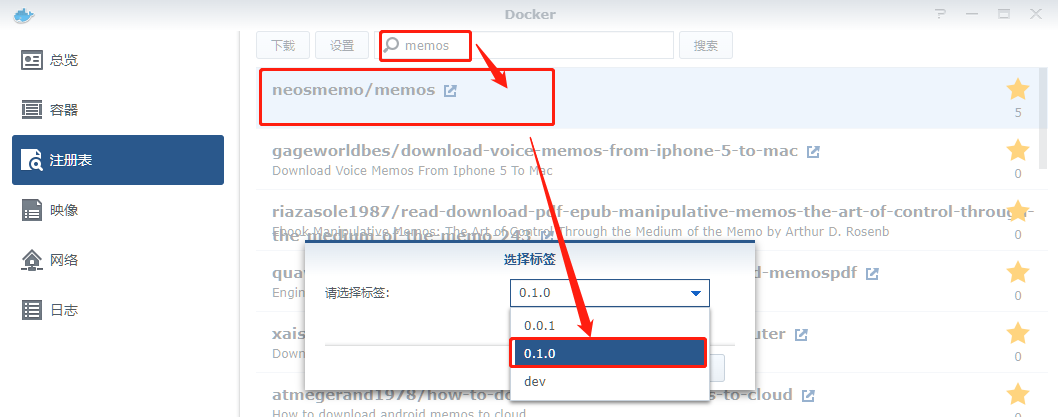
在注册表中搜索 memos ,选择第一个 neosmemo/memos,版本选择 0.1.1。
发稿时,最新的版本已经是
0.1.3
卷
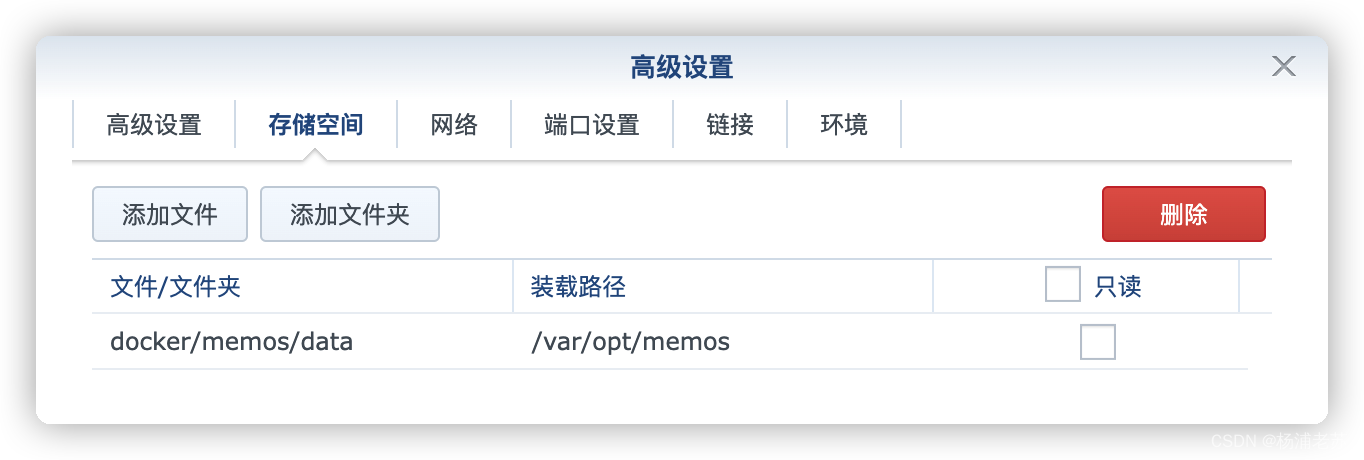
在 docker 文件夹中,创建一个新文件夹 memos,并在其中建一个子文件夹 data
| 文件夹 | 装载路径 | 说明 |
|---|---|---|
docker/memos/data | /var/opt/memos | 存放数据库 |
端口
本地端口不冲突就行,不确定的话可以用命令查一下
# 查看端口占用
netstat -tunlp | grep 端口号
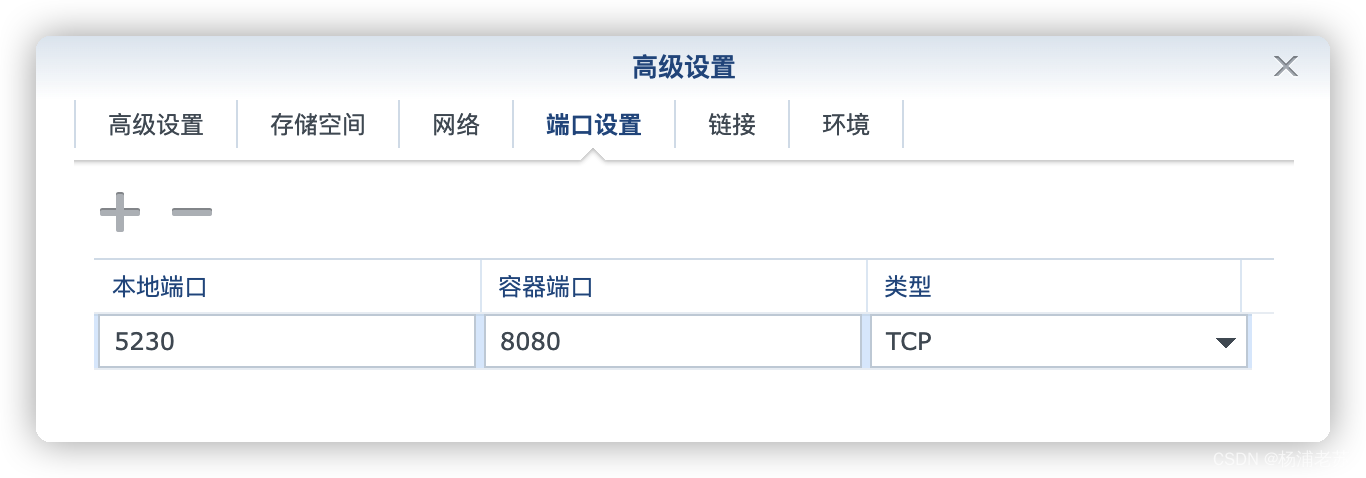
| 本地端口 | 容器端口 |
|---|---|
5230 | 8080 |
默认并没有端口
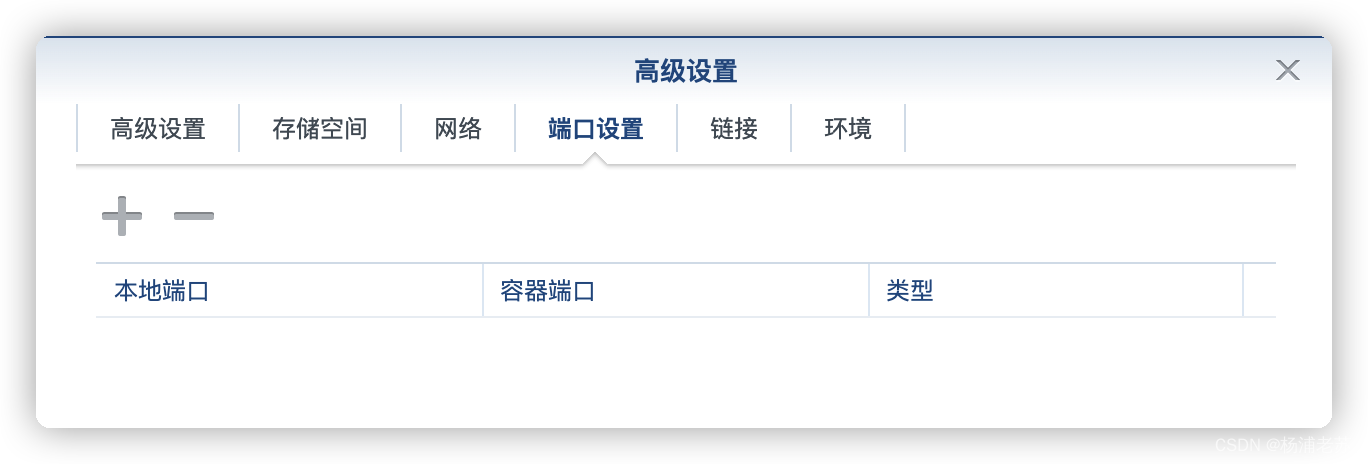
需要我们自己点 “+” 号添加
环境
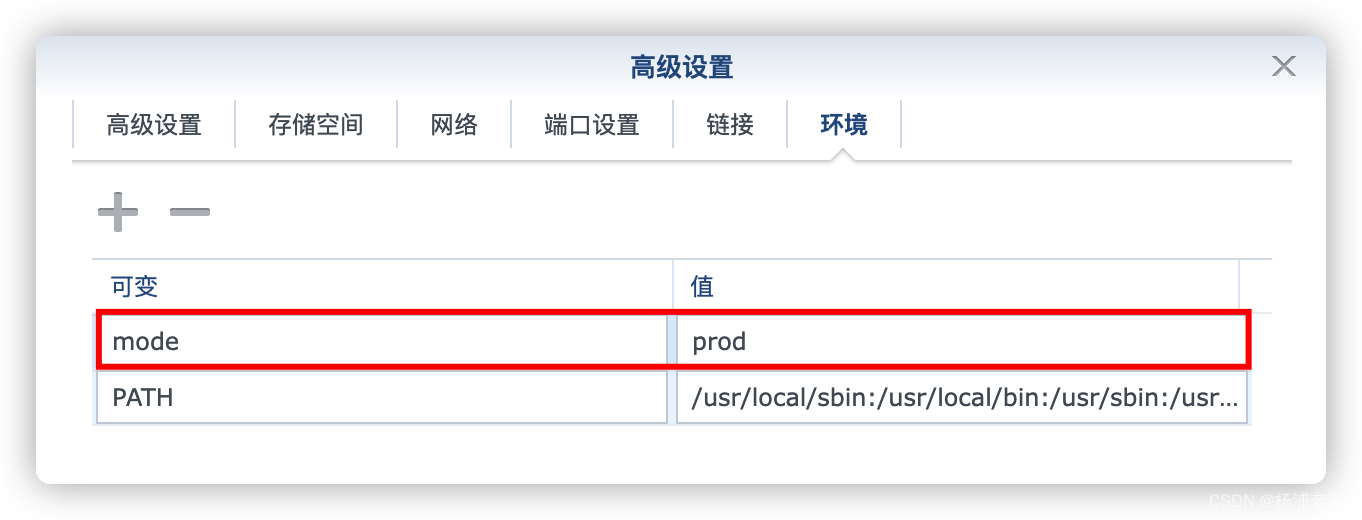
| 可变 | 值 |
|---|---|
mode | 默认设为 prod |
命令行安装
如果你熟悉命令行,可能用 docker cli 更快捷
# 新建文件夹 memos 和 子目录
mkdir -p /volume2/docker/memos/data

# 进入 memos 目录
cd /volume2/docker/memos

# 运行容器
docker run -d \
   --restart unless-stopped \
   --name memos \
   -p 5230:8080 \
   -v $(pwd)/data:/var/opt/memos \
   -e mode=prod \
   neosmemo/memos:0.1.1
也可以用 docker-compose 安装,将下面的内容保存为 docker-compose.yml 文件
version: '3'

services:
  memos:
    image: neosmemo/memos:0.1.1
    container_name: memos
    restart: unless-stopped
    ports:
      - 5230:8080
    volumes:
      - /volume2/docker/memos/data:/var/opt/memos
    environment:
      - mode=prod
然后执行下面的命令,在 portainer 中执行也是可以的
# 新建文件夹 memos 和 子目录
mkdir -p /volume2/docker/memos/data

# 进入目录
cd /volume2/docker/memos

# 将 docker-compose.yml 放入当前目录

# 一键启动
docker-compose up -d
运行
在浏览器中输入 http://群晖IP:5230 就能看到登录界面

输入你的邮箱和想用的密码,点 Sign up as Owner,这个账号将成为管理员
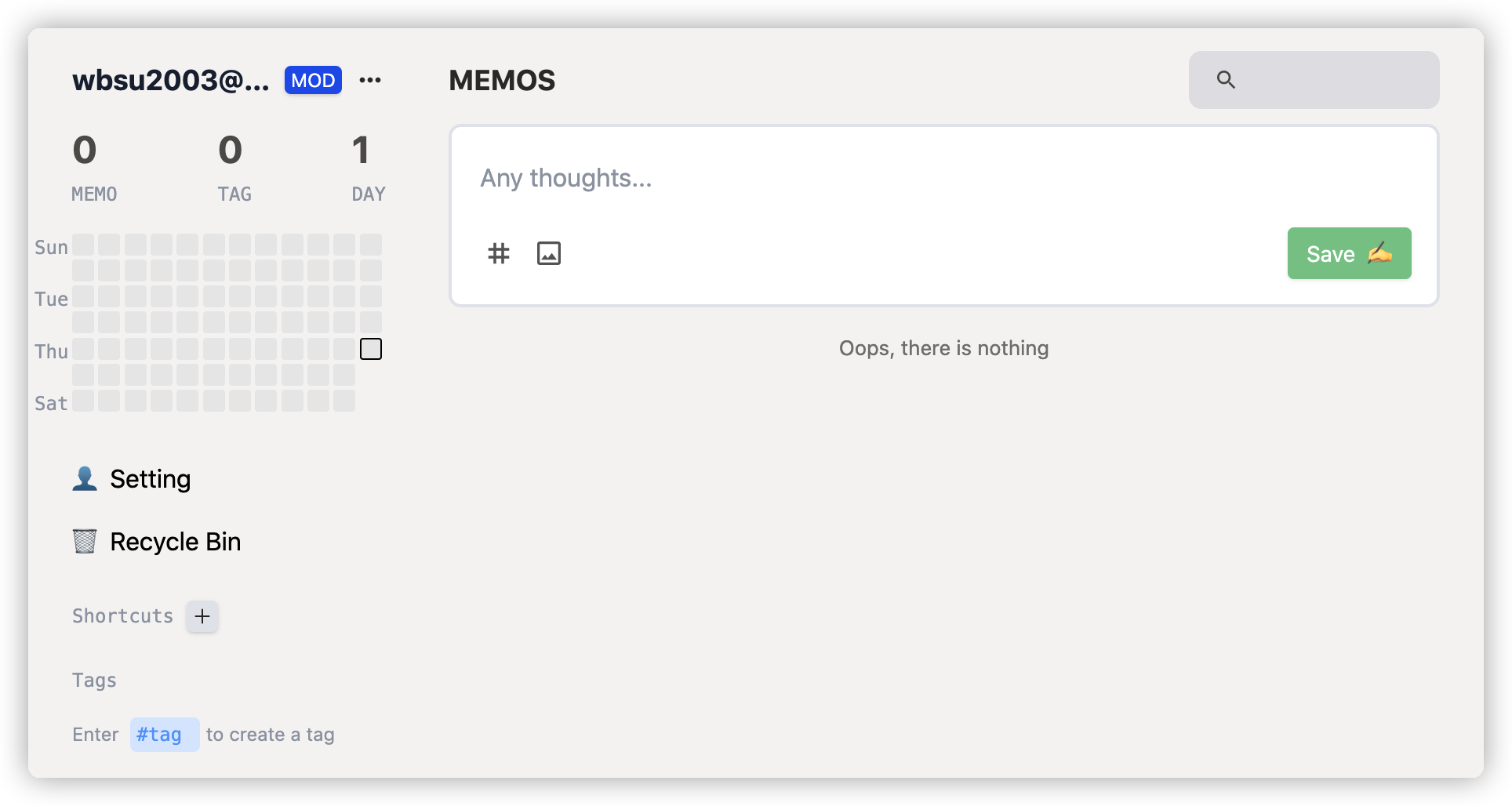
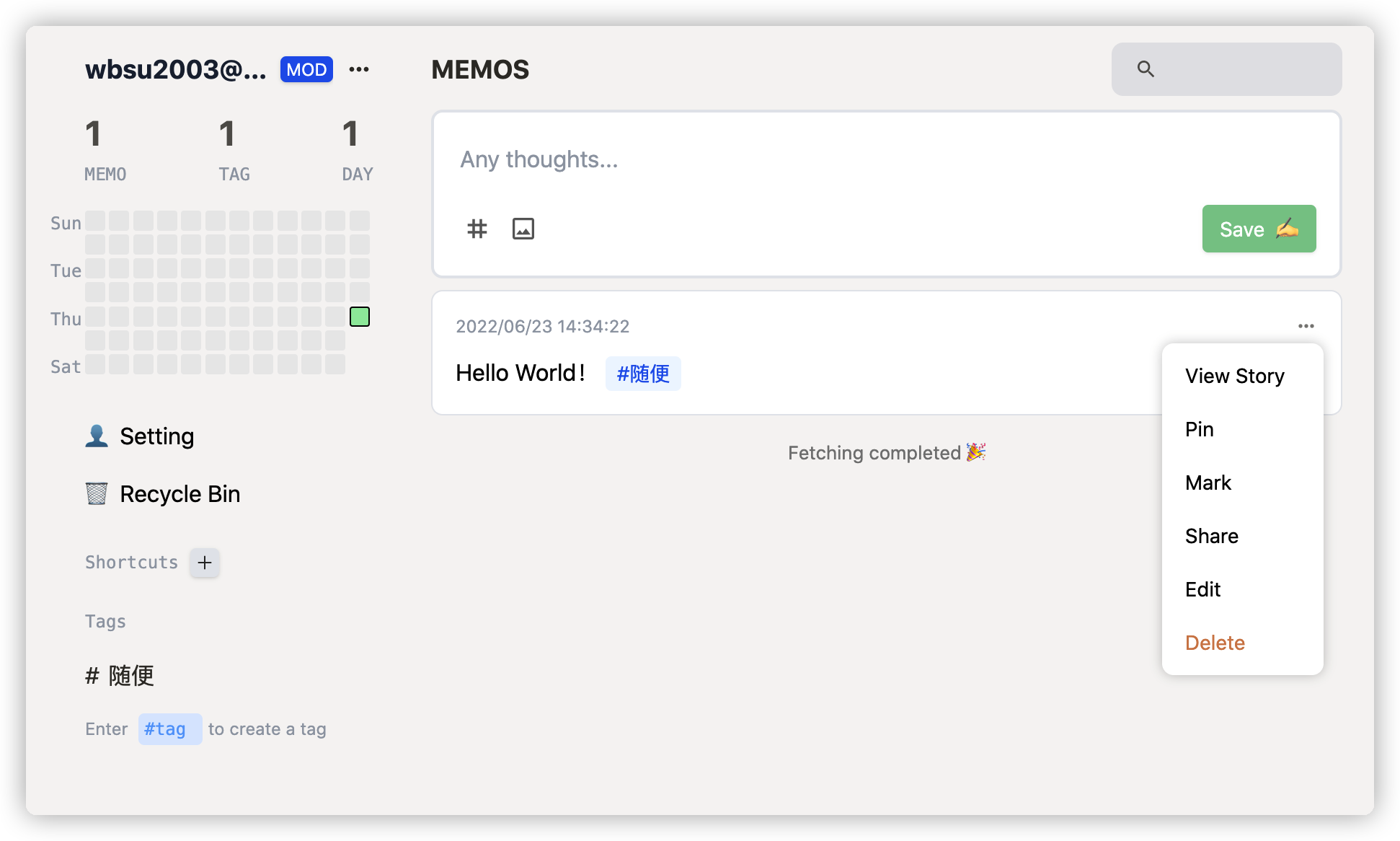
用 Hello World! 打个招呼
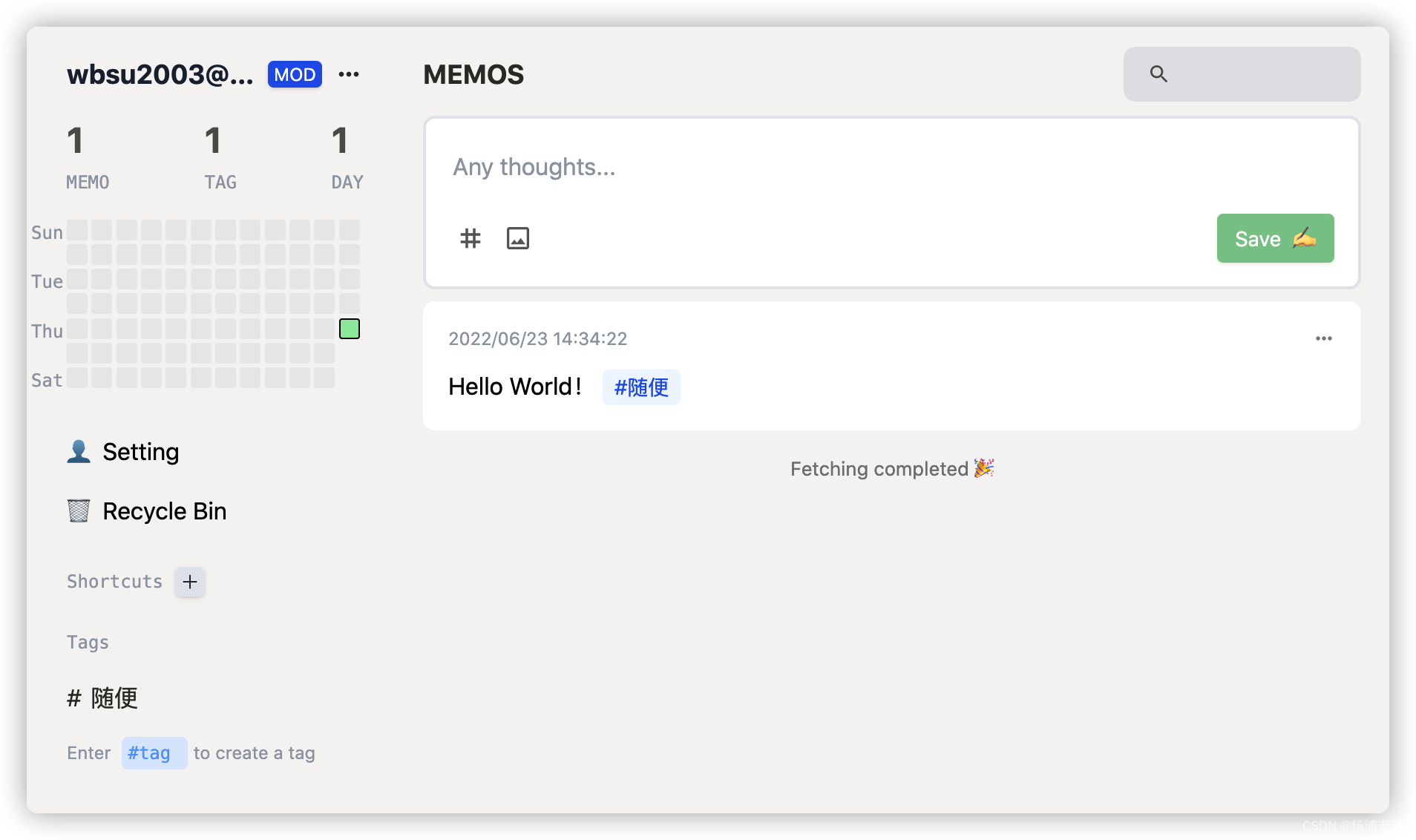
功能比较简单
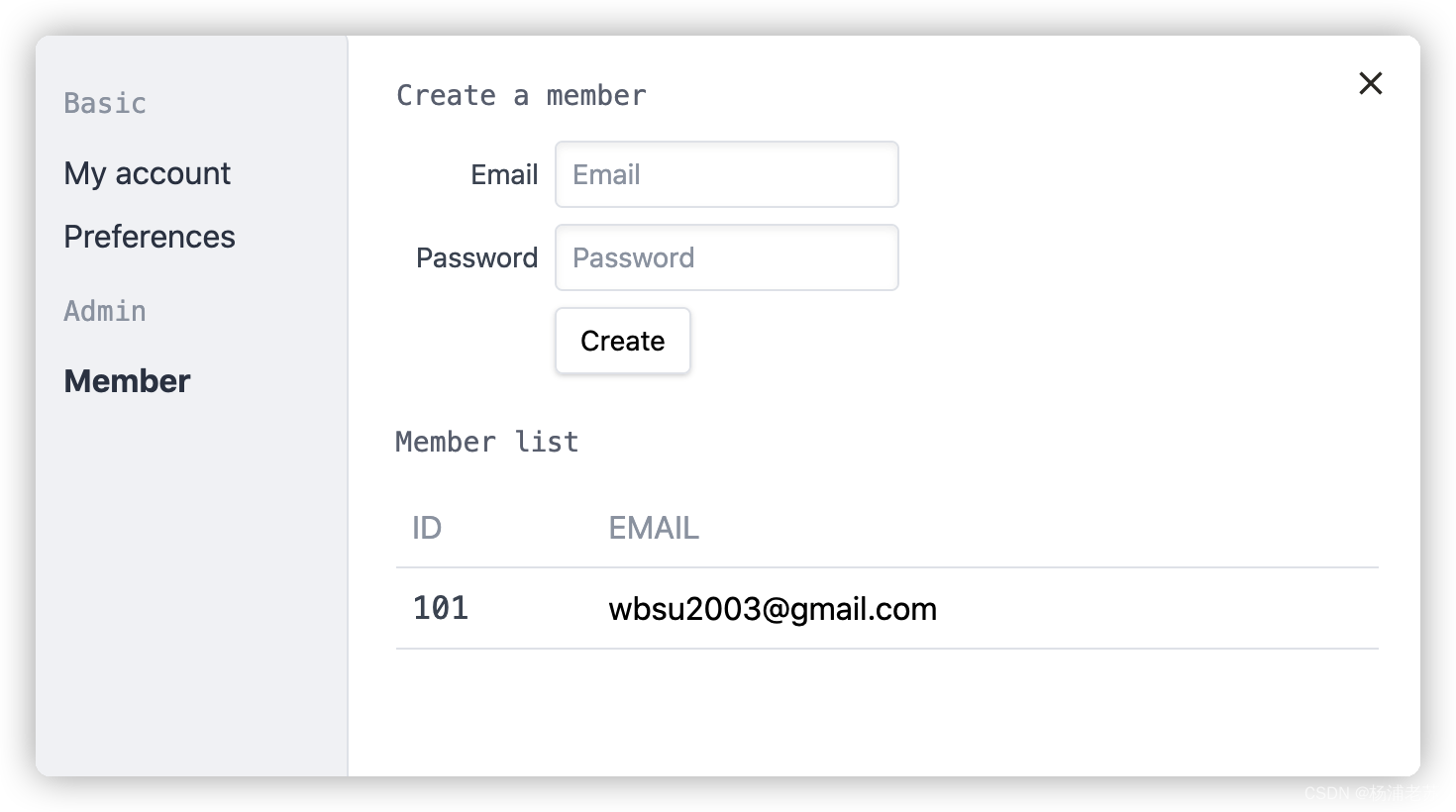
Setting 中可以添加成员
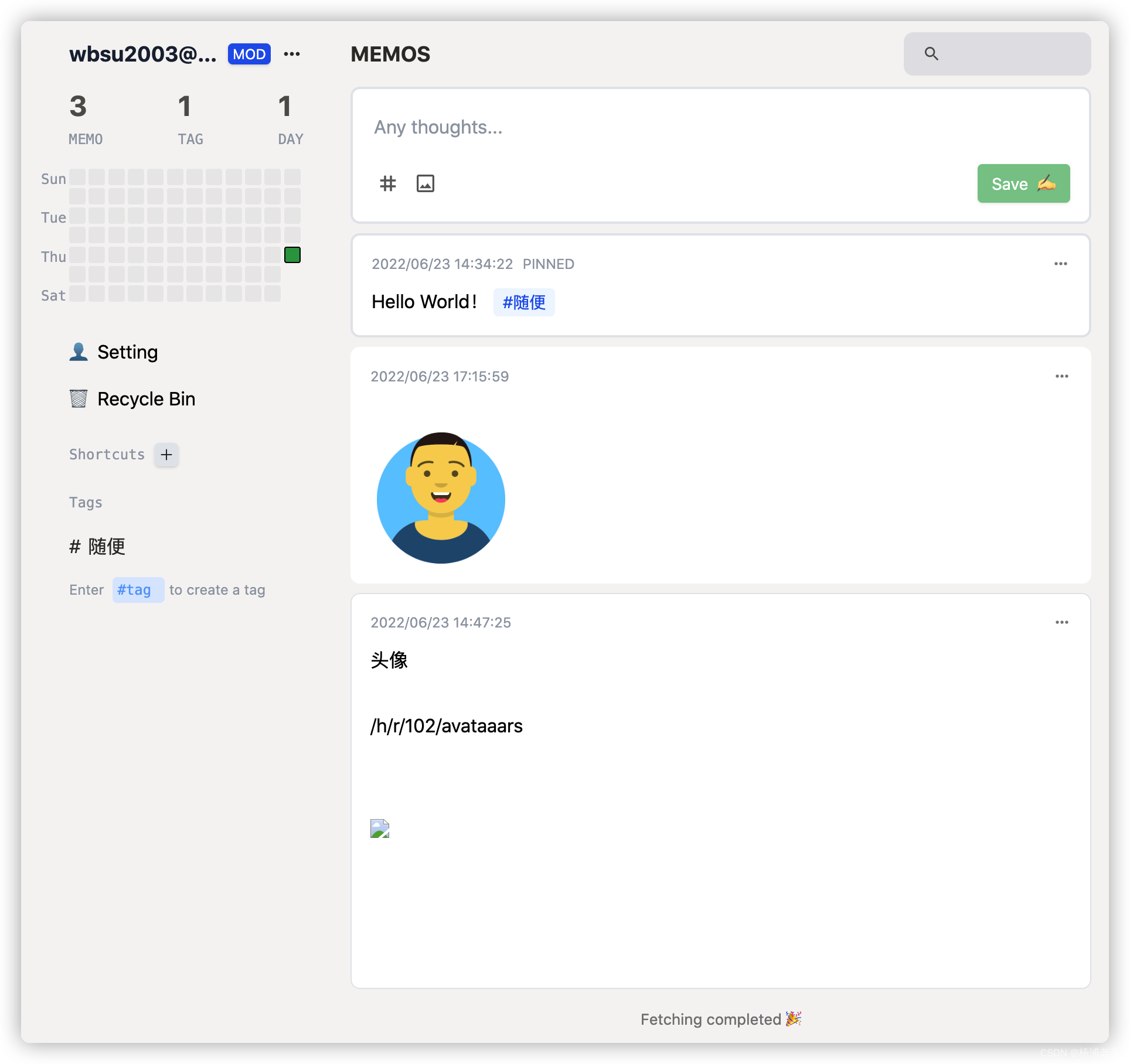
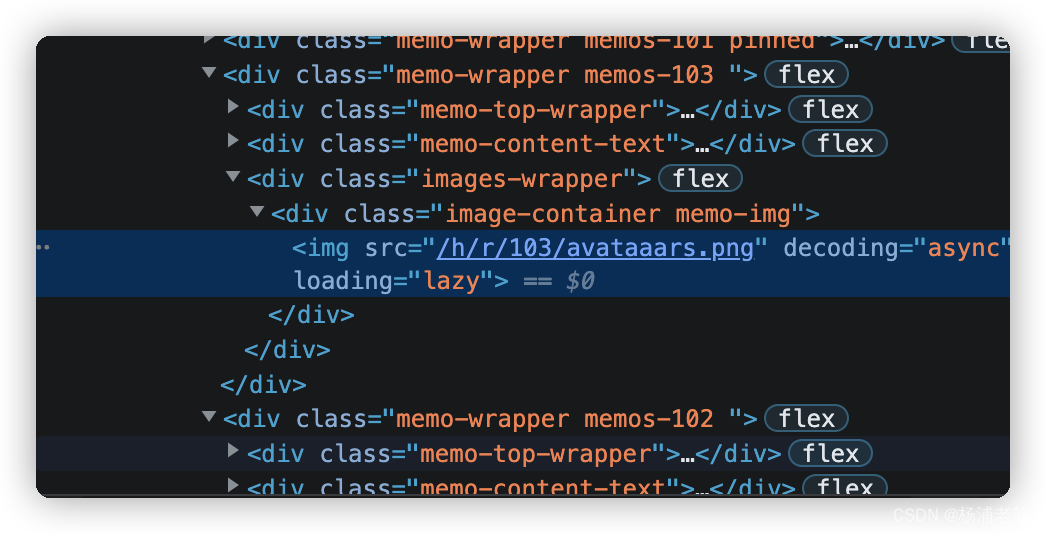
似乎图片命名上还存在问题,avataaars.png 没问题,但是 avataaars (2).png 就有问题
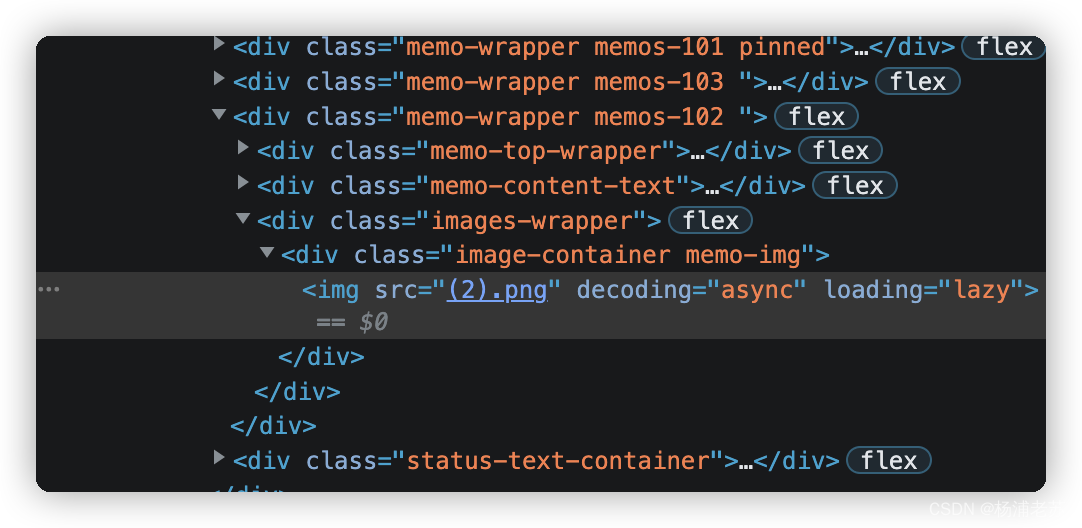
从页面代码看,似乎命名变成了 (2).png
看起来应该是空格导致的问题,这个应该算是低级错误吧
正常的是这样的
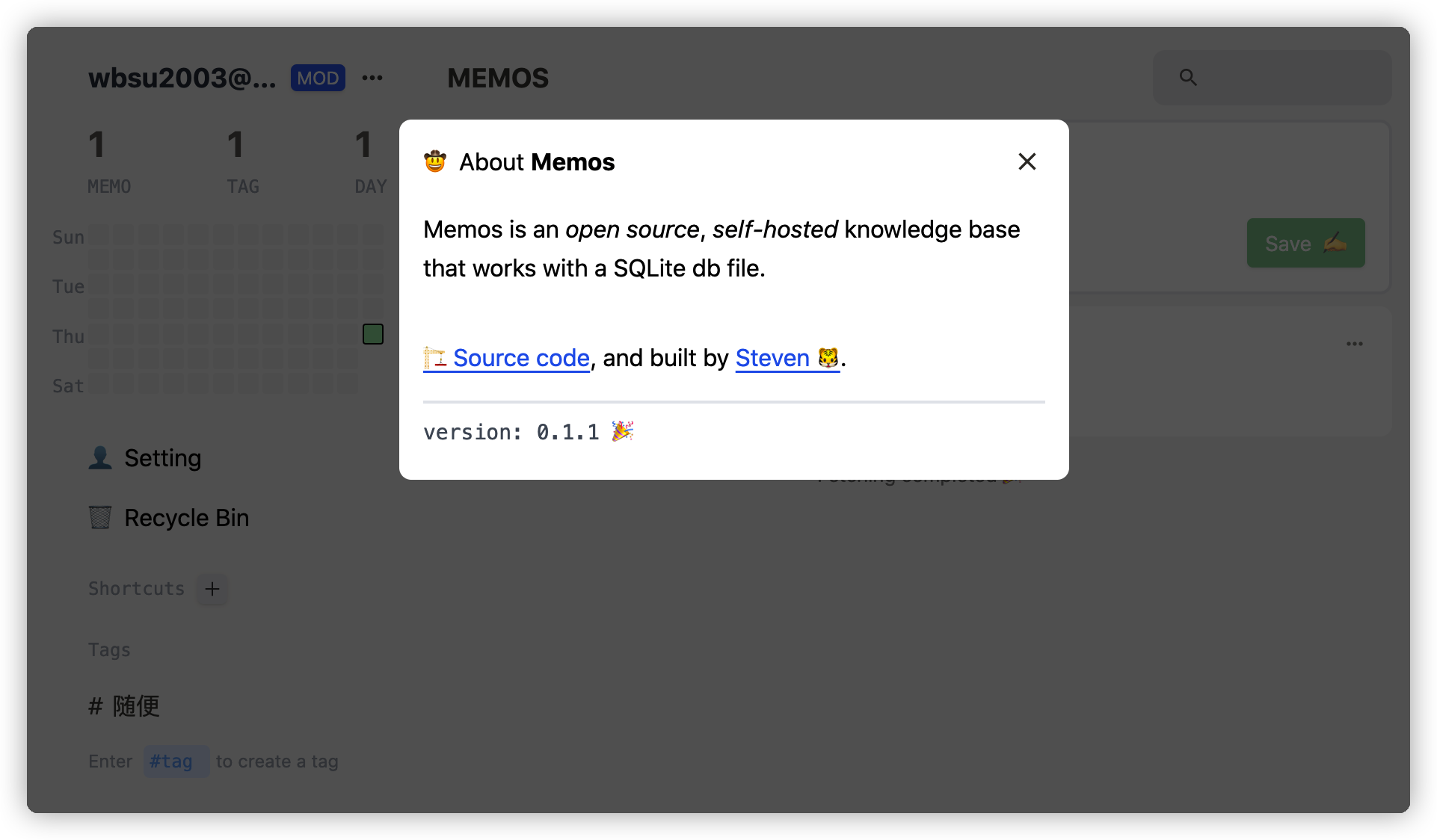
记录下当前的版本
参考文档
usememos/memos: An open source, self-hosted knowledge base that works with a SQLite db file.
地址:https://github.com/usememos/memos
Memos
地址:https://memos.onrender.com
边栏推荐
- Kotlin variable
- A possible investment strategy and a possible fuzzy fast stock valuation method
- PyCharm安装第三方库图解
- SAP UI5 FlexibleColumnLayout 控件介绍
- 自然语言处理从小白到精通(四):用机器学习做中文邮件内容分类
- Alibaba cloud SLB load balancing product basic concept and purchase process
- 初识Linkerd项目
- ##无监控,不运维,以下是监控里常用的脚本监控
- 《2022年中国银行业RPA供应商实力矩阵分析》研究报告正式启动
- From the perspective of technology and risk control, it is analyzed that wechat Alipay restricts the remote collection of personal collection code
猜你喜欢
![[cloud native] event publishing and subscription in Nacos -- observer mode](/img/0f/34ab42b7fb0085f58f36eb67b6f107.png)
[cloud native] event publishing and subscription in Nacos -- observer mode
Introduction to sap ui5 dynamicpage control
stm32和电机开发(从架构图到文档编写)
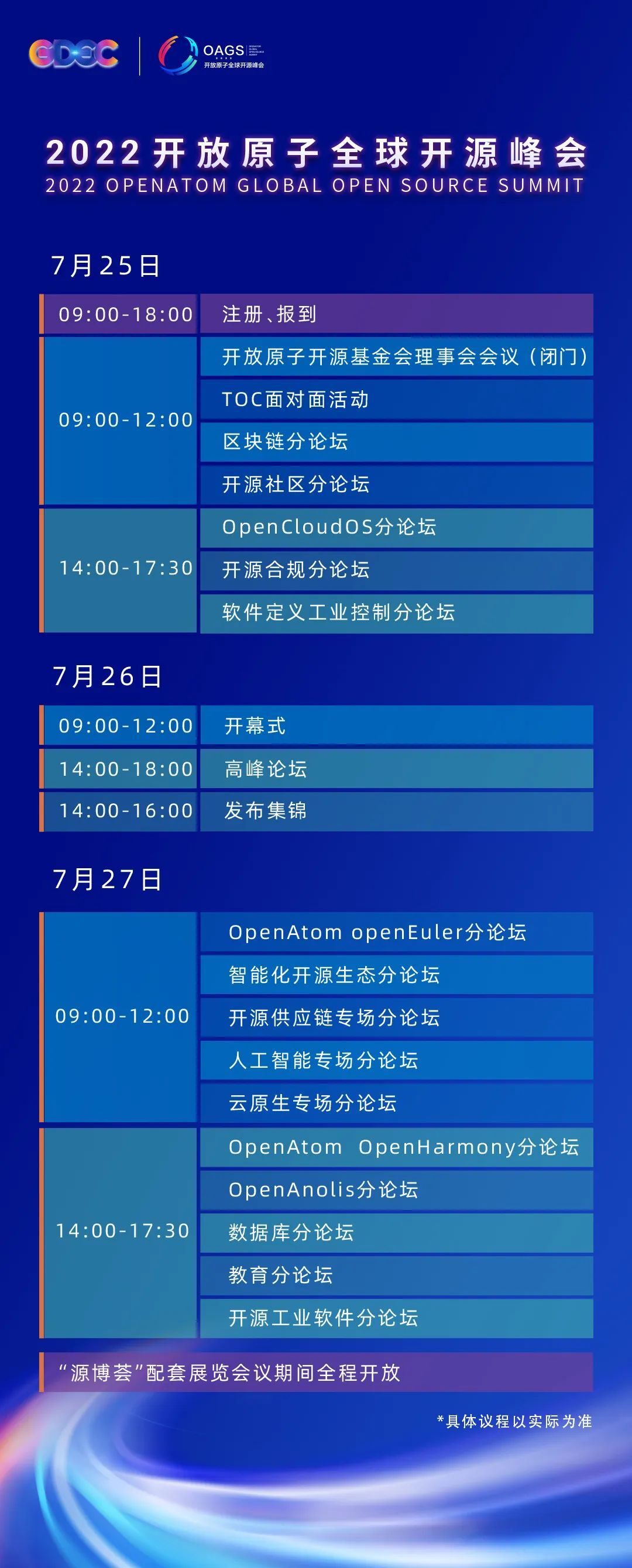
stirring! 2022 open atom global open source summit registration is hot!
滴滴开源DELTA:AI开发者可轻松训练自然语言模型
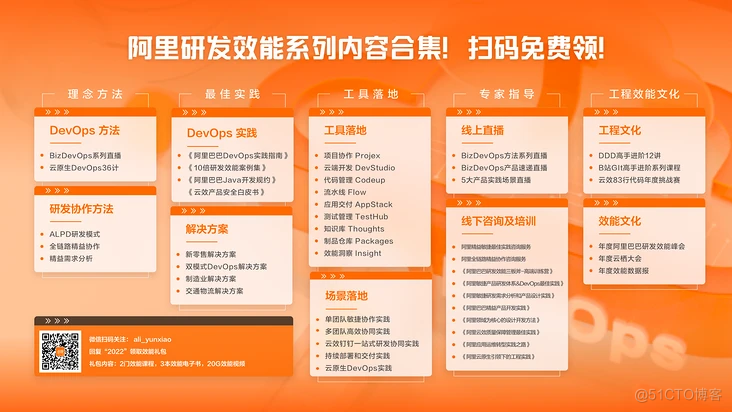
It's too convenient. You can complete the code release and approval by nailing it!

Install rhel8.2 virtual machine
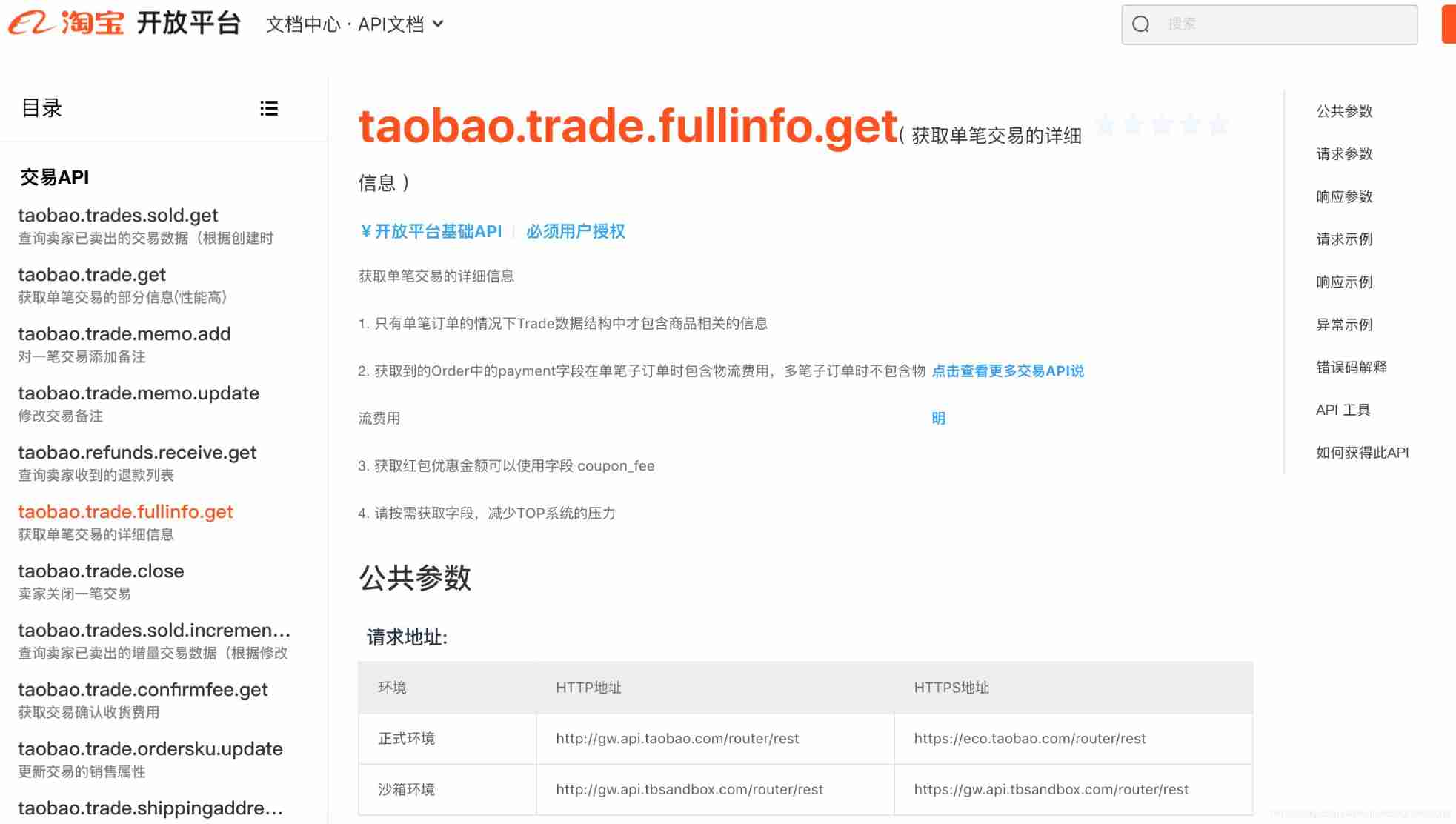
How to connect the API interface of Taobao open platform (super detailed)
2021-12-22 transaction record
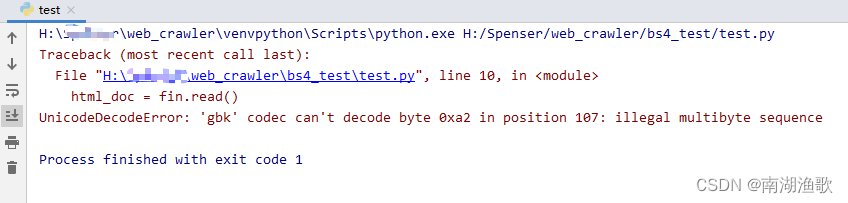
解决 UnicodeDecodeError: ‘gbk‘ codec can‘t decode byte 0xa2 in position 107
随机推荐
【云原生】Nacos-TaskManager 任务管理的使用
946. Verify stack sequence
#yyds干货盘点# 解决名企真题:搬圆桌
百日完成国产数据库opengausss的开源任务--openGuass极简版3.0.0安装教程
About the single step debugging of whether SAP ui5 floating footer is displayed or not and the benefits of using SAP ui5
Difference between JUnit theories and parameterized tests
SAP SEGW 事物码里的 Association 建模方式
Introduction to sap ui5 dynamicpage control
leetcode:221. 最大正方形【dp状态转移的精髓】
NFT: how to make money with unique assets?
Pinduoduo flag insertion remarks API
Actual combat simulation │ JWT login authentication
RHCSA3
实战模拟│JWT 登录认证
SAP UI5 视图里的 OverflowToolbar 控件
OpenHarmony应用开发之Navigation组件详解
关于 SAP UI5 getSAPLogonLanguage is not a function 的错误消息以及 API 版本的讨论
155. Minimum stack
Halcon 模板匹配实战代码(一)
关于 SAP UI5 floating footer 显示与否的单步调试以及使用 SAP UI5 的收益