当前位置:网站首页>[opencv] [image gradient]
[opencv] [image gradient]
2022-07-02 12:52:00 【A sea of stars】
Let's calculate the gradient of each pixel in the image
We can use first-order Sobel Operator and Scharr operator , And use secondary Laplace operator , The experiment is as follows :
The original image is :
The gradient of the first-order operator is calculated as follows :
Find the gradient of each pixel of the image . Calculated above sobel The operator can be approximated as X and Y Directional gradient , So the total gradient is :
G = (Gx^2 + Gy ^2) ^ 0.5 Or it can be approximately calculated as
G = |Gx| + |Gy|
Second order operator , The gradient can be obtained directly .
import numpy as np
import random
import cv2
import matplotlib.pyplot as plt


#  Show the image , Encapsulate as a function
def cv_show_image(name, img):
    cv2.imshow(name, img)
    cv2.waitKey(0)  #  Waiting time , In milliseconds ,0 Represents any key termination
    cv2.destroyAllWindows()


img = cv2.imread('images/yuan.png')  #  Read the original image
print(img.shape)

# Sobel operator , For example, the gradient in the right direction
# [[-1, 0, 1],
# Gx = [-2, 0, 2],
# [-1, 0, 1]]
#  For example, it is a downward gradient
# [[-1, -2, -1],
# Gy = [0, 0, 0],
# [1, 2, 1]]
#  It is equivalent to subtracting the pixel value on the left from the pixel value on the right
# dst = cv2.Sobel(src, ddepth, dx, dy, ksize)
# src:  Input the original image
# ddepth:  The depth of the image , It's usually -1
# dx and dy:  Horizontal and vertical
# ksize:  The size of the convolution kernel

#  Let's look at the results of operations in different directions
#  The result of pixel subtraction is positive and negative , If there is a negative number ,opencv The default truncation is 0
#  But what we want to see is the size of the difference , Even negative numbers have different values , Cannot be smeared 0 No difference , So we need to save negative numbers , Negative calculation results can be retained .
sobel_x = cv2.Sobel(img, cv2.CV_64F, 1, 0, 3)  #  The image is converted to a form with a negative number , Because the number of digits is higher .
sobel_x_abs = cv2.convertScaleAbs(sobel_x)  #  Take the absolute value , Keep our difference value
sobel_y = cv2.Sobel(img, cv2.CV_64F, 0 ,1, 3)  #  The image is converted to a form with a negative number , Because the number of digits is higher .
sobel_y_abs = cv2.convertScaleAbs(sobel_y)  #  Take the absolute value , Keep our difference value


#  Find the gradient of each pixel of the image . Calculated above sobel The operator can be approximated as X and Y Directional gradient , So the total gradient is :
# G = (Gx^2 + Gy^2)^0.5  Or it can be approximately calculated as
# G = |Gx| + |Gy|
sobel_xy_add = cv2.addWeighted(sobel_x_abs, 0.5, sobel_y_abs, 0.5, 0)  #  Use x + y To find the gradient .
sobel_xy_abs_add = cv2.convertScaleAbs(sobel_xy_add)  #  Take the absolute value , Keep our difference value

#  The following method is not recommended , This effect is not very good .
sobel_xy = cv2.Sobel(img, cv2.CV_64F, 1, 1, 3)  #  The image is converted to a form with a negative number , Because the number of digits is higher .
sobel_xy_abs = cv2.convertScaleAbs(sobel_xy)  #  Take the absolute value , Keep our difference value

ret = np.hstack((sobel_x, sobel_y, sobel_xy_add, sobel_xy))
cv2.imshow('sobel_src', ret)
cv2.waitKey(0)
cv2.destroyAllWindows()

ret = np.hstack((sobel_x_abs, sobel_y_abs, sobel_xy_abs_add, sobel_xy_abs))
cv2.imshow('sobel_abs', ret)
cv2.waitKey(0)
cv2.destroyAllWindows()


#  Two other operators for finding image gradient , This and Sobel Operators are very similar , Or the degree of emphasis is different
# Scharr  operator
# [[-3, 0, 3],
# Gx = [-10, 0, 10],
# [-3, 0, 3]]
#  For example, it is a downward gradient
# [[-3, -10, -3],
# Gy = [0, 0, 0],
# [3, 10, 3]]
#  Let's look at the results of operations in different directions
#  The result of pixel subtraction is positive and negative , If there is a negative number ,opencv The default truncation is 0
#  But what we want to see is the size of the difference , Even negative numbers have different values , Cannot be smeared 0 No difference , So we need to save negative numbers , Negative calculation results can be retained .
scharr_x = cv2.Scharr(img, cv2.CV_64F, 1, 0, 3)  #  The image is converted to a form with a negative number , Because the number of digits is higher .
scharr_x_abs = cv2.convertScaleAbs(scharr_x)  #  Take the absolute value , Keep our difference value
scharr_y = cv2.Scharr(img, cv2.CV_64F, 0 ,1, 3)  #  The image is converted to a form with a negative number , Because the number of digits is higher .
scharr_y_abs = cv2.convertScaleAbs(scharr_y)  #  Take the absolute value , Keep our difference value


#  Find the gradient of each pixel of the image . Calculated above sobel The operator can be approximated as X and Y Directional gradient , So the total gradient is :
# G = (Gx^2 + Gy^2)^0.5  Or it can be approximately calculated as
# G = |Gx| + |Gy|
scharr_xy_add = cv2.addWeighted(scharr_x_abs, 0.5, scharr_y_abs, 0.5, 0)  #  Use x + y To find the gradient .
scharr_xy_abs_add = cv2.convertScaleAbs(scharr_xy_add)  #  Take the absolute value , Keep our difference value

ret = np.hstack((scharr_x, scharr_y, scharr_xy_add))
cv2.imshow('scharr_src', ret)
cv2.waitKey(0)
cv2.destroyAllWindows()

ret = np.hstack((scharr_x_abs, scharr_y_abs, scharr_xy_abs_add))
cv2.imshow('scharr_abs', ret)
cv2.waitKey(0)
cv2.destroyAllWindows()


# Laplace operator
# Laplace The operator can approximately calculate the second derivative of the image , It has rotation invariance , That is, edges in all directions can be detected .
# Laplace There are two kinds of operators , Consider separately 4- Adjacency (D4) and 8- Adjacency (D8) Second order differential of two neighborhoods .
#  For example, one 3x3 Of 4- Adjacency is
#  for example  4- Adjacency
# [[0, -1, 0],
# [-1, 4, -1],
# [ 0, -1, 0]]
#  for example  8- Adjacency
# [[-1, -1, -1],
# [ -1, 8, -1],
# [ -1, -1, -1]]
Laplacian = cv2.Laplacian(img, cv2.CV_64F)  #  Because it is second-order , No, x and y The concept of direction
Laplacian_abs = cv2.convertScaleAbs(Laplacian)  #  Take the absolute value , Keep our difference value
cv_show_image('Laplacian', Laplacian)


#  Finally, summarize the effects of the three methods
ret = np.hstack((sobel_xy_abs_add, scharr_xy_abs_add, Laplacian_abs))
cv2.imshow('all_here', ret)
cv2.waitKey(0)
cv2.destroyAllWindows()
The effect is as follows :
Use Sobel operator , The effect of not adding absolute value operation :
Use Sobel operator , Add the effect of absolute value operation :
Use Scharr operator , The effect of not adding absolute value operation :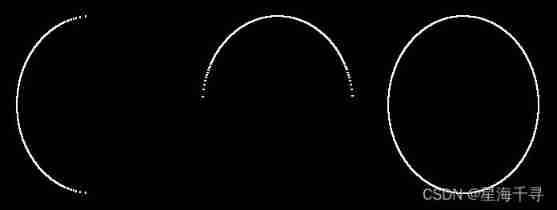
Use Scharr operator , Add the effect of absolute value operation :
Use Laplace operator , The effect of adding absolute value and not adding absolute value 
Finally, add the absolute value to each xy Summary of directions , The effect is as follows :
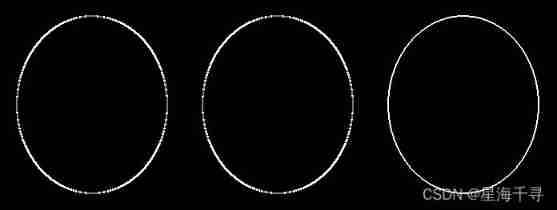
The overall effect shows , The effect of using second-order operators is better .
边栏推荐
- 区间DP AcWing 282. 石子合并
- JS8day(滚动事件(scroll家族),offset家族,client家族,轮播图案例(待做))
- Js5day (event monitoring, function assignment to variables, callback function, environment object this, select all, invert selection cases, tab column cases)
- Fluent fluent library encapsulation
- js 迭代器 生成器 异步代码处理 promise+生成器 -> await/async
- Input box assembly of the shutter package
- spfa AcWing 852. spfa判断负环
- Visual studio efficient and practical extension tools and plug-ins
- Interview questions for software testing - a collection of interview questions for large factories in 2022
- BOM DOM
猜你喜欢
Direct control PTZ PTZ PTZ PTZ camera debugging (c)
浏览器存储方案

Linear DP acwing 899 Edit distance
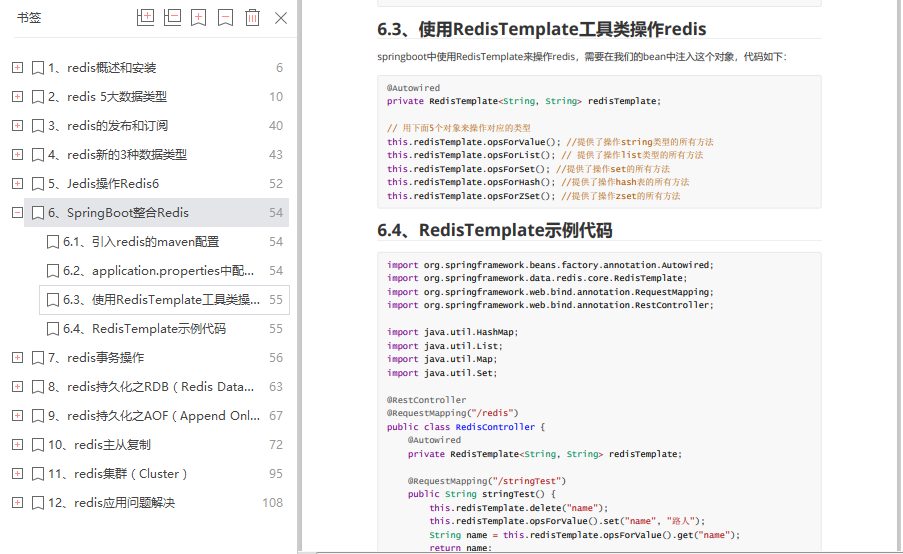
The redis development document released by Alibaba covers all redis operations
![[ybtoj advanced training guidance] cross the river [BFS]](/img/4e/83f14452ea6410768cdd01e725af2e.jpg)
[ybtoj advanced training guidance] cross the river [BFS]
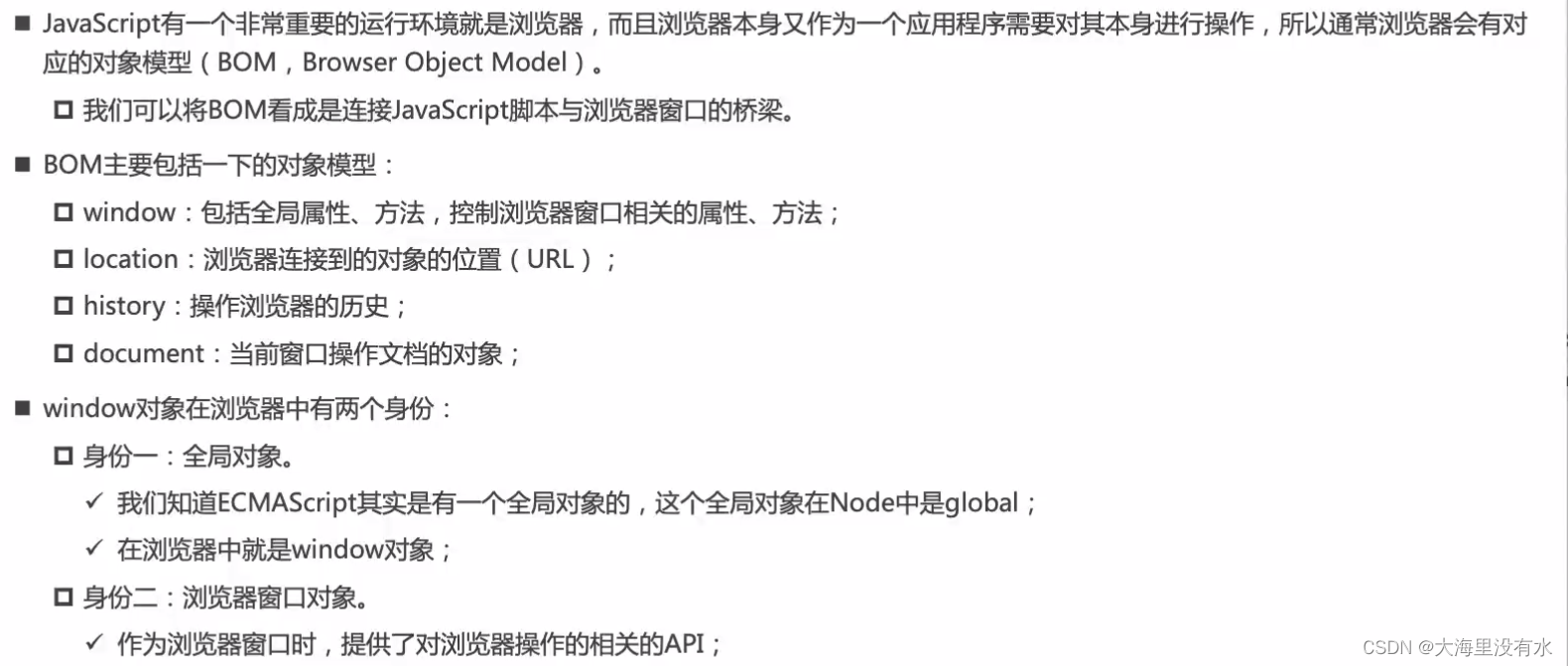
BOM DOM
![JDBC prevent SQL injection problems and solutions [preparedstatement]](/img/32/f71f5a31cdf710704267ff100b85d7.png)
JDBC prevent SQL injection problems and solutions [preparedstatement]

js1day(輸入輸出語法,數據類型,數據類型轉換,var和let區別)
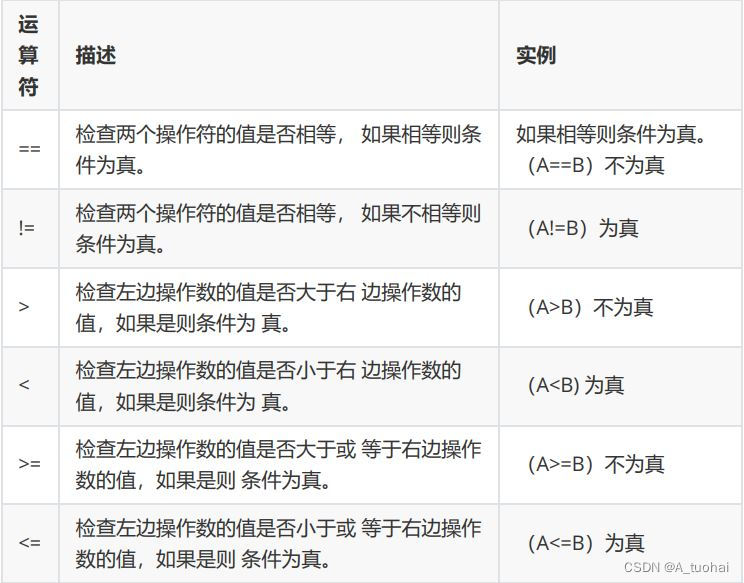
C operator
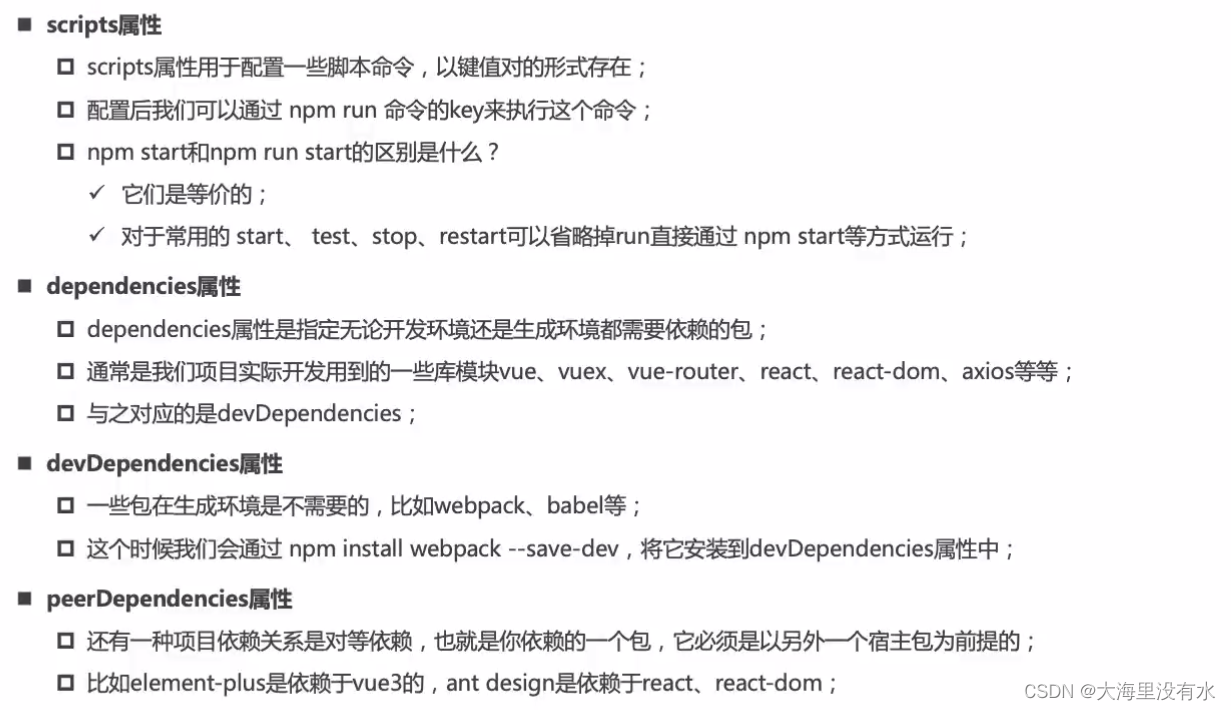
Package management tools
随机推荐
spfa AcWing 852. SPFA judgement negative ring
趣味 面试题
包管理工具
Win10 system OmniPeek wireless packet capturing network card driver failed to install due to digital signature problem solution
Js3day (array operation, JS bubble sort, function, debug window, scope and scope chain, anonymous function, object, Math object)
Efficiency comparison between ArrayList and LinkedList
哈希表 AcWing 841. 字符串哈希
8A 同步降压稳压器 TPS568230RJER_规格信息
线性DP AcWing 902. 最短编辑距离
1380. Lucky numbers in the matrix [two-dimensional array, matrix]
8 examples of using date commands
Js6day (search, add and delete DOM nodes. Instantiation time, timestamp, timestamp cases, redrawing and reflow)
JS6day(DOM结点的查找、增加、删除。实例化时间,时间戳,时间戳的案例,重绘和回流)
Direct control PTZ PTZ PTZ PTZ camera debugging (c)
Dijkstra AcWing 850. Dijkstra求最短路 II
How can attribute mapping of entity classes be without it?
Some sudden program ideas (modular processing)
架构师必须了解的 5 种最佳软件架构模式
Typora+docsify quick start
[ybtoj advanced training guidance] judgment overflow [error]