当前位置:网站首页>教您简单几步实现工业树莓派正确安装RS232转USB驱动
教您简单几步实现工业树莓派正确安装RS232转USB驱动
2022-08-05 05:22:00 【hongke_iiot】
前言
工业树莓派系列产品无直接的RS232接口提供,因此,针对一些只有RS232接口的设备,工业树莓派就无法直接与其实现连接和通信。对此,虹科建议采用RS232转串口转换器的方式实现工业树莓派和RS232设备的通信。
然而,市面上大部分RS232转USB转换器只支持Windows系统免驱,不支持Linux系统免驱,这就要求我们为工业树莓派安装相应的驱动版本。但是由于路径的不同,RS232转USB转换器厂家提供的安装程序并不能够完全适用于工业树莓派,需要做一些修改。本文将分享一个采用绿联RS232转USB转换器驱动安装的解决方法。
一、 所需工具
1. 一台笔记本电脑
2. 一个工业树莓派核心模块/控制器模块
3. 一根绿联S232转USB转换器
二、 操作步骤
1. 安装对应版本的kernel-headers,显示以下图片的内容,表示安装成功。
sudo apt install raspberrypi-kernel-headers

2. 在安装的过程中可能会出现apt报错,表示安装失败,但此时也会暴露一个URL,需要将这个URL复制并放在PC浏览器中下载deb文件中。下载成功后,通过文件传输工具把文件导入到工业树莓派中,执行以下指令:
sudo apt install ./xxxx.deb
3. 安装成功后,尝试是否可以执行以下指令,进入对应文件夹。可以进入的话,则表示安装成功。
cd /lib/modules/`uname -r`/build

4. 查看工业树莓派的内核版本。
uname -r
5. 通过文件传输工具把绿联提供的内核对应版本的驱动传输入工业树莓派中,并运行以下指令进行进入驱动文件夹:
cd PL2303G_Linux_Driver_v1.0.6/4.19_ok/

6. 执行以下指令安装驱动文件:
make all

7. 复制新的驱动程序到kernel。
sudo cp pl2303.ko /lib/modules/$(uname -r)/kernel/drivers/usb/serial

8. 编辑modules文件,添加以下信息:
sudo nano /etc/modules


9. 重启工业树莓派。
reboot
10. 安装成功。
三、 总结
本文分享的此种方法仅针对绿联的RS232转USB转换器,其它品牌转换器大部分也可使用此种操作步骤,但是不排除个别特例,仅供参考。通过以上方法能够轻松实现工业树莓派通过串口/Modbus RTU等通讯方式采集RS232设备的数据,并在工业树莓派内进行处理。
四、 方案简介
虹科工业树莓派产品具有实时Raspbian系统,内置Broadco多核处理器具备诸如图像处理类复杂任务处理能力。

此外,它小巧灵活,功耗低,支持用Python/Java/C/C++/C#、Node-RED可视化编程工具进行开发,还能实现CPDESYS软PLC功能,在数据采集和小型控制等场景可帮助用户快速创建应用,实现工业物联网和数字化生产。

更多资讯:虹科工业物联网——您的工业物联网专家
边栏推荐
猜你喜欢
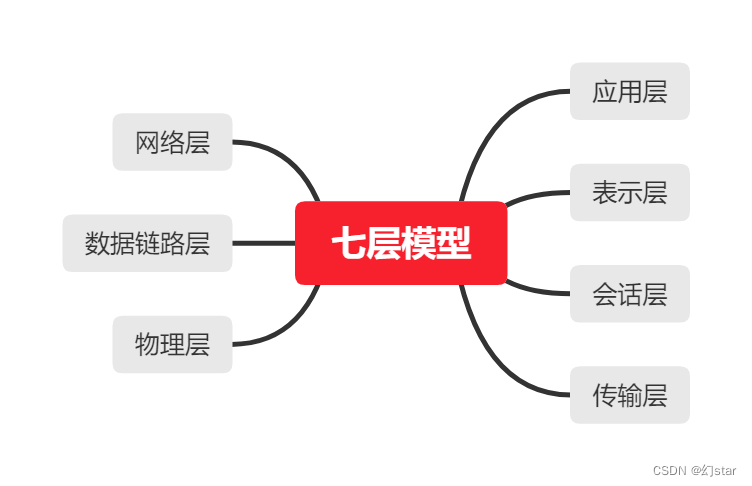
Cloud computing - osi seven layers and TCP\IP protocol
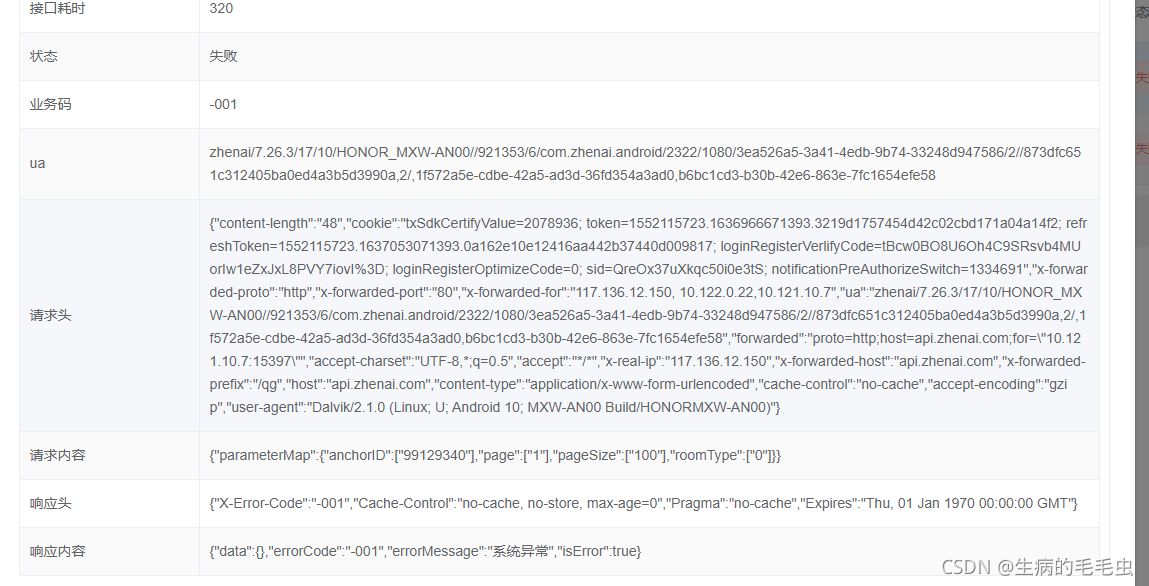
The problem come from line screening process
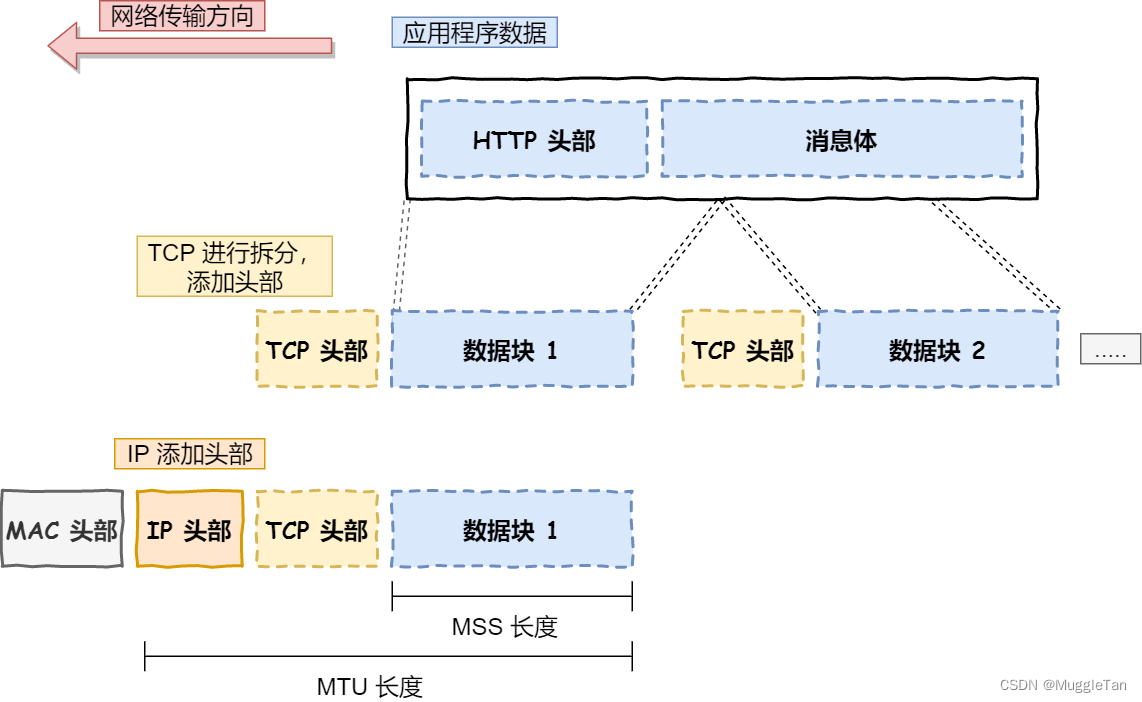
TCP/IP four-layer model
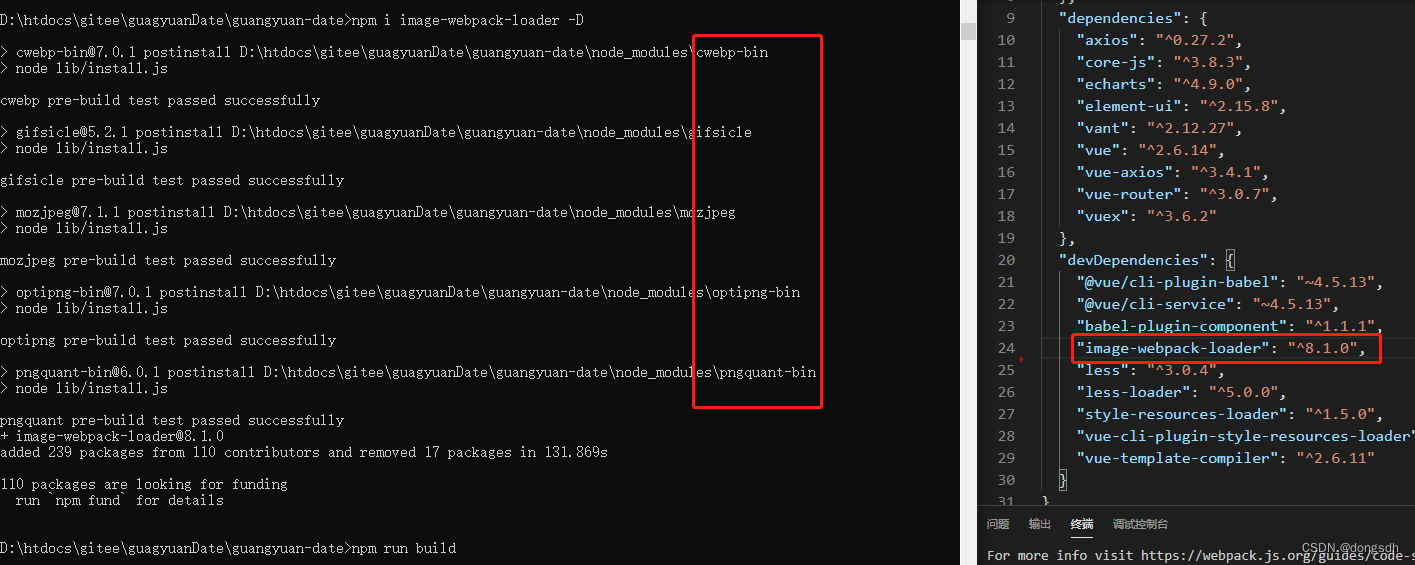
Image compression failure problem

技术分享杂七杂八技术

Remembering my first CCF-A conference paper | After six rejections, my paper is finally accepted, yay!
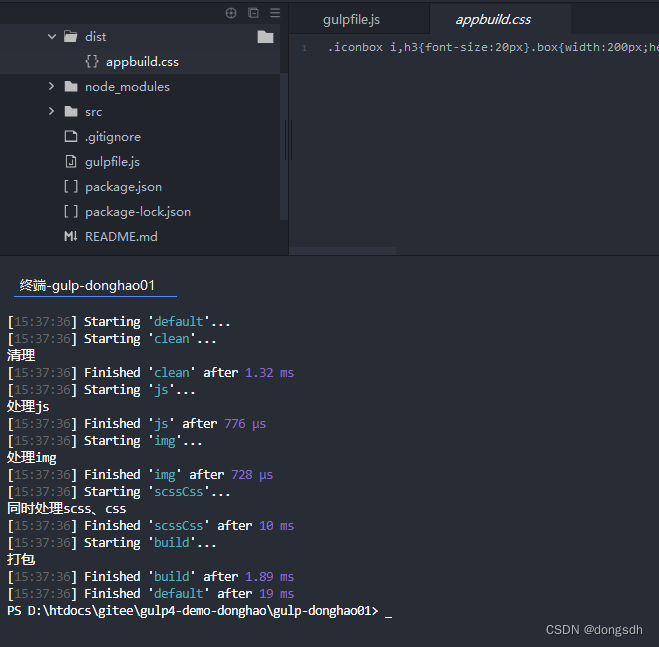
入门文档08 条件插件
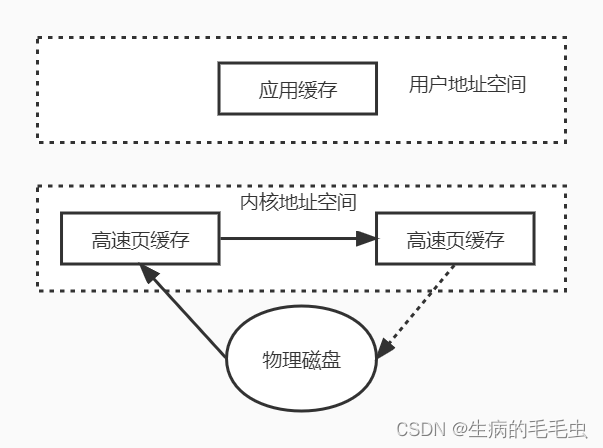
NIO工作方式浅析
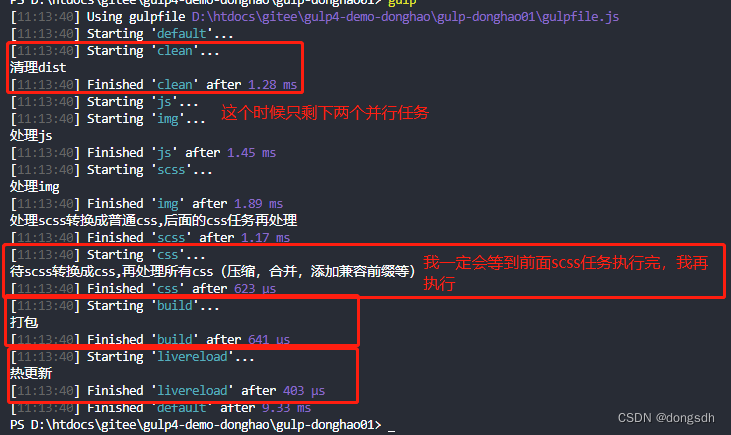
入门文档04 一个任务依赖另外一个任务时,需要按顺序执行
![[Pytorch study notes] 8. How to use WeightedRandomSampler (weight sampler) when the training category is unbalanced data](/img/29/5b44c016bd11f0c0a9110cf513f4e1.png)
[Pytorch study notes] 8. How to use WeightedRandomSampler (weight sampler) when the training category is unbalanced data
随机推荐
路由器和静态路由的配置
Tencent Cloud Message Queue CMQ
[Day8] Commands involved in using LVM to expand
7 steps to complete cloud monitoring
[Day5] Soft and hard links File storage, deletion, directory management commands
The Servlet to jump to the JSP page, forwarding and redirection
CIPU, what impact does it have on the cloud computing industry?
vim的三种模式
入门文档06 向流(stream)中添加文件
Quick question and quick answer - FAQ of Tencent Cloud Server
Small example of regular expression--validate email address
sql server 重复值在后面计数
RAID disk array
The problem come from line screening process
7步完成云上监控
spark source code - task submission process - 1-sparkSubmit
入门文档01 series按顺序执行
Getting Started 11 Automatically add version numbers
线上问题排查流程
Getting Started Documentation 12 webserve + Hot Updates