当前位置:网站首页>Application software code signing certificate
Application software code signing certificate
2022-08-02 17:04:00 【Gworg】
Digitally sign your software and code with a trusted code signing certificate.
Signing guarantees the identity of the signer and that the software code has not been altered.
Request a code signing certificate?
Can issue code signing certificates for enterprises and institutions.
How to apply for a certificate?
1. Determine the name of the organization that needs to apply for a code signing certificate.
Second, GWORG
3. After receiving the payment, you will receive a manual review of real-name authentication.
Fourth, obtain a code signing certificate.
Of course if you want a fast code signing certificate you don't need to understand the following steps, because the issuance process will delegate these to be done.

What is the difference between an OV Code Signing Certificate and an EV Extended Validation Certificate?
The OV code signing certificate requires cumulative approval before it can be trusted by the operating system.
Code signing certificates with Extended Validation (EV) go through a very rigorous validation process and must be stored in a hardware token.EV certificates can only be issued to companies registered with the Commercial Registry.In addition to the maximum security provided by hardware tokens, only EV certificates can instantly earn Microsoft SmartScreen's reputation.This is a big benefit, especially for software startups that don't have a high download rate.

Important steps for a smooth verification process
During the configuration process, the private key and certificate signing request (CSR) are automatically created.Please use Internet Explorer 11 (or Safari on Mac) for the entire configuration process!Other browsers (eg Edge, Chrome, Opera, etc.) are not supported.
Because the code signing certificate confirms the identity of the signer, the certificate authority must be able to verify your data through a trusted 3rd party source.The certificate authority will check the following details:
– Legal entity name
– Applicant Address
– Applicant's phone number
The registered company must apply in the name of its legal entity (industrial and commercial or enterprise can check).
Fictitious trade names (such as "XY Software" for unregistered businesses) are not accepted!
Data must be verified using a trusted third-party source.
Currently, only the Dun & Bradstreet Business Database (DUNS) is accepted by the Certificate Authority.
How does the verification process work?
Once you submit your application to the Certificate Authority, they will compare your data to the DUNS database.
It is therefore important to keep your DUNS records up to date and to publish a valid phone number:
->Request DUNS number
If you don't want to apply for a DUNS number, you can also use legal documents for verification.
An explanation of the so-called face-to-face verification by Sectigo can be found here:
Sectigo face-to-face verification instructions
All pieces must be certified by a lawyer or notary public!
Once the applicant's data is verified by the certificate authority, the certificate authority will initiate an automatic callback.
You will receive a connection requesting an automatic call to the official phone number.After entering the verification code, the certificate will be issued within a few minutes.
Note: Verifying your phone number is mandatory.A valid phone number must be posted in the DUNS database.
Where can I download my code signing certificate?
To collect your code signing certificate, click on the link you received in the fulfillment email.
Important:
You must use the same browser and user profile used during configuration.
During the configuration process, the private key is automatically created and stored in the browser's truststore.
You cannot use your certificate without the private key!
Where can I download my PFX file?
To export the code signing certificate in PKCS12 format (PFX), follow these steps:
Internet Explorer
1) Press Alt-X to open Internet Options
2) Click -> Content Tab -> Certificates
3) Select your certificate and click the "Export" button
4) Select the option "Yes, export private key"
5) Enter export password and download certificate
Firefox
1) Please open the Firefox browser on the PC used during the registration process
2) Click -> Tools -> Options -> Advanced Tab -> Certificates -> View Certificates
3) Please select your certificate from the list and click the "Backup" button
4) You can now export your private key and certificate in PKCS12 (PFX) format
Tip: If your signed application requires a different file extension (eg .pfx), rename the exported file.
边栏推荐
- 2022-07-20 第六小组 瞒春 学习笔记
- lammps学习(二)联合原子模型聚乙烯拉伸
- 2021 Huawei Cup Mathematical Modeling Contest E question - Ultra-Wideband (UWB) precise positioning problem under signal interference
- 2022-0801 第六小组 瞒春 学习笔记
- 移除元素 - 双指针
- scroll、offset、client事件的用法及区别
- 【Leetcode字符串--字符串变换/进制的转换】HJ1.字符串最后一个单词的长度 HJ2.计算某字符出现次数 HJ30.字符串合并处理
- XML技术
- 第五章-5.2-指示器随机变量
- 2022-07-09 第五小组 瞒春 学习笔记
猜你喜欢
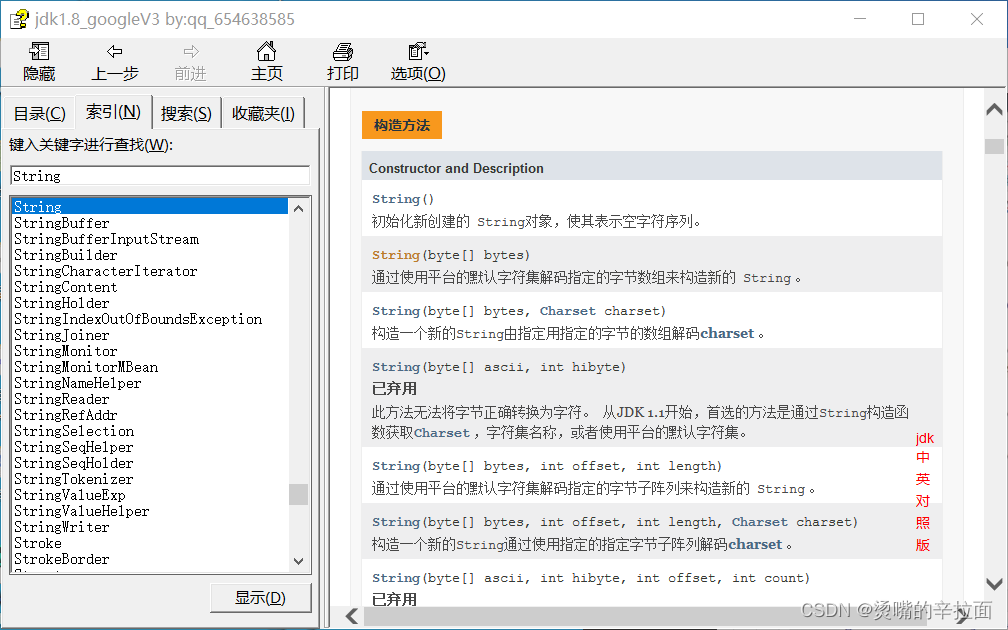
2022-07-20 第六小组 瞒春 学习笔记
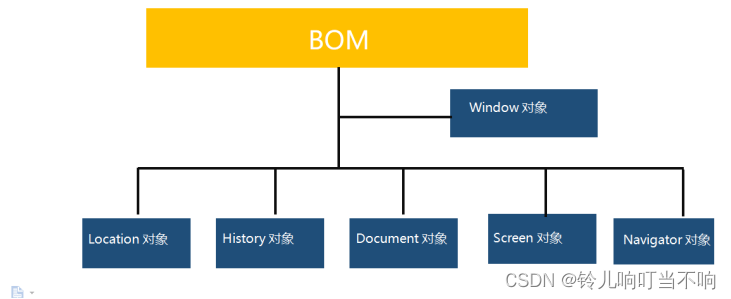
BOM(Browser Object Model)浏览器对象模型相关概念
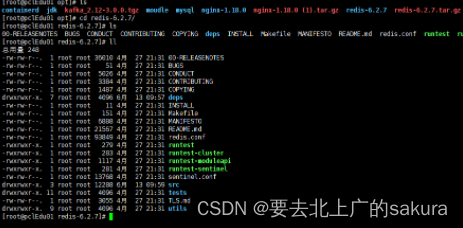
Redis最新6.27安装配置笔记及安装和常用命令快速上手复习指南
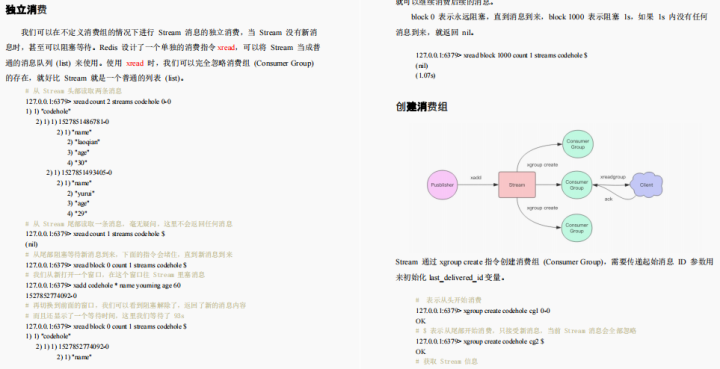
太香了!阿里Redis速成笔记,从头到尾全是精华!
2022-07-21 第六小组 瞒春 学习笔记
![[Fault Diagnosis] Weak Fault Diagnosis of Fan Bearing Based on PSO_VMD_MCKD Method](/img/43/719caffc79950edd18719ad0ba3aff.jpg)
[Fault Diagnosis] Weak Fault Diagnosis of Fan Bearing Based on PSO_VMD_MCKD Method

DOM - Event Object
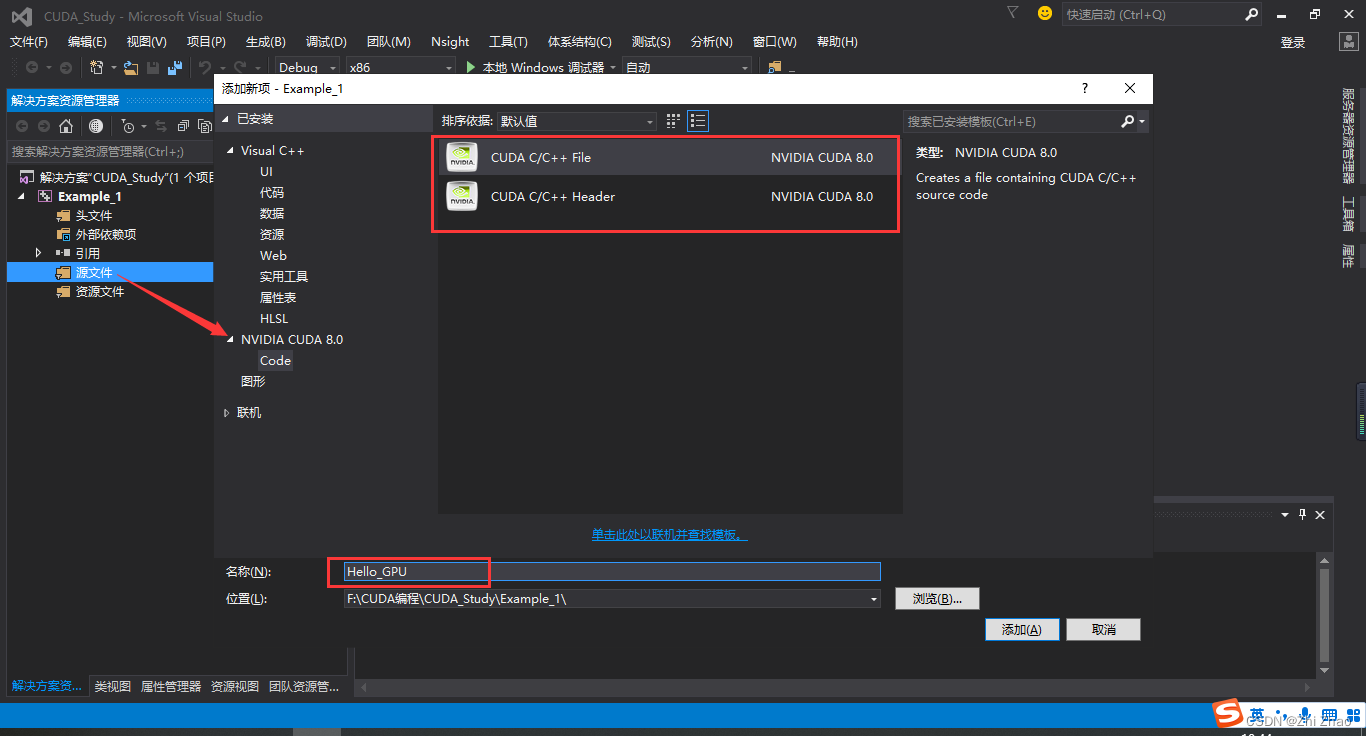
CUDA programming based on Visual Studio 2015 (1): basic configuration
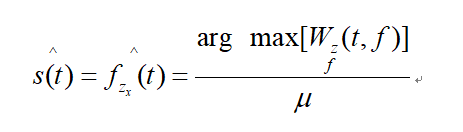
Wigner-Ville distribution for time-frequency analysis
2022-07-13 第五小组 瞒春 学习笔记
随机推荐
加点字符就能让qq昵称很酷的神奇代码?
PAT甲级 1078 哈希
DOM - Element Box Model
[Fault Diagnosis] Weak Fault Diagnosis of Fan Bearing Based on PSO_VMD_MCKD Method
【无标题】
初识art-template模板引擎
lammps学习(一)单晶硅纳米磨削
2022-07-29 第六小组 瞒春 学习笔记
容器中的Cgroup
对象和类总结
2021 Huawei Cup Mathematical Modeling Contest E question - Ultra-Wideband (UWB) precise positioning problem under signal interference
Redis的5中数据类型总结
告别手摇织布机的AI时代
2022/7/15,我的人生中第一篇博客,不忘初心,砥砺前行!
JSP技术
static关键字的三种重要作用详解
李开复花上千万投的缝纫机器人,团队出自大疆
XML和注解(Annotation)
【数据知多少】一文学懂通过Tushare、AKshare、baostock、Ashare、Pytdx获取股票行情数据(含代码)
2022-07-16 第五小组 瞒春 学习笔记