当前位置:网站首页>盒子拉伸拉扯(左右模式)
盒子拉伸拉扯(左右模式)
2022-07-06 18:05:00 【闲鱼_JavaScript】
盒子拉伸拉扯 左右模式(上下模式待续):
这里咱们使用vue来操作,然后代码封装到mixin里面,引用的时候直接混入到需要的页面就行了,具体如何操作请看代码。
重点:必须是flex模式(display: flex;)
1. 创建mixin文件: drag.js(看你自己创建在哪里了, 我的在这: src/mixin/drag.js ),
export default {

  data() {

    return {

      defaultDragArr: [{

        // 目前只有 LR 模式;也就是left right; 左右拉扯模式
        type: 'LR',
        domClass: {

          // 中间分割线的名字
          resize: 'line-line',
          // 左侧盒子的名字
          left: 'box-left',
          // 右侧盒子的名字
          right: 'box-right',
          // 父级的名字
          box: 'box-father',
        },
        otherInfo: {

          // 限制左边栏最低宽度
          leftWidth: 324
        }
      }]
    }
  },
  methods: {

    // 处理参数 进行dom节点选中
    handleBoxInfo(boxInfo) {

      for (const key in boxInfo)
        if (Object.hasOwnProperty.call(boxInfo, key))
          boxInfo[key] = document.getElementsByClassName(boxInfo[key])
      return boxInfo
    },
    // 左右拉伸盒子处理函数
    dragControllerDiv(boxInfo, otherInfo, cb) {

      const {

        leftWidth: oLeftWidth
      } = otherInfo;
      const {

        resize,
        left,
        right,
        box
      } = this.handleBoxInfo(JSON.parse(JSON.stringify(boxInfo)))
      console.dir(left)
      const getOffsetLeftAndClientWidth = arr => arr.map(dom => [
        dom[0].offsetLeft || 0,
        dom[0].clientWidth || 0
      ])
      for (let i = 0; i < resize.length; i++) {

        resize[i].onmousedown = (e) => {

          const [
            [leftOffset],
            [, resizeWidth],
            [rightLeftOffset, rightLeftWidth],
            [boxLeftOffset]
          ] = getOffsetLeftAndClientWidth([left, resize, right, box])
          // 父级盒子距离右侧屏幕的margin宽度
          const rightAllMargin = window.innerWidth - rightLeftWidth - rightLeftOffset

          const startX = e.clientX;
          // 这里设置选中时候的 偏移 量
          resize[i].left = resize[i].offsetLeft;
          const boxWidth = window.innerWidth - box[i].clientWidth;
          document.onmousemove = (e) => {

            const endX = e.clientX;
            // 分割线到左边的距离 + 鼠标位移了多少 - 屏幕宽度减去父级盒子宽度后的结果 - 左盒子到屏幕左侧的长度(此刻不会计算margin属性) + 分割线长度并居中恰好1.5倍(但是计算了右侧的margin则变为0.25倍)(确认拉伸时候鼠标对齐分割线) + 父级盒子距离左侧屏幕的margin宽度 + 父级盒子距离右侧屏幕的margin宽度
            let leftWidth = resize[i].left + (endX - startX) - boxWidth - leftOffset + (resizeWidth * 0.25) + boxLeftOffset + rightAllMargin;
            const maxT = box[i].clientWidth - (resize[i].offsetWidth - boxWidth);
            if (leftWidth < oLeftWidth) leftWidth = oLeftWidth;
            if (leftWidth > maxT - 50) leftWidth = maxT;

            // resize[i].style.flex = leftWidth;
            for (let j = 0; j < left.length; j++) {

              left[j].style.flex = `0 0 ${
      leftWidth}px`;
              right[j].style.flex = `1`;
            }
          }
          this.eventOnmouseup(resize, i, cb)
          return false;
        }
      }
    },
    eventOnmouseup(resize, i, cb) {

      document.onmouseup = () => {

        document.onmousemove = null;
        document.onmouseup = null;
        resize[i].releaseCapture && resize[i].releaseCapture();
        cb && cb()
      }
      resize[i].setCapture && resize[i].setCapture();
    },
    initDrag(dragArr = this.defaultDragArr) {

      /* dragArr: [{ domClass, otherInfo, fn }] type: LR // 左右拉扯(flex布局才能成功) */
      const fn = item => ({

        'LR': this.dragControllerDiv
      } [item.type] || (() => {
    }));
      this.$nextTick(() => dragArr.forEach((item) => fn(item)(item.domClass, item.otherInfo)))
    }
  },
}
2.使用:引入,然后调用初始化函数;
import dragMixin from "@/mixins/drag.js";

export default {

  name: "Home",
  mixins: [dragMixin],
  created() {

 	// 第一种方式:直接初始化就行了,给你的左盒子、右盒子,父级盒子,拉扯线分别设置class名字(box-left, box-right, box-father, line-line),然后直接调用 this.initDrag()就行了。
  	// this.initDrag();
  	// 第二种方式:自定义名字。复制粘贴跟着改就行了。
    this.initDrag([
      {

        type: "LR",
        domClass: {

          // 中间分割线的名字
          resize: "line-line",
          // 左侧盒子的名字
          left: "box-left",
          // 右侧盒子的名字
          right: "box-right",
          // 父级的名字
          box: "box-father",
        },
        otherInfo: {

          // 限制左边栏最低宽度
          leftWidth: 324,
        },
      },
    ]);
  },
};
3. 最后一步:修改盒子为flex模式
// 父级盒子
.box-father {
  display: flex;
}
// 左侧盒子
.box-left {
	// 这里设置你盒子的宽度的
	flex: 0 0 400px;
}
// 右侧盒子
.box-right {
	flex: 1;
}
示例:(随便创建个vue文件把以下代码扔进去就行了)
项目启动后的界面介绍: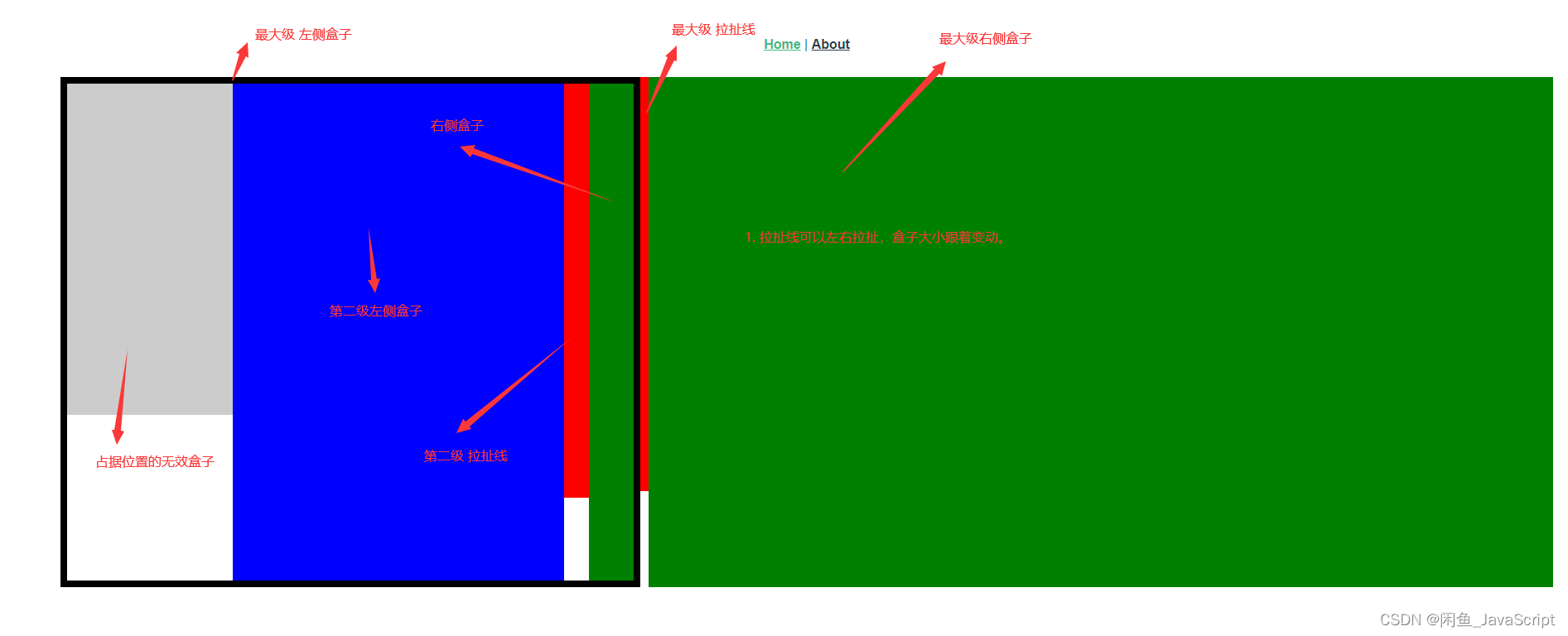
代码:
<template>
  <div class="home">
    <!-- <img alt="Vue logo" src="../assets/logo.png" /> -->
    <!-- <Map name="3" /> -->
    <div class="grand flex">
      <!-- 记住盒子上面不要弄padding,我没兼容padding、margin的情况。如果要加在父级上加,如果父级也是要拉扯的,那就创建个父级(原有父级变爷级) -->
      <!-- 红色的是可以拖拽的线 -->
      <div class="left-laowang" style="flex: 0 0 700px">
        <div class="box-father flex">
          <div class="box-postion"></div>
          <div class="box-left"></div>
          <div class="line line-line"></div>
          <div class="box-right"></div>
        </div>
      </div>
      <div class="line line-second"></div>
      <div style="width: 200px;flex: 1;background: green;" class="box-second-father"></div>
    </div>
  </div>
</template>

<script>
// import Map from "@/components/map/second.vue";
import dragMixin from "@/mixins/drag.js";

export default {

  name: "Home",
  components: {

    // Map,
  },
  mixins: [dragMixin],
  created() {

    this.initDrag([
      {

        type: "LR",
        domClass: {

          // 中间分割线的名字
          resize: "line-line",
          // 左侧盒子的名字
          left: "box-left",
          // 右侧盒子的名字
          right: "box-right",
          // 父级的名字
          box: "box-father",
        },
        otherInfo: {

          // 限制左边栏最低宽度
          leftWidth: 324,
        },
      },
      {

        type: "LR",
        domClass: {

          // 中间分割线的名字
          resize: "line-second",
          // 左侧盒子的名字
          left: "left-laowang",
          // 右侧盒子的名字
          right: "box-second-father",
          // 父级的名字
          box: "grand",
        },
        otherInfo: {

          // 限制左边栏最低宽度
          leftWidth: 324,
        },
      },
    ]);
  },
};
</script>

<style scoped>
.line {

  width: 30px;
  height: 500px;
  background: red;
  cursor: w-resize;
}
.box-father {

  border: 8px solid #000;
}
.line-second {

  width: 10px;
  background: red;
}
.flex {

  display: flex;
}
.box-left {

  flex: 0 0 400px;
  height: 600px;
  background: blue;
}
.box-right {

  height: 600px;
  background: green;
  flex: 1;
}
.box-postion {

  width: 200px;
  height: 400px;
  background: #ccc;
}
</style>
- 上下拉伸看看情况再弄吧,后续有需求则加到这个文章里面。
- 可以自己根据左右改成上下拉伸的,加个函数,再加个兼容type就行了。
- 非flex模式也可以搞,把设置flex属性那边改成 width 这些就行了。
边栏推荐
猜你喜欢
Installation of gazebo & connection with ROS

Yunna | work order management software, work order management software app
C language - array
MySQL script batch queries all tables containing specified field types in the database
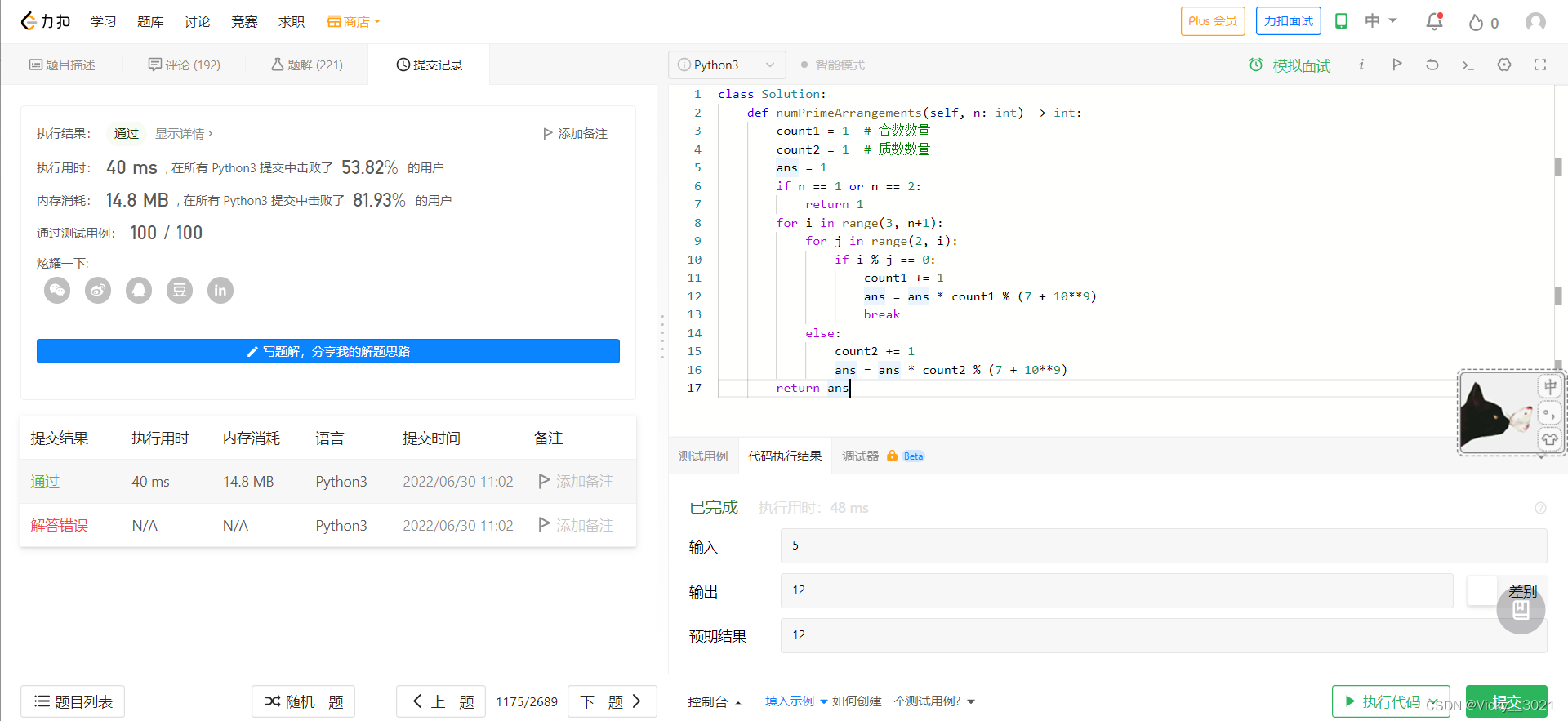
LeetCode:1175. Prime permutation
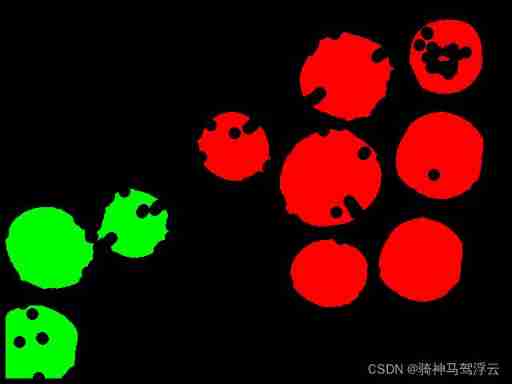
Wood extraction in Halcon
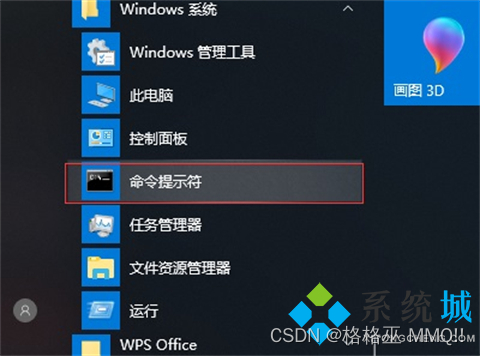
Can the system hibernation file be deleted? How to delete the system hibernation file

tansig和logsig的差异,为什么BP喜欢用tansig
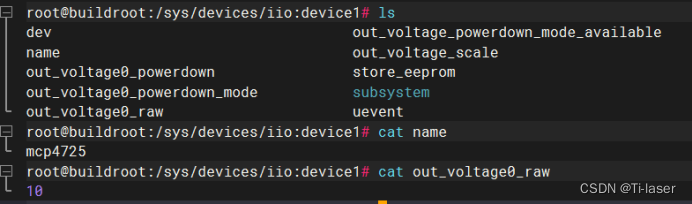
Transplant DAC chip mcp4725 to nuc980

子网划分、构造超网 典型题
随机推荐
Force buckle 1037 Effective boomerang
Neon Optimization: About Cross access and reverse cross access
C语言实例_5
安利一波C2工具
编译命令行终端 swift
Go zero micro service practical series (IX. ultimate optimization of seckill performance)
What does security capability mean? What are the protection capabilities of different levels of ISO?
Lldp compatible CDP function configuration
Send template message via wechat official account
子网划分、构造超网 典型题
Transplant DAC chip mcp4725 to nuc980
hdu 4661 Message Passing(木DP&amp;组合数学)
公钥\私人 ssh避password登陆
Neon Optimization: an instruction optimization case of matrix transpose
2022 Google CTF SEGFAULT LABYRINTH wp
如何管理分布式团队?
C语言实例_3
454-百度面经1
Yunna | work order management software, work order management software app
736. Lisp 语法解析 : DFS 模拟题