当前位置:网站首页>如何调试微信内置浏览器应用(企业号、公众号、订阅号)
如何调试微信内置浏览器应用(企业号、公众号、订阅号)
2022-07-02 06:22:00 【秦时明月之安康】
前言
微信企业号应用,微信默认是没有开启调试模式的,线上环境出了问题,没办法像PC端浏览器一样F12开启调试模式,是很不方便的,下面告诉你如何开启
一、步骤
1.下载devtools_resources.pak
下载链接:https://dldir1.qq.com/foxmail/wwopen_docFile/devtools_resources.pak
2.微信开启步骤
第一步:将devtools_resources.pak复制到如下目录
C:\Users\windows登录用户\AppData\Roaming\Tencent\WeChat\All Users\CefResources\2583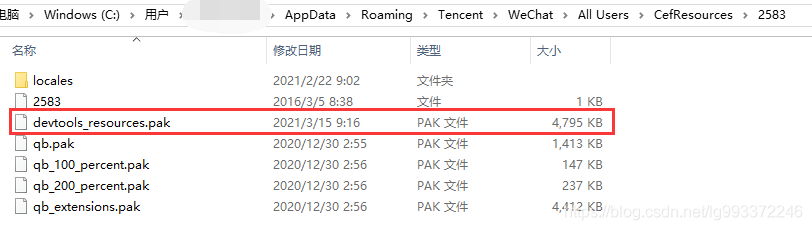
第二步:将devtools_resources.pak复制到微信安装根目录
D:\soft\WeChat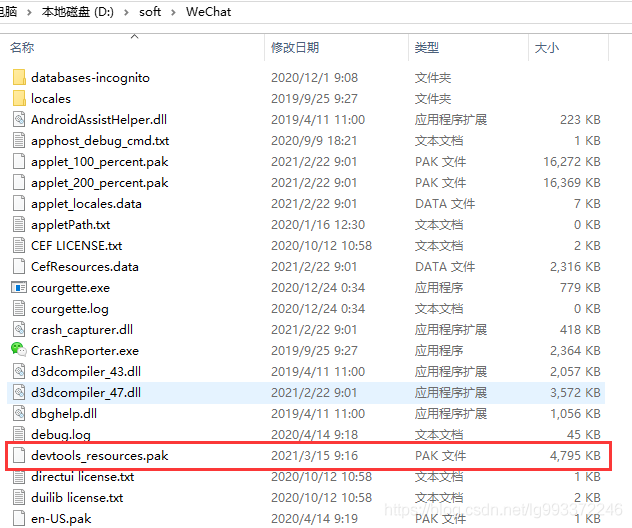
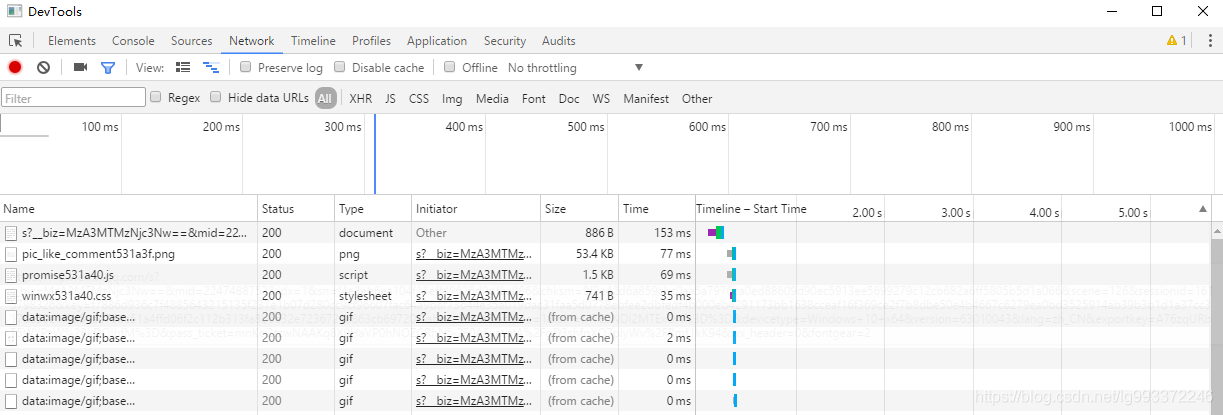
第二步:关闭微信重启,打开任意一个公众号或者企业号鼠标右键就能开启调试模式了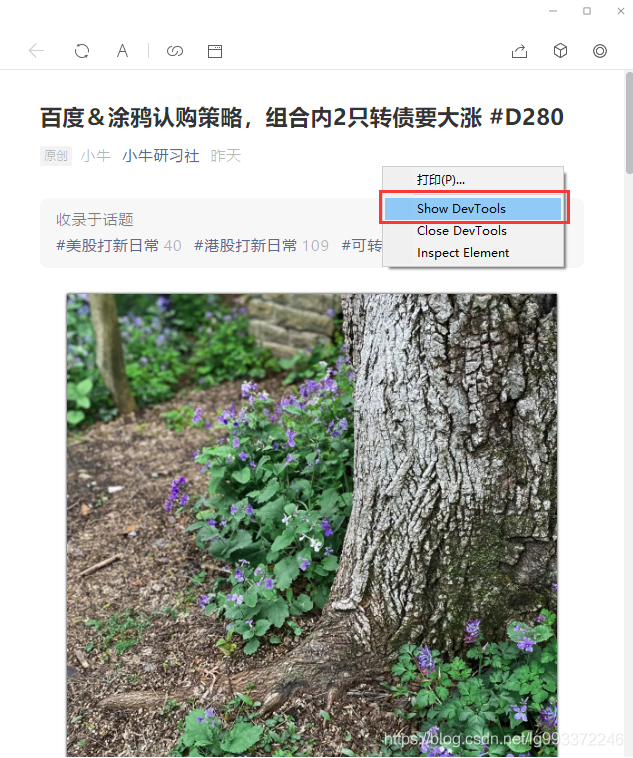
3.企业微信开启步骤
第一步:将devtools_resources.pak复制到如下目录
D:\soft\WXWork\3.1.2.2211\4.0.1320.400
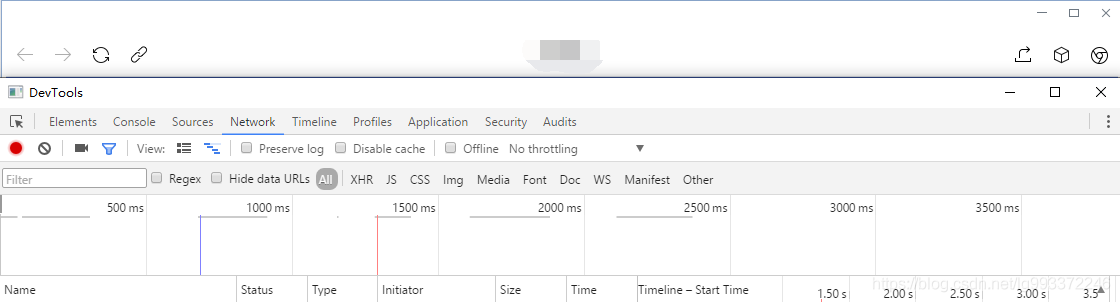
第一步:关闭企业微信重启,按快捷键 ctrl + alt + shift + D,即可进入调试模式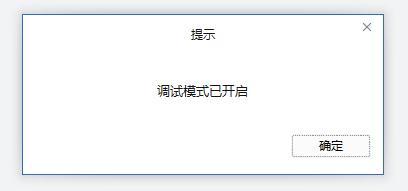
参考文章
边栏推荐
- [daily question 1] write a function to judge whether a string is the string after the rotation of another string.
- Solution to the black screen of win computer screenshot
- 日志 - 7 - 记录一次丢失文件(A4纸)的重大失误
- Fe - weex uses a simple encapsulated data loading plug-in as the global loading method
- JS modification element attribute flipping commonly used in selenium's Web Automation
- 20201002 vs 2019 qt5.14 developed program packaging
- Detailed definition of tensorrt data format
- Learn about various joins in SQL and their differences
- MySql索引
- Kotlin - 验证时间格式是否是 yyyy-MM-dd HH:mm:ss
猜你喜欢

查询GPU时无进程运行,但是显存却被占用了

Latex 编译报错 I found no \bibstyle & \bibdata & \citation command
Win电脑截图黑屏解决办法

The intern left a big hole when he ran away and made two online problems, which made me miserable

Win10桌面图标没有办法拖动(可以选中可以打开可以删除新建等操作但是不能拖动)

Fe - wechat applet - Bluetooth ble development research and use

Learn about various joins in SQL and their differences

Distributed transactions: the final consistency scheme of reliable messages

ZZQ的博客目录--更新于20210601
Uploading attachments using Win32 in Web Automation
随机推荐
Asynchronous data copy in CUDA
Distributed transactions: the final consistency scheme of reliable messages
AWD学习
Win10桌面图标没有办法拖动(可以选中可以打开可以删除新建等操作但是不能拖动)
Kotlin - 验证时间格式是否是 yyyy-MM-dd HH:mm:ss
20210306转载如何使TextEdit有背景图片
计算属性普通函数写法 和 set get 写法
Error "list" object is not callable in Web automatic switching window
代码技巧——Controller参数注解@RequestParam
unittest.TextTestRunner不生成txt测试报告
There is no way to drag the win10 desktop icon (you can select it, open it, delete it, create it, etc., but you can't drag it)
Redis - grande question clé
日志 - 7 - 记录一次丢失文件(A4纸)的重大失误
压力测试修改解决方案
Win电脑截图黑屏解决办法
Automation - when Jenkins pipline executes the nodejs command, it prompts node: command not found
pytest(3)parametrize参数化
No process runs when querying GPU, but the video memory is occupied
There are multiple good constructors and room will problem
Name six schemes to realize delayed messages at one go