当前位置:网站首页>Kotlin collaboration uses coroutinecontext to implement the retry logic after a network request fails
Kotlin collaboration uses coroutinecontext to implement the retry logic after a network request fails
2022-07-05 13:47:00 【Big fish SS】

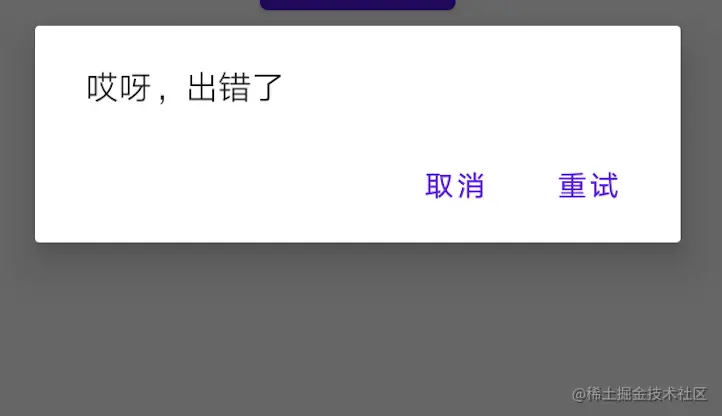
stay Android There is a typical scenario in development : Try again after the network request fails : The general logic is to pop up a Dialog Remind users “ Network request failed ”, And provide a retry button .
If the current page has only one network request , Then the logic is very simple : Just call the method that initiates the network request again . When a page has multiple network requests , My common method is to add status for failure callback , Call different methods according to different states . But this method is somewhat cumbersome , It's also a little unsafe . First , You need to add extra status , And pass it around . In some cases , You even need to reinitialize the network request parameters . What's worse : You have to manage this state , Once mismanaged , Will result in calling methods that should not be called , Introduce serious BUG.
Until one day I saw CoroutineExceptionHandler, Flash of light —— You can use the collaboration context to save network requests and... That may need to be retried in the future Request data , This will solve the above problem .
Because most of the projects I have developed adopt ViewModel Implement network request logic and UI Decoupling of layers , The network request is basically based on Coroutine+Retrofit The way to achieve , It's basically using viewModelScope.
viewModelScope.launch() {
	request()
}
viewModelScope It's essentially a ViewModel The extension function of , It can be used conveniently in ViewModel Create coroutines , The specific code will not be expanded . By default , its CoroutineContext from Job and CoroutineDispatcher form . The context of a collaborative process is essentially an implementation key-value Linked list structure of access mode . We can do it through inheritance AbstractCoroutineContextElement To implement custom CoroutineContext Context :
class RetryCallback(val callback: () -> Unit) : AbstractCoroutineContextElement(RetryCallback) {
    companion object Key : CoroutineContext.Key<RetryCallback>
}
Then , When the network request is abnormal CoroutineExceptionHandler Get the operation we need to perform again :
val coroutineExceptionHandler = CoroutineExceptionHandler { coroutineContext, throwable ->
     val callback = coroutineContext[RetryCallback]
        ?.callback
}
Then , To put coroutineExceptionHandler Add to the context of the process that initiates the network request :
viewModelScope.launch(exceptionHandler
      + RetryCallback { request() }) {
	request()
}
here , Just get it on the page that initiates the network request callback, And call it when you click the retry button , The logic of retry can be realized .
Further encapsulate it and add automatic retry logic after failure , Create for ViewModel Interface used , Subsequent logic used to handle network request errors :
interface ViewModelFailed {
    /**
     * @param throwable: Abnormal information
     * @param callback: Function to retry
     * */
    fun requestFailed(throwable: Throwable, callback: () -> Unit)
}
Create an extension function for it , Used to create CoroutineExceptionHandler and RetryCallback Context instance :
/**
 * @param autoReTry: Retry automatically
 * @param callback: Function to retry
 * */
fun ViewModelFailed.initRetry(autoReTry: Boolean = false, callback: () -> Unit) =
    CoroutineExceptionHandler { coroutineContext, throwable ->
        val retryCallBack = {
            coroutineContext[RetryCallback]
                ?.callback?.invoke()
        }
        if (autoReTry) {
            // Automatic start retry logic
            onRetry()
            retryCallBack.invoke()
        } else {
            // Do not automatically start retry , Subsequent operations are left to the user for decision
            requestFailed(throwable) {
                retryCallBack
            }
        }
    } + RetryCallback(callback)
ViewModel Need to achieve ViewModelFailed Interface , And calls in the association of the network requests. initRetry Method to add an exception handling context :
class MainViewViewModel : ViewModel(), ViewModelFailed {
    val liveData: MutableLiveData<BaseData> = MutableLiveData()


      /**
     * @param num: For demonstration Request Request data
     * @param repeat: Number of automatic retries after failure
     * */
    fun request(num: Int, repeat: Int = 0) {
        liveData.value = BaseData.loading()
        viewModelScope.launch(initRetry(repeat > 0) {
            request(num,repeat - 1)
        }) {
            liveData.value = BaseData.success(simulateHttp(num))
        }
    }

    private suspend fun simulateHttp(num: Int) = withContext(Dispatchers.IO) {
        // Simulate network requests
        ...
    }

    override fun requestFailed(throwable: Throwable, callback: () -> Unit) {
        // Processing failure logic
        dialog()
        // retry
        callback.invoke()
    }

    override fun onRetry() {

    }

}
summary
This is the end of it , Put a little benefit at the end of the article , The following is a story about Flutter Learning ideas and direction , Engaged in Internet development , The most important thing is to learn technology well , And learning technology is a slow and hard road , You can't rely on a moment of passion , It's not like you can learn it in a few days and nights , We must form the habit of studying hard at ordinary times , More effective learning needs to be achieved .
Because of the large amount of content, I only put a general outline , If you need to learn mind mapping in more detail, you can scan the QR code below for free .
And free premium UI、 performance optimization 、 Architect course 、NDK、 Hybrid development (ReactNative+Weex) Wechat applet 、Flutter All aspects Android Advanced practice technical data , And there are technical experts to discuss, communicate and solve problems together .**
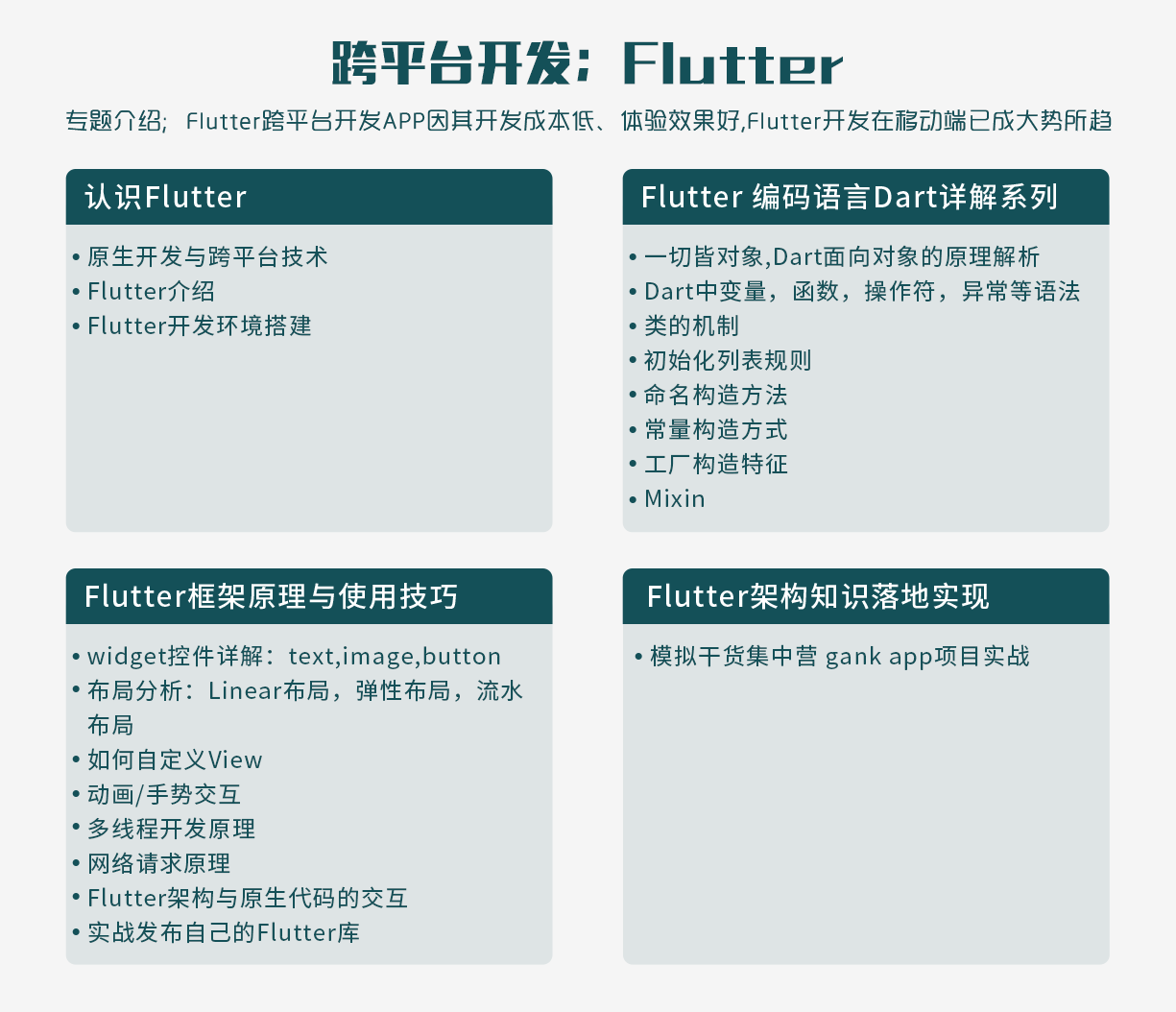
Last , The information in the article is too big to put . Friends in need, if necessary Scan the QR code below for free .
Change your life , There is no shortcut , This road needs to be taken in person , Only in-depth thinking , Constantly reflect and summarize , Keep your passion for learning , Step by step to build their own complete knowledge system , Is the ultimate way to win , It's also the mission of programmers .
author : Rhett
link :https://juejin.cn/post/7080826259785121822
边栏推荐
- 荐号 | 有趣的人都在看什么?
- Wechat app payment callback processing method PHP logging method, notes. 2020/5/26
- 【Hot100】34. Find the first and last positions of elements in a sorted array
- 嵌入式软件架构设计-消息交互
- Pancake Bulldog robot V2 (code optimized)
- Network security HSRP protocol
- Basic characteristics and isolation level of transactions
- STM32 reverse entry
- ZABBIX monitoring
- RK3566添加LED
猜你喜欢

Liar report query collection network PHP source code
French scholars: the explicability of counter attack under optimal transmission theory
Win10 - lightweight gadget
运筹说 第68期|2022年最新影响因子正式发布 快看管科领域期刊的变化
Scientific running robot pancakeswap clip robot latest detailed tutorial
When using Tencent cloud for the first time, you can only use webshell connection instead of SSH connection.

What about data leakage? " Watson k'7 moves to eliminate security threats
![[deep learning paper notes] hnf-netv2 for segmentation of brain tumors using multimodal MR imaging](/img/52/5e85743b1817de96a52e02b92fd08c.png)
[deep learning paper notes] hnf-netv2 for segmentation of brain tumors using multimodal MR imaging
What is a network port

Zibll theme external chain redirection go page beautification tutorial
随机推荐
【云资源】云资源安全管理用什么软件好?为什么?
运筹说 第68期|2022年最新影响因子正式发布 快看管科领域期刊的变化
Binder communication process and servicemanager creation process
Zibll theme external chain redirection go page beautification tutorial
Zhubo Huangyu: it's really bad not to understand these gold frying skills
What happened to the communication industry in the first half of this year?
搭建一个仪式感点满的网站,并内网穿透发布到公网 2/2
Don't know these four caching modes, dare you say you understand caching?
Write API documents first or code first?
With 4 years of working experience, you can't tell five ways of communication between multithreads. Dare you believe it?
[notes of in-depth study paper]uctransnet: rethink the jumping connection in u-net from the perspective of transformer channel
记录一下在深度学习-一些bug处理
FPGA learning notes: vivado 2019.1 add IP MicroBlaze
这18个网站能让你的页面背景炫酷起来
A detailed explanation of ASCII code, Unicode and UTF-8
Personal component - message prompt
网络安全-HSRP协议
Clock cycle
laravel-dompdf导出pdf,中文乱码问题解决
jasypt配置文件加密|快速入门|实战