当前位置:网站首页>JDBC练习案例
JDBC练习案例
2022-07-02 22:16:00 【pengege666】
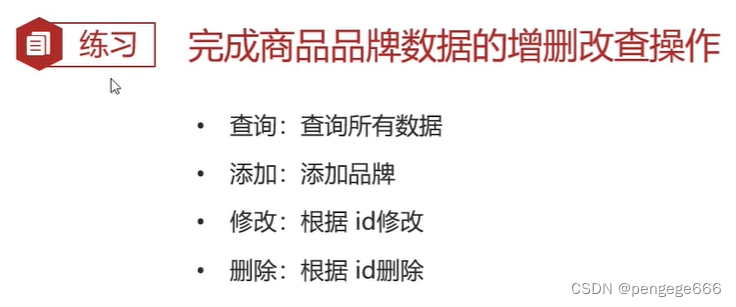
需求
环境准备
1.数据库表 tb_brand
-- 删除tb_brand表
drop table if exists tb_brand;
-- 创建tb_brand表
create table tb_brand (
    -- id 主键
    id int primary key auto_increment,
    -- 品牌名称
    brand_name varchar(20),
    -- 企业名称
    company_name varchar(20),
    -- 排序字段
    ordered int,
    -- 描述信息
    description varchar(100),
    -- 状态:0:禁用  1:启用
    status int
);
-- 添加数据
insert into tb_brand (brand_name, company_name, ordered, description, status)
values ('三只松鼠', '三只松鼠股份有限公司', 5, '好吃不上火', 0),
       ('华为', '华为技术有限公司', 100, '华为致力于把数字世界带入每个人、每个家庭、每个组织,构建万物互联的智能世界', 1),
       ('小米', '小米科技有限公司', 50, 'are you ok', 1);
2.在pojo包下实体类 Brand
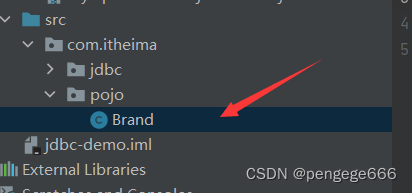
/** * 品牌 * alt + 鼠标左键:整列编辑 * 在实体类中,基本数据类型建议使用其对应的包装类型 */
public class Brand {

    // id 主键
    private Integer id;
    // 品牌名称
    private String brandName;
    // 企业名称
    private String companyName;
    // 排序字段
    private Integer ordered;
    // 描述信息
    private String description;
    // 状态:0:禁用 1:启用
    private Integer status;

    public Integer getId() {

        return id;
    }

    public void setId(Integer id) {

        this.id = id;
    }

    public String getBrandName() {

        return brandName;
    }

    public void setBrandName(String brandName) {

        this.brandName = brandName;
    }

    public String getCompanyName() {

        return companyName;
    }

    public void setCompanyName(String companyName) {

        this.companyName = companyName;
    }

    public Integer getOrdered() {

        return ordered;
    }

    public void setOrdered(Integer ordered) {

        this.ordered = ordered;
    }

    public String getDescription() {

        return description;
    }

    public void setDescription(String description) {

        this.description = description;
    }

    public Integer getStatus() {

        return status;
    }

    public void setStatus(Integer status) {

        this.status = status;
    }

    @Override
    public String toString() {

        return "Brand{" +
                "id=" + id +
                ", brandName='" + brandName + '\'' +
                ", companyName='" + companyName + '\'' +
                ", ordered=" + ordered +
                ", description='" + description + '\'' +
                ", status=" + status +
                '}';
    }
}
JDBC操作
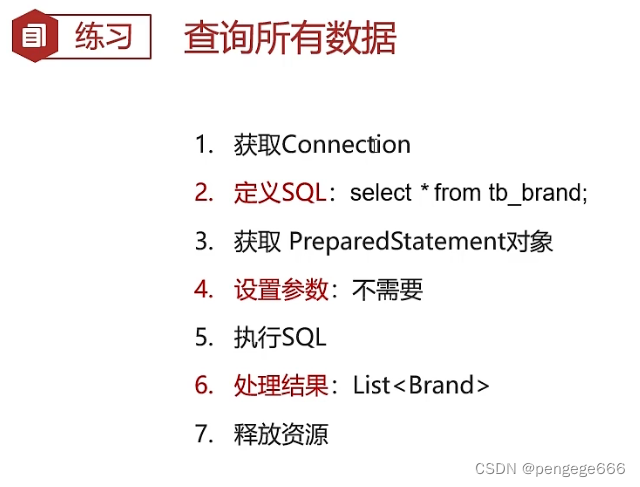
1.查询所有
/** * Druid数据库连接池演示 */
public class DruidDemo {

    public  static void fun() throws  Exception {


        //1. 获取Connection
        //3. 加载配置文件
        Properties prop = new Properties();
        prop.load(new FileInputStream("jdbc-demo/src/druid.properties"));
        //4. 获取连接池对象
        DataSource dataSource = DruidDataSourceFactory.createDataSource(prop);

        //5. 获取数据库连接 Connection
        Connection conn = dataSource.getConnection();
        //2. 定义SQL
        String sql = "select * from tb_brand;";
        //3. 获取pstmt对象
        PreparedStatement pstmt = conn.prepareStatement(sql);
        //4. 设置参数
        //5. 执行SQL
        ResultSet rs = pstmt.executeQuery();
        //6. 处理结果 List<Brand> 封装Brand对象,装载List集合
        Brand brand = null;
        List<Brand> brands = new ArrayList<>();
        while (rs.next()){

            //获取数据
            int id = rs.getInt("id");
            String brandName = rs.getString("brand_name");
            String companyName = rs.getString("company_name");
            int ordered = rs.getInt("ordered");
            String description = rs.getString("description");
            int status = rs.getInt("status");
            //封装Brand对象
            brand = new Brand();
            brand.setId(id);
            brand.setBrandName(brandName);
            brand.setCompanyName(companyName);
            brand.setOrdered(ordered);
            brand.setDescription(description);
            brand.setStatus(status);

            //装载集合
            brands.add(brand);
        }
        System.out.println(brands);
        //7. 释放资源
        rs.close();
        pstmt.close();
        conn.close();

    }
    public static void main(String[] args) throws Exception {

        fun();
    }
}

2.添加数据
/** * Druid数据库连接池演示 */
public class DruidDemo {

    public  static void fun() throws  Exception {

// 接收页面提交的参数
        String brandName = "香飘飘";
        String companyName = "香飘飘";
        int ordered = 1;
        String description = "绕地球一圈";
        int status = 1;

        //1. 获取Connection
        //3. 加载配置文件
        Properties prop = new Properties();
        prop.load(new FileInputStream("jdbc-demo/src/druid.properties"));
        //4. 获取连接池对象
        DataSource dataSource = DruidDataSourceFactory.createDataSource(prop);
        //5. 获取数据库连接 Connection
        Connection conn = dataSource.getConnection();
        //2. 定义SQL
        String sql = "insert into tb_brand(brand_name, company_name, ordered, description, status) values(?,?,?,?,?);";
        //3. 获取pstmt对象
        PreparedStatement pstmt = conn.prepareStatement(sql);
        //4. 设置参数
        pstmt.setString(1,brandName);
        pstmt.setString(2,companyName);
        pstmt.setInt(3,ordered);
        pstmt.setString(4,description);
        pstmt.setInt(5,status);

        //5. 执行SQL
        int count = pstmt.executeUpdate(); // 影响的行数
        //6. 处理结果
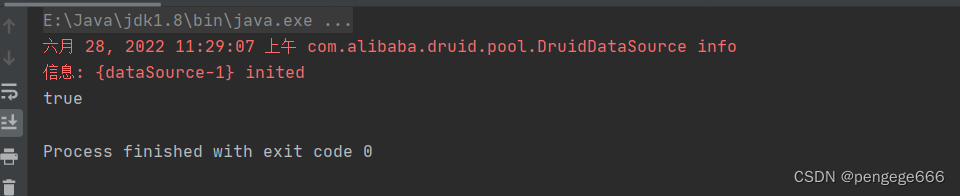
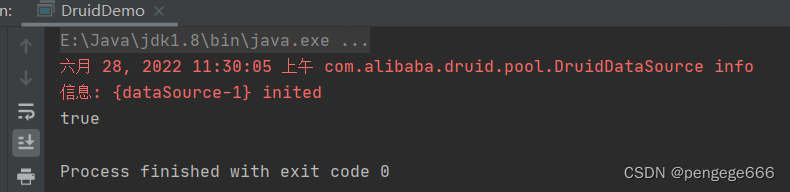
        System.out.println(count > 0);

        //7. 释放资源
        pstmt.close();
        conn.close();
    }
    public static void main(String[] args) throws Exception {

        fun();
    }

3.修改数据
public class DruidDemo {

    public  static void fun() throws  Exception {


        // 接收页面提交的参数
        String brandName = "香飘飘";
        String companyName = "香飘飘";
        int ordered = 1000;
        String description = "绕地球三圈";
        int status = 1;
        int id = 4;

        //1. 获取Connection
        //3. 加载配置文件
        Properties prop = new Properties();
        prop.load(new FileInputStream("jdbc-demo/src/druid.properties"));
        //4. 获取连接池对象
        DataSource dataSource = DruidDataSourceFactory.createDataSource(prop);
        //5. 获取数据库连接 Connection
        Connection conn = dataSource.getConnection();
        //2. 定义SQL
        String sql = " update tb_brand\n" +
                " set brand_name = ?,\n" +
                " company_name= ?,\n" +
                " ordered = ?,\n" +
                " description = ?,\n" +
                " status = ?\n" +
                " where id = ?";

        //3. 获取pstmt对象
        PreparedStatement pstmt = conn.prepareStatement(sql);

        //4. 设置参数
        pstmt.setString(1,brandName);
        pstmt.setString(2,companyName);
        pstmt.setInt(3,ordered);
        pstmt.setString(4,description);
        pstmt.setInt(5,status);
        pstmt.setInt(6,id);

        //5. 执行SQL
        int count = pstmt.executeUpdate(); // 影响的行数
        //6. 处理结果
        System.out.println(count > 0);

        //7. 释放资源
        pstmt.close();
        conn.close();

    }
    public static void main(String[] args) throws Exception {

        fun();
    }
}
4.删除数据
public class DruidDemo {

    public  static void fun() throws  Exception {


        // 接收页面提交的参数
        int id = 4;
        //1. 获取Connection
        //3. 加载配置文件
        Properties prop = new Properties();
        prop.load(new FileInputStream("jdbc-demo/src/druid.properties"));
        //4. 获取连接池对象
        DataSource dataSource = DruidDataSourceFactory.createDataSource(prop);
        //5. 获取数据库连接 Connection
        Connection conn = dataSource.getConnection();
        //2. 定义SQL
        String sql = " delete from tb_brand where id = ?";
        //3. 获取pstmt对象
        PreparedStatement pstmt = conn.prepareStatement(sql);
        //4. 设置参数
        pstmt.setInt(1,id);
        //5. 执行SQL
        int count = pstmt.executeUpdate(); // 影响的行数
        //6. 处理结果
        System.out.println(count > 0);

        //7. 释放资源
        pstmt.close();
        conn.close();

    }
    public static void main(String[] args) throws Exception {

        fun();
    }
}

边栏推荐
猜你喜欢
Brief introduction of emotional dialogue recognition and generation

C#中Linq用法汇集
Golang common settings - modify background
(毒刺)利用Pystinger Socks4上线不出网主机
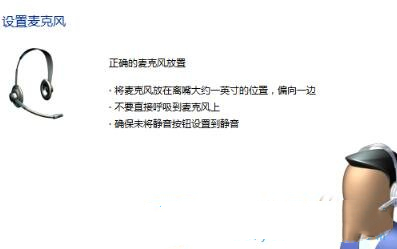
Win11麦克风测试在哪里?Win11测试麦克风的方法
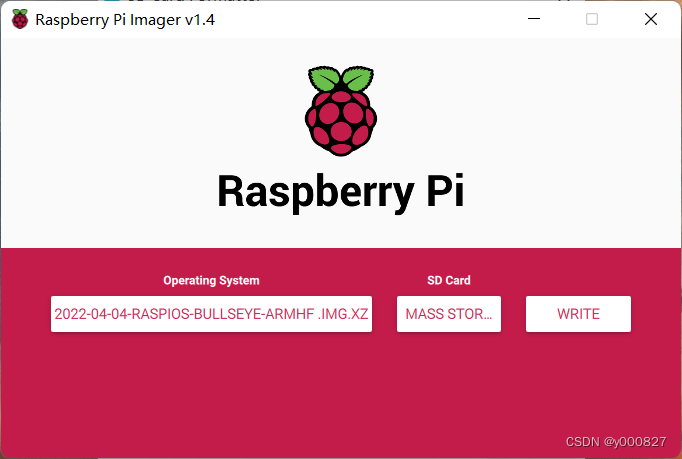
采用VNC Viewer方式遠程連接樹莓派
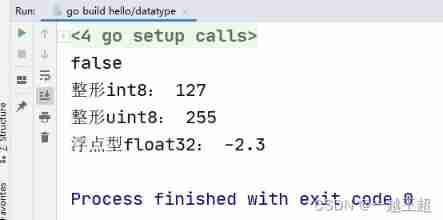
Go basic data type
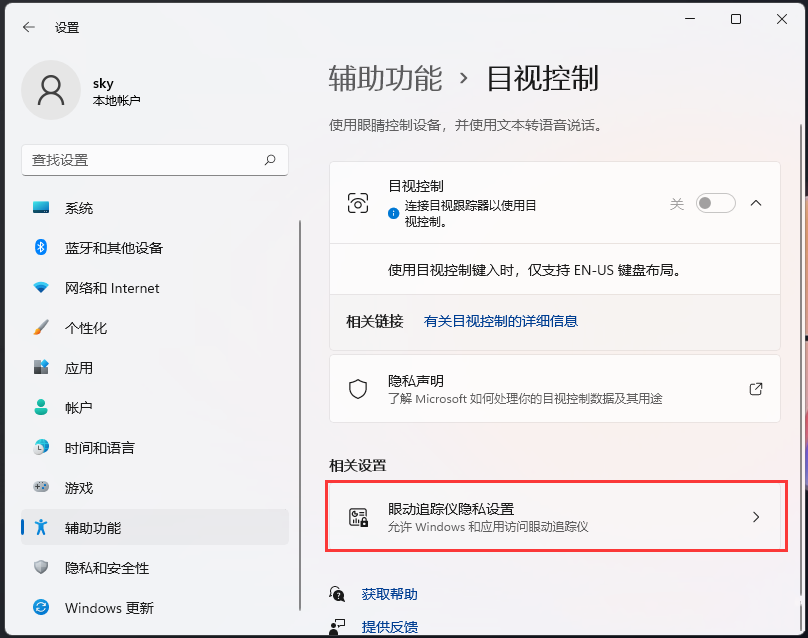
How does win11 turn on visual control? Win11 method of turning on visual control

C# MVC创建一个视图摆脱布局的影响
密码技术---分组密码的模式
随机推荐
2022 latest and complete interview questions for software testing
Compose 中的 'ViewPager' 详解 | 开发者说·DTalk
Is 408 not fragrant? The number of universities taking the 408 examination this year has basically not increased!
Quantitative analysis of PSNR, SSIM and RMSE
【直播预约】数据库OBCP认证全面升级公开课
[redis notes] compressed list (ziplist)
Brief introduction to common sense of Zhongtai
SQL advanced syntax
20220524_ Database process_ Statement retention
Makefile configuration of Hisilicon calling interface
详解Promise使用
Win11系统explorer频繁卡死无响应的三种解决方法
[live broadcast appointment] database obcp certification comprehensive upgrade open class
潘多拉 IOT 开发板学习(HAL 库)—— 实验3 按键输入实验(学习笔记)
门牌制作 C语言
提交代码流程
2016. maximum difference between incremental elements
可知论与熟能生巧
Arduino - 字符判断函数
Eight bit responder [51 single chip microcomputer]