当前位置:网站首页>view的绘制机制(三)
view的绘制机制(三)
2022-07-02 06:25:00 【android_Mr_夏】
简介
上一遍我们分析了ViewRootImpl对象以及view的measure()方法进行分析,接下来我们继续分析layout()和draw()方法。
目录
- layout()
- draw()
layout()
从上一篇博客中我们了解到ViewRootImpl中的performTraversals()方法中调用了performLayout(),首先查看源码:
 private void performLayout(WindowManager.LayoutParams lp, int desiredWindowWidth,
            int desiredWindowHeight) {

     ...

        Trace.traceBegin(Trace.TRACE_TAG_VIEW, "layout");
        try {
            host.layout(0, 0, host.getMeasuredWidth(), host.getMeasuredHeight());

       ...

      } finally {
            Trace.traceEnd(Trace.TRACE_TAG_VIEW);
        }
        mInLayout = false;
    }
该方法中我们主要看host.layout(),host就是我们的根布局的DecorView,DecorView继承自FrameLayout,其调用了layout()的方法,从而我们可以继续查看view当中的layout方法:
 public void layout(int l, int t, int r, int b) {
        int oldL = mLeft;
        int oldT = mTop;
        int oldB = mBottom;
        int oldR = mRight;

         //layoutoutMode为Optical则会调到setOpticalFrame()
        //setOpticalFrame()会对传入的参数进行调整,但还是调用到setFrame()方法
        boolean changed = isLayoutModeOptical(mParent) ?
                setOpticalFrame(l, t, r, b) : setFrame(l, t, r, b);

        if (changed || (mPrivateFlags & PFLAG_LAYOUT_REQUIRED) == PFLAG_LAYOUT_REQUIRED) {

            //如果这是一个ViewGroup,还会遍历子View的layout()方法
            //如果是普通View,通知具体实现类布局变更通知
            onLayout(changed, l, t, r, b);

            //清除PFLAG_LAYOUT_REQUIRED标记
            mPrivateFlags &= ~PFLAG_LAYOUT_REQUIRED;
            ``````
            //布局监听通知
        }

        //清除PFLAG_FORCE_LAYOUT标记
        mPrivateFlags &= ~PFLAG_FORCE_LAYOUT;
    }
viewGroup中的layout()
    public final void layout(int l, int t, int r, int b) {
        if (!mSuppressLayout && (mTransition == null || !mTransition.isChangingLayout())) {

            //如果无动画,或者动画未运行
            super.layout(l, t, r, b);
        } else {
            //等待动画完成时再调用requestLayout()
            mLayoutCalledWhileSuppressed = true;
        }
    }
 @Override
    protected abstract void onLayout(boolean changed,
            int l, int t, int r, int b);
以上我们知道view中layout的方法是没有被final修饰的,其子类是可以复写该方法的,另外onLayout()方法是一个空方法,所以需要View的子类根据自己需求来重写该方法来完成layout流程。
而viewGroup中的layout方法是被final修饰的,我们继承viewGroup方法必须重写onLayout的抽象方法。
首先会调用setFrame()方法,方法的返回值标志了布局与上一次是否发生了变化。传入的四个参数的分别代表了,布局左、顶部、右、底部的值,这四个值指示了一个矩形区域。
 protected boolean setFrame(int left, int top, int right, int bottom) {
        boolean changed = false;

        if (DBG) {
            Log.d("View", this + " View.setFrame(" + left + "," + top + ","
                    + right + "," + bottom + ")");
        }

        if (mLeft != left || mRight != right || mTop != top || mBottom != bottom) {
            changed = true;

            // Remember our drawn bit
            int drawn = mPrivateFlags & PFLAG_DRAWN;

            int oldWidth = mRight - mLeft;
            int oldHeight = mBottom - mTop;
            int newWidth = right - left;
            int newHeight = bottom - top;
            boolean sizeChanged = (newWidth != oldWidth) || (newHeight != oldHeight);

            // Invalidate our old position
            invalidate(sizeChanged);

            mLeft = left;
            mTop = top;
            mRight = right;
            mBottom = bottom;
            mRenderNode.setLeftTopRightBottom(mLeft, mTop, mRight, mBottom);

            mPrivateFlags |= PFLAG_HAS_BOUNDS;

       //会回调onSizeChanged()方法
            if (sizeChanged) {
                sizeChange(newWidth, newHeight, oldWidth, oldHeight);
            }

            ...
        }
        return changed;
    }
这个方法比较简单,主要是将父类传入的区域保存到View的mLeft、mTop、mRight、mBottom。在执行完setFrame()之后便会执行到onLayout()方法。
draw()
draw过程也是在ViewRootImpl的performTraversals()内部调运的,其调用顺序在measure()和layout()之后,ViewRootImpl中的代码会创建一个Canvas对象,然后调用View的draw()方法来执行具体的绘制工。所以又回归到了ViewGroup与View的树状递归draw过程。
public void draw(Canvas canvas) {
  . . .
  // 绘制背景,只有dirtyOpaque为false时才进行绘制,下同
  int saveCount;
  if (!dirtyOpaque) {
    drawBackground(canvas);
  }
  . . .
  // 绘制自身内容
  if (!dirtyOpaque) onDraw(canvas);
  // 绘制子View
  dispatchDraw(canvas);
   . . .
  // 绘制滚动条等
  onDrawForeground(canvas);

}
第一步,对View的背景进行绘制。
      private void drawBackground(Canvas canvas) {
        //获取xml中通过android:background属性或者代码中setBackgroundColor()、setBackgroundResource()等方法进行赋值的背景Drawable
        final Drawable background = mBackground;
        ......
        //根据layout过程确定的View位置来设置背景的绘制区域
        if (mBackgroundSizeChanged) {
            background.setBounds(0, 0,  mRight - mLeft, mBottom - mTop);
            mBackgroundSizeChanged = false;
            rebuildOutline();
        }
        ......
            //调用Drawable的draw()方法来完成背景的绘制工作
            background.draw(canvas);
        ......
    }
第二步,对View的内容进行绘制。
 /** * Implement this to do your drawing. * * @param canvas the canvas on which the background will be drawn */
    protected void onDraw(Canvas canvas) {
    }
这是一个空方法。因为每个View的内容部分是各不相同的,所以需要由子类去实现具体逻辑。
第三步,对当前View的所有子View进行绘制,如果当前的View没有子View就不需要进行绘制。
我们来看下View的draw方法中的dispatchDraw(canvas);方法源码,可以看见如下:
protected void dispatchDraw(Canvas canvas) {}View的dispatchDraw()方法是一个空方法,我们有必要看下ViewGroup的dispatchDraw方法源码(这也就是刚刚说的对当前View的所有子View进行绘制,如果当前的View没有子View就不需要进行绘制的原因,因为如果是View调运该方法是空的,而ViewGroup才有实现),如下:
     @Override
    protected void dispatchDraw(Canvas canvas) {
        ......
        final int childrenCount = mChildrenCount;
        final View[] children = mChildren;
        ......
        for (int i = 0; i < childrenCount; i++) {
            ......
            if ((child.mViewFlags & VISIBILITY_MASK) == VISIBLE || child.getAnimation() != null) {
                more |= drawChild(canvas, child, drawingTime);
            }
        }
        ......
        // Draw any disappearing views that have animations
        if (mDisappearingChildren != null) {
            ......
            for (int i = disappearingCount; i >= 0; i--) {
                ......
                more |= drawChild(canvas, child, drawingTime);
            }
        }
        ......
    }
可以看见,ViewGroup确实重写了View的dispatchDraw()方法,该方法内部会遍历每个子View,然后调用drawChild()方法,我们可以看下ViewGroup的drawChild方法,如下:
protected boolean drawChild(Canvas canvas, View child, long drawingTime) {
    return child.draw(canvas, this, drawingTime);
}
可以看见drawChild()方法调运了子View的draw()方法。所以说ViewGroup类已经为我们重写了dispatchDraw()的功能实现,我们一般不需要重写该方法,但可以重载父类函数实现具体的功能。
第四步,对View的滚动条进行绘制。
  protected final void onDrawScrollBars(Canvas canvas) {

        ......
    }
可以看见其实任何一个View都是有(水平垂直)滚动条的,只是一般情况下没让它显示而已。
到此,View的draw绘制部分源码分析完毕。
invalidate
我们知道invalidate()(在主线程)和postInvalidate()(可以在子线程)都是用于请求View重绘的方法。
invalidate方法源码分析:
  public void invalidate(Rect dirty) {
        final int scrollX = mScrollX;
        final int scrollY = mScrollY;
        //实质还是调运invalidateInternal方法
        invalidateInternal(dirty.left - scrollX, dirty.top - scrollY,
                dirty.right - scrollX, dirty.bottom - scrollY, true, false);
    }
    public void invalidate(int l, int t, int r, int b) {
        final int scrollX = mScrollX;
        final int scrollY = mScrollY;
        //实质还是调运invalidateInternal方法
        invalidateInternal(l - scrollX, t - scrollY, r - scrollX, b - scrollY, true, false);
    }
    public void invalidate() {
        //invalidate的实质还是调运invalidateInternal方法
        invalidate(true);
    }
    void invalidate(boolean invalidateCache) {
    //实质还是调运invalidateInternal方法
        invalidateInternal(0, 0, mRight - mLeft, mBottom - mTop, invalidateCache, true);
    }
    void invalidateInternal(int l, int t, int r, int b, boolean invalidateCache,
            boolean fullInvalidate) {
        ......
            // Propagate the damage rectangle to the parent view.
            final AttachInfo ai = mAttachInfo;
            final ViewParent p = mParent;
            if (p != null && ai != null && l < r && t < b) {
                final Rect damage = ai.mTmpInvalRect;
                //设置刷新区域
                damage.set(l, t, r, b);
                //传递调运Parent ViewGroup的invalidateChild方法
                p.invalidateChild(this, damage);
            }
            ......
    }


 public final void invalidateChild(View child, final Rect dirty) {
        ViewParent parent = this;
        final AttachInfo attachInfo = mAttachInfo;
        ......
        do {
            ......
            //循环层层上级调运,直到ViewRootImpl会返回null
            parent = parent.invalidateChildInParent(location, dirty);
            ......
        } while (parent != null);
    }
这个过程最后传递到ViewRootImpl的invalidateChildInParent方法结束,所以我们看下ViewRootImpl的invalidateChildInParent方法,如下:
 @Override
    public ViewParent invalidateChildInParent(int[] location, Rect dirty) {
        ......
        //View调运invalidate最终层层上传到ViewRootImpl后最终触发了该方法
        scheduleTraversals();
        ......

        }
上述代码最终层层上传到ViewRootImpl后最终触发了该方法。
postInvalidate
 public void postInvalidate() {
        postInvalidateDelayed(0);
    }
继续看下他的调运方法postInvalidateDelayed,如下:
  public void postInvalidateDelayed(long delayMilliseconds) {
        // We try only with the AttachInfo because there's no point in invalidating
        // if we are not attached to our window
        final AttachInfo attachInfo = mAttachInfo;
        //核心,实质就是调运了ViewRootImpl.dispatchInvalidateDelayed方法
        if (attachInfo != null) {
            attachInfo.mViewRootImpl.dispatchInvalidateDelayed(this, delayMilliseconds);
        }
    }
我们继续看他调运的ViewRootImpl类的dispatchInvalidateDelayed方法,如下源码:
public void dispatchInvalidateDelayed(View view, long delayMilliseconds) {
        Message msg = mHandler.obtainMessage(MSG_INVALIDATE, view);
        mHandler.sendMessageDelayed(msg, delayMilliseconds);
    }
通过ViewRootImpl类的Handler发送了一条MSG_INVALIDATE消息,继续追踪这条消息的处理可以发现:
public void handleMessage(Message msg) {
    ......
    switch (msg.what) {
    case MSG_INVALIDATE:
        ((View) msg.obj).invalidate();
        break;
    ......
    }
    ......
}
handleMessage运行在主线程中,所以实质就是又在UI Thread中调运了View的invalidate();方法,那接下来View的invalidate()。
requestLayout
  public void requestLayout() {
        if (!mHandlingLayoutInLayoutRequest) {
            checkThread();
            mLayoutRequested = true;
            scheduleTraversals();
        }
    }
从中我们看出改方法又继续调用 scheduleTraversals()
requestLayout和invalidate有什么区别?
我们可以简单的认为mLayoutRequested为true会触发perfomMeasure(内部会调用onMeasure)和performLayout(内部会调用onLayout)。然后在performDraw内部onDraw的过程中发现mDirty为空,所以onDraw不会被调用,不重绘。
这么看来requestLayout不会导致onDraw调用了?
我们继续回想上述代码中的setFrame():
  protected boolean setFrame(int left, int top, int right, int bottom) {
        boolean changed = false;

        if (DBG) {
            Log.d("View", this + " View.setFrame(" + left + "," + top + ","
                    + right + "," + bottom + ")");
        }

        if (mLeft != left || mRight != right || mTop != top || mBottom != bottom) {
            changed = true;

            // Remember our drawn bit
            int drawn = mPrivateFlags & PFLAG_DRAWN;

            int oldWidth = mRight - mLeft;
            int oldHeight = mBottom - mTop;
            int newWidth = right - left;
            int newHeight = bottom - top;
            boolean sizeChanged = (newWidth != oldWidth) || (newHeight != oldHeight);

            // Invalidate our old position
            invalidate(sizeChanged);

            mLeft = left;
            mTop = top;
            mRight = right;
            mBottom = bottom;
            mRenderNode.setLeftTopRightBottom(mLeft, mTop, mRight, mBottom);
            。。。
    }
我们知道requestLayout会导致perfomMeasure和performLayout,如果在layout过程中发现l,t,r,b和以前不一样,那就会触发一次invalidate。代码在View的setFrame中,这个会在layout时被调用。所以requestLayout有可能会导致onDraw被调用,也可能不导致onDraw被调用,取决于view的l,t,r,b是否改变。
边栏推荐
猜你喜欢

IDEA2020中PySpark的两表关联(字段名相同)
Explain in detail the process of realizing Chinese text classification by CNN

ssm垃圾分类管理系统

SQLI-LABS通关(less6-less14)
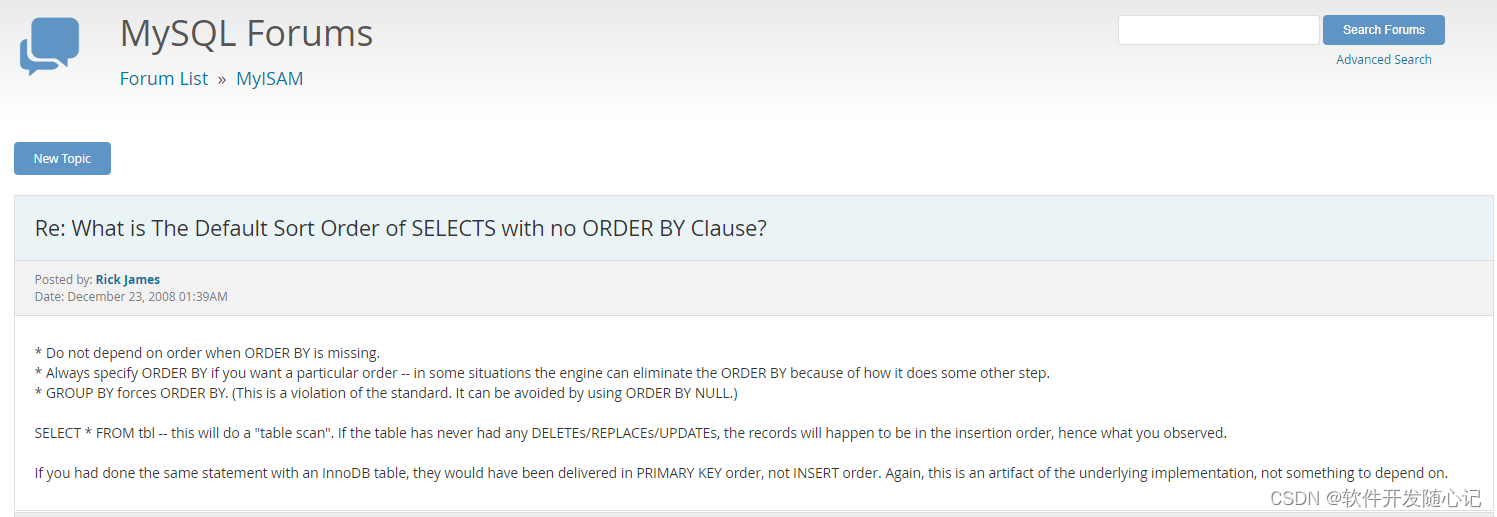
MySQL无order by的排序规则因素

Cloud picture says | distributed transaction management DTM: the little helper behind "buy buy buy"
Network security -- intrusion detection of emergency response
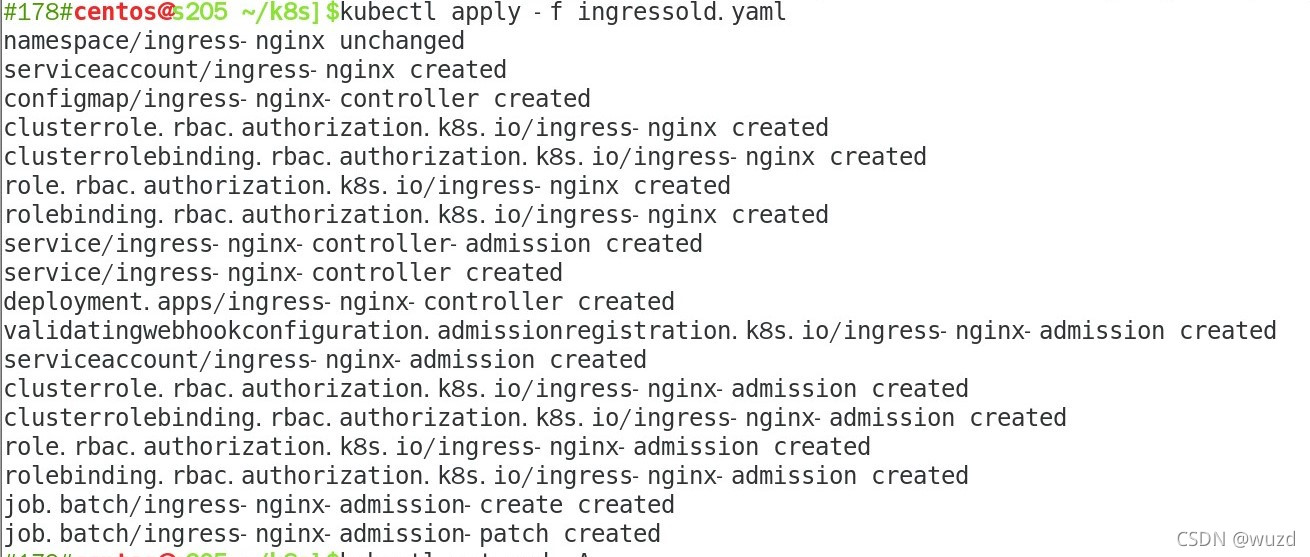
Ingress Controller 0.47.0的Yaml文件

Sqli-labs customs clearance (less2-less5)

Sqli labs customs clearance summary-page2
随机推荐
Explain in detail the process of realizing Chinese text classification by CNN
2021-07-19c CAD secondary development creates multiple line segments
sqli-labs通关汇总-page4
Thinkphp5中一个字段对应多个模糊查询
2021-07-19C#CAD二次开发创建多线段
Solve the problem of bindchange event jitter of swiper component of wechat applet
MySQL组合索引加不加ID
Stack (linear structure)
Basic knowledge of software testing
读《敏捷整洁之道:回归本源》后感
[leetcode question brushing day 35] 1060 Missing element in ordered array, 1901 Find the peak element, 1380 Lucky number in matrix
Brief analysis of PHP session principle
Oracle rman半自动恢复脚本-restore阶段
In depth study of JVM bottom layer (3): garbage collector and memory allocation strategy
UEditor . Net version arbitrary file upload vulnerability recurrence
CVE-2015-1635(MS15-034 )遠程代碼執行漏洞複現
php中通过集合collect的方法来实现把某个值插入到数组中指定的位置
ssm人事管理系统
ARP attack
Analysis of MapReduce and yarn principles