当前位置:网站首页>即席查询——Presto
即席查询——Presto
2022-08-04 00:38:00 【丝丝呀】
1 Presto安装
1.1 Presto Server安装
1)导入安装包
[[email protected] software]$ mkdir presto
[[email protected] software]$ cd presto/
[[email protected] presto]$ ll
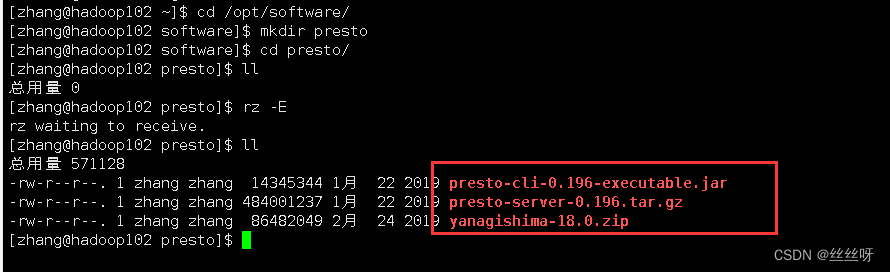
2)部署
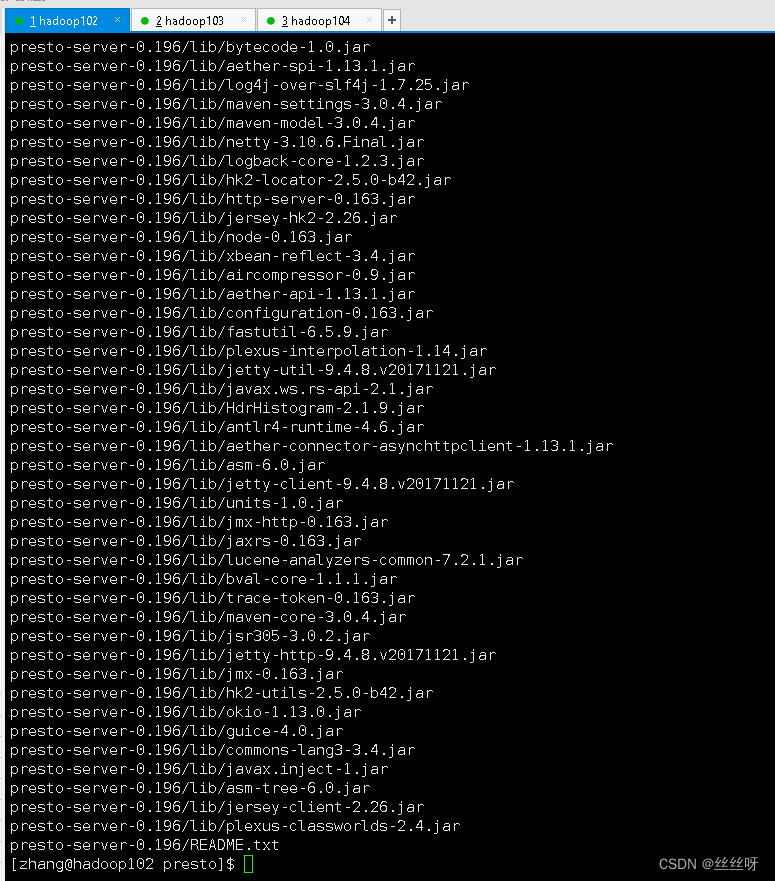
[[email protected] presto]$ tar -zxvf presto-server-0.196.tar.gz -C /opt/module/
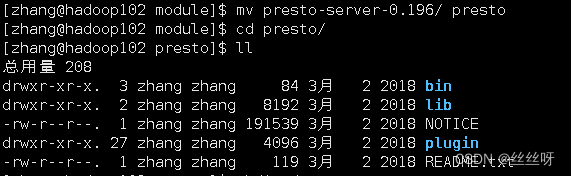
[[email protected] module]$ mv presto-server-0.196/ presto
[[email protected] module]$ cd presto/
[[email protected] presto]$ ll
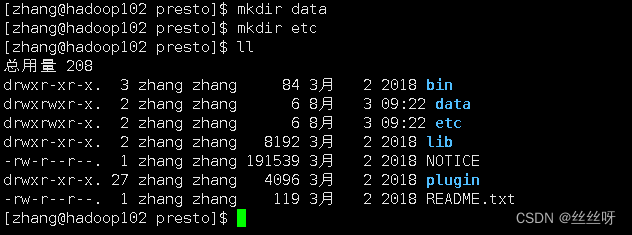
[[email protected] presto]$ mkdir data
[[email protected] presto]$ mkdir etc
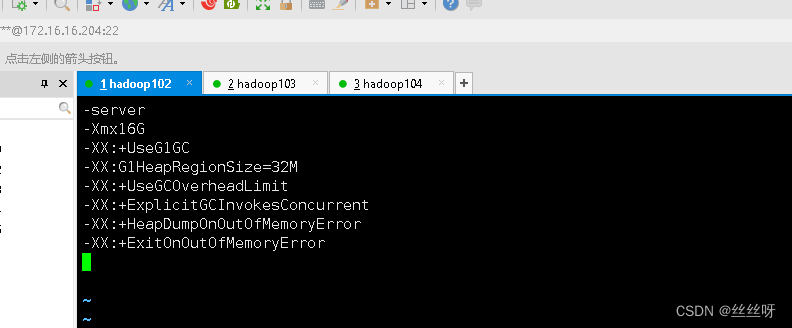
配置在/opt/module/presto/etc目录下添加jvm.config配置文件
[[email protected] presto]$ cd etc/
[[email protected] etc]$ vim jvm.config
添加如下内容
-server
-Xmx16G
-XX:+UseG1GC
-XX:G1HeapRegionSize=32M
-XX:+UseGCOverheadLimit
-XX:+ExplicitGCInvokesConcurrent
-XX:+HeapDumpOnOutOfMemoryError
-XX:+ExitOnOutOfMemoryError
Presto可以支持多个数据源,在Presto里面叫catalog,这里我们配置支持Hive的数据源,配置一个Hive的catalog
[[email protected] etc]$ mkdir catalog
[[email protected] etc]$ cd catalog/
[[email protected] catalog]$ ll
[[email protected] catalog]$ vim hive.properties
添加内容:
connector.name=hive-hadoop2
hive.metastore.uri=thrift://hadoop102:9083

将hadoop102上的presto分发到hadoop103、hadoop104
[[email protected] module]$ xsync presto
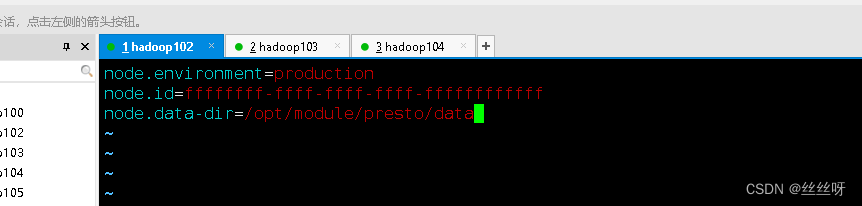
分发之后,分别进入hadoop102、hadoop103、hadoop104三台主机的/opt/module/presto/etc的路径。配置node属性,node id每个节点都不一样。
[[email protected] etc]$ vim node.properties
node.environment=production
node.id=ffffffff-ffff-ffff-ffff-ffffffffffff
node.data-dir=/opt/module/presto/data
[[email protected] etc]$ xsync node.properties

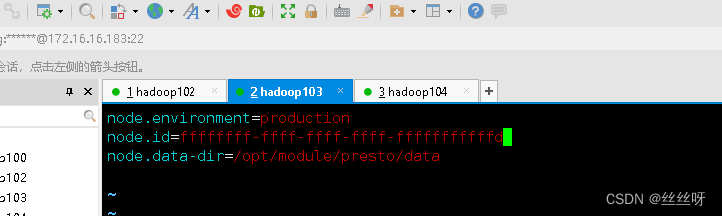
再去修改id
[[email protected] ~]$ cd /opt/module/presto/etc/
[[email protected] etc]$ vim node.properties
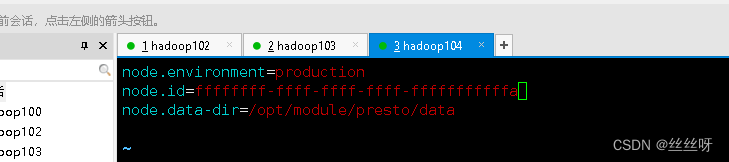
随便修改id,保证不一样就行
[[email protected]~]$ cd /opt/module/presto/etc/
[[email protected] etc]$ vim node.properties
 Presto是由一个coordinator节点和多个worker节点组成。在hadoop102上配置成coordinator,在hadoop103、hadoop104上配置为worker。
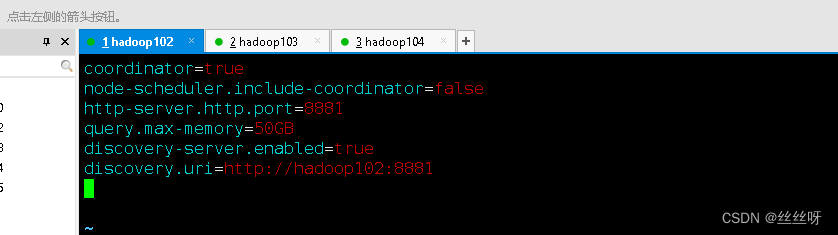
(1)hadoop102上配置coordinator节点
[[email protected] etc]$ vim config.properties
添加内容如下
coordinator=true
node-scheduler.include-coordinator=false
http-server.http.port=8881
query.max-memory=50GB
discovery-server.enabled=true
discovery.uri=http://hadoop102:8881
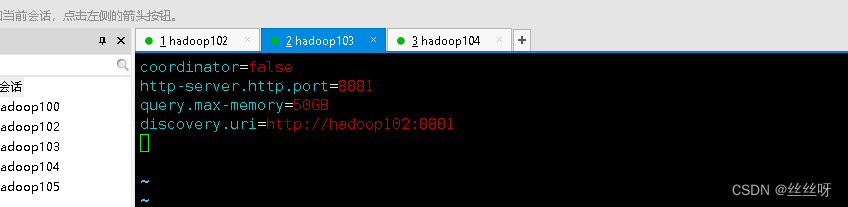
(2)hadoop103、hadoop104上配置worker节点
[[email protected] etc]$ vim config.properties
添加内容如下
coordinator=false
http-server.http.port=8881
query.max-memory=50GB
discovery.uri=http://hadoop102:8881
[[email protected] etc]$ vim config.properties
添加内容如下
coordinator=false
http-server.http.port=8881
query.max-memory=50GB
discovery.uri=http://hadoop102:8881
3)启动
在hadoop102的/opt/module/hive目录下,启动Hive Metastore,用zhang角色
[[email protected] etc]$ hive --service metastore

分别在hadoop102、hadoop103、hadoop104上启动Presto Server
(1)前台启动Presto,控制台显示日志
[[email protected] presto]$ bin/launcher run
[[email protected] presto]$ bin/launcher run
[[email protected] presto]$ bin/launcher run
(2)后台启动Presto
[[email protected] presto]$ bin/launcher start
[[email protected] presto]$ bin/launcher start
[[email protected] presto]$ bin/launcher start
1.2 Presto命令行Client安装
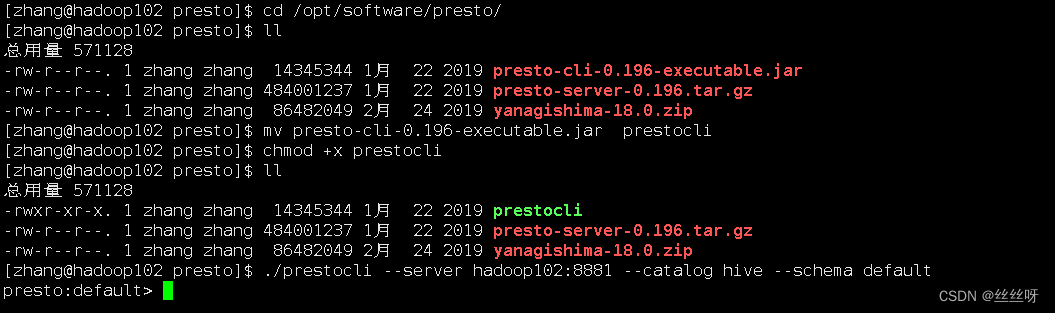
将presto-cli-0.196-executable.jar上传到hadoop102的/opt/module/presto文件夹下
[[email protected] presto]$ cd /opt/software/presto/
修改文件名称
[[email protected] presto]$ mv presto-cli-0.196-executable.jar prestocli
增加执行权限
[[email protected] presto]$ chmod +x prestocli
启动prestocli
[[email protected] presto]$ ./prestocli --server hadoop102:8881 --catalog hive --schema default
Presto命令行操作
Presto的命令行操作,相当于Hive命令行操作。每个表必须要加上schema。
例如:
select * from schema.table limit 100
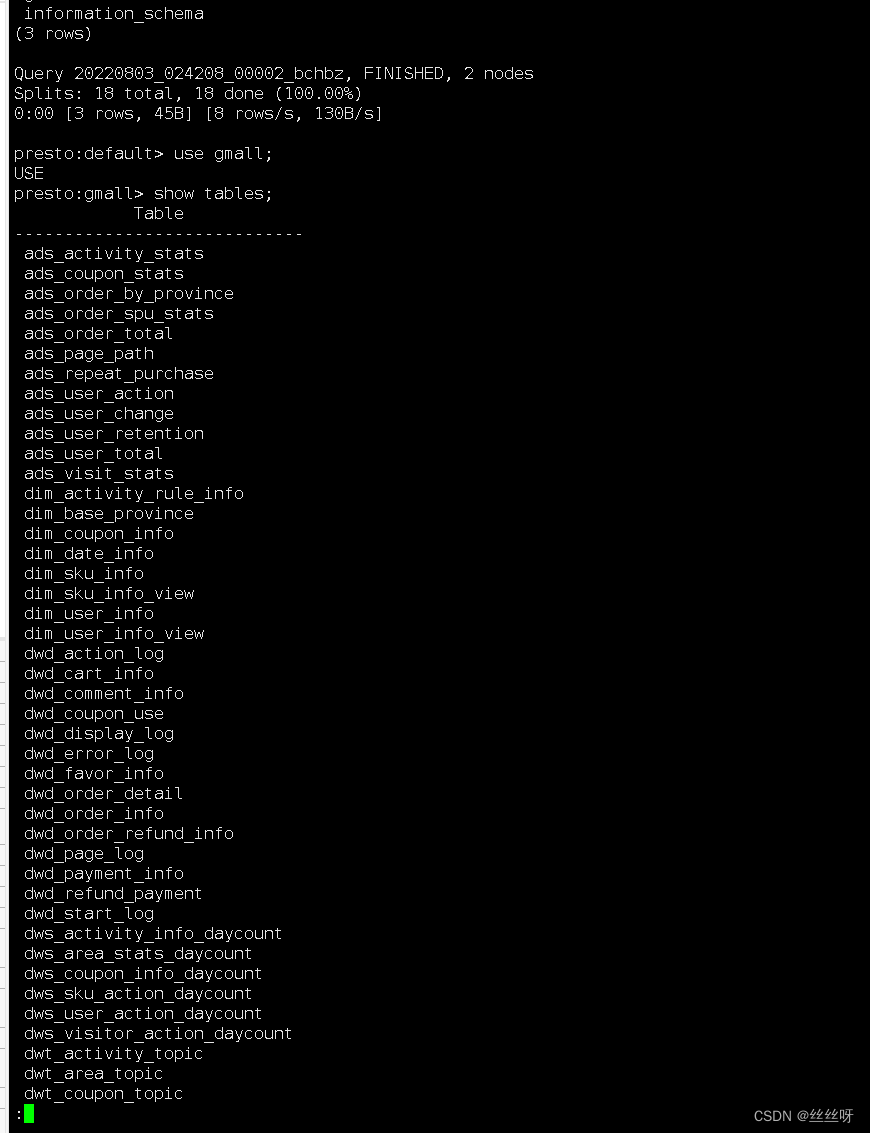
Presto客户端查询的内容是一页一页展示的,按回车换行,按空格翻页;想要继续查询其他语句,直接写SQL是不行的,需要按q退出当前查询。
presto对Lzo的使用说明:
把jar包放opt/module/presto/plugin/hive-hadoop2/下
[[email protected] presto]$ cd /opt/module/presto/plugin/hive-hadoop2/
[[email protected] hive-hadoop2]$ cp /opt/module/hadoop-3.1.3/share/hadoop/common/hadoop-lzo-0.4.20.jar ./
[[email protected] hive-hadoop2]$ xsync hadoop-lzo-0.4.20.jar
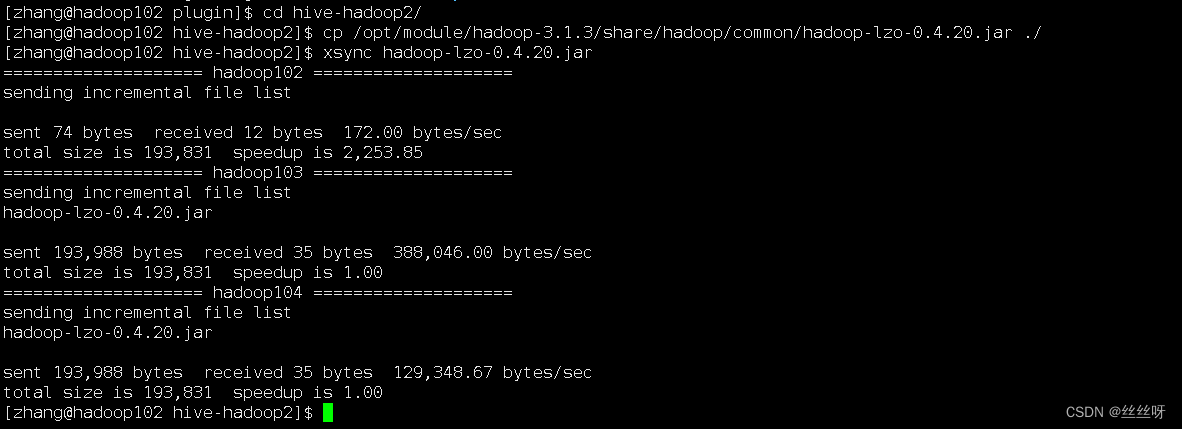
重启presto
1.3 Presto可视化Client安装
[[email protected] presto]$ cd /opt/software/presto/

解压[[email protected] presto]$ unzip yanagishima-18.0.zip -d /opt/module/
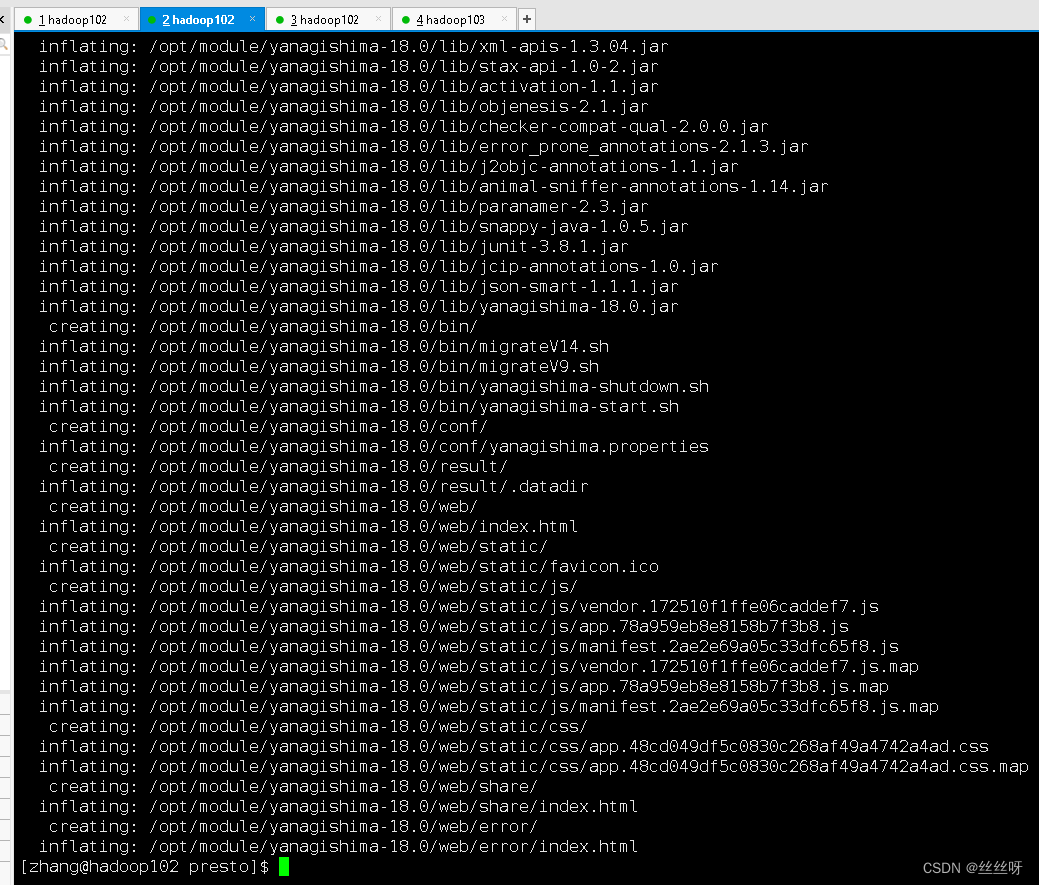
[[email protected] presto]$ cd /opt/module/yanagishima-18.0/
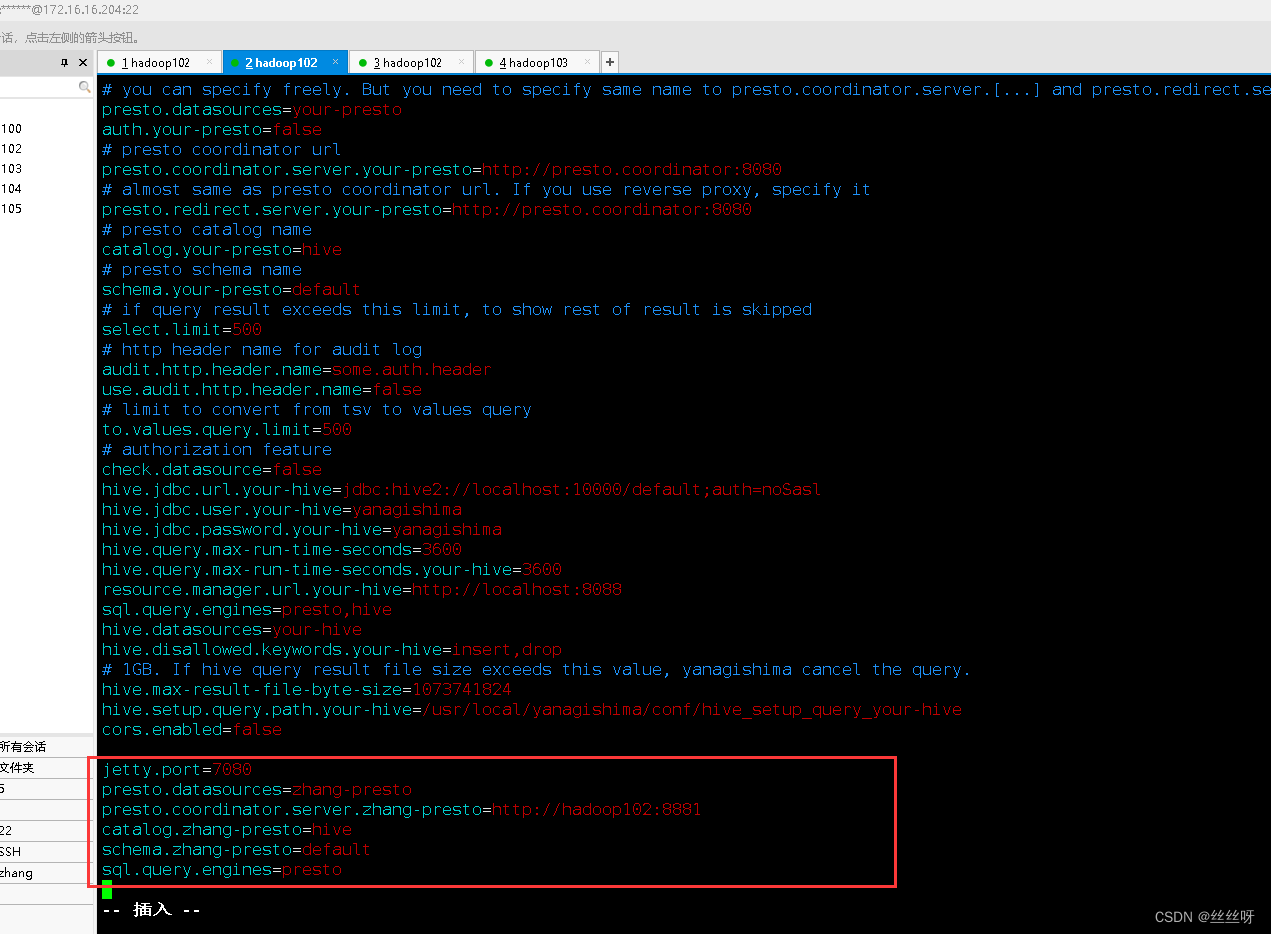
[[email protected] yanagishima-18.0]$ vim conf/yanagishima.properties
添加内容
jetty.port=7080
presto.datasources=zhang-presto
presto.coordinator.server.zhang-presto=http://hadoop102:8881
catalog.zhang-presto=hive
schema.zhang-presto=default
sql.query.engines=presto
前台启动
[[email protected] yanagishima-18.0]$ bin/yanagishima-start.sh
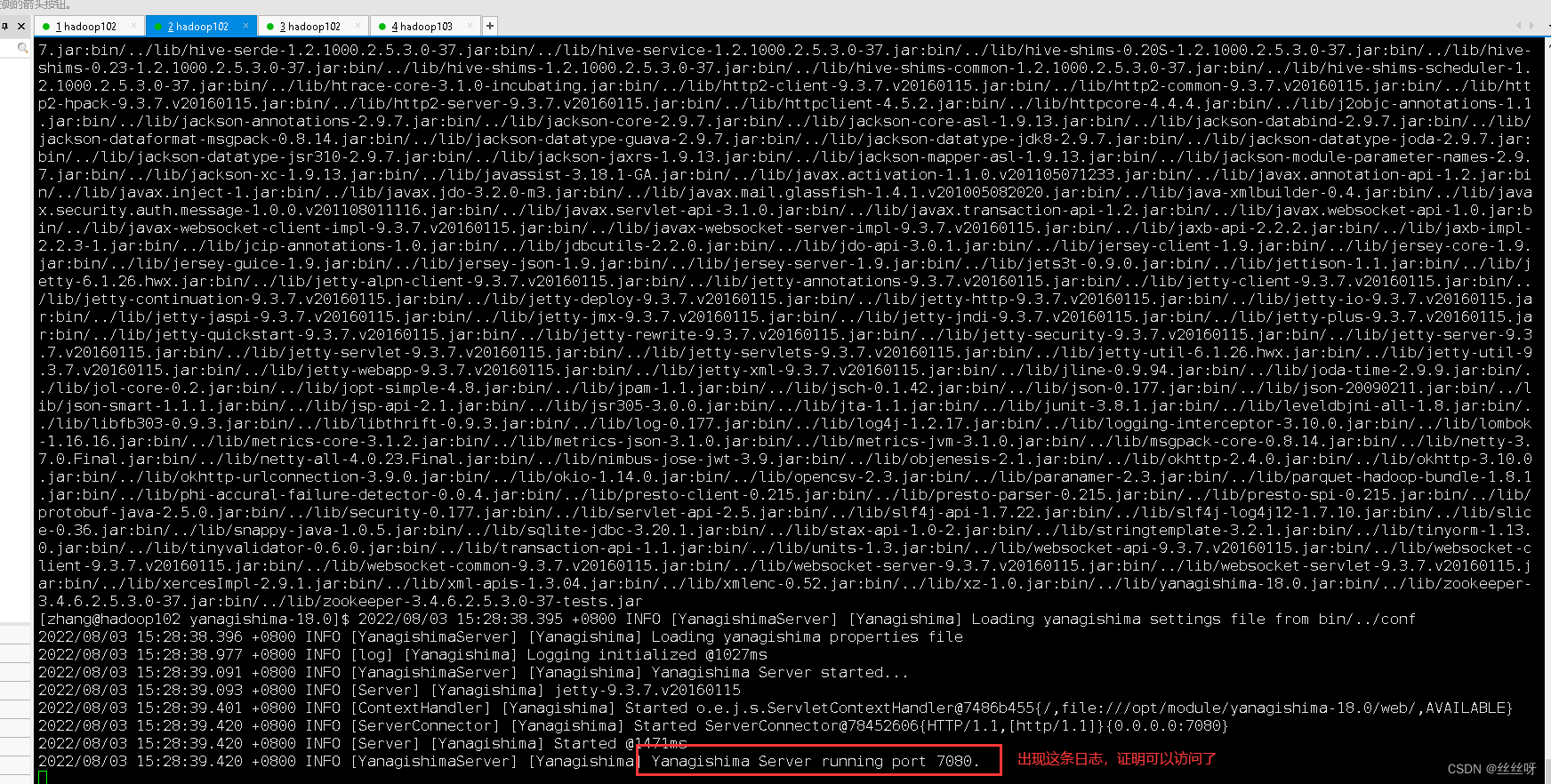
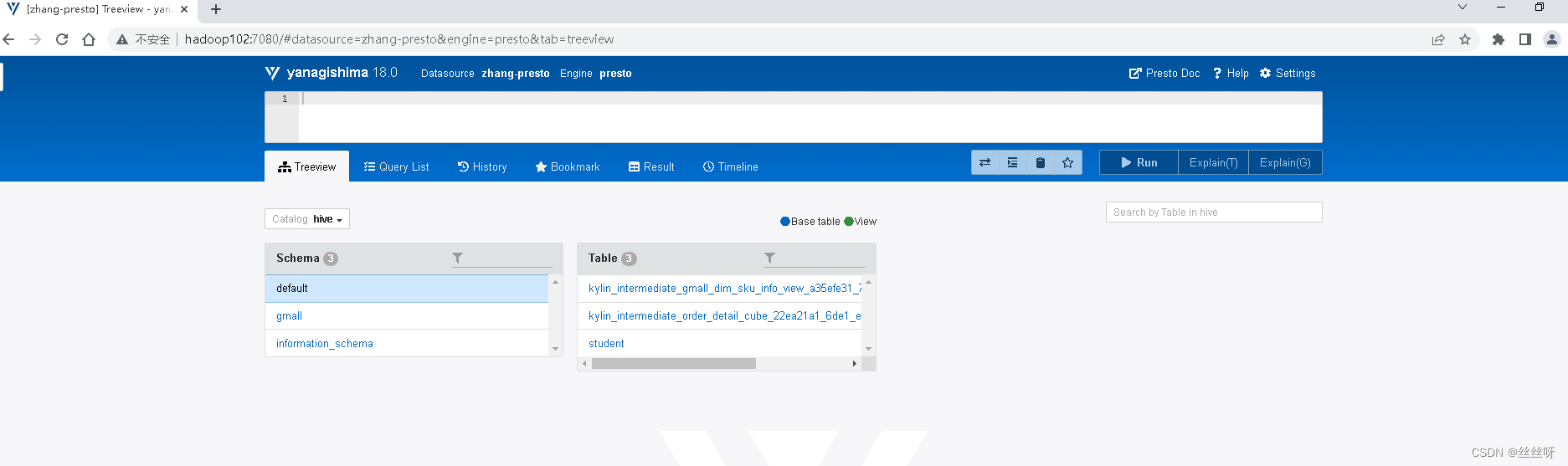
启动web页面 http://hadoop102:7080
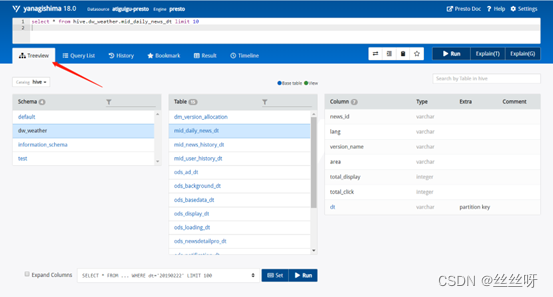
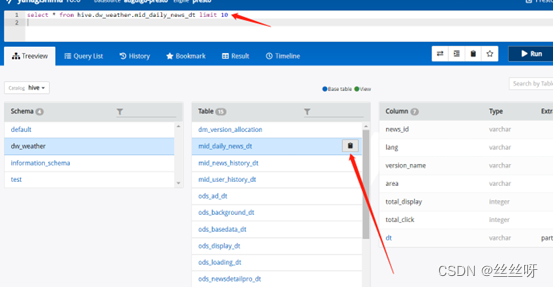
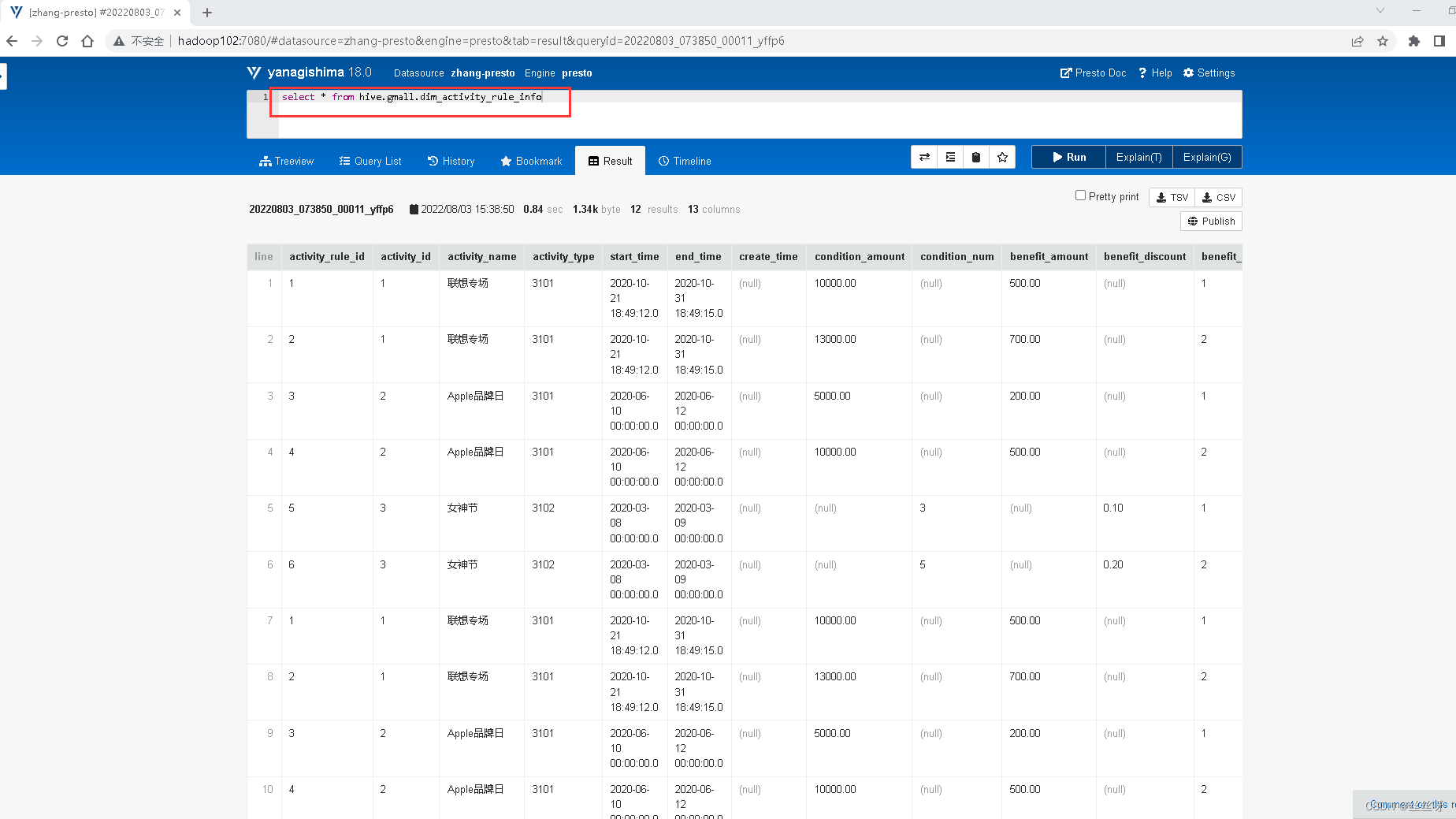
每个表后面都有个复制键,点一下会复制完整的表名,然后再上面框里面输入sql语句,ctrl+enter键执行显示结果
边栏推荐
- Linux安装mysql最简单教程(一次成功)
- DataBinding下的RecycleView适配器Adapter基类
- 七夕活动浪漫上线,别让网络拖慢和小姐姐的开黑时间
- typescript56 - generic interface
- 600MHz频段来了,它会是新的黄金频段吗?
- RSS订阅微信公众号初探-feed43
- jmeter distributed stress test
- GeoAO:一种快速的环境光遮蔽方案
- 114. How to find the cause of Fiori Launchpad routing error by single-step debugging
- 现货白银需要注意八大事项
猜你喜欢
Getting started with MATLAB 3D drawing command plot3
LeetCode第三题(Longest Substring Without Repeating Characters)三部曲之三:两次优化

What warehouse management problems can WMS warehouse management system solve in the electronics industry?
js函数防抖和函数节流及其使用场景

七夕佳节即将来到,VR全景云游为你神助攻
LeetCode 19:删除链表的倒数第 N 个结点
利用matlab求解线性优化问题【基于matlab的动力学模型学习笔记_11】
![2022-08-03:以下go语言代码输出什么?A:2;B:3;C:1;D:0。 package main import “fmt“ func main() { slice := []i](/img/a9/6de3c2bae92d09b13b1c36e01f86c2.png)
2022-08-03:以下go语言代码输出什么?A:2;B:3;C:1;D:0。 package main import “fmt“ func main() { slice := []i
win10+cuda11.7+pytorch1.12.0安装
typescript48-函数之间的类型兼容性
随机推荐
Justin Sun was invited to attend the 36氪 Yuan Universe Summit and delivered a keynote speech
Vant3—— 点击对应的name名称跳转到下一页对应的tab栏的name的位置
typescript48 - type compatibility between functions
ML18-自然语言处理
《The Google File System》新说
Apple told Qualcomm: I bought a new campus for $445 million and may plan to speed up self-development of baseband chips
【性能优化】MySQL常用慢查询分析工具
The 600MHz band is here, will it be the new golden band?
Salesforce's China business may see new changes, rumors may be closing
扩展卡尔曼滤波EKF
面试必问的HashCode技术内幕
机器学习——库
易动纷享--测试实习生视频面试
一文参透分布式存储系统Ceph的架构设计、集群搭建(手把手)
中原银行实时风控体系建设实践
typescript53 - generic constraints
fsdbDump用法
"Miscellaneous" barcode by Excel as a string
Nanoprobes丨Nanogold-抗体和链霉亲和素偶联物
MATLAB三维绘图命令plot3入门