当前位置:网站首页>ROS learning: remote start ROS node
ROS learning: remote start ROS node
2020-11-07 20:56:00 【Coxhuang】
List of articles
- Remote start ROS node
- #1 Environmental Science
- #2 demand
- #3 Verify the prerequisites
- #3.1 Verify password free login
- #3.2 Verify the stand-alone ros Publish subscribe
- #4 Start
- #4.1 To configure
- #4.1.1 pc-master
- #4.1.2 pc-slave2
- #4.2 Local host script
- #4.3 start-up
- #4.1 To configure
- #5 Report errors
- #5.1 not found in known_hosts
- #5.2 TypeError: 'NoneType' object is not callable
Remote start ROS node
#1 Environmental Science
Ubuntu 16.04
Machine configuration :
pc-master 192.168.3.230  Local
pc-slave2 192.168.3.232  long-range
Prerequisite :
1. It can be realized on two machines ROS Publish and subscribe
2. Two machines can log in without password
#2 demand
- in application , Different functions will be put on different servers
- You need to subscribe to topic
#3 Verify the prerequisites
#3.1 Verify password free login
The two servers can log in to each other without password
Specific password free login tutorial : https://blog.csdn.net/Coxhuang/article/details/106971890
#3.2 Verify the stand-alone ros Publish subscribe
Here we use pc-slave2 Server, for example ( Because the remote startup is also pc-slave2 Nodes on )
talker :
listener :
#4 Start
** Next , We will be having pc-master Start the remote server on the server area pc-slave2 Of talker node **
#4.1 To configure
#4.1.1 pc-master
sudo vim /etc/hosts
stay /etc/hosts Add something to the file :
192.168.3.230   pc-master
192.168.3.232   pc-slave2
sudo vim ~/.bashrc
stay ~/.bashrc Add something to :
export ROS_IP="192.168.3.230"
export ROS_HOSTNAME=pc-master
export ROS_MASTER_URI=http://pc-master:11311
export ROSLAUNCH_SSH_UNKNOWN=1
#4.1.2 pc-slave2
sudo vim /etc/hosts
stay /etc/hosts Add something to the file :
192.168.3.230   pc-master
192.168.3.232   pc-slave2
sudo vim ~/.bashrc
stay ~/.bashrc Add something to :
export ROS_HOSTNAME=pc-slave2
export ROS_MASTER_URI=http://pc-master:11311
export ROSLAUNCH_SSH_UNKNOWN=1
sudo vim /opt/ros/kinetic/trunk_evn.sh
newly added trunk_evn.sh file
#!/bin/sh
export ROS_IP=192.168.3.232
export ROS_HOSTNAME=pc-slave2
. /home/trunk/work/test/testworkspace/devel/setup.sh
exec "$@"
sudo chmod 777 trunk_evn.sh
#4.2 Local host script
In the local pc-master Of package Written in launch Script
vim /home/trunk/work/test/testworkspace/src/testpackage/launch/test.launch
<launch>
    <machine name="pc-slave2" address="192.168.3.232" user="trunk" env-loader="/opt/ros/kinetic/trunk_evn.sh"></machine>
    <node machine="pc-slave2" name="talker" pkg="testpackage" type="talker.py" output="screen" ></node>
</launch>
#4.3 start-up
roslaunch testpackage test.launch
#5 Report errors
#5.1 not found in known_hosts
... logging to /home/trunk/.ros/log/84cf4482-b84f-11ea-9d63-000c297ff566/roslaunch-pc-master-3868.log
Checking log directory for disk usage. This may take awhile.
Press Ctrl-C to interrupt
Done checking log file disk usage. Usage is <1GB.

started roslaunch server http://pc-master:32881/
remote[192.168.3.232-0] starting roslaunch
remote[192.168.3.232-0]: creating ssh connection to 192.168.3.232:22, user[trunk]
/usr/lib/python2.7/dist-packages/Crypto/Cipher/blockalgo.py:141: FutureWarning: CTR mode needs counter parameter, not IV
  self._cipher = factory.new(key, *args, **kwargs)
remote[192.168.3.232-0]: failed to launch on pc-slave2:

Unable to establish ssh connection to [[email protected]:22]: Server u'192.168.3.232' not found in known_hosts
Solutions :
- Log
According to the log error prompt to modify python Bottom source , There is no effect , The log shows , ros It's still running on python2.7 On , Try to ros Running on the Python3 On
- Default the system to Python Replace with Python3
sudo rm -rf /usr/bin/python
sudo ln -s /usr/bin/python3 /usr/bin/python
2. install ros The basic software package for compiling
sudo apt-get install python3-rosdep python3-rosinstall-generator python3-wstool python3-rosinstall build-essential
sudo pip3 install catkin_pkg
3. Installation package depends on
rosdep install --from-paths src --ignore-src --rosdistro kinetic -y
sudo apt-get install libtbb-dev python3-pyqt5
sudo pip3 install empy numpy defusedxml netifaces
#  Repair  16.04 libboost_python3 Problems that can't be found
sudo ln -s /usr/lib/x86_64-linux-gnu/libboost_python-py35.so /usr/lib/x86_64-linux-gnu/libboost_python3.so
4. Perfect solution
#5.2 TypeError: ‘NoneType’ object is not callable
modify Python The underlying code
Participation of this paper Tencent cloud media sharing plan , You are welcome to join us , share .
版权声明
本文为[Coxhuang]所创,转载请带上原文链接,感谢
边栏推荐
- graph generation model
- supervisor进程管理安装使用
- How to learn technology efficiently
- On the coverage technology and best practice of go code
- High concurrency in ngnix cluster
- AFO记
- Web安全(四)---XSS攻击
- How to think in the way of computer
- Count the frequency of letters in text (case insensitive)
- Cpp(四) Boost安装及基本使用 for Mac
猜你喜欢

Code Review最佳实践
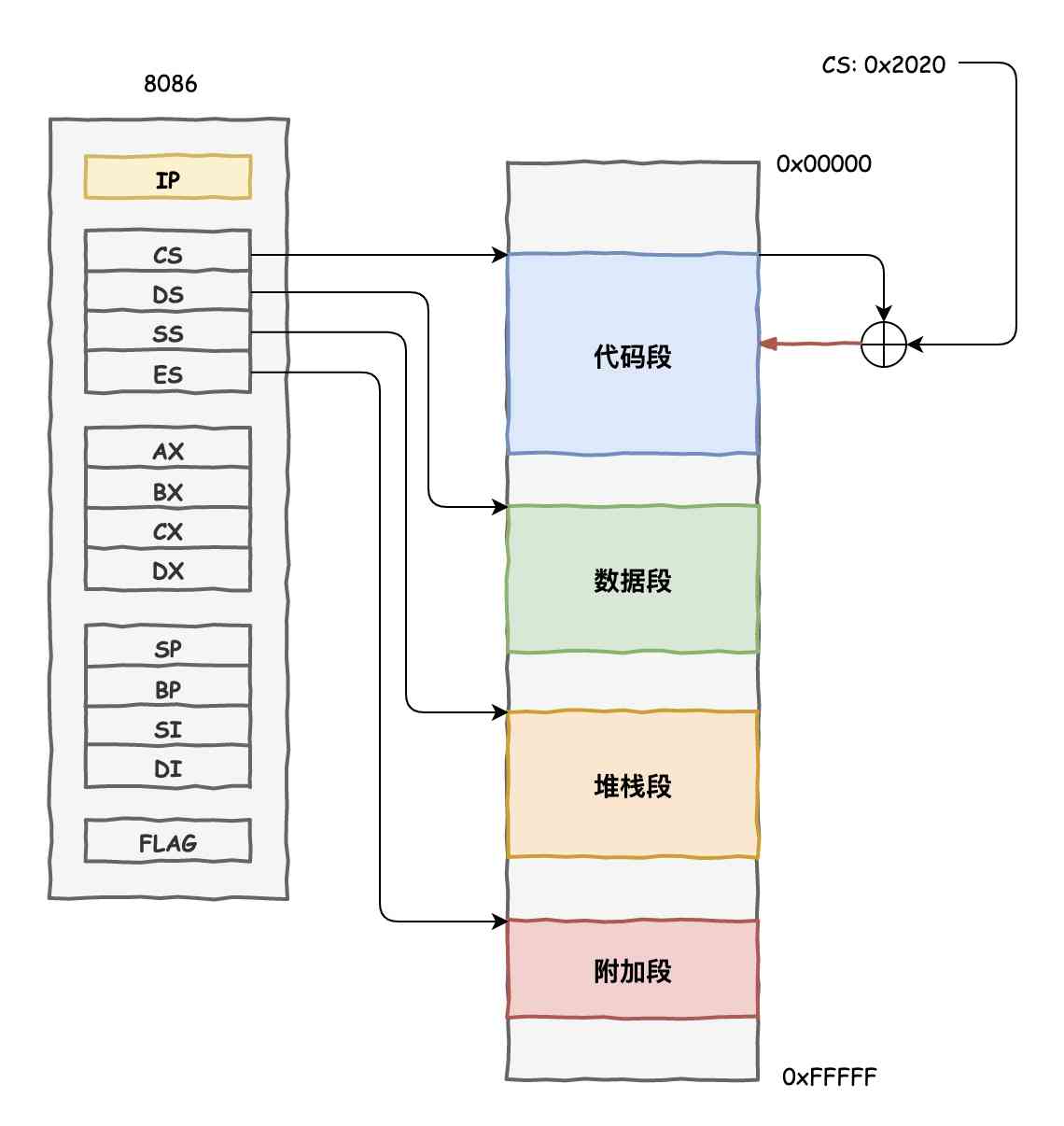
The CPU does this without the memory

一次公交卡被“盗刷”事件带来的思考

爆一个VS2015 Update1更新带来的编译BUG【已有解决方案】
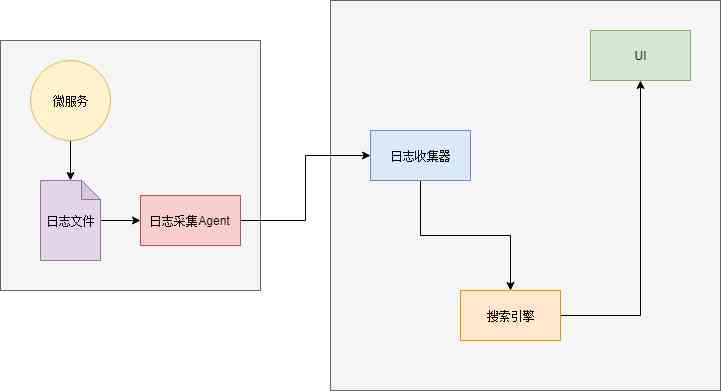
一文详解微服务架构
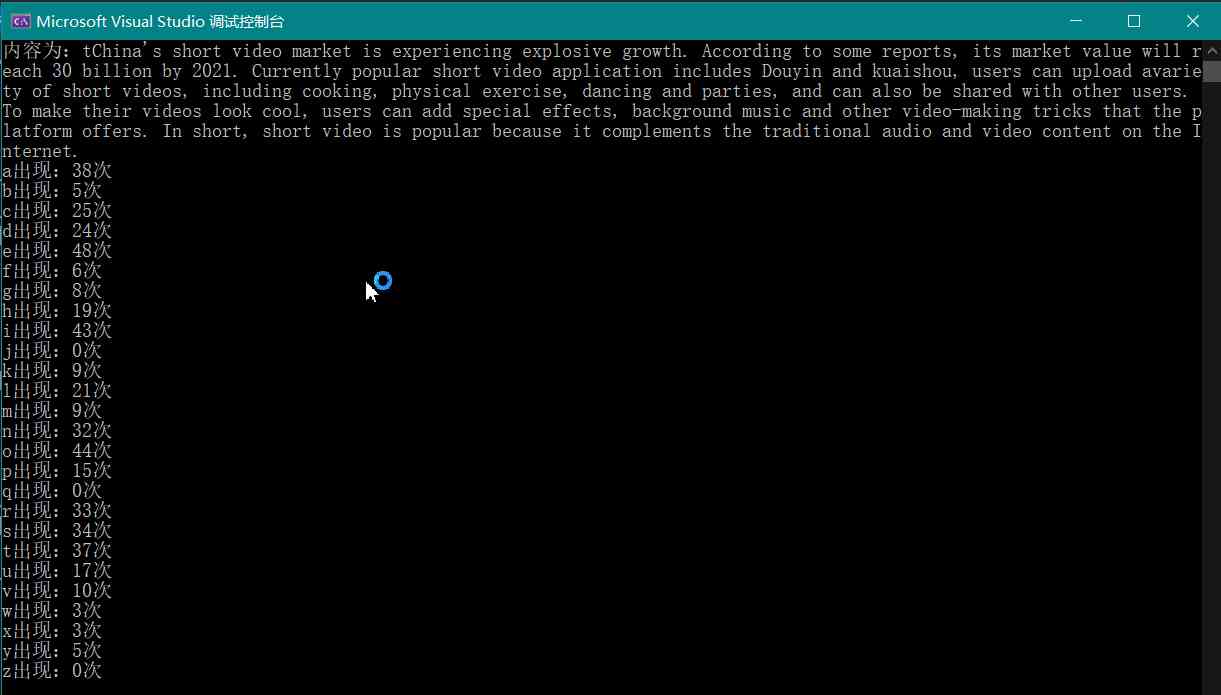
Count the frequency of letters in text (case insensitive)

Insight -- the application of sanet in arbitrary style transfer
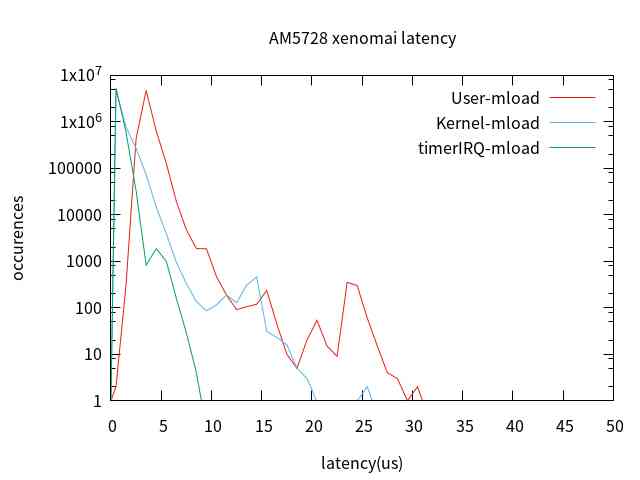
【原创】ARM平台内存和cache对xenomai实时性的影响
The emergence and significance of micro service
websocket+probuf.原理篇
随机推荐
Using pipe() to improve code readability in pandas
Git代码提交操作,以及git push提示failed to push some refs'XXX'
go wire 依赖注入入门
Python 图片识别 OCR
【解决方案】分布式定时任务解决方案
Animation techniques and details you may not know
Let's talk about the locks in the database
How to choose a good company
android基础-RadioButton(单选按钮)
Web安全(四)---XSS攻击
如何高效的学习技术
Code Review Best Practices
Reflection on a case of bus card being stolen and swiped
What magic things can a line of Python code do?
Facebook开源框架如何简化 PyTorch 实验
洞察——风格注意力网络(SANet)在任意风格迁移中的应用
什么都2020了,LINQ查询你还在用表达式树
Cpp(三) 什么是CMake
在pandas中使用pipe()提升代码可读性
京淘项目day09