当前位置:网站首页>使用 BR 恢复 GCS 上的备份数据
使用 BR 恢复 GCS 上的备份数据
2022-07-06 21:09:00 【添香小铺】
本文介绍如何将存储在 Google Cloud Storage (GCS) 上的 SST 备份数据恢复到 Kubernetes 环境中的 TiDB 集群。
本文使用的恢复方式基于 TiDB Operator 新版(v1.1 及以上)的 CustomResourceDefinition (CRD) 实现,底层通过使用 BR 来进行集群恢复。BR 全称为 Backup & Restore,是 TiDB 分布式备份恢复的命令行工具,用于对 TiDB 集群进行数据备份和恢复。
使用场景
当使用 BR 将 TiDB 集群数据备份到 GCS 后,如果需要从 GCS 将备份的 SST(键值对)文件恢复到 TiDB 集群,请参考本文使用 BR 进行恢复。
注意
- BR 只支持 TiDB v3.1 及以上版本。
- BR 恢复的数据无法被同步到下游,因为 BR 直接导入 SST 文件,而下游集群目前没有办法获得上游的 SST 文件。
本文假设将存储在 GCS 上指定路径 spec.gcs.bucket 存储桶中 spec.gcs.prefix 文件夹下的备份数据恢复到 namespace test2 中的 TiDB 集群 demo2。
第 1 步:准备恢复环境
使用 BR 将 GCS 上的备份数据恢复到 TiDB 前,你需要准备恢复环境,并拥有数据库的相关权限。
下载文件 backup-rbac.yaml,并执行以下命令在
test2这个 namespace 中创建恢复所需的 RBAC 相关资源:kubectl apply -f backup-rbac.yaml -n test2授予远程存储访问权限。
参考 GCS 账号授权,授权访问 GCS 远程存储。
如果你使用的 TiDB 版本低于 v4.0.8,你还需要进行以下操作。如果你使用的 TiDB 为 v4.0.8 及以上版本,请跳过此步骤。
确保你拥有恢复数据库
mysql.tidb表的SELECT和UPDATE权限,用于恢复前后调整 GC 时间。创建
restore-demo2-tidb-secretsecret 用于存放访问 TiDB 集群的 root 账号和密钥:kubectl create secret generic restore-demo2-tidb-secret --from-literal=user=root --from-literal=password=<password> --namespace=test2
第 2 步:将指定备份数据恢复到 TiDB 集群
创建 restore custom resource (CR),将指定的备份数据恢复至 TiDB 集群:
kubectl apply -f restore.yamlrestore.yaml文件内容如下:--- apiVersion: pingcap.com/v1alpha1 kind: Restore metadata: name: demo2-restore-gcs namespace: test2 spec: # backupType: full br: cluster: demo2 clusterNamespace: test2 # logLevel: info # statusAddr: ${status-addr} # concurrency: 4 # rateLimit: 0 # checksum: true # sendCredToTikv: true # # Only needed for TiDB Operator < v1.1.10 or TiDB < v4.0.8 # to: # host: ${tidb_host} # port: ${tidb_port} # user: ${tidb_user} # secretName: restore-demo2-tidb-secret gcs: projectId: ${project_id} secretName: gcs-secret bucket: ${bucket} prefix: ${prefix} # location: us-east1 # storageClass: STANDARD_IA # objectAcl: private在配置
restore.yaml文件时,请参考以下信息:- 关于 GCS 存储相关配置,请参考 GCS 存储字段介绍。
.spec.br中的一些参数为可选项,如logLevel、statusAddr、concurrency、rateLimit、checksum、timeAgo、sendCredToTikv。更多.spec.br字段的详细解释,请参考 BR 字段介绍。- 如果你使用的 TiDB 为 v4.0.8 及以上版本,BR 会自动调整
tikv_gc_life_time参数,不需要在 Restore CR 中配置spec.to字段。 - 更多
RestoreCR 字段的详细解释,请参考 Restore CR 字段介绍。
创建好
RestoreCR 后,通过以下命令查看恢复的状态:kubectl get rt -n test2 -owide
边栏推荐
- Codeworks 5 questions per day (1700 average) - day 7
- Index of MySQL
- 复杂因子计算优化案例:深度不平衡、买卖压力指标、波动率计算
- 预处理——插值
- SSL证书部署
- PIP download only, not install
- 再AD 的 界面顶部(菜单栏)创建常用的快捷图标
- [development software] tilipa Developer Software
- 19. (ArcGIS API for JS) ArcGIS API for JS line acquisition (sketchviewmodel)
- About Estimation Statistics
猜你喜欢

GPT-3当一作自己研究自己,已投稿,在线蹲一个同行评议
QT 打开文件 使用 QFileDialog 获取文件名称、内容等

Optimization cases of complex factor calculation: deep imbalance, buying and selling pressure index, volatility calculation
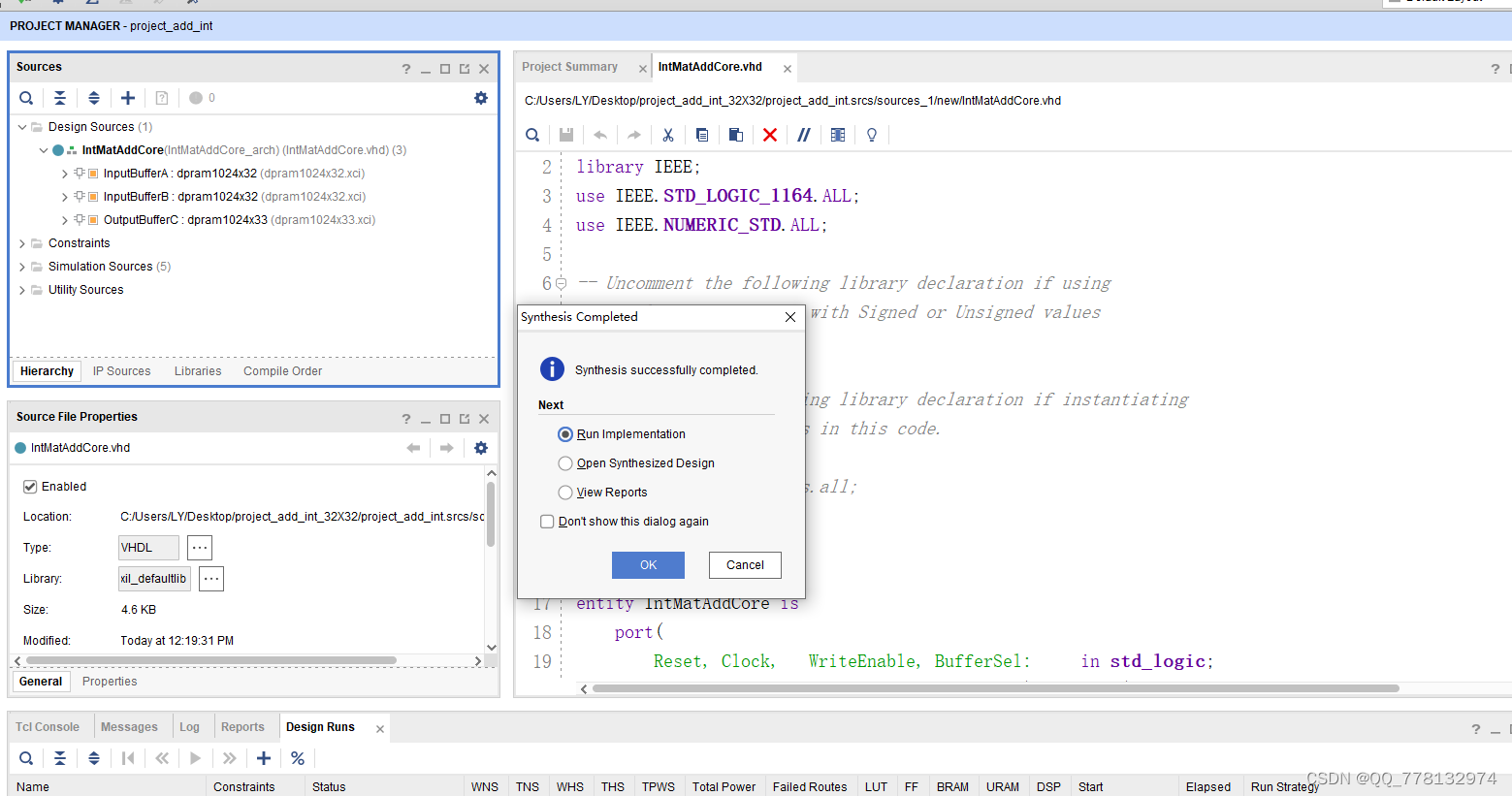
VHDL implementation of arbitrary size matrix addition operation
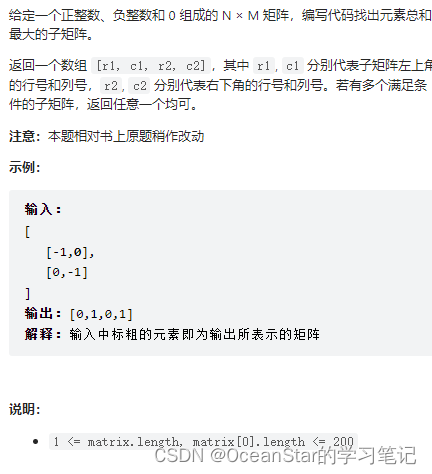
leetcode:面试题 17.24. 子矩阵最大累加和(待研究)
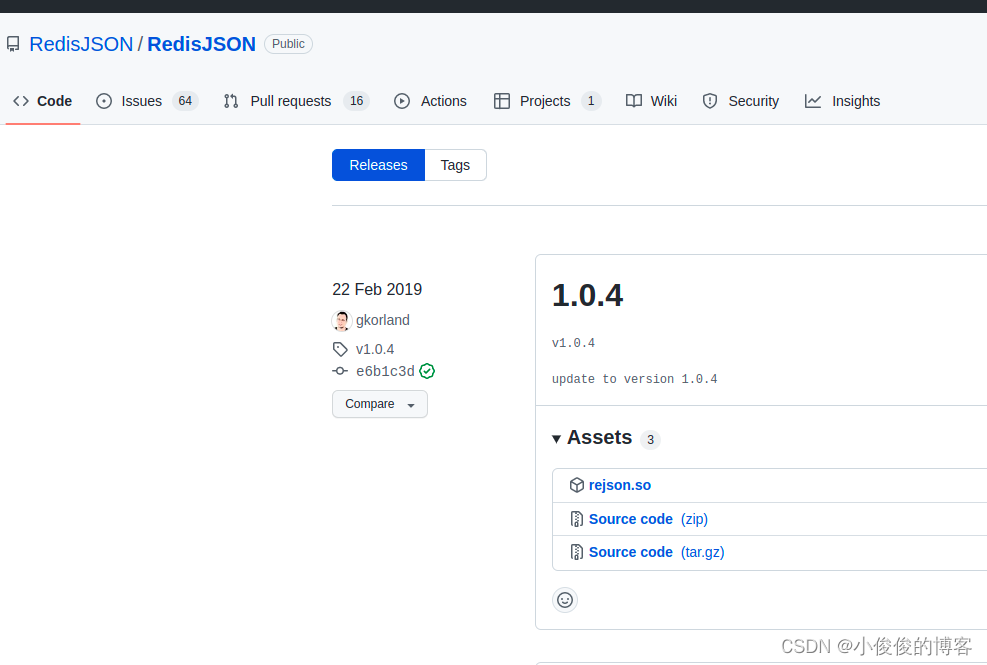
Ubuntu 20 installation des enregistrements redisjson
![[dpdk] dpdk sample source code analysis III: dpdk-l3fwd_ 001](/img/f6/dced69ea36fc95ef84bb546c56dd91.png)
[dpdk] dpdk sample source code analysis III: dpdk-l3fwd_ 001

20.(arcgis api for js篇)arcgis api for js面采集(SketchViewModel)
Kbone与小程序跨端开发的一些思考
链表面试常见题
随机推荐
复杂因子计算优化案例:深度不平衡、买卖压力指标、波动率计算
Introduction to opensea platform developed by NFT trading platform (I)
QT thread and other 01 concepts
22. (ArcGIS API for JS) ArcGIS API for JS Circle Collection (sketchviewmodel)
Adaptive non European advertising retrieval system amcad
22.(arcgis api for js篇)arcgis api for js圆采集(SketchViewModel)
My brave way to line -- elaborate on what happens when the browser enters the URL
Force buckle ----- path sum III
[MySQL] row sorting in MySQL
leetcode:面试题 17.24. 子矩阵最大累加和(待研究)
【mysql】mysql中行排序
哈夫曼树基本概念
Codeworks 5 questions per day (1700 average) - day 7
HW notes (II)
How to detect whether the MySQL code runs deadlock +binlog view
Native MySQL
Hisilicon 3559 universal platform construction: RTSP real-time playback support
【安全攻防】序列化与反序列,你了解多少?
Sub pixel corner detection opencv cornersubpix
Set static IP for raspberry pie