当前位置:网站首页>统计php程序运行时间及设置PHP最长运行时间
统计php程序运行时间及设置PHP最长运行时间
2022-07-04 12:51:00 【格格巫 MMQ!!】
"; $starttime = explode(" ",$pagestartime); $endtime = explode(" ",$pageendtime); $totaltime = $endtime[0]-$starttime[0]+$endtime[1]-$starttime[1]; $timecost = sprintf("%s",$totaltime); echo "页面运行时间: $timecost 秒"; ?>
通常来说,默认的PHP程序最大运行时间是30s,如果你的程序运行超过这个时间限制,那么会有类似Maximum execution time of 30 seconds exceeded的报错。
有几种解决办法:
首先先检查是不是你的在做一些傻事,从而消耗了大量的CPU资源及时间,如果确实需要程序长时间运行才能得出结果,那么可以
1> 在php.ini中增加运行时间:
max_execution_time=300
1.
2> 在PHP文件中添加如下代码
ini_set(‘max_execution_time’, 300); //300 seconds = 5 minutes
1.
3> 使用.htaccess文件来增加运行时间:
其他一些常见配置参考:
如果你的环境是wordpress,那么请在config.php中,添加:
define(‘WP_MEMORY_LIMIT’, ‘128M’);
1.
如果你使用了其他一些框架,可以修改
ini_set(‘memory_limit’, ‘128M’);
默认情况下, php.ini 中配置的最大执行时间是 30 秒,这是由 php.ini 中的 max_execution_time 变量指定的。如果我们有一个需要花费很多时间的工作,比如要发送大量邮件,或者要进行庞大的数据统计分析工作。即使任务没有执行完毕,服务器也会在 30 秒后强行中止正在执行的程序。
1,修改最长执行时间的两种方法
(1)直接修改 php.ini 中 max_execution_time 的数值。
(2)如果没权限修改 php.ini 文件,或者我们想对某些页面进行单独设置。那么也可以在 PHP 程序页面中进行设置,代码如下(数值 0 表示没有执行时间的限制)。
1
ini_set ( ‘max_execution_time’ , ‘0’ );
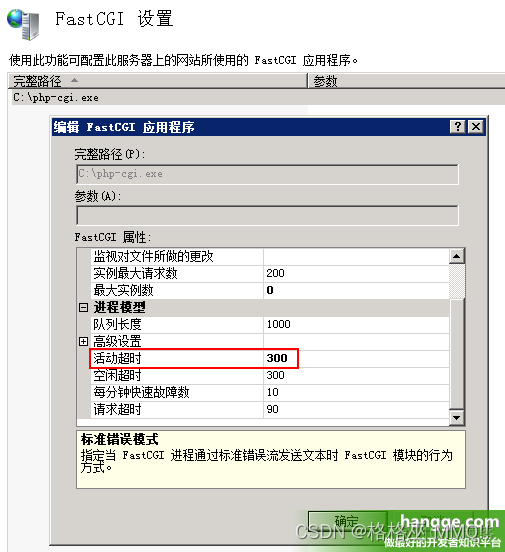
2,如果使用IIS服务器,记得还要修改“活动超时”时间
如果是在 IIS 服务下运行 PHP 程序,会发现根据前面的方法修改后,执行长时间的操作还是会报错。错误信息如下:
HTTP 错误 500.0 - Internal Server Error
C:\websoft\php\php-cgi.exe - FastCGI 进程超过了配置的请求超时时
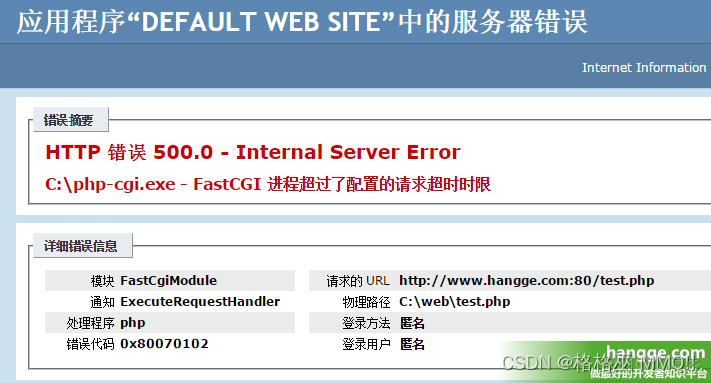
解决办法: IIS -> FastCGI 设置-> 双击"php-cgi.exe" ->“活动超时” ,根据需求将这个值提高。
边栏推荐
- Huahao Zhongtian rushes to the scientific and Technological Innovation Board: the annual loss is 280million, and it is proposed to raise 1.5 billion. Beida pharmaceutical is a shareholder
- IDEA快捷键大全
- Understand chisel language thoroughly 08. Chisel Foundation (V) -- wire, REG and IO, and how to understand chisel generation hardware
- File creation, writing, reading, deletion (transfer) in go language
- Install MySQL
- R语言使用dplyr包的mutate函数对指定数据列进行标准化处理(使用mean函数和sd函数)并基于分组变量计算标准化后的目标变量的分组均值
- 为什么图片传输要使用base64编码
- Migration from go vendor project to mod project
- CVPR 2022 | greatly reduce the manual annotation required for zero sample learning, and propose category semantic embedding rich in visual information (source code download)
- 按照功能对Boost库进行分类
猜你喜欢
Unittest框架中引入TestFixture

Huahao Zhongtian sprint Technology Innovation Board: perte annuelle de 280 millions de RMB, projet de collecte de fonds de 1,5 milliard de Beida Pharmaceutical est actionnaire
MATLAB中tiledlayout函数使用
Install MySQL
![[R language data science]: cross validation and looking back](/img/a8/84a5685ebcb12d3cf8e32e1fbac053.png)
[R language data science]: cross validation and looking back

Applet live + e-commerce, if you want to be a new retail e-commerce, use it!
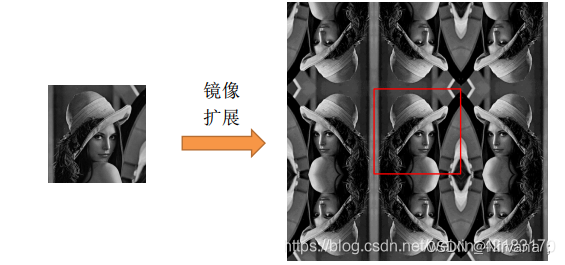
【Matlab】conv、filter、conv2、filter2和imfilter卷积函数总结
![[antd] how to set antd in form There is input in item Get input when gourp Value of each input of gourp](/img/eb/11e5da1c5e897c5f6a18d49125925f.png)
[antd] how to set antd in form There is input in item Get input when gourp Value of each input of gourp
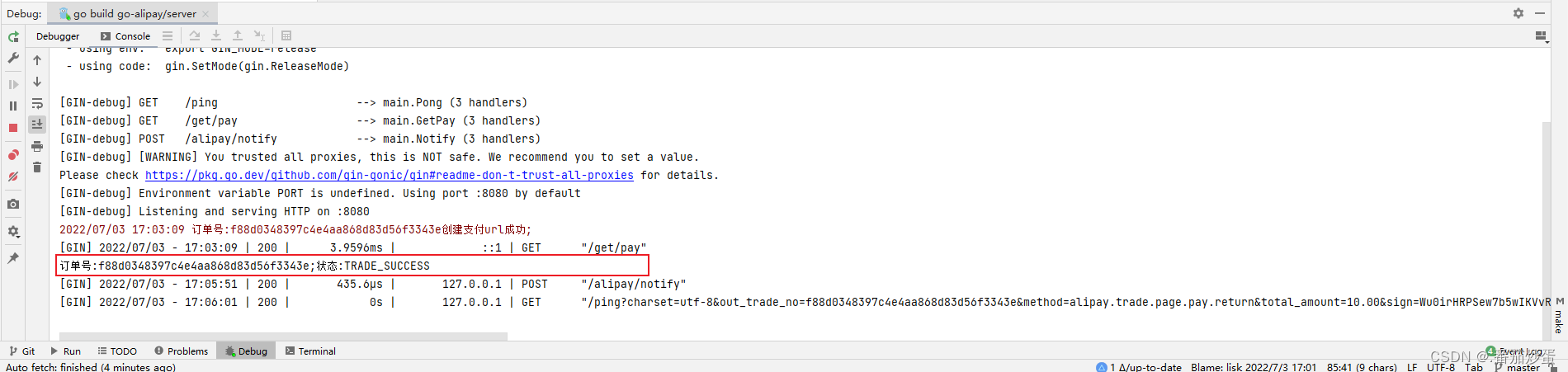
gin集成支付宝支付
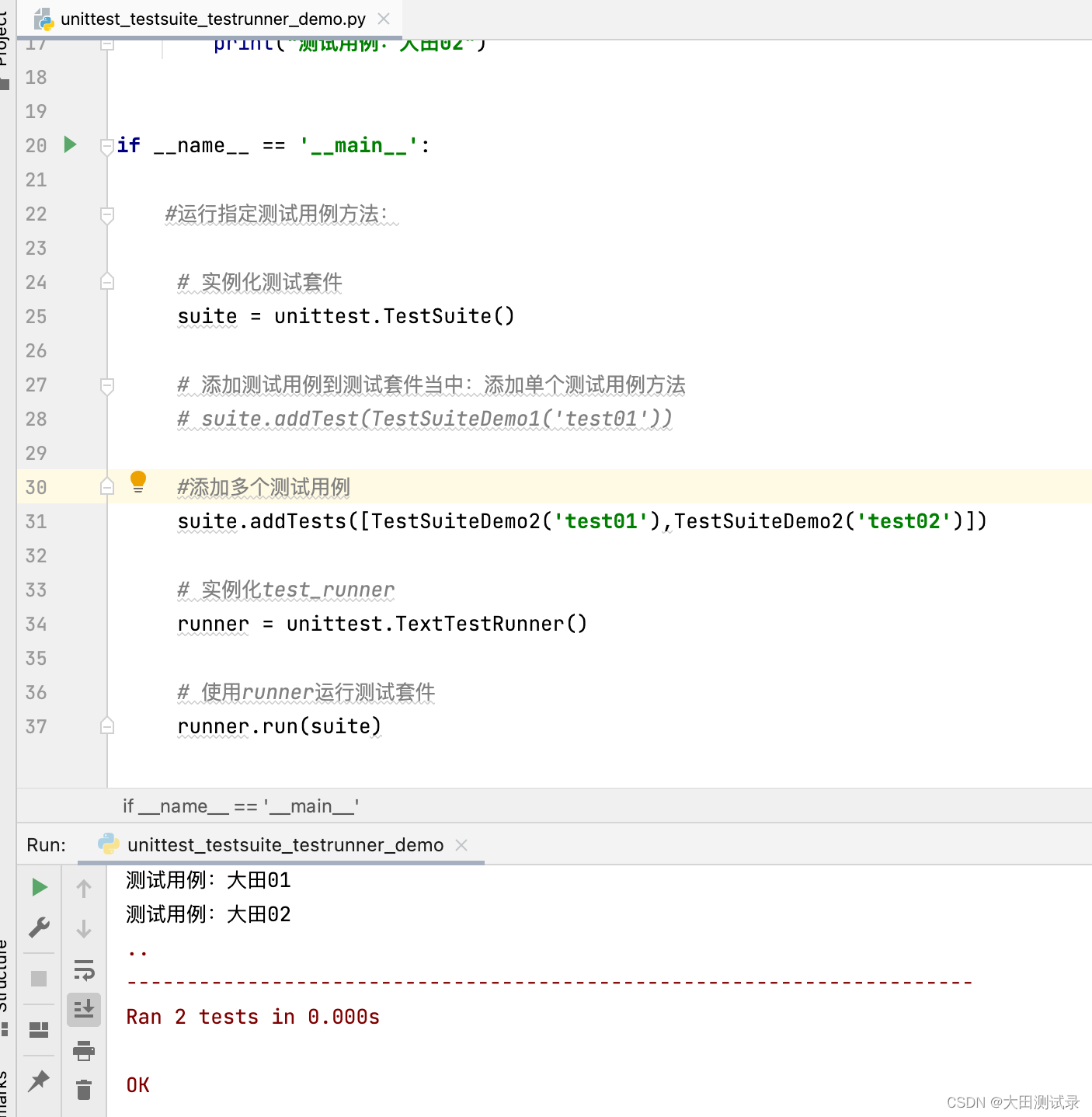
TestSuite and testrunner in unittest
随机推荐
Rich text editing: wangeditor tutorial
Idea shortcut keys
Assertion of unittest framework
[antd] how to set antd in form There is input in item Get input when gourp Value of each input of gourp
The font of markdown grammar is marked in red
Common content type correspondence table
The mouse wheel of xshell/bash/zsh and other terminals is garbled (turn)
按照功能对Boost库进行分类
Why should Base64 encoding be used for image transmission
吃透Chisel语言.12.Chisel项目构建、运行和测试(四)——Chisel测试之ChiselTest
如何游戏出海代运营、游戏出海代投
find命令报错: paths must precede expression(转)
Huahao Zhongtian sprint Technology Innovation Board: perte annuelle de 280 millions de RMB, projet de collecte de fonds de 1,5 milliard de Beida Pharmaceutical est actionnaire
Ruichengxin micro sprint technology innovation board: annual revenue of 367million, proposed to raise 1.3 billion, Datang Telecom is a shareholder
【Matlab】conv、filter、conv2、filter2和imfilter卷积函数总结
Detailed index of MySQL
Supprimer les lettres dupliquées [avidité + pile monotone (maintenir la séquence monotone avec un tableau + Len)]
基于PaddleX的智能零售柜商品识别
IP 实验室月复盘 · 第 5 期
[matlab] summary of conv, filter, conv2, Filter2 and imfilter convolution functions