当前位置:网站首页>Go Build报错汇总(持续更新)
Go Build报错汇总(持续更新)
2022-08-02 03:26:00 【rockage】
- OS: Win10
- Golang : v1.17
1、Windows目录权限引发的问题
现象:
每次执行go build的时候,总是会报以下错误:open C:\Users\rocka\AppData\Local\Temp\go-build2905132708\b001\exe\a.out.exe:
The process cannot access the file because it is being used by another process.
go: failed to remove work dir: remove C:\Users\rocka\AppData\Local\Temp\go-build2905132708\b001\exe\a.out.exe:
The process cannot access the file because it is being used by another process.解决方案:
- 找到 C:\Users\rocka\AppData\Local, 鼠标右键点中 Temp 文件夹 > 属性 > 安全 > 高级
- 添加 > 主体:Everyone > 把所有权限都打开 > 应用 > 确定退出
问题解决。
2、编译robot-vgo报错:
首先安装Mingw 64:
- https://www.mingw-w64.org/downloads/ 下载安装 Msys2 (最好打开全局墙,安装时全默认)这个网址也一样:https://www.msys2.org/
- 出现虚拟Linux之后依次执行以下命令:
pacman -Syu
[执行完毕后窗口会自动关闭,重新从开始菜单打开MSYS2,继续操作]pacman -Supacman -S --needed base-devel mingw-w64-x86_64-toolchain
如果报错:
error: mingw32: signature from “Christoph Reiter (MSYS2 development key) <[email protected]com>” is unknown trust
尝试以下操作:
 rm -r /etc/pacman.d/gnupg/
 pacman-key --init
 pacman-key --populate msys2
 curl -O http://repo.msys2.org/msys/x86_64/msys2-keyring-r21.b39fb11-1-any.pkg.tar.xz
curl -O http://repo.msys2.org/msys/x86_64/msys2-keyring-r21.b39fb11-1-any.pkg.tar.xz.sig
 pacman -U --config <(echo) msys2-keyring-r21.b39fb11-1-any.pkg.tar.xz
 pacman -Syu
PS: 以上流程全盘默认下载大概需要1.95G,耗费时间有点多,要耐心等待,建议打开全局梯。最后,手工添加两个路径到系统PATH变量:C:\msys64\mingw64\binC:\msys64\mingw64\lib
打开一个windows cmd,输入:gcc -v
如果版本号显示正常,说明Mingw 64就算安装好了
编译Robotgo项目的时候,如果报错:
vendor\github.com\robotn\gohook\hook.go:22:10: fatal error: event/goEvent.h: No such file or directory
22 | #include “event/goEvent.h”
解决方法:
del go.mod
del go.sum
go mod init rogotgo(api是随便起的一个名字)
go build -o run.exe (最好打开全局墙)
问题解决。
编译时同名包在VSCODE中划红线问题
PS:此问题不影响正常使用,但在vscode会反复报错,烦不胜烦
解决:
如有自定义包如mysql_con,需要做以下操作:
cd mysql_con
del go.mod
del go.sum
go mod init mysql_con (注意不能和主程序的go.mod中相同)
go build -o run.exe (go会自动搜寻这个子目录下的依赖,如r.exe不是可执行文件,删除即可)
问题解决。
VSCODE报错:Error loading workspace: gopls requires a module at the root of your workspace问题
- 打开文件菜单 > 首选项 > 设置 > 输入:settings > 点击 [在settings.json中设置] > 添加一行:
"gopls": {

    "experimentalWorkspaceModule": true
},
不用理会警告,存盘退出,重启VSCODE,问题解决。
PS:
设置好的VSCode环境,最好同步一下保存在云端,下次换电脑的时候可以轻松同步回来,方法是:
打开文件菜单 > 首选项 > 设置同步 > 点 [登录并打开] , 随便注册一个Microsoft Live账号或者Github账号即可。
后记
其实以上几个问题都跟包管理相关,一旦包管理乱套了,就会出现编译不通过的问题,解决起来也很简单:
- 删除go.mod
- 删除go.sum
- go mod init XXX (重新初始化go mod)
- go build 正常编译
问题解决。
题外话: 在全默认状态下,所有的第三方包都放在这个路径下:> C:\Users\用户名\go\pkg\mod
边栏推荐
猜你喜欢

CTF-Neting Cup Past Topics
Phonebook
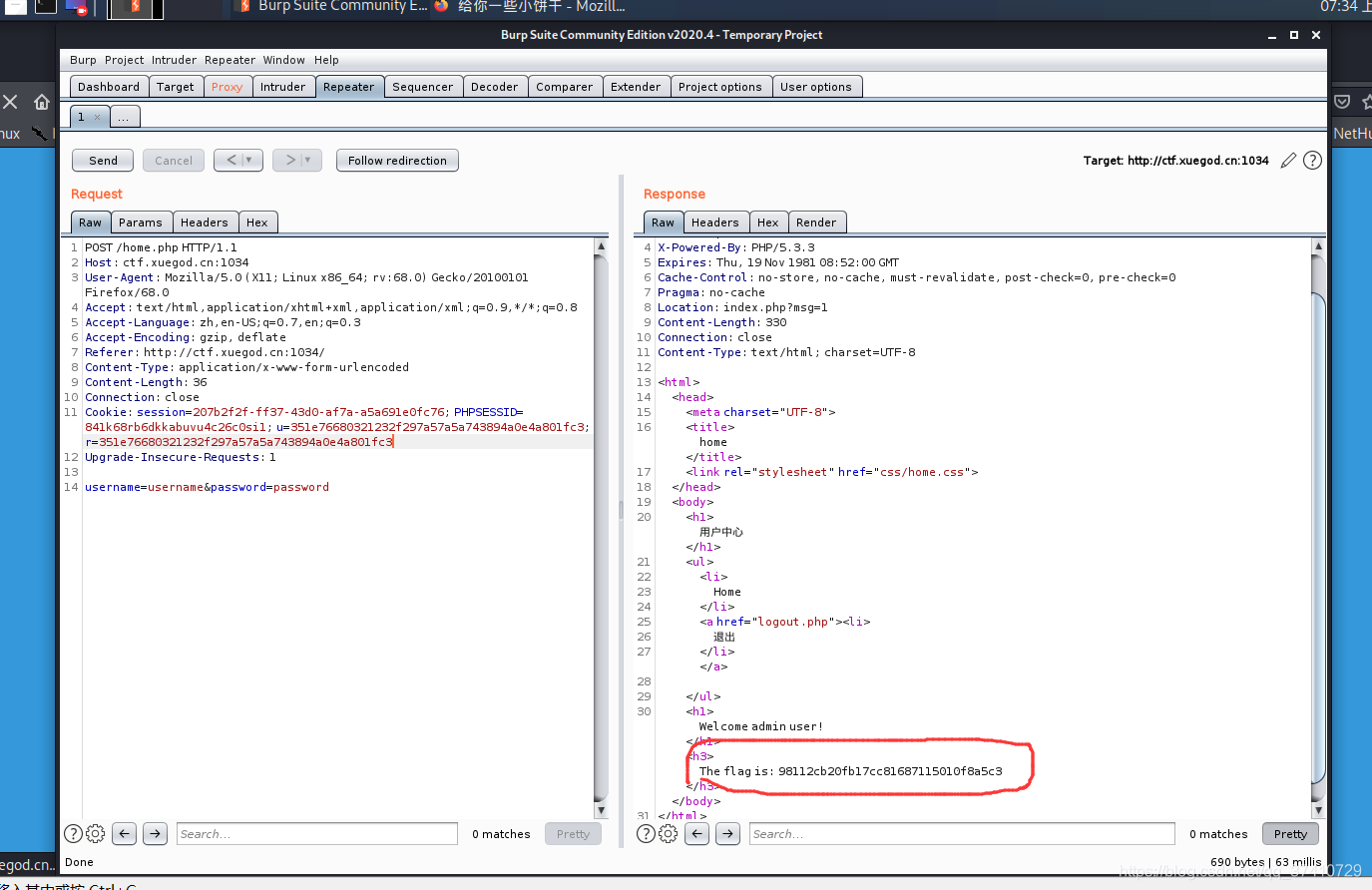
Cookie is used to collect the admin privileges CTF foundation problem

PHP Foundation March Press Announcement Released
利用cookie获取admin权限 CTF基础题

链动2+1模式开发系统
(1) introduction to Thinkphp6, installation view, template rendering, variable assignment
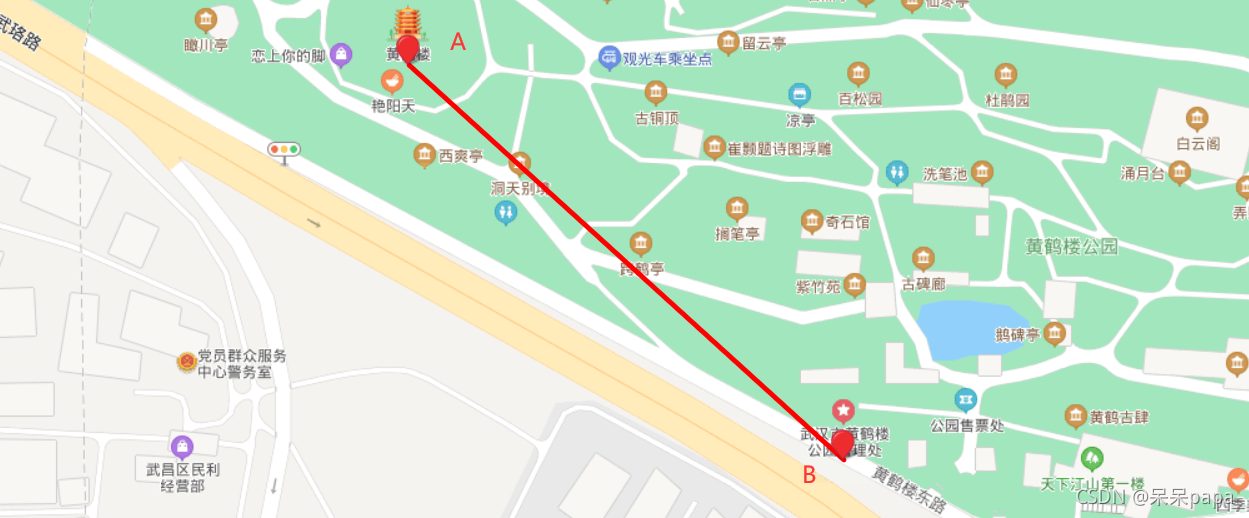
How to determine the direction based on two coordinate points on the map

CSRF (Cross Site Request Forgery)
Solve the problem of Zlibrary stuck/can't find the domain name/reached the limit, the latest address of Zlibrary
随机推荐
PHP realizes the automatic reverse search prompt of the search box
如何一步一步的:玩转全民拼购!
财产清查概述、 全面清查的情况、局部清查的情况、财产清查的方法、财产清查结果的处理
文件上传漏洞
Stable and easy-to-use short connection generation platform, supporting API batch generation
动力:2 vulnhub预排
uniapp | Compilation error after updating with npm update
CTF入门之md5
Solve the problem of Zlibrary stuck/can't find the domain name/reached the limit, the latest address of Zlibrary
(5) Modules and packages, encoding formats, file operations, directory operations
超级云APP,陪伴您一起成长的软件
PHP Foundation March Press Announcement Released
hackmyvm: kitty walkthrough
(2) 顺序结构、对象的布尔值、选择结构、循环结构、列表、字典、元组、集合
GreenOptic: 1 vulnhub walkthrough
hackmyvm-random walkthrough
(6) Design of student information management system
The roll call system and array elements find maximum and minimum values for sorting of objects
12. What is JS
hackmyvm: may walkthrough