当前位置:网站首页>Monkey测试
Monkey测试
2022-07-02 03:44:00 【~heart将心比心】
一、什么是 Monkey 测试
Monkey 测试是通过向系统发送伪随机的用户事件流(如按键输入、触摸屏输入、手势输入等),实现对应用程序客户端的稳定性测试;
通俗来说,Monkey 测试即“猴子测试”,是指像猴子一样,不知道程序的任何用户交互方面的知识,就对界面进行无目的、乱点乱按的操作;
Monkey 测试是一种为了测试软件的稳定性、健壮性的快速有效的方法;
Monkey 程序是 Android 系统自带的,由 Java 语言写成,在 Android 文件系统中的存放路径是: /system/framework/monkey.jar;
Monkey 程序需要通过 adb 来运行。
二、操作步骤
安装并配置好 adb 环境,并通过 adb 连接好设备;
获取被测应用的包名;
执行 Monkey 命令进行测试
三、Monkey 命令说明
adb shell monkey + 行为参数 + ">" + {日志保存路径}
adb shell monkey -p XXXXX --throttle 100 --ignore-crashes --ignore-timeouts --ignore-security-exceptions --ignore-native-crashes --monitor-native-crashes -v -v -v 1000 > d:\mylog.log
-p XXXXX -p 后面写包名(adb shell pm list package) 查看手机上所有的安装包
--throttle { 毫秒单位时间} 事件之间插入的固定延迟,单位毫秒。通过这个选项可以减缓Monkey的执行速度。如果不指定,Monkey将尽可能快的产生并执行事件
--ignore-crashes Monkey 测试时忽略应用程序崩溃(Force&Close错误),若发生奔溃,将继续发送事件给系统,直到事件计数完成(若不设置此项,在遇到奔溃时,Monkey 将停止运行)
--ignore-timeouts Monkey 测试时忽略应用程序发生的超时错误,若发生超时,将继续发送事件给系统,直到事件计数完成(若不设置此项,在遇到超时时,Monkey 将停止运行)
--ignore-security-exceptions Monkey 测试时忽略程序发生的异常错误,若发生异常,将继续发送事件给系统,直到事件计数完成(若不设置此项,在遇到异常时,Monkey 将停止运行)
--ignore-native-crashes Monkey 测试时忽略本地代码导致的崩溃,若发生崩溃,将继续发送事件给系统,直到事件计数完成(若不设置此项,在遇到本地代码导致的奔溃时,Monkey 将停止运行)
--monitor-native-crashes 监视崩溃时的本地代码
-v -v -v
每个 -v 都将增加反馈信息的级别。共3个级别,因此 -v -v -v 可以提供最详细的设置信息。
- -v:0级,除启动提示、测试完成和最终结果外提供较少信息
- -v -v:1级,提供较详细测试信息,如逐个发送到 Activity 的事件
- -v -v -v:2级,提供更详细安装信息,如测试中被选中或未被选中的 Activity
1000000 Monkey 测试事件次数
d:\mylog.log Monkey 测试日志记录文件
边栏推荐
- Haute performance et faible puissance Cortex - A53 Core Board | i.mx8m mini
- 【DesignMode】建造者模式(Builder model)
- Getting started with MQ
- A thorough understanding of the development of scorecards - the determination of Y (Vintage analysis, rolling rate analysis, etc.)
- 集成底座方案演示说明
- leetcode-1380. Lucky number in matrix
- Didi open source Delta: AI developers can easily train natural language models
- 蓝桥杯单片机第四届省赛
- Jetpack's livedata extension mediatorlivedata
- The 9th Blue Bridge Cup single chip microcomputer provincial competition
猜你喜欢
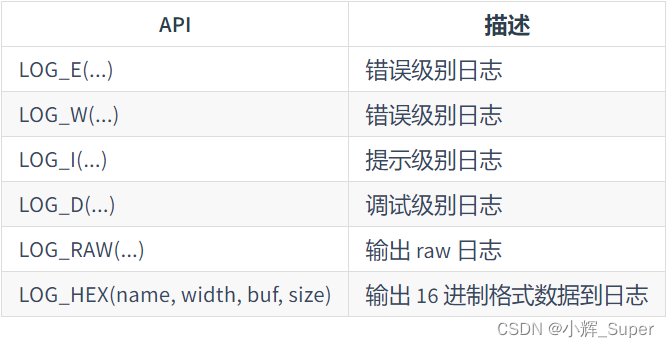
潘多拉 IOT 开发板学习(RT-Thread)—— 实验1 LED 闪烁实验(学习笔记)

SQL Yiwen get window function
![[designmode] Prototype Pattern](/img/ee/c4e48c2ce8ff66f50f0bf13e5a0418.png)
[designmode] Prototype Pattern

Lost a few hairs, and finally learned - graph traversal -dfs and BFS
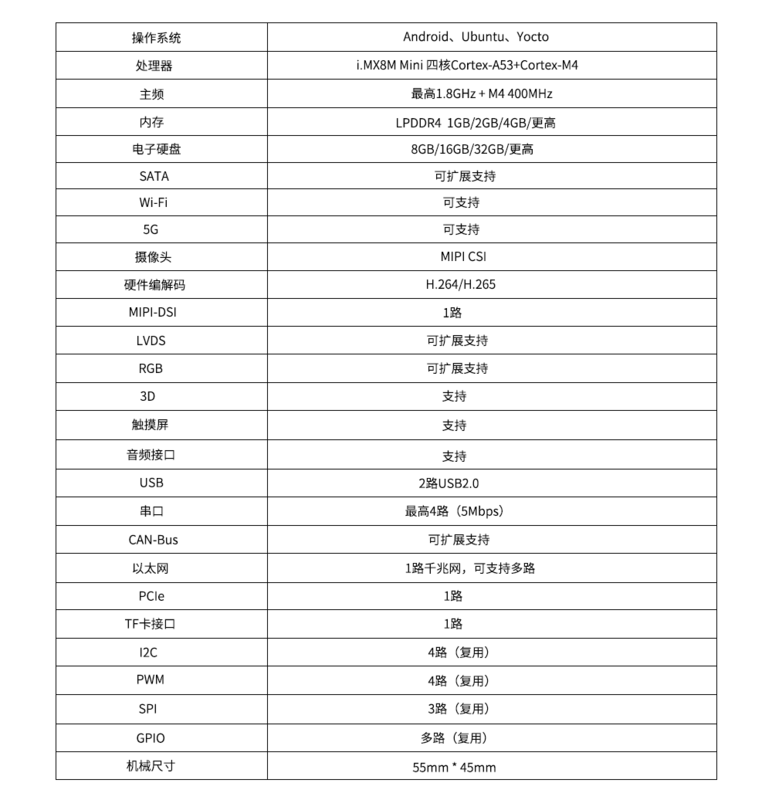
High performance and low power cortex-a53 core board | i.mx8m Mini

Eight steps of agile development process

The 8th Blue Bridge Cup single chip microcomputer provincial competition
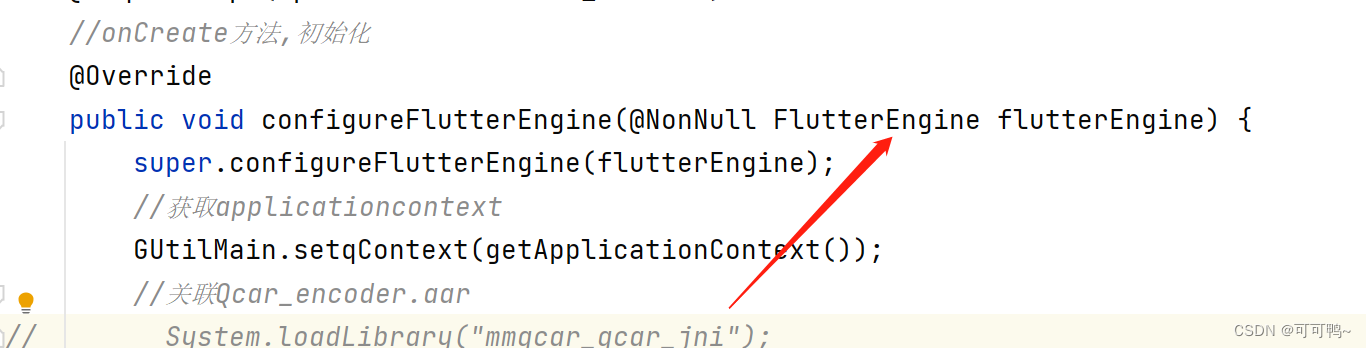
Learn more about materialapp and common attribute parsing in fluent
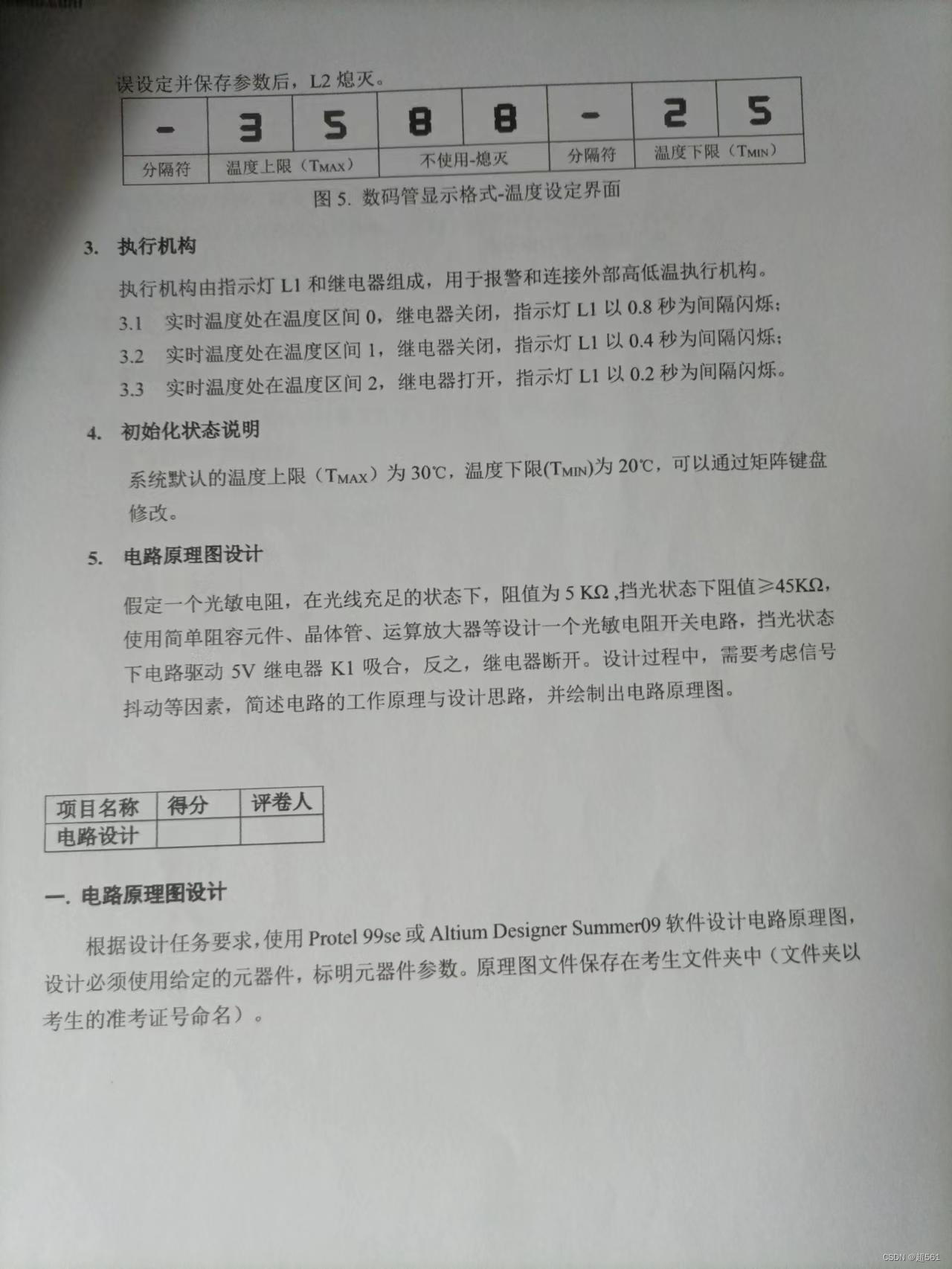
The 6th Blue Bridge Cup single chip microcomputer provincial competition
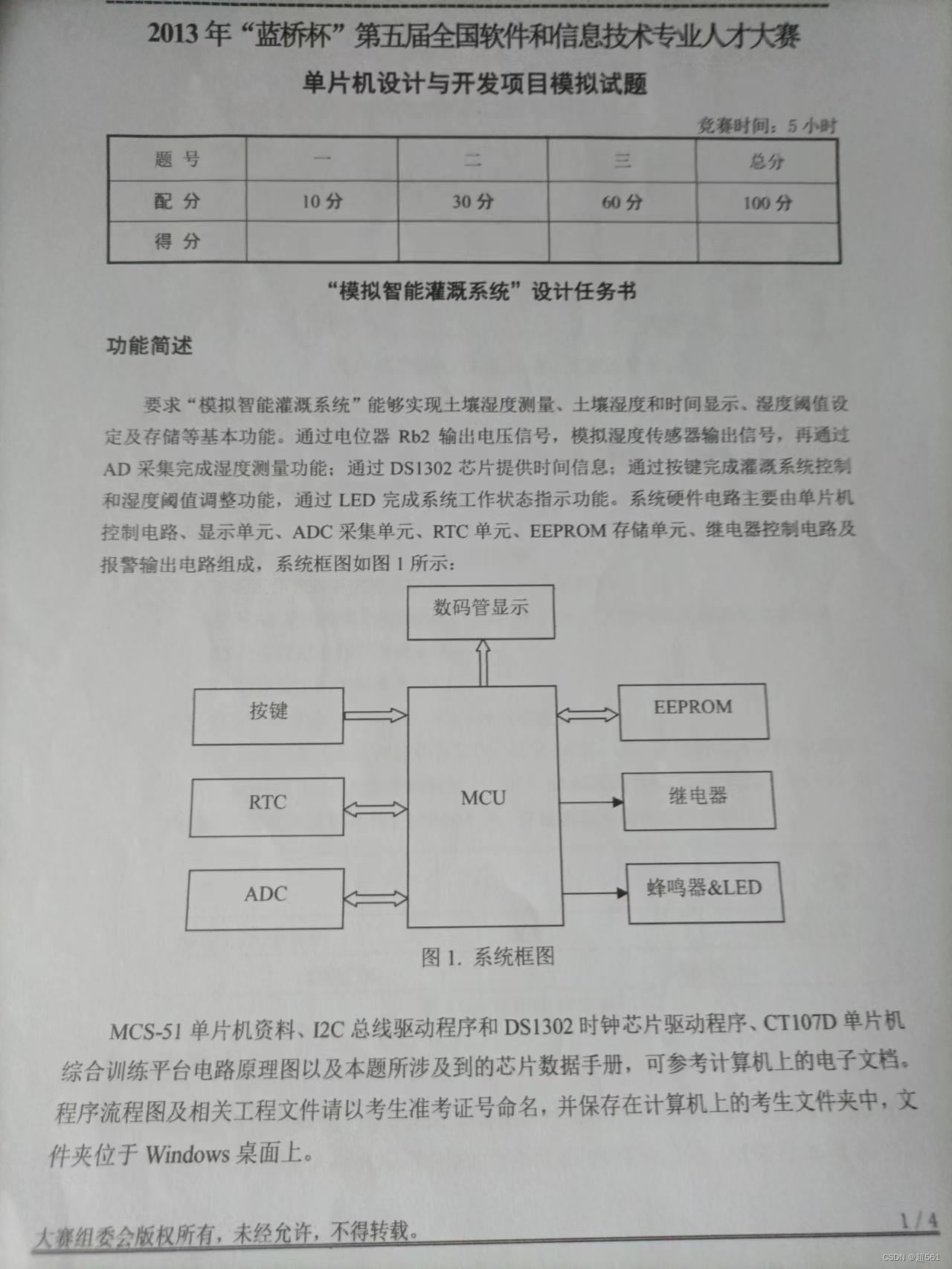
蓝桥杯单片机省赛第五届
随机推荐
Unity脚本的基础语法(7)-成员变量和实例化
What is the logical structure of database file
The 11th Blue Bridge Cup single chip microcomputer provincial competition
滴滴开源DELTA:AI开发者可轻松训练自然语言模型
In depth analysis of C language - variable error prone knowledge points # dry goods inventory #
蓝桥杯单片机省赛第十一届
[wireless image transmission] FPGA based simple wireless image transmission system Verilog development, matlab assisted verification
Unity脚本的基础语法(6)-特定文件夹
Jetpack's livedata extension mediatorlivedata
初识string+简单用法(二)
一文彻底理解评分卡开发中——Y的确定(Vintage分析、滚动率分析等)
Account management of MySQL
The first game of the 12th Blue Bridge Cup single chip microcomputer provincial competition
The 9th Blue Bridge Cup single chip microcomputer provincial competition
Kotlin基础学习 16
u本位合约爆仓清算解决方案建议
The 10th Blue Bridge Cup single chip microcomputer provincial competition
It took me only 3 months to jump out of the comfort zone and become an automated test engineer for 5 years
Kotlin basic learning 13
SQL:常用的 SQL 命令