当前位置:网站首页>Experiment of connecting mobile phone hotspot based on Arduino and esp8266 (successful)
Experiment of connecting mobile phone hotspot based on Arduino and esp8266 (successful)
2022-07-02 12:06:00 【Study silently every day】
One 、 Experiment introduction
The last blog introduced ESP8266 Of Arduino Environment building , Code downloaded successfully , It means that the environment is set up ,ESP8266 The above light can flash according to the code modification parameters
This article blog Introduce the second 2 An experiment : We go through ESP8266 Connect phone hotspot
1、 The serial port of the computer displays the connection status and ESP Of IP
2、 Open the hotspot interface on the mobile phone to view the devices connected to the hotspot , It shows that ESP Connection state of ( This has nothing to do with the program , It is only used to check the connection status )
The hardware used :
1、Arduino Development board
2、ESP8266 Development board
3、 cable

be based on ESP8266 Of Arduino Development environment here you can check my last article blog
Two 、 Common problems encountered during the experiment
The mistake I encountered was , This experiment wants to ESP Connect to Arduino, And then through Arduino Download the program to the development board
Later, I found that it seemed impossible , At least not yet
The method I am using now is :
1、ESP8266 Connect to the computer through a data cable , port COM7
2、Arduino Connect to the computer through a data cable , port COM6
3、Arduino IDE Open the code ( Share later ), Choose the development board option , choice COM7(ESP8266 Development board port , instead of Arduino port )
4、 Keep holding ESP98266 Of FLASH Key , Click RST, The blue light on the development board lights up , This process keeps pressing FLASH, Then click download code , Until the percentage reaches 100%, After completely stopping , Release FLASH, At this time, the program is downloaded successfully
5、 Turn on the phone hotspot 、 Open the serial port , The connection status and ESP Of IP, You can also check the hotspot settings of mobile phones ESP Connection state of
The download method of my current program is , hold ESP and Arduino Connect the computer with data cable , Then download the program , Instead of the usual ESP As a sensor module , Connect at Arduino After the , Connect Arduino Serial port , Then download the code
3、 ... and 、 Code
Share the code first :
//  test esp8266 Connect WiFi
#include <ESP8266WiFi.h>
void setup() {
  // put your setup code here, to run once:
  Serial.begin(115200);
  WiFi.begin("wyf", "1899*******");     // Set it as your own hotspot or WIFI Name and password for
  Serial.println();
  Serial.print("Connecting");
  while (WiFi.status() != WL_CONNECTED)
  {
    delay(500);
    Serial.print(".");
  }
  Serial.println();

  Serial.print("Connected, IP address: ");
  Serial.println(WiFi.localIP());
}

void loop() {
}
Reference resources :
ESP8266 Use guide ( 3、 ... and )——Arduino Development
Four 、 experimental result
Now let me introduce my experimental results , Share with you through video
1、 Because I restarted ESP8266 modular , Test connection status , Pressed RST Key
2、 The computer Arduino IDE Serial port display , Print the connection status and... Multiple times ESP Of IP:192.168.15.227, For serial port ESP A serial port
3、 The mobile terminal shows the connection , To break off , Reconnect , Show ESP Of ID:ESP0D6F56
ESP8266 Connect mobile hotspot experiment
5、 ... and 、 The current experimental bottleneck
1、 Now the two development boards are connected to the download program respectively
2、 This experiment only uses connection , Data transmission is not involved , therefore ,ESP As long as the power supply is realized WIFI The connection of , No use of Arduino Data processing
hold ESP Disconnect the data cable from the development board , Connected by DuPont line Arduino
ESP Arduino
3v 3.3v
G Grounding
EN ( This experiment does not involve )
TX ( This experiment does not involve )
RX ( This experiment does not involve )
Or the Arduino power failure , Only power on ESP Development board ,WIFI You can still connect
The current experimental results , If connected by DuPont line ESP and Arduino, open Arduino IDE Serial port , Serial port data is not displayed ESP Connection state of , In the state of blank without data , and WIFI as long as ESP You can connect to the mobile hotspot when you are powered on
Among them, try
ESP Arduino
3v 3.3v
G Grounding
EN ( This experiment does not involve ) Connect 3,3V Or disconnect
TX ( This experiment does not involve ) even 0RX perhaps 1TX
RX ( This experiment does not involve ) even 1TX perhaps 0RX
You will find that the serial port has no specific connection status
therefore , Prepare for subsequent experiments to continue to understand ESP and Arduino Connection mode and operation mechanism
6、 ... and 、 Assumption of subsequent experiments
It will continue in the future Arduino Of ESP8266 Do a series of experiments
1、 utilize ESP Transmit data and save data through the network , Cloud platform may be used
2、 adopt WIFI Realize remote communication
7、 ... and 、 summary
OK, After the experiment , Record your experiment , Share it out , I hope it helped you , Let's learn and share happily , Thank you for browsing .
边栏推荐
- 全链路压测
- mysql数据库基础
- HOW TO EASILY CREATE BARPLOTS WITH ERROR BARS IN R
- File operation (detailed!)
- Take you ten days to easily finish the finale of go micro services (distributed transactions)
- Cmake cross compilation
- PyTorch中repeat、tile与repeat_interleave的区别
- to_bytes与from_bytes简单示例
- Depth filter of SvO2 series
- [untitled] how to mount a hard disk in armbian
猜你喜欢

小程序链接生成
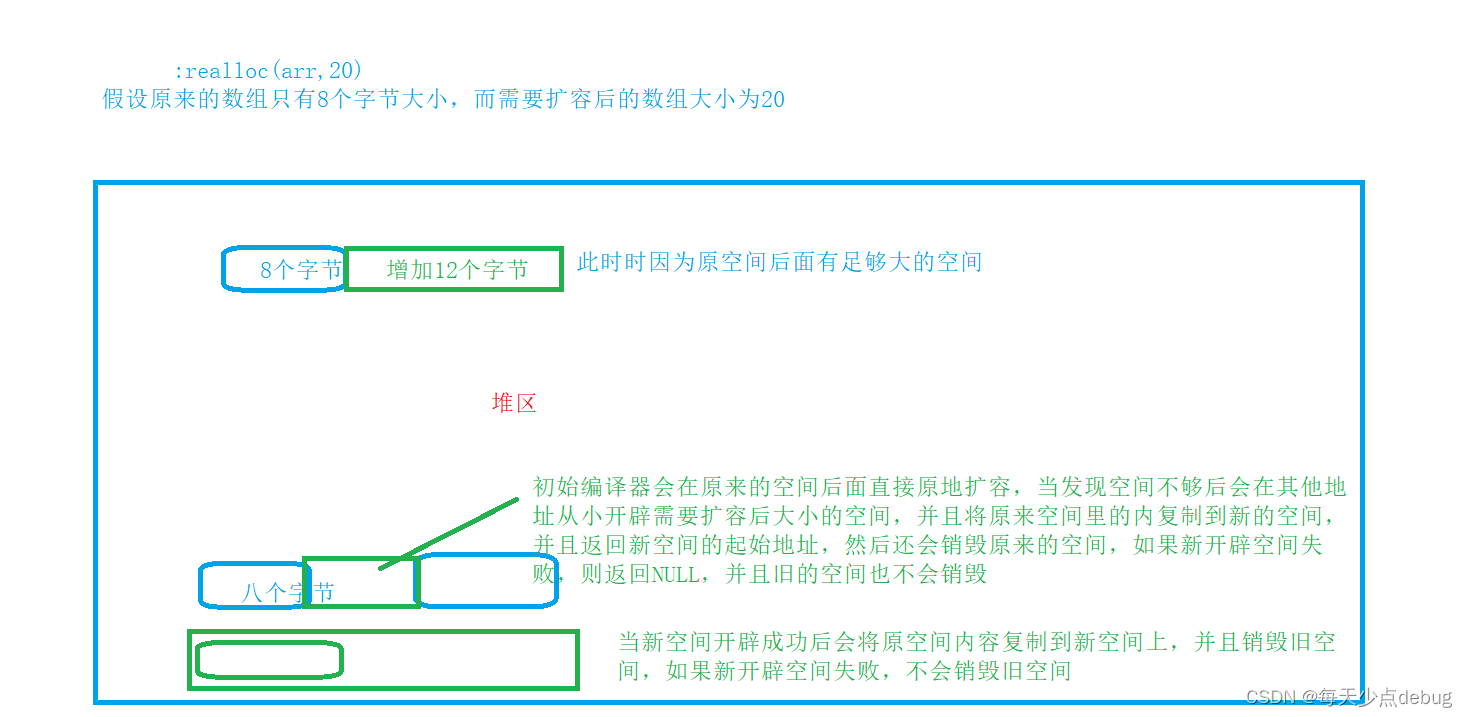
Dynamic memory (advanced 4)

CDA数据分析——AARRR增长模型的介绍、使用
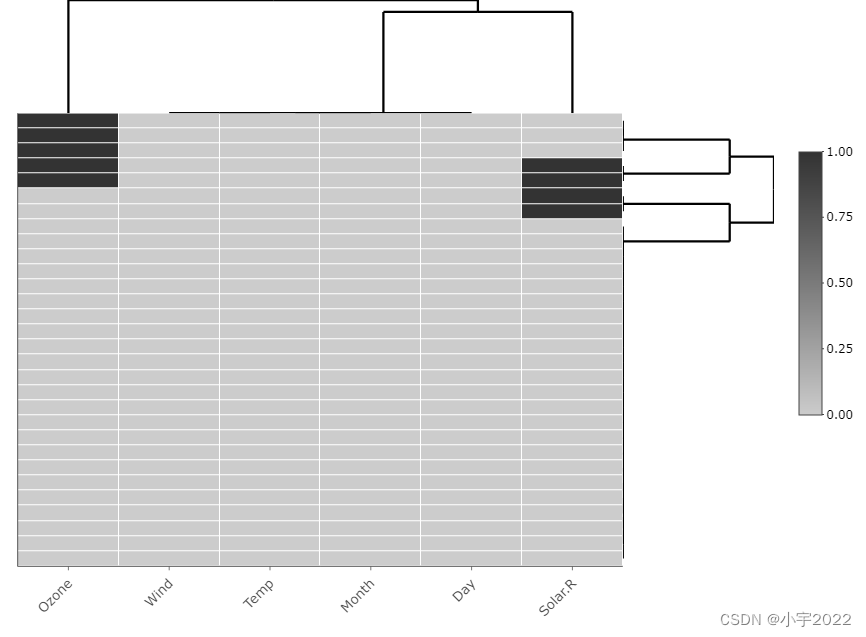
How to Visualize Missing Data in R using a Heatmap

GGPlot Examples Best Reference
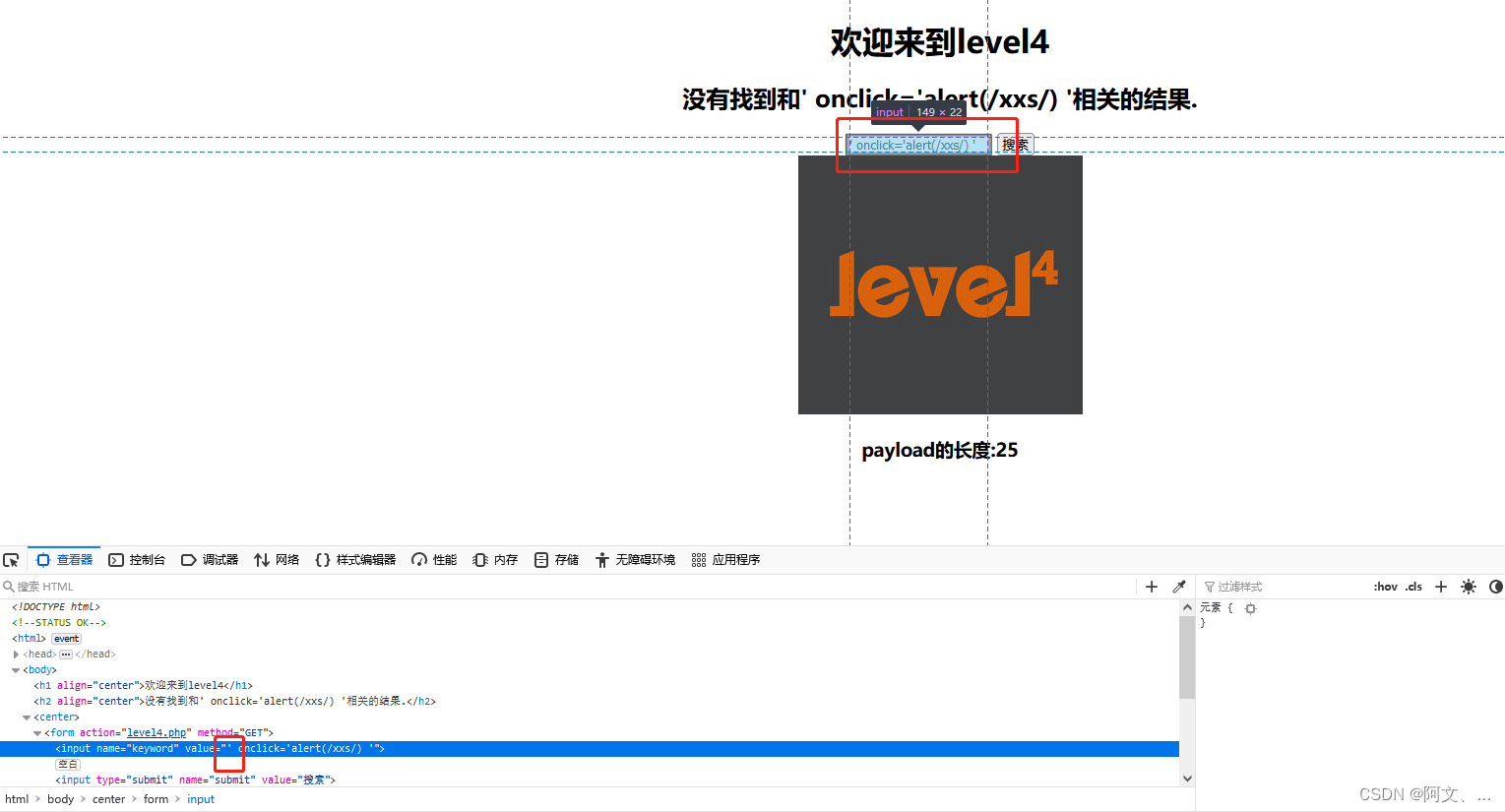
xss-labs-master靶场环境搭建与1-6关解题思路

Dynamic debugging of multi file program x32dbg

5g era, learning audio and video development, a super hot audio and video advanced development and learning classic

【C语言】十进制数转换成二进制数

Take you ten days to easily finish the finale of go micro services (distributed transactions)
随机推荐
Leetcode122 买卖股票的最佳时机 II
字符串回文hash 模板题 O(1)判字符串是否回文
The most understandable f-string tutorial in history, collecting this one is enough
数据分析 - matplotlib示例代码
GGPlot Examples Best Reference
Le tutoriel F - String le plus facile à comprendre de l'histoire.
初始JDBC 编程
史上最易懂的f-string教程,收藏這一篇就够了
Dynamic debugging of multi file program x32dbg
深入理解P-R曲线、ROC与AUC
Jenkins用户权限管理
uniapp uni-list-item @click,uniapp uni-list-item带参数跳转
多文件程序X32dbg动态调试
【C语言】十进制数转换成二进制数
Small guide for rapid formation of manipulator (VII): description method of position and posture of manipulator
Cmake cross compilation
Research on and off the Oracle chain
Orb-slam2 data sharing and transmission between different threads
pgsql 字符串转数组关联其他表,匹配 拼接后原顺序展示
进入前六!博云在中国云管理软件市场销量排行持续上升