当前位置:网站首页>Record a 'very strange' troubleshooting process of cloud security group rules
Record a 'very strange' troubleshooting process of cloud security group rules
2022-07-05 16:13:00 【yuanfan2012】
Remember a very strange process of troubleshooting cloud security group rules
The problem background :
1、 application server :172.16.100.21
2、 database server :172.16.100.22 (SQLServer 1433)
As shown in the figure
( Click to enlarge the picture )
One 、 Problem phenomenon
Feedback from development engineers :
1、 Office area PC telnet 172.16.100.22 1433 SQLServer The port is open , use Navicat You can connect to the database
2、 But it's very strange that : application server 172.16.100.21 On telnet 172.16.100.22 1433 But it doesn't work , The application server joint debugging is not successful
( Click to enlarge the picture )
Two 、 Problem identification and analysis
I found
1、 The same ECS security group rules used by the application server and the database server
As shown in the figure below
( Click to enlarge the picture )
You can see that the security group rules are (0.0.0.0/0) All open 1433 port
2、 I try to use the server in the operation and maintenance area for port detection
Find out 172.16.100.22 1433 SQLServer The port is open
( Click to enlarge the picture )
So I'm very puzzled At this time, I thought the problem should be the database server , Is there any restriction made by the database server itself
Checked 172.16.100.22 Operating system firewall configuration , There are no restrictions , The firewall is closed directly
Also asked the development engineer , Are there any restrictions at the database level , It is also said that there are no restrictions
It's too strange
3、 ... and 、 Continue to troubleshoot
Check the security protection software on the database server (HIDS) There are no restrictions
Communicate with the development engineer , In the joint commissioning stage, the database server can be restarted , It has also been restarted , The problem remains. ( Although restart can solve 80% The problem of )
The problem is at an impasse
Four 、 Out of the box , The problem is solved in an instant
In communication (battle) In the process of , Suddenly, a word from the development engineer reminded me : Is there any restriction on the external access of the application server ? foreign ? The downlink rules all release external access , What he said about external visits refers to the uplink rules ? Exit direction ?
Yeah , Is it possible that the problem lies on the source server , It should not be on the destination server , I have to change direction
At this time, I plan to check the outbound rules of the application server's own operating system firewall , Suddenly in the security group uplink rules ( Exit direction ) See this little detail
( Click to enlarge the picture )
 The system determines some high-risk ports , By default, it is added to the security group and forbidden .  about  Windows  Cloud server , By default, the system limits several “ Uplink security group ” The rules :
 agreement  TCP, port 3389,1433,445,135,139;
 agreement  UDP, port 1434,445,135,137,138.
Windows  ECS sends out   Remote Desktop Connection , You need to release rules in the security group  tcp  The upside  3389  port ;
Windows  ECS sends out  SQL Server  Connect , You need to release rules in the security group  tcp  The upside  1433  port .
Instantly know the reason At this time, a rule is added to solve the problem
( Click to enlarge the picture )
Develop feedback application server :172.16.100.21 It can be connected normally 172.16.100.22 (SQLServer 1433) database , Problem solving
5、 ... and 、 summary
The more strange the problem is, the more it is necessary to jump out of the mindset to check
The normal way of thinking is to determine that the problem is on the destination server , I don't think there is any problem with the source server
边栏推荐
- 漫画:什么是服务熔断?
- Dataarts studio data architecture - Introduction to data standards
- The OBD deployment mode of oceanbase Community Edition is installed locally
- 16. [stm32] starting from the principle, I will show you the DS18B20 temperature sensor - four digit digital tube displays the temperature
- 21.[STM32]I2C协议弄不懂,深挖时序图带你编写底层驱动
- obj集合转为实体集合
- Appium automation test foundation - appium basic operation API (II)
- 效果编辑器新版上线!3D渲染、加标注、设置动画,这次一个编辑器就够了
- Arduino controls a tiny hexapod 3D printing robot
- 20.[STM32]利用超声波模块和舵机实现智能垃圾桶功能
猜你喜欢
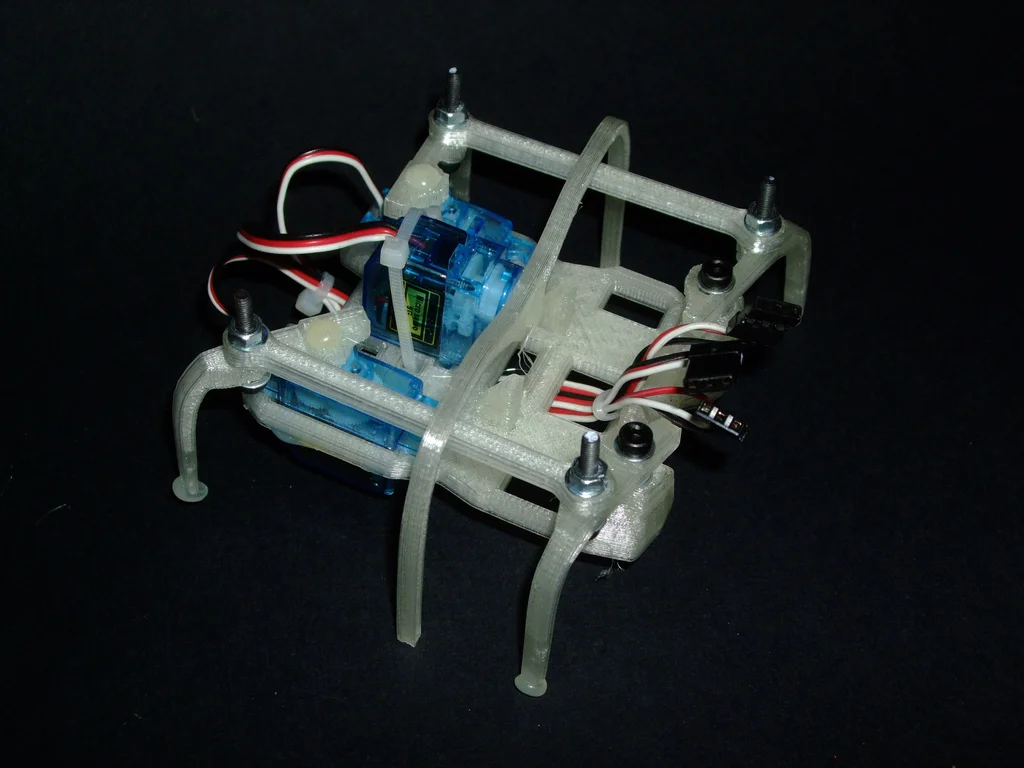
Arduino控制微小的六足3D打印机器人

SQL injection sqllabs (basic challenges) 11-20
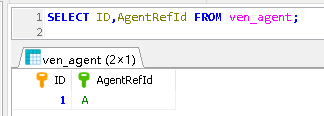
MySQL giant pit: update updates should be judged with caution by affecting the number of rows!!!

vulnhub-FirstBlood

迁移/home分区
![16. [stm32] starting from the principle, I will show you the DS18B20 temperature sensor - four digit digital tube displays the temperature](/img/9f/c91904b6b1d3a1e85c0b50e43972e5.jpg)
16. [stm32] starting from the principle, I will show you the DS18B20 temperature sensor - four digit digital tube displays the temperature
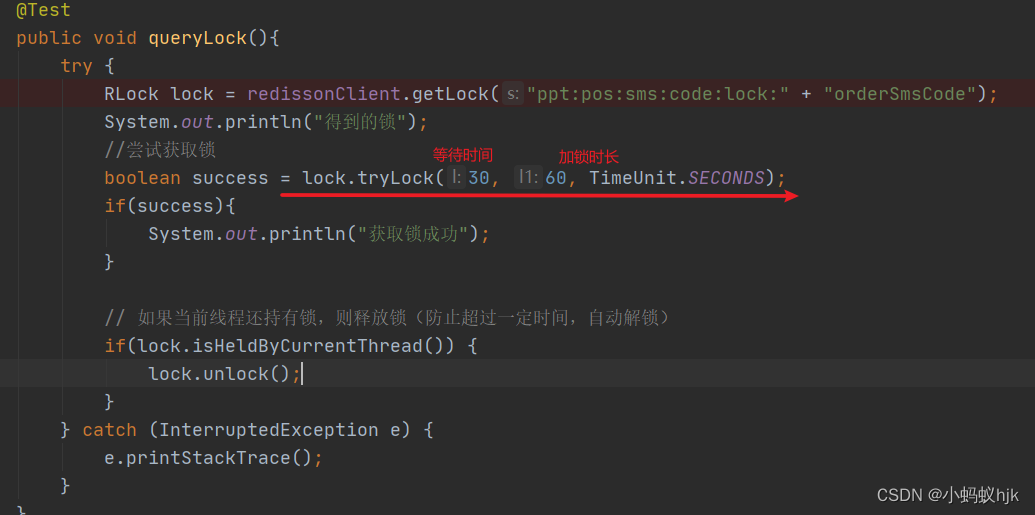
Use of RLOCK lock
![19.[STM32]HC_ SR04 ultrasonic ranging_ Timer mode (OLED display)](/img/fe/8f59db28823290da8e9280df06673d.jpg)
19.[STM32]HC_ SR04 ultrasonic ranging_ Timer mode (OLED display)
![17. [stm32] use only three wires to drive LCD1602 LCD](/img/c6/b56c54da2553a451b526179f8b5867.png)
17. [stm32] use only three wires to drive LCD1602 LCD
RLock锁的使用
随机推荐
Data communication foundation OSPF Foundation
Solve the Hanoi Tower problem [modified version]
抽象类中子类与父类
18.[STM32]读取DS18B20温度传感器的ROM并实现多点测量温度
助力数字经济发展,夯实数字人才底座—数字人才大赛在昆成功举办
Use of set tag in SQL
List uses stream flow to add according to the number of certain attributes of the element
Data communication foundation - routing communication between VLANs
20.[STM32]利用超声波模块和舵机实现智能垃圾桶功能
How difficult is it to pass the certification of Intel Evo 3.0? Yilian technology tells you
项目中批量update
Li Kou today's question -729 My schedule I
DataArts Studio数据架构——数据标准介绍
CISP-PTE之PHP伪协议总结
Exception com alibaba. fastjson. JSONException: not match : - =
10分钟帮你搞定Zabbix监控平台告警推送到钉钉群
给自己打打气
超分辨率技术在实时音视频领域的研究与实践
通过的英特尔Evo 3.0整机认证到底有多难?忆联科技告诉你
具有倍数关系的时钟切换