当前位置:网站首页>Strings and characters
Strings and characters
2022-07-04 10:38:00 【She was your flaw】
character string
One 、 Strings and characters
- What is a string (str)
‘’’
Container data type ; take ’ ‘ perhaps ’’’ ‘’‘ perhaps """ “”" As a container mark , Each symbol in quotation marks is an element of a string .(’’’’’‘ and ”“”“”“ When representing the contents of a string, the line break can be performed without using escape characters , And press enter directly )
String immutable ( Addition, deletion and modification are not supported ); String order ( Subscript operation is supported )
Elements : Each individual symbol in quotation marks is an element of a string ( Also called character ), Characters can be any symbol .
Characters fall into two categories : Ordinary character ( Represents the character of the symbol itself )、 Escape character ( The existence of symbols has special functions and meanings )
‘’’
str1 = '90,100'        #  Yes 6 String elements
str2 = "jofjkn= It's accounting   "
str3 = 'abc\n123'
str4 = '''131 adc'''
str5 = """dsd asd bgf """

str6 = 'abc\n123'      # 'ABC123'
print(str6)
- Elements of string – character
‘’’
Characters are divided into ordinary characters and escape characters
Escape character – Add \ Let symbols have special functions , Common escape characters are as follows :
\n – Line break
\t – Horizontal tabs ( amount to tab Key function )
’ – Represents an ordinary single quotation mark
" – Represents an ordinary double quotation mark
\ – Represents a common backslash
The length of an escape character is 1
‘’’
\u4 Character encoding value of bit – Encoded characters
str7= '\tabc\n123'
print(str7)

str8 = 'it\'s me!'
print(str8)         # it's me!

str9 = "it's me!"
print(str9)

str10 = "I say:\"you see see, one day day!\""
print(str10)

str11 = 'I say:"you see see, one day day!"'
print(str11)

str12 = 'abc\\name\u4eff'
print(str12)   # abc\name Imitation

str13 = ''   # "",'''''',""""""
print(type(str13), len(str13))
- Character encoding
‘’’
( 1) code
Computers can only store numbers directly ( And the binary complement of the saved number ), Text symbols cannot be stored directly in the computer .
In order to enable the computer to have the ability to store text symbols , We give all the characters a fixed number , The corresponding number of the symbol should be stored every time .
The number corresponding to the symbol is the coded value of the symbol
(2) Encoding table - Save the table of symbols and corresponding relationships
(2.1) ASCII clock
a. All in all 128 Characters ( American symbol )
b. The number is in front of the letter ; Uppercase letters precede lowercase letters ; Capital letters and There are other symbols between lowercase letters
(2.2) Unicode Encoding table (Python)
a. Unicode The coding table is correct ASCII Extension of table , Including all countries in the world Symbols of all nations and languages ( Also known as the universal code ), in total :65536 individual
b. Chinese range :4e00 ~ 9fa5
(2.3) Code value in Python The use of
a. chr function :chr( Encoding value ) - Get the character corresponding to the encoded value
b. ord function :ord( character ) - Get the encoded value of the character
c. Encoded characters :\u4e00 (4e00 It's just one. 16 Binary encoded value )
Be careful :python Where characters are required in, the length must be 1 String assignment of
‘’’
1) chr
print(chr(97))
print(chr(35), chr(0x23))
print(chr(0x4e00))  #  One
print(chr(0x9fa5))  #  A kind of

num = 0
for x in range(0x4e00, 0x9fa5+1):
print(chr(x), end=' ')
num += 1
    if num % 30 == 0:
        print()

print(ord(' Tan '), ord(' Cai '))              # 35885 20594
practice : Convert upper case letters to corresponding lower case letters
A -> a,  M -> m
c = 'M'
new_c = chr(ord(c) + 32)
print(new_c)

str14 = 'abc\u5fdd'
print(str14)
Two 、 String related operations
- check - Gets the character of the string
The syntax of getting characters from strings is exactly the same as that of getting elements from lists
str1 = '\tabc\n123\'+-'
print(str1[1])
print(str1[1:])
print(str1[::-1])
# print(str1[100]) # IndexError: string index out of range

print(str1[5:8], str1[5:-3])
print(str1[1:])
print(str1[::-1])

for x in str1:
    print(x)

for index in range(len(str1)):
    print(index, str1[index])

for index, item in enumerate(str1):
    print(index, item)
- Numeric operators :+、*
print('hello' + 'word!')    # helloword!
print('hello' * 2)          # hellohello

name = ' Xiao Ming '
 full name : Xiao Ming
print(' full name :' + name)     #  full name : Xiao Ming
 practice : Extract lowercase letters in characters
'ss Give it a try 78,mvn0-k= attend class;class begins 23'  -->  'ssmvnk'
str2 = 'ss Give it a try 78,mvn0-k= attend class;class begins 23'
new_str2 = ''
for x in str2:
    if 97 <=ord(x) <= 122:
        new_str2 += x
print(new_str2)        # 'ssmvnk'

new_str2 = [x for x in str2 if 97 <= ord(x) <= 122]
print(new_str2)     # ['s', 's', 'm', 'v', 'n', 'k']
- Comparison operator
- Comparison is equal :==、!=
print('abc' == 'abc')       # True
print('abc' == 'acb')       # False
- Compare the size :>、<、>=、<=
Two strings compare size , The comparison is the size of the encoded values of the first pair of unequal characters
‘’’
char = ?
Judge whether the segment is a numeric character : ‘0’ <= char <= ‘9’
Determine if it's lowercase : ‘a’ <= char <= ‘z’
Decide if it's a capital letter : ‘A’ <= char <= ‘Z’
Decide if it's a letter : ‘a’ <= char <= ‘z’ or ‘A’ <= char <= ‘Z’
Judge whether it is Chinese :’\u4e00’ <= char <= ‘\u9fa5’
‘’’
print('MNxy' > 'ab')        # False
print(' how are you ' > 'hello')      # True
print('123' > 'KM123')      # False
print('M' > 'N')
practice 2:
str3 = ‘ Hello loe–23=sks;M9JHkyu yes -12 Shankara ’
1) Practice counting the number of Chinese characters
2) Print all numeric characters in the string
3) Extract all the letters in the string
 Method 1
(1)
count = 0
for x in str3:
    if '\u4e00' <= x <= '\u9fa5':
        count += 1
print(' The number of Chinese :', count)

(2)
for x in str3:
    if '0' <= x <= '9':
        print(x)

(3)
new_str = ''
for x in str3:
    if 'a' <= x <= 'z' or 'A' <= x <= 'Z':
        new_str += x
print(' All the letters :', new_str)


 Method 2
str3 = ' Hello loe--23=sks;M9JHkyu yes -12 Shankara '
count = 0
c = ''
new_str = ''
for x in str3:
    if '\u4e00' <= x <= '\u9fa5':
        count += 1
    elif '0' <= x <= '9':
        c += x
    elif 'a' <= x <= 'z' or 'A' <= x <= 'Z':
        new_str += x
print(count, c, new_str)
- in and not in
character string 1 in character string 2 - Judgment string 2 Whether there is a string in 1( Judgment string 1 Whether it's a string 2 The string of )
print('abc' in 'abc123')            # True
print('abc' in 'abc123')            # True
print(10 in [10, 20, 30])           # True
print([10, 20] in [10, 20, 30])     # False
print('ac' in 'abc123')             # False
- r grammar (r-string) - Prefix the string with r/R
If you prefix a string with r, Then the function of all escape characters in the string will disappear .( Prevent escape )
str4 = r'abc\n123'
print(str4)         # abc\n123

path = R'c:\\users\name\test\a.txt'
print(path)
- Correlation function
‘’’
len ( To obtain the length of the )
str( data ) - Convert data to string ( Any type of data type can be converted into a string ; When converting, put quotation marks outside the printed value of the data )
eval( character string ) - Remove the outermost quotation marks of the string , get data ( If there is not a data after removing the quotation marks , Just calculate the result of the expression )
‘’’
str(100)    # '100'
str(12.5)   # '12.5'
str([10, 20, 30])     # '[10, 20, 30]'
str([1,2,3])          # '[1, 2, 3]'
print([1,2,3])      # [1, 2, 3]
str({
    'a': 10, 'b': 20})     # "{'a': 10, 'b': 20}"
str({
    'a': 10, "b": 20})     # "{'a': 10, 'b': 20}"
print({
    'a': 10, "b": 20})     # {'a': 10, 'b': 20}
str(lambda x: x*2)
print(str(lambda x: x*2))   # '<function <lambda> at 0x10f49d430>'
result1 = eval('100')   # 100
print(result1, type(result1))   # 100 <class 'int'>
result2 = eval('[10, 20, 30]')  # [10, 20, 30]
print(result2, type(result2))         # [10, 20, 30] <class 'list'>
result3 = eval('10 + 20')
print(result3)      # 30
result4 = eval('type(10)')
print(result4)    # <class 'int'>
str5 = """{ 'student':[ {'name': ' Xiao Ming ', 'age': 18}, {'name': ' Zhang San ', 'age': 20}, ], 'name': 'python2104' }"""
result4 = eval(str5)
print(result4, result4['student'][0])

abc = 200
print(eval('abc'))   # abc

a = b = 10
print(eval('a+b'))    # a + b
3、 ... and 、 String related methods
1.jion
character string .join Sequence – The elements in the sequence are spliced into a string with the specified string ( The element in the sequence must be a string )
list1 = ['abc', 'name', '123', 'sdf']
result = ''.join(list1)
print(result)               # abcname123sdf

result1 = '+'.join(list1)
print(result1)              # abc+name+123+sdf

result2 = '123'.join('abc')
print(result2)              # a123b123c
 practice 1: take list2 All elements in are spliced into a string
list2 = ['abc', 100, True, 'hello']     # 'abc100Truehello'
result3 = ''.join([str(x) for x in list2])
print(result3)          # abc100Truehello

 practice 2: take list2 All strings in are spliced into one string
list2 = ['abc', 100, True, 'hello']     # abchello
result4 = ''.join([x for x in list2 if type(x) == str])
print(result4)      # abchello
2.count
character string 1.count( character string 2) – Statistics string 1 Middle string 2 Number of occurrences
message = 'how are you? i am fine! thank you! and you?'
result5 = message.count('you')
print(result5)      # 3
- index/find
character string 1.index( character string 2) – Get string 2 The first occurrence is in the string 1 Get a position in ( The location is from 0 Starting subscript value )
character string 1.find( character string 2) – Get string 2 The first occurrence is in the string 1 Get a position in ( The location is from 0 Starting subscript value )
In string 2 When it doesn't exist index Will report a mistake ,find Will not report an error and return -1
rindex/rfind - It's from right to left , Found is the last string 2
result6 = message.index('you')
print(result6)      # 8

result7 = message.find('you')
print(result7)      # 8

result8 = message.rfind('you')
print(result8)      # 39
4.split
character string 1.split( character string 2) – The string 1 All strings in 2 As a cut point pair string 1 For cutting
character string 1.split( character string 2, N) – Cut at most N Time
Be careful : If how to distribute the cutting points , The number of small strings after cutting is the number of cutting points plus 1
message = 'mnabc123abcxyzabcoop'
result9 = message.split('abc')
print(result9)          # ['mn', '123', 'xyz', 'oop']

message = 'abcmnabc123abcxyzabcabcoopabc'
print(message.split('abc'))     # ['', 'mn', '123', 'xyz', '', 'oop', '']

message = 'mnabc123abcxyzabcoop'
print(message.split('abc', 1))      # ['mn', '123abcxyzabcoop']
5.replace
character string 1.replace( character string 2, character string 3) – The string 1 All strings in 2 Replace with a string 3
character string 1.replace( character string 2, character string 3, N) – Just replace before N individual
message = 'how are you? i am fine! thank you! and you?'
result10 = message.replace('you', 'me')
print(result10)     # how are me? i am fine! thank me! and me?

result11 = message.replace('you', 'me', 2)
print(result11)     # how are me? i am fine! thank me! and you?
- center\rjust\ljust\zfill
character string 1.center( length , Fill character ) – The string 1 Convert to a new string of specified length , Not enough to fill in with the specified character , Center the original string
character string 1.rjust( length , Fill character ) – The string 1 Convert to a new string of specified length , Not enough to fill in with the specified character , The original string is displayed on the right
character string 1.ljust( length , Fill character ) – The string 1 Convert to a new string of specified length , Not enough to fill in with the specified character , The original string is displayed on the left
character string 1.zfill( length ) == character string 1.rjust( length , ‘0’)
str1 = 'abc'
print(str1.center(9, '0'))  	# 000abc000
print(str1.center(8, 'x'))  	# xxabcxxx
print(str1.rjust(9, '0'))  		 # 000000abc
print(str1.ljust(9, '0'))   	  # abc000000

3  -> 7
xxabcxx
abcxxxx
xxxxabc
num = 9     # 009
7.strip/rstrip/lstrip
strip - At the same time, remove all blanks on both sides of the string
rstrip - Remove all white space on the right side of the string
lstrip - Remove all blanks on the left of the string
str2 = ‘\t abc 123 \n’
print('-------------------------------')
print(str2)
print('------------ Remove the strings on both sides ------------')
print(str2.strip())
print('---------------------')
print(str2.lstrip())
print('------------------------------------')
print(str2.rstrip())
print('------------------------------------')
Homework
Enter a string , Print all characters on odd bits ( The subscript is 1,3,5,7… The character on the bit )
for example : Input **'abcd1234 ’ ** Output **‘bd24’**
message = ' Thermal radiation accessories 58598433huit'
print(message[1::2])		#  Radially attached 5583hi
enter one user name , Judge whether the user name is legal ( User name length 6~10 position )
message = ' Thermal radiation accessories 58598433huit'
if 6 <= len(message) <= 10:
    print(' user name :', ' legal ')
else:
    print(' user name :', ' illegal ')
enter one user name , Judge whether the user name is legal ( The user name can only consist of numbers and letters )
for example : ‘abc’ — legal ‘123’ — legal ‘abc123a’ — legal
message = '432 be rash and too much in haste KUd'
for x in message:
    if '0' <= x <= '9' or 'a' <= x <= 'z' or 'A' <= x <= 'Z':
        continue
    else:
        print(' illegal ')
        break
else:
    print(' legal ')
enter one user name , Judge whether the user name is legal ( The user name must contain and can only contain numbers and letters , And the first character must be a capital letter )
for example : ‘abc’ — illegal ‘123’ — illegal ‘abc123’ — illegal ‘Abc123ahs’ — legal
message = 'K32KUd'
if 'A' <= message[0] <= 'Z':
    for x in message:
        if '0' <= x <= '9' or 'a' <= x <= 'z' or 'A' <= x <= 'Z':
            continue
        else:
            print(' illegal ')
            break
    else:
        print(' legal ')
Enter a string , Take out all the numeric characters in the string to produce a new string
for example : Input **‘abc1shj23kls99+2kkk’** Output :'123992’
message = 'abc1shj23kls99+2kkk'
count = ''
for x in message:
    if '0' <= x <= '9':
        count += x
print(count)
Enter a string , Change all lowercase letters in the string into corresponding uppercase letters and output ( use upper Method and write your own algorithm )
for example : Input **‘a2h2klm12+’ ** Output 'A2H2KLM12+'
message = 'a2h2klm12+'
count = ''
for sin in message:
    if 'a' <= sin <= 'z':
        count = chr(ord(sin) - 32)
    else:
        count = sin
    print(count, end='')
Enter a value less than 1000 The number of , Generate the corresponding student number
for example : Input **‘23’, Output ’py1901023’** Input **‘9’, Output ’py1901009’** Input **‘123’, Output ’py1901123’**
x = 'py1901'
a = input(' Please enter a value less than 1000 The number of :')
print(x+a.zfill(3))
Enter a string , Count the number of non alphanumeric characters in the string
for example : Input **‘anc2+93-sj nonsense ’** Output :4 Input **’===’** Output :3
x = input(' Please enter a string :')
count = 0
for i in x:
    if not (('a' <= i <= 'z' or 'A' <= i <= 'Z') or ('0' <= i <= '9')):
        count += 1
print(count)
Input string , Change the beginning and end of the string to ’+’, Generate a new string
for example : Input string **‘abc123’, Output ’+bc12+’**
x = input(' Please enter a string :')
a = x.replace(x[0], '+')
b = a.replace(a[-1], '+')
print(b)
Input string , Gets the middle character of the string
for example : Input **‘abc1234’** Output :‘1’ Input **‘abc123’** Output **‘c1’**
x = input(' Please enter a string :')
if len(x) % 2 == 0:
    print(x[len(x)//2-1], x[len(x)//2], sep='')
else:
    print(x[len(x)//2])
- Write a program to realize the string function find/index The function of ( Get string 1 Middle string 2 First occurrence )
for example : character string 1 by :how are you? Im fine, Thank you! , character string 2 by :you, Print 8
str1 = 'how are you? Im fine, Thank you!'
str2 = 'you'
if str2 in str1:
    for index in range(len(str1)-len(str2)+1):
        for index1 in range(len(str2)):
            if str1[index+index1] != str2[index1]:
                break
        else:
            print(index)
            break
- Get the common characters in two strings
for example : character string 1 by :abc123, character string 2 by : huak3 , Print : Common characters are :a3
a = ''
str1 = 'abc123'
str2 = 'dfc89'
for i in str1:
    if i in str2:
        a += i
print(' Common characters are :', a)
边栏推荐
- Differences among opencv versions
- Es advanced series - 1 JVM memory allocation
- [untitled]
- Delayed message center design
- [Galaxy Kirin V10] [desktop and server] FRP intranet penetration
- Reasons and solutions for the 8-hour difference in mongodb data date display
- For programmers, if it hurts the most...
- BGP ---- border gateway routing protocol ----- basic experiment
- Student achievement management system (C language)
- /*Write a function to open the file for input, read the contents of the file into the vector container of string class 8.9: type, and store each line as an element of the container object*/
猜你喜欢
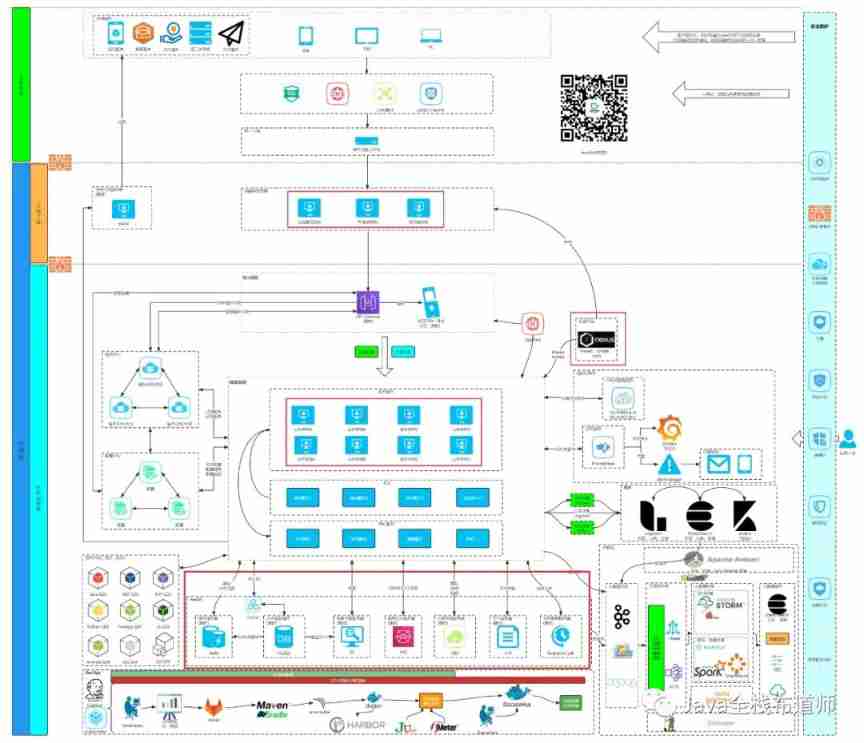
From programmers to large-scale distributed architects, where are you (I)
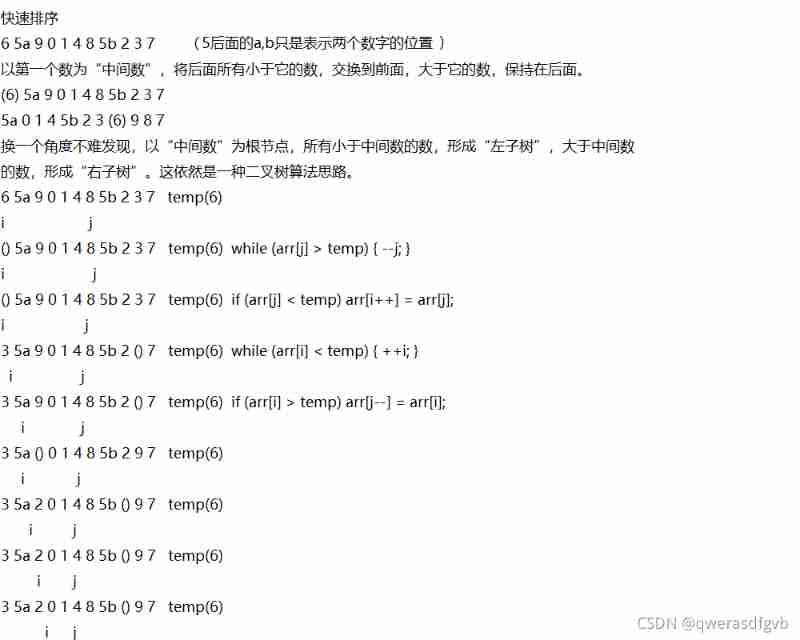
Quick sort (C language)
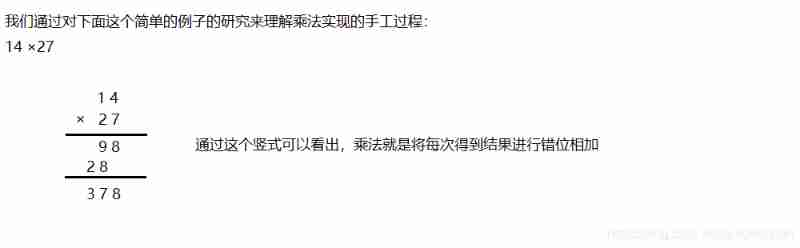
Huge number multiplication (C language)
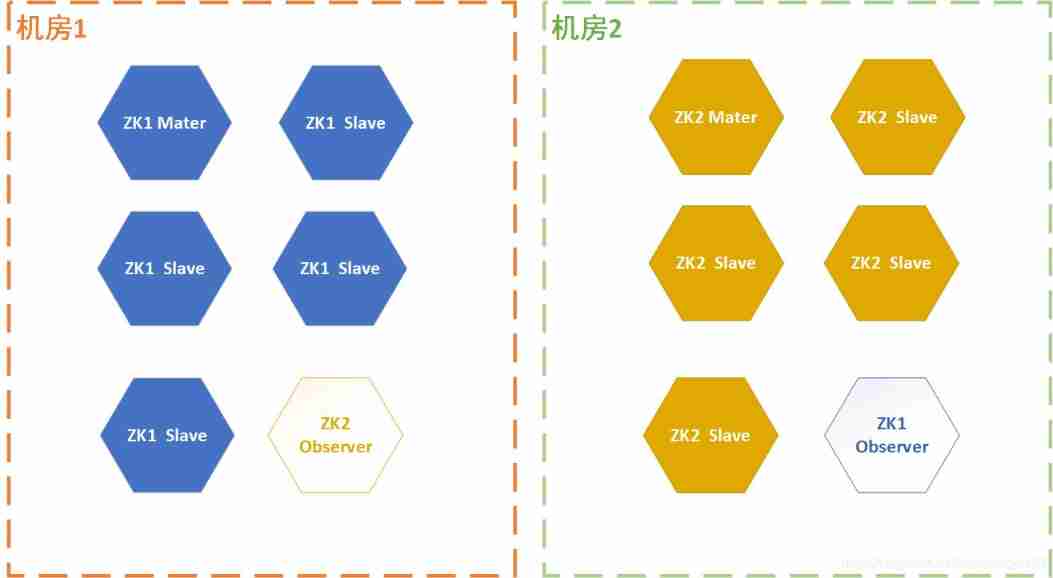
Three schemes of ZK double machine room
Architecture introduction
Latex error: missing delimiter (. Inserted) {\xi \left( {p,{p_q}} \right)} \right|}}

Add t more space to your computer (no need to add hard disk)
![[Galaxy Kirin V10] [server] iSCSI deployment](/img/60/13f43dc584c0768965d60811768948.jpg)
[Galaxy Kirin V10] [server] iSCSI deployment

Two way process republication + routing policy
![[Galaxy Kirin V10] [server] failed to start the network](/img/0f/6d2f321da85bd7437d2b86547bd8b4.jpg)
[Galaxy Kirin V10] [server] failed to start the network
随机推荐
RHCE - day one
Legion is a network penetration tool
Write a thread pool by hand, and take you to learn the implementation principle of ThreadPoolExecutor thread pool
Three schemes of ZK double machine room
system design
Static comprehensive experiment ---hcip1
Reasons and solutions for the 8-hour difference in mongodb data date display
[machine] [server] Taishan 200
What is devsecops? Definitions, processes, frameworks and best practices for 2022
Knapsack problem and 0-1 knapsack problem
Work order management system OTRs
From programmers to large-scale distributed architects, where are you (I)
2020-03-28
IPv6 comprehensive experiment
/*Write a loop to output the elements of the list container in reverse order*/
[Galaxy Kirin V10] [desktop] build NFS to realize disk sharing
[Galaxy Kirin V10] [server] system startup failed
Network disk installation
PHP programming language (1) - operators
Linked list operation can never change without its roots