当前位置:网站首页>Apicloud studio3 API management and debugging tutorial
Apicloud studio3 API management and debugging tutorial
2022-07-05 13:06:00 【White and white 888】
brief introduction
Introduction to panel function area
Number according to the red number on the way , The corresponding functions are as follows :
- API、 Request variable definition panel switch
- Search box and new button
- API list ( Each folder in the list is called a category )
- according to API The generated code
- API details 、 From left to right are requests method、url And send request button
- request Area
- response Area
- Variable configuration panel
establish API
establish API There are two ways :
- Through the right side of the search box "+" Button to create : Move the mouse into the button to pop up the operation panel , Click New API Method , The editor will pop up API Name popup , Input API Name Click " determine " You can successfully create under the corresponding category
- Through the classification on the right "..." Button to create : Select a category , On the right side of the corresponding category "..." Button , Move the mouse to the right "..." The button will pop up the operation panel , Click New API Method , The editor will pop up API Name popup , Input API Name Click " determine " You can successfully create under the corresponding category
matters needing attention :
- Without classification , You need to go through the right side of the search box first "+" Button to create a classification , Then, normal API Create a process
- Through the right side of the search box "+" Button API It will be created under the currently selected category by default
Delete API/ classification
- Delete API: Select the one you want to delete API, Corresponding API It will appear on the right "..." Button , Move the mouse to the right "...", The corresponding operation panel will pop up , Click delete , A second confirmation box will pop up to avoid misoperation , Click the delete button , Can be deleted successfully
- Delete category : Select the category to delete , The corresponding category will appear on the right "..." Button , Move the mouse to the right "...", The corresponding operation panel will pop up , Click delete , A second confirmation box will pop up to avoid misoperation , Click OK to delete , Can be deleted successfully . If it exists under the changed classification API, You need to delete all categories API You can delete this category
see / modify API To configure
modify API Configuration information
Select the one that needs to be debugged or modified API, On the right side API The operation panel can see the current API Request information for 、 Request parameters , Click Send button , You can see the response details of the current configuration
Pictured here API Basic configuration :
- Set request type , Click the drop-down to select the corresponding request type
- Request address , Enter the corresponding API Request address
- Send request button , When the request parameters are configured , Click to send the request and get the response
request Configuration panel
query Configuration panel , Configure the required in each column query Parameters , The request will be sent with query Carry parameters in the form of
header Configuration panel , Enter the corresponding configuration , It will be configured to header in
To configure body Request body , Configure the request body in the corresponding request mode , According to the selected request type , stay body Carry the configured parameters in
response Response panel
It is mainly used to view API Return the data , You can choose the formatted data or the returned original data according to your preferences , The drop-down options on the right are the basis for formatting
see response Responsive header Information
modify API name
Select the API, The corresponding category will appear on the right "..." Button , Move the mouse to the right "...", Select Rename in the pop-up operation panel , Enter the name you want to modify and click ok
Configuration variables
Click variables tab Button , Switch to the variable operation panel , In the panel, click Key,Value Configure global variables in the form of , stay API When called , Use {Key} You can use the configured variables in the form of . Here's the picture
notes : Variable values cannot reference variables , as follows , It's wrong.
Generate API Code
Click " Generate API Code " Button , According to the existing API In the root directory apiModel Automatically generate available code in the folder , It contains three files , Namely apiModel.js、config.js and req.js
- apiModel.js file : Generate API Corresponding method , Used in projects , Import the file directly , As defined during debugging API Call the function name
Pictured ,① For reference ,② Call generated API Method ,③ Results the print , Prove successful call
- config.js file : Mainly preserved in API Variable information configured during debugging
- req.js: This file is the encapsulation of the request method
边栏推荐
- Introduction to sap ui5 dynamicpage control
- Yyds dry inventory JS intercept file suffix
- mysql econnreset_Nodejs 套接字报错处理 Error: read ECONNRESET
- Run, open circuit
- Insmod prompt invalid module format
- RHCSA10
- Hiengine: comparable to the local cloud native memory database engine
- Concurrent performance test of SAP Spartacus with JMeter
- Laravel文档阅读笔记-mews/captcha的使用(验证码功能)
- The Research Report "2022 RPA supplier strength matrix analysis of China's banking industry" was officially launched
猜你喜欢
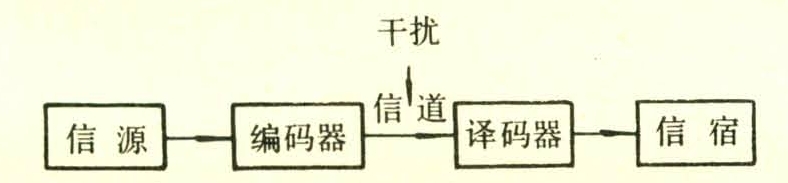
Notes for preparation of information system project manager --- information knowledge
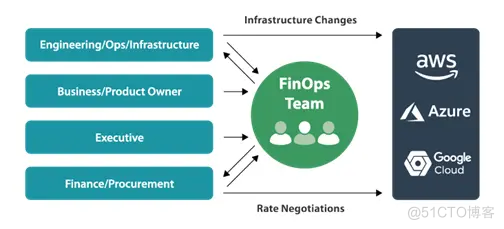
How can non-technical departments participate in Devops?
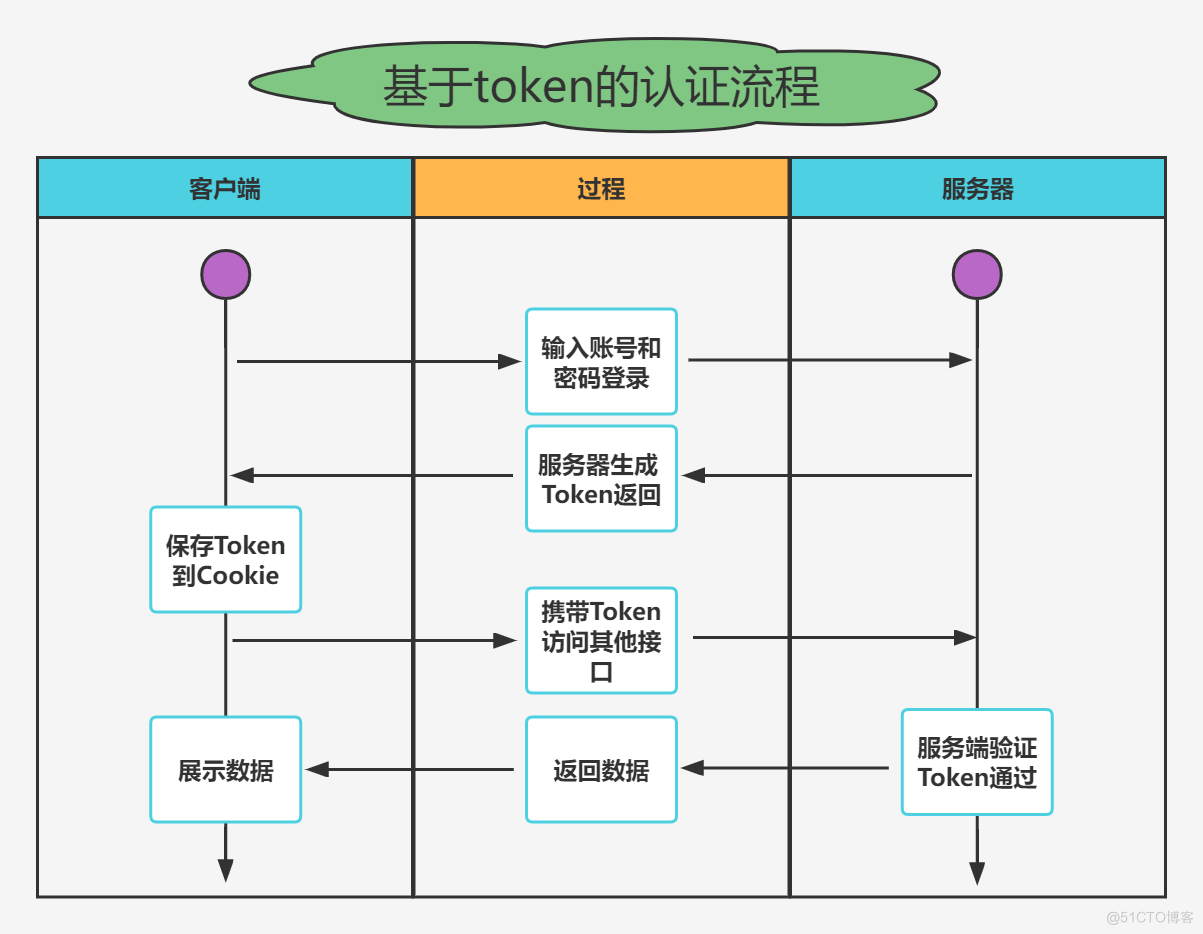
实战模拟│JWT 登录认证
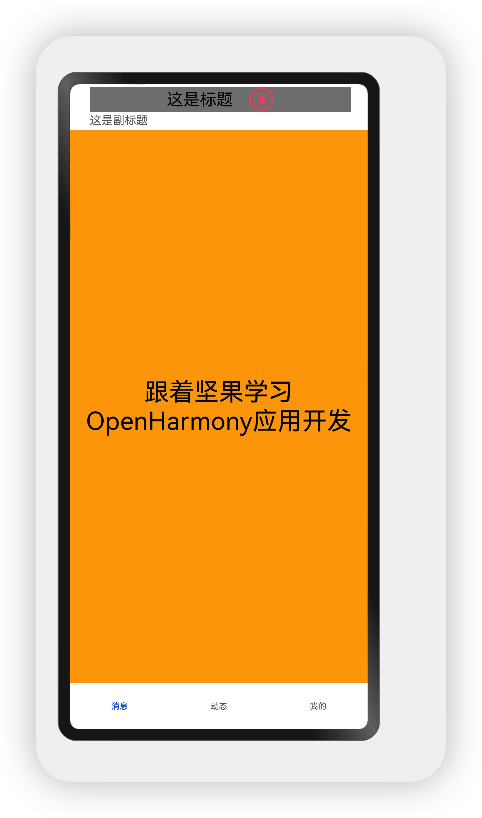
OpenHarmony应用开发之Navigation组件详解
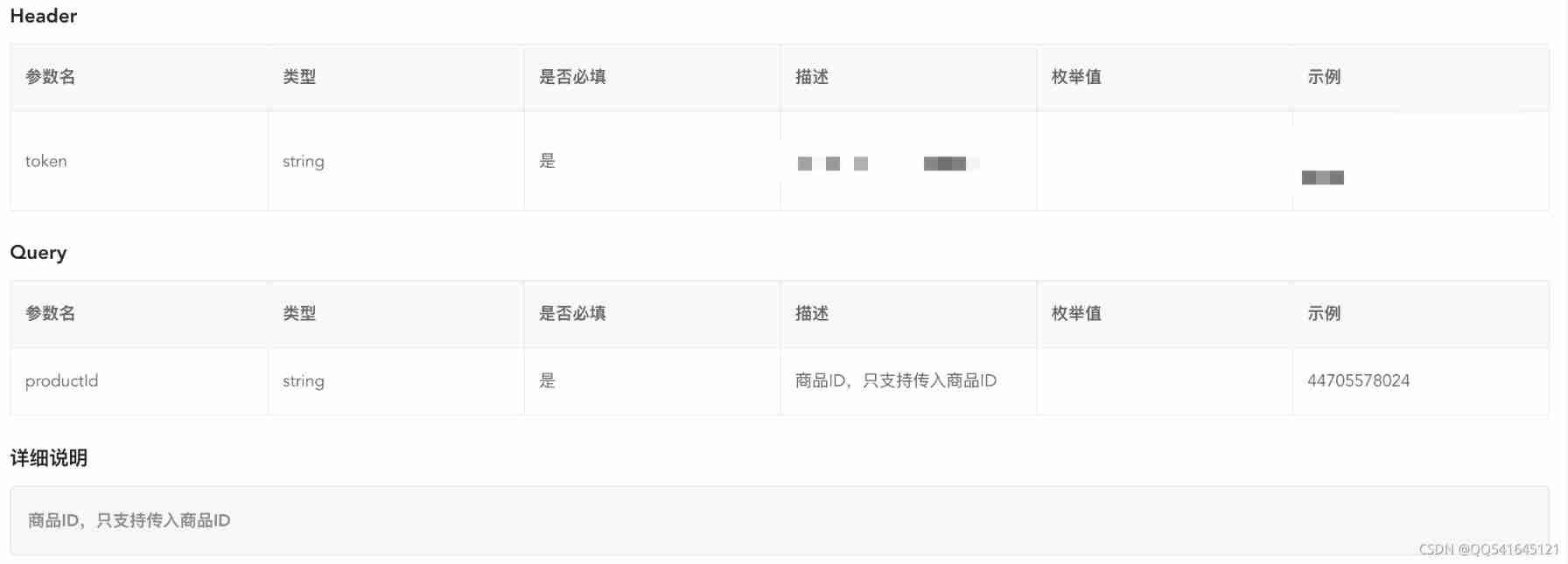
Taobao product details API | get baby SKU, main map, evaluation and other API interfaces
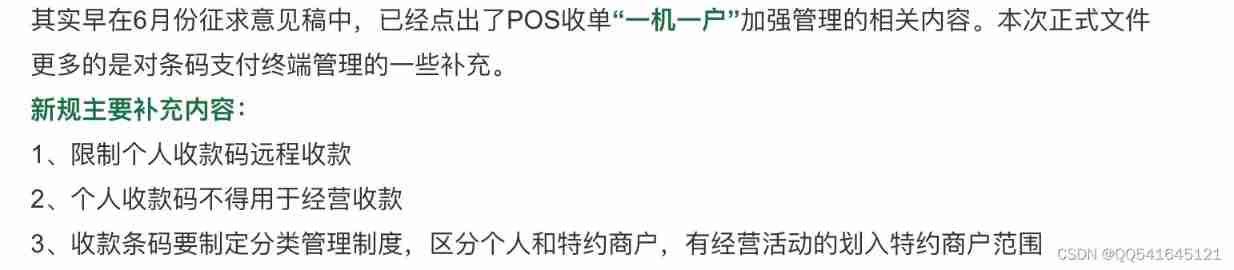
From the perspective of technology and risk control, it is analyzed that wechat Alipay restricts the remote collection of personal collection code
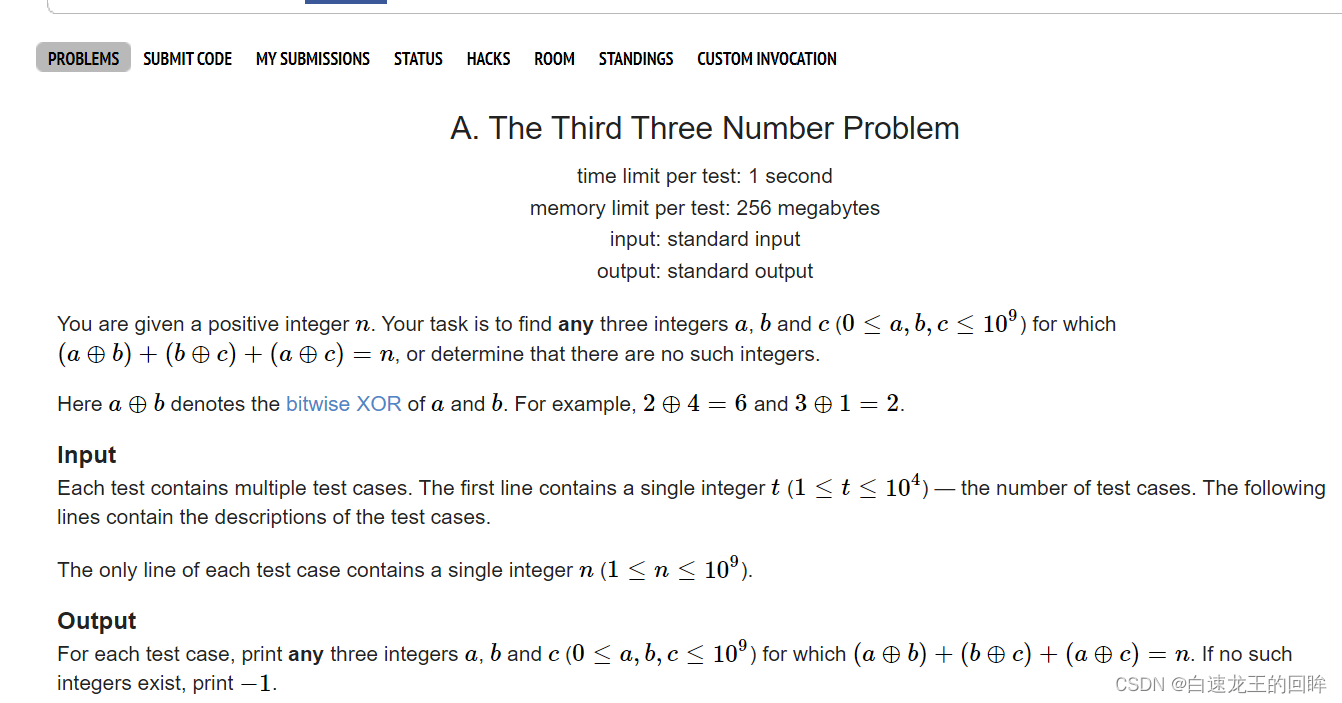
Cf:a. the third three number problem
太方便了,钉钉上就可完成代码发布审批啦!
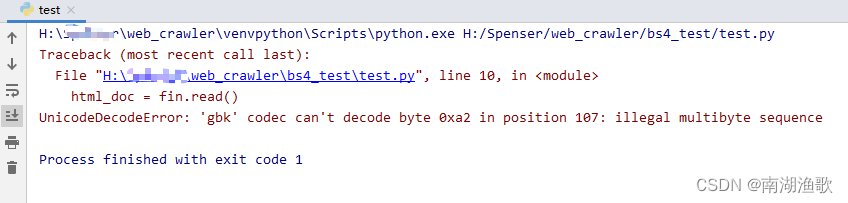
解决 UnicodeDecodeError: ‘gbk‘ codec can‘t decode byte 0xa2 in position 107

DNS的原理介绍
随机推荐
RHCSA7
同事半个月都没搞懂selenium,我半个小时就给他整明白!顺手秀了一波爬淘宝的操作[通俗易懂]
太方便了,钉钉上就可完成代码发布审批啦!
155. 最小栈
潘多拉 IOT 开发板学习(HAL 库)—— 实验7 窗口看门狗实验(学习笔记)
[cloud native] use of Nacos taskmanager task management
insmod 提示 Invalid module format
Yyds dry inventory JS intercept file suffix
MSTP and eth trunk
Developers, is cloud native database the future?
SAP SEGW 事物码里的 ABAP Editor
Notion 类笔记软件如何选择?Notion 、FlowUs 、Wolai 对比评测
手把手带你入门Apache伪静态的配置
Rocky基础命令3
聊聊异步编程的 7 种实现方式
DNS的原理介绍
Halcon template matching actual code (I)
RHCSA3
Four common problems of e-commerce sellers' refund and cash return, with solutions
Concurrent performance test of SAP Spartacus with JMeter