当前位置:网站首页>如何将.asd恢复为Word文档
如何将.asd恢复为Word文档
2022-08-05 05:25:00 【中子战星撞地球1】
昨天建了个文档,后来没电自动关机,再打开时点成了不恢复历史版本。鼓捣了可久,网上的解答多是版本特别老的(2007,2010),根本用不了。刚刚简单研究了一下,找到了解决方案,发上来造福大众。
一、先打开回收站,里头应该有个asd文件
二、进入文件
三、如图所示进行点击
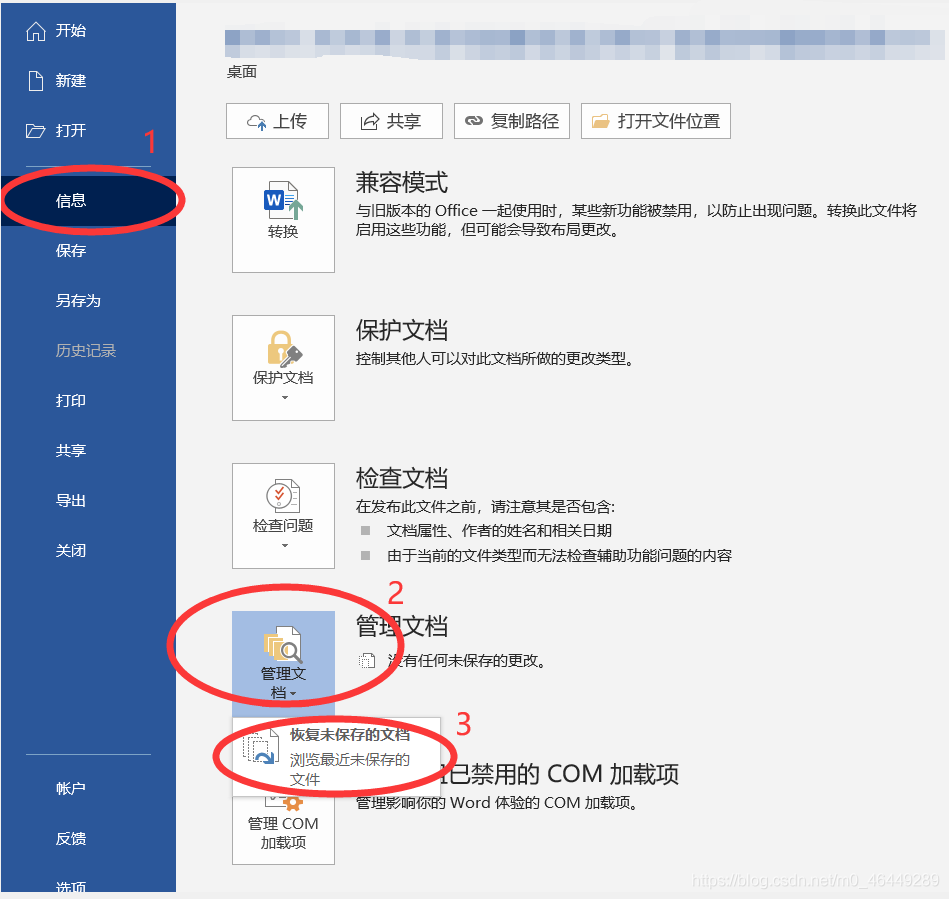
四、在弹出的这个界面中,把回收站里的asd文件拖进去,再点击打开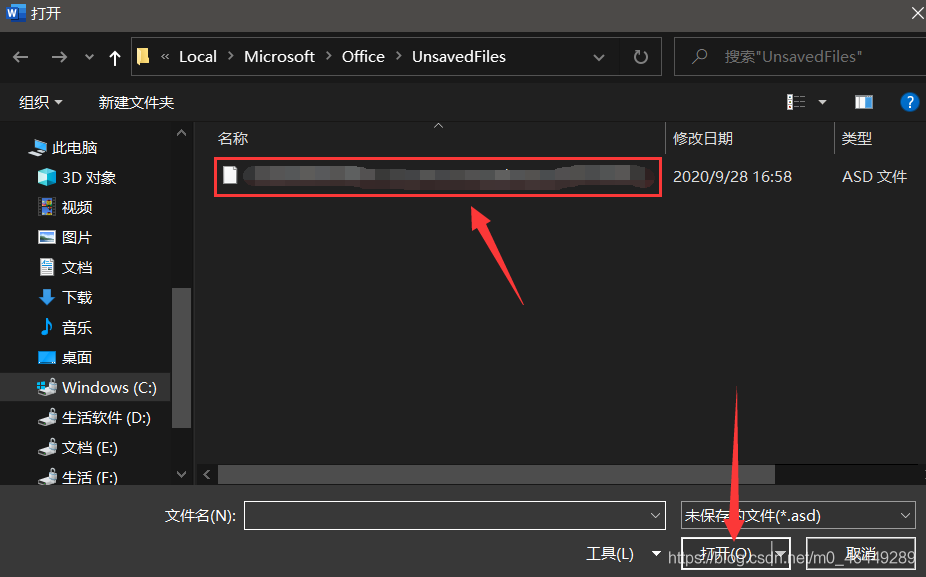
五、然后你就打开了,把它保存成doc格式就行了
边栏推荐
猜你喜欢
One-arm routing experiment and three-layer switch experiment
人人AI(吴恩达系列)
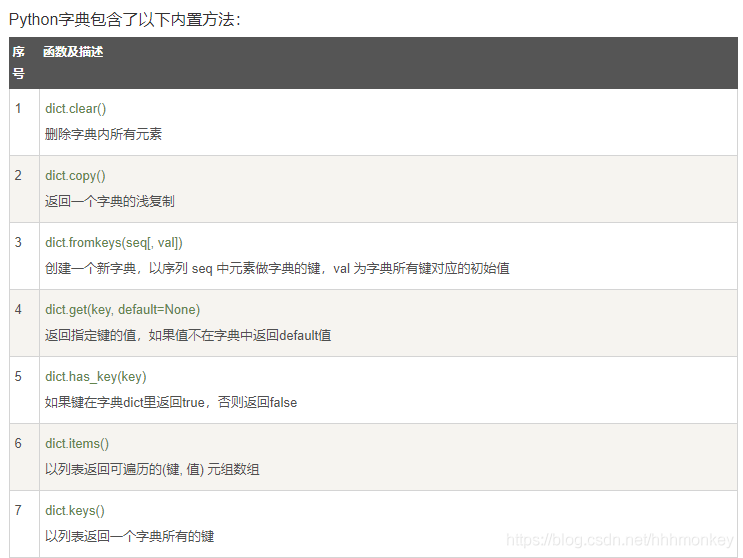
Some basic method records of commonly used languages in LeetCode
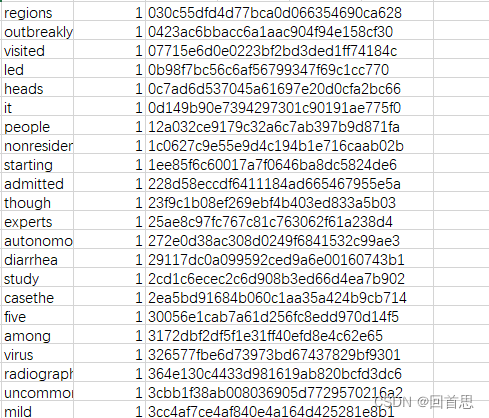
txt文件英语单词词频统计
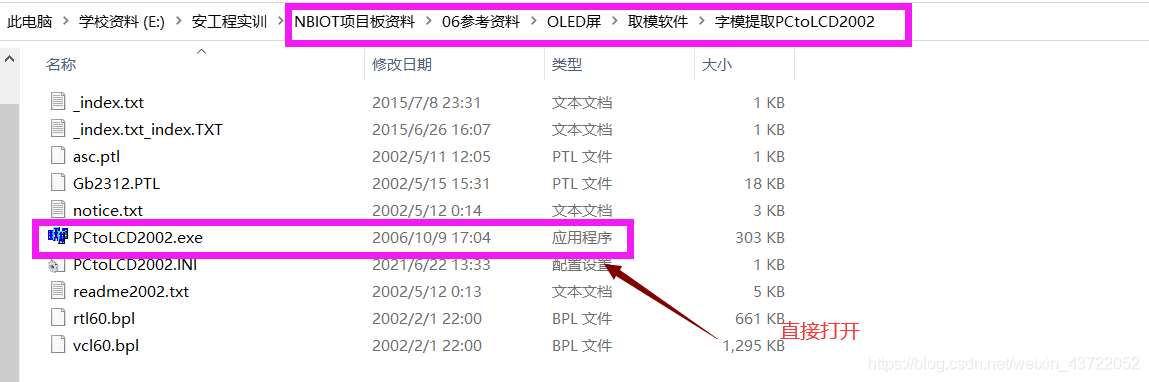
NB-IOT智能云家具项目系列实站
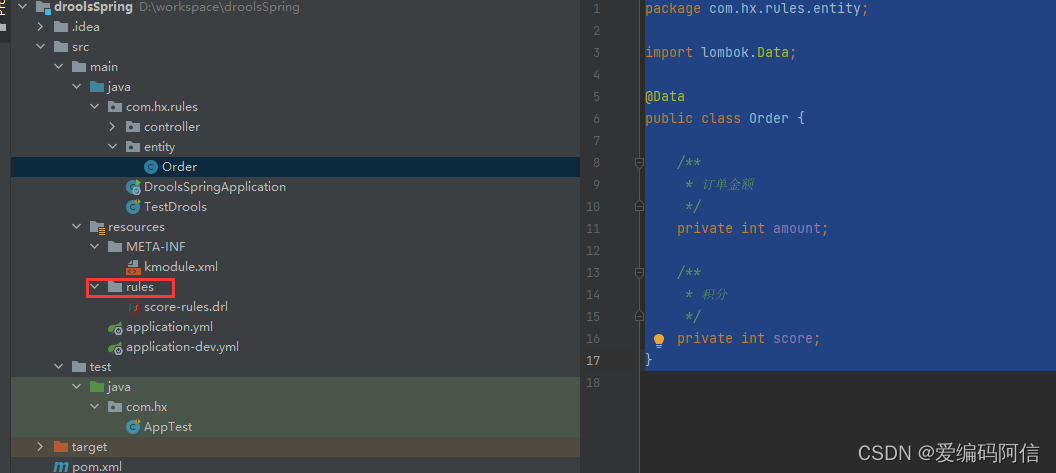
Quick Start to Drools Rule Engine (1)
设置文本向两边居中展示
Error correction notes for the book Image Processing, Analysis and Machine Vision
DevOps-了解学习
深夜小酌,50道经典SQL题,真香~
随机推荐
reduce()方法的学习和整理
Wireshark packet capture and common filtering methods
LaTeX笔记
【FAQ】CCAPI Compatible EOS Camera List (Updated in August 2022)
无法导入torchvision.io.read_image
docker部署完mysql无法连接
Cocos Creator Mini Game Case "Stick Soldier"
深入分析若依数据权限@datascope (注解+AOP+动态sql拼接) 【循序渐进,附分析过程】
文件内音频的时长统计并生成csv文件
The cocos interview answers you are looking for are all here!
Matplotlib绘图笔记
numpy.random使用文档
sql server duplicate values are counted after
config.js相关配置汇总
Vim tutorial: vimtutor
VSCode编写OpenCV
BIO,NIO,AIO实践学习笔记(便于理解理论)
Network Troubleshooting Basics - Study Notes
transport layer protocol
Q 2020, the latest senior interview Laya soul, do you know?