当前位置:网站首页>Promise (3) async/await
Promise (3) async/await
2022-08-05 06:56:00 【Do you want to buy groceries?】
async 函数
async 函数是使用async关键字声明的函数. async 函数是AsyncFunction构造函数的实例, 并且其中允许使用await关键字.async和await关键字让我们可以用一种更简洁的方式写出基于Promise的异步行为,而无需刻意地链式调用promise.
特点
        async function main(){
            //1. 如果返回值是一个非Promise类型的数据,会返回一个resolved的promise对象,value is the data
            // return 521;
            //2. 如果返回的是一个Promise对象
            return new Promise((resolve, reject) => {
                resolve('OK');
                // reject('Error');
            });
            //3. 抛出异常
            // throw "Oh NO";
        }

        let result = main();

        console.log(result);
await 表达式
        async function main(){
            let p = new Promise((resolve, reject) => {
                resolve('OK');
                // reject('Error');
            })
            //1. 右侧为promise的情况
            // let res = await p;
            //2. 右侧为其他类型的数据
            let res2 = await 20;
            // console.log(res2);   // 20
            //3. 如果promise是失败的状态
            // try{
            //     // let res3 = await p;
            // }catch(e){
            //     console.log(e);
            // }
        }

        main();
注意
async与await结合
const fs = require('fs');
const util = require('util');
// 将 API 转为promise形式的函数
const mineReadFile = util.promisify(fs.readFile);

//回调函数的方式
// fs.readFile('./resource/1.html', (err, data1) => {
//     if(err) throw err;
//     fs.readFile('./resource/2.html', (err, data2) => {
//         if(err) throw err;
//         fs.readFile('./resource/3.html', (err, data3) => {
//             if(err) throw err;
//             console.log(data1 + data2 + data3);
//         });
//     });
// });

//async 与 await
// Errors do not need to be judged at every level,使用try...catch即可
async function main(){
    try{
        //读取第一个文件的内容
        let data1 = await mineReadFile('./resource/1.html');
        let data2 = await mineReadFile('./resource/2.html');
        let data3 = await mineReadFile('./resource/3.html');
        console.log(data1 + data2 + data3);
    }catch(e){
        console.log(e.code);
    }
}

main();边栏推荐
猜你喜欢
获取预训练模型的网络输入尺寸

Japan Sanitary Equipment Industry Association: Japan's warm water shower toilet seat shipments reached 100 million sets
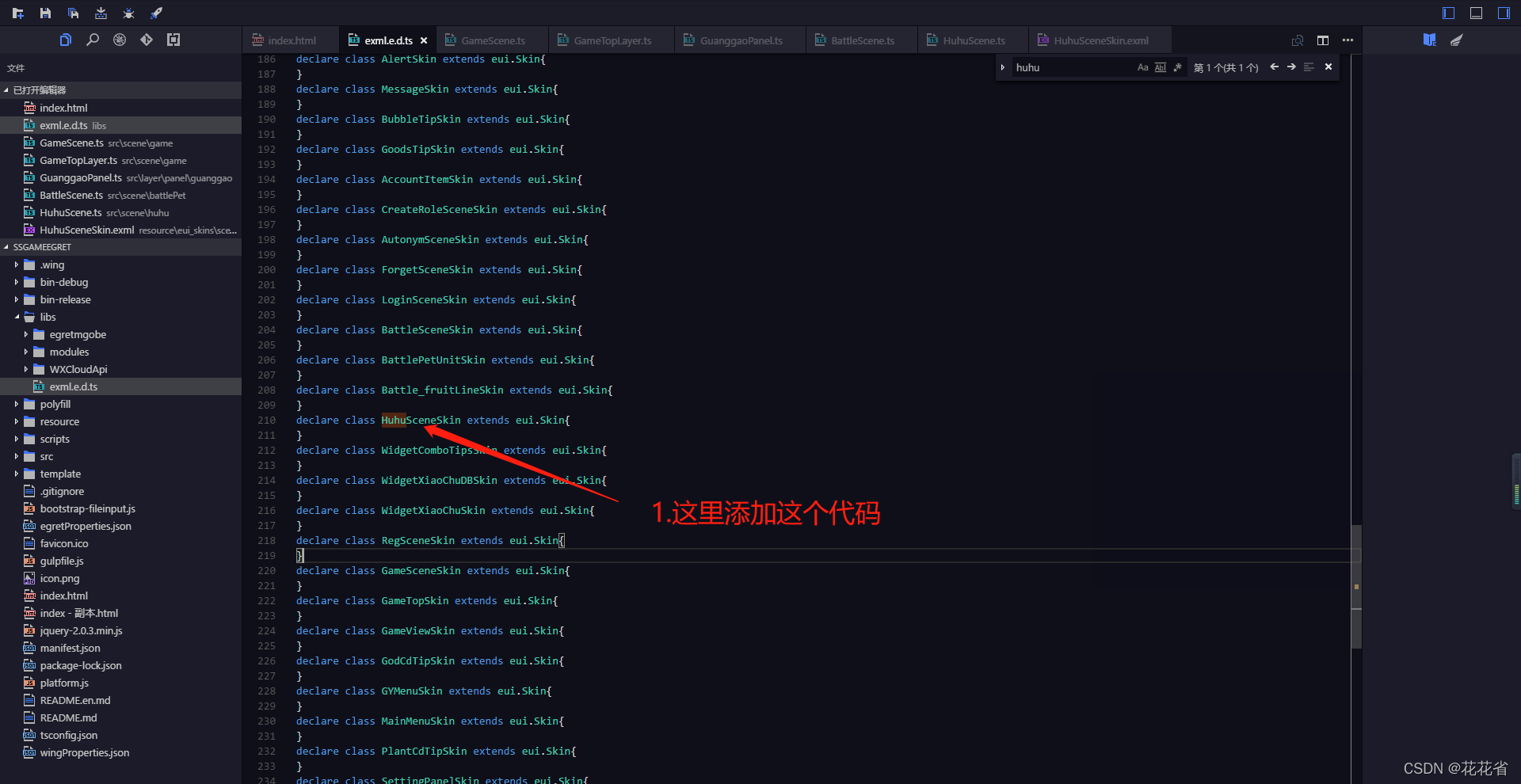
白鹭egret添加新页面教程,如何添加新页面
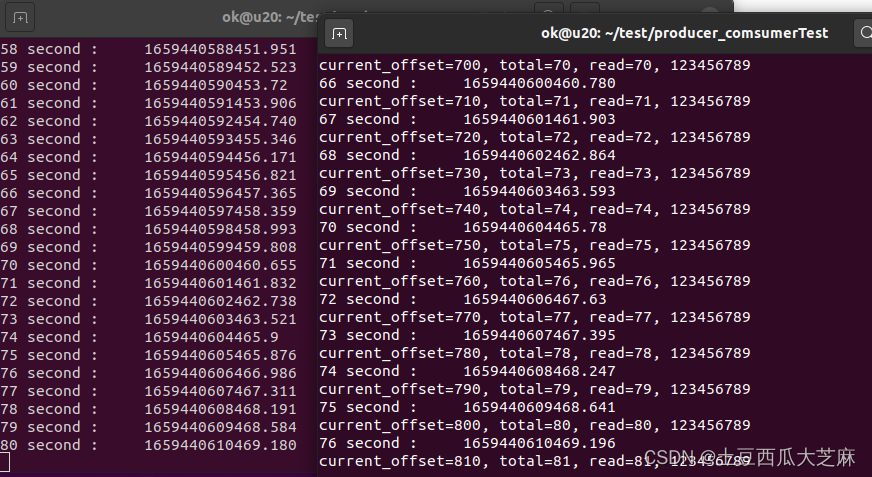
共享内存+inotify机制实现多进程低延迟数据共享
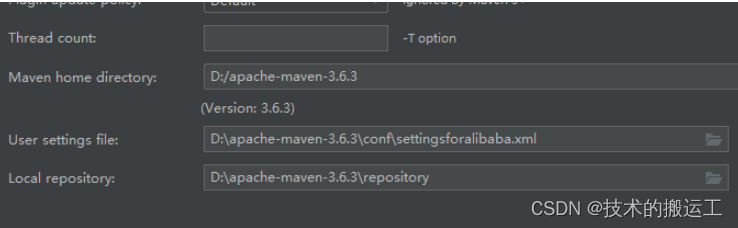
Jenkins详细配置

Email management Filter emails
八大排序之堆排序

LabVIEW中如何实现任意形状的不规则按键

The cocos interview answers you are looking for are all here!

更改小程序原生radio的颜色及大小
随机推荐
Nacos集群的搭建过程详解
怎么样避免线上内存泄漏
VS Code私有服务器部署(私有化)
scikit-image图像处理笔记
NACOS配置中心设置配置文件
cs231n learning record
《PyTorch深度学习实践》第十一课(卷积神经网络CNN高级版)
(四)旋转物体检测数据roLabelImg转DOTA格式
MySQL:基础部分
关于Antd的Affix突然不好用了,或者Window的scroll监听不好用了
盒子模型大详解
Redis进阶
Matplotlib绘图笔记
铠侠携手Aerospike提升数据库应用性能
UI刘海屏适配方式
typescript67-索引查询类型
《PyTorch深度学习实践》第十课(卷积神经网络CNN)
(2022杭电多校六)1010-Planar graph(最小生成树)
MySql面试题总结
MySQL的主从模式搭建