当前位置:网站首页>【云原生】手把手教你搭建ferry开源工单系统
【云原生】手把手教你搭建ferry开源工单系统
2022-07-06 07:56:00 【小鹏linux】
作者简介:云计算领域优质创作者新星计划第三季python赛道TOP1 阿里云ACE认证高级工程师
️个人主页:小鹏linux
个人社区:小鹏linux(个人社区)欢迎您的加入!

目录
开源软件ferry是集工单统计、任务钩子、权限管理、灵活配置流程与模版等等于一身的开源工单系统,当然也可以称之为工作流引擎。 致力于减少跨部门之间的沟通,自动任务的执行,提升工作效率与工作质量,减少不必要的工作量与人为出错率。
系统功能介绍
工单系统相关功能:
工单提交申请
工单统计
多维度工单列表,包括(我创建的、我相关的、我待办的、所有工单)
自定义流程
自定义模版
任务钩子
任务管理
催办
转交
手动结单
加签
多维度处理人,包括(个人,变量 (创建者、创建者负责人))
排他网关,即根据条件判断进行工单跳转
并行网关,即多个节点同时进行审批处理
通知提醒(目前仅支持邮件)
流程分类管理
权限管理相关功能,使用 casbin 实现接口权限控制:
用户、角色、岗位的增删查改,批量删除,多条件搜索
角色、岗位数据导出 Excel
重置用户密码
维护个人信息,上传管理头像,修改当前账户密码
部门的增删查改
菜单目录、跳转、按钮及 API 接口的增删查改
登陆日志管理
左菜单权限控制
页面按钮权限控制
API 接口权限控制
本次部署环境为CentOS7操作系统
1.安装docker
1.1 关闭防火墙和selinux
[[email protected] ~]# setenforce 0                      #关闭selinux
[[email protected] ~]# systemctl stop firewalld          #关闭防火墙
[[email protected] ~]# systemctl enable firewalld        #设置开机不自启
2.安装docker
2.1 更新yum索引
[[email protected] ~]# yum makecache fast2.2 卸载旧版本docker
[[email protected] ~]# yum remove docker \
                  docker-client \
                  docker-client-latest \
                  docker-common \
                  docker-latest \
                  docker-latest-logrotate \
                  docker-logrotate \
                  docker-engine
2.3 安装依赖包
[[email protected] ~]# yum install -y yum-utils device-mapper-persistent-data lvm22.4 设置阿里云镜像源
[[email protected] ~]# yum-config-manager --add-repo https://mirrors.aliyun.com/docker-ce/linux/centos/docker-ce.repo
[[email protected] ~]# ls /etc/yum.repos.d/             #查看有docker-ce.repo生成
bak  CentOS-7.repo  docker-ce.repo  epel.repo
2.5安装docker
[[email protected] ~]# yum install -y docker-ce             #安装
[[email protected] ~]# systemctl start docker               #启动docker
[[email protected] ~]# systemctl disable docker             #设为开机自启动
[[email protected] ~]# docker version                       #查看docker版本
3.docker中部署mysql
3.1 安装启动mysql
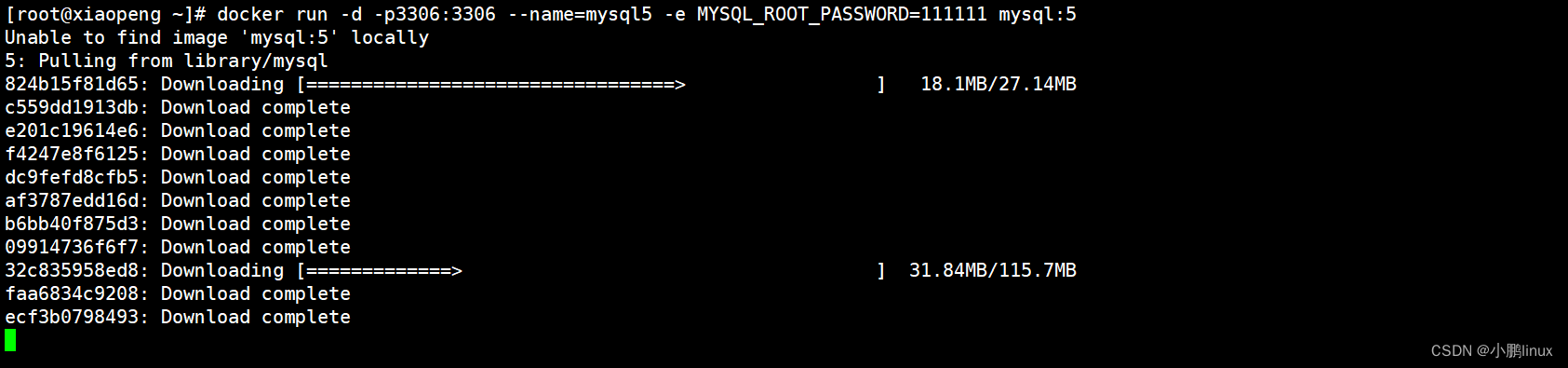
[[email protected] ~]# docker run -d -p3306:3306 --name=mysql5 -e MYSQL_ROOT_PASSWORD=111111 mysql:5 #密码设置为111111如下图,镜像下载并完成容器启动,等待即可:
3.2 进入mysql实例
[[email protected] ~]# docker exec -it mysql5 bash           #进入mysql容器
[email protected]:/# mysql -uroot -h127.0.0.1 -p111111   #登录mysql
mysql> create database ferry;                            #创建数据库ferry
mysql> exit                                              #退出mysql
[email protected]:/# exit                                #退出容器
4.docker中部署redis
4.1 安装启动mysql
[[email protected] ~]# docker run --name=redis6.0 -d -p 6379:6379 redis:6.0如下图,镜像下载并完成容器启动,等待即可:

4.2 查看容器是否正常启动
[[email protected] ~]# docker ps -a #STATUS列显示UP状态为容器正常启动,如下图:
5.部署启动ferry
5.1 获取本机ip
[[email protected] ~]# ip a 5.2 安装git命令并拉取ferry代码
[[email protected] ~]# yum -y install git
[[email protected] ~]# git clone https://github.com/lanyulei/ferry.git	#拉取代码成功如下图:
5.3 修改ferry配置文件
[[email protected] ~]# cd ferry/
[[email protected] ferry]# vim config/settings.yml
找到如下配置:
database:
    dbtype: mysql
    host: ferry_mysql
    name: ferry
    password: 123456
    port: 3306
    username: root
做如下修改:
mysql 配置(更改host 和密码为你自己的):
host: ferry_mysql -> host: 192.168.0.3
password: 123456 -> password: 111111

找到如下配置:
redis:
    url: redis://ferry_redis:6379
做如下修改:
redis 配置(更改host为你自己的):
url: redis://ferry_redis:6379 -> url: redis://192.168.0.3:6379
5.4 创建needinit文件
[[email protected] ferry]# touch config/needinit注意:在config 目录新建 needinit 文件, 第一次启动的时候db中没有数据,此时可以通过这命令初始化数据,服务正常启动后再删该文件(以防下次容器启动时候再次初始化)
6.启动ferry
6.1 创建ferry容器并启动
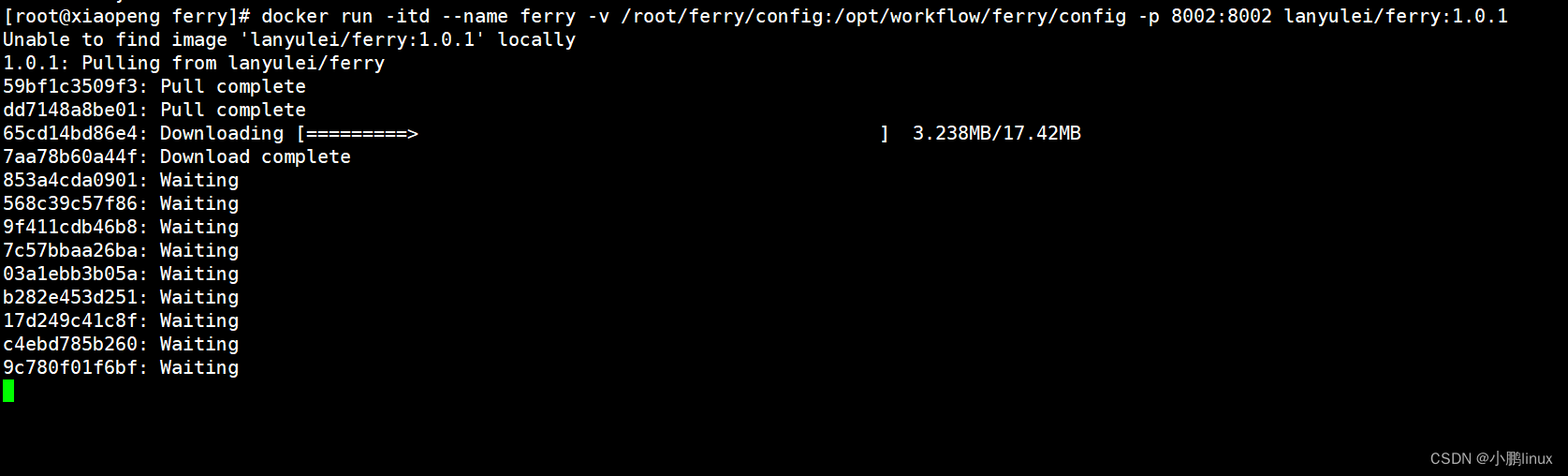
[[email protected] ferry]# docker run -itd --name ferry -v /root/ferry/config:/opt/workflow/ferry/config -p 8002:8002 lanyulei/ferry:1.0.1

# 命令解释
# docker run -it -v   宿主机目录绝对路径:容器目录绝对路径 镜像ID或NAME /bin/bash
# -it   交互式运行容器
# -d   在后台运行容器,并且打印容器id
# --name ferry   容器名称为ferry
# -v    挂载volume数据卷
# 宿主机目录绝对路径   宿主机中config配置文件目录所在路径。挂载之后容器运行可以将当前目录的配置文件挂载到容器内指定的目录调用
# -p 8002:8002   端口映射,注意:p小写是将容器的端口映射到宿主机的制定端口,大写是将容器的端口映射到宿主机的随机端口
若失败可以下载我安装成功后打包下来的配置文件模板直接进行修改 ,配置文件模板
如下图,镜像下载并完成容器启动,等待即可:
6.2 查看容器状态
[[email protected] ferry]# docker ps -a
# mysql、redis、ferry三个容器状态都为UP则正确,如下图:
7.登录工单系统页面
浏览器访问ip:8002即可,如下图:
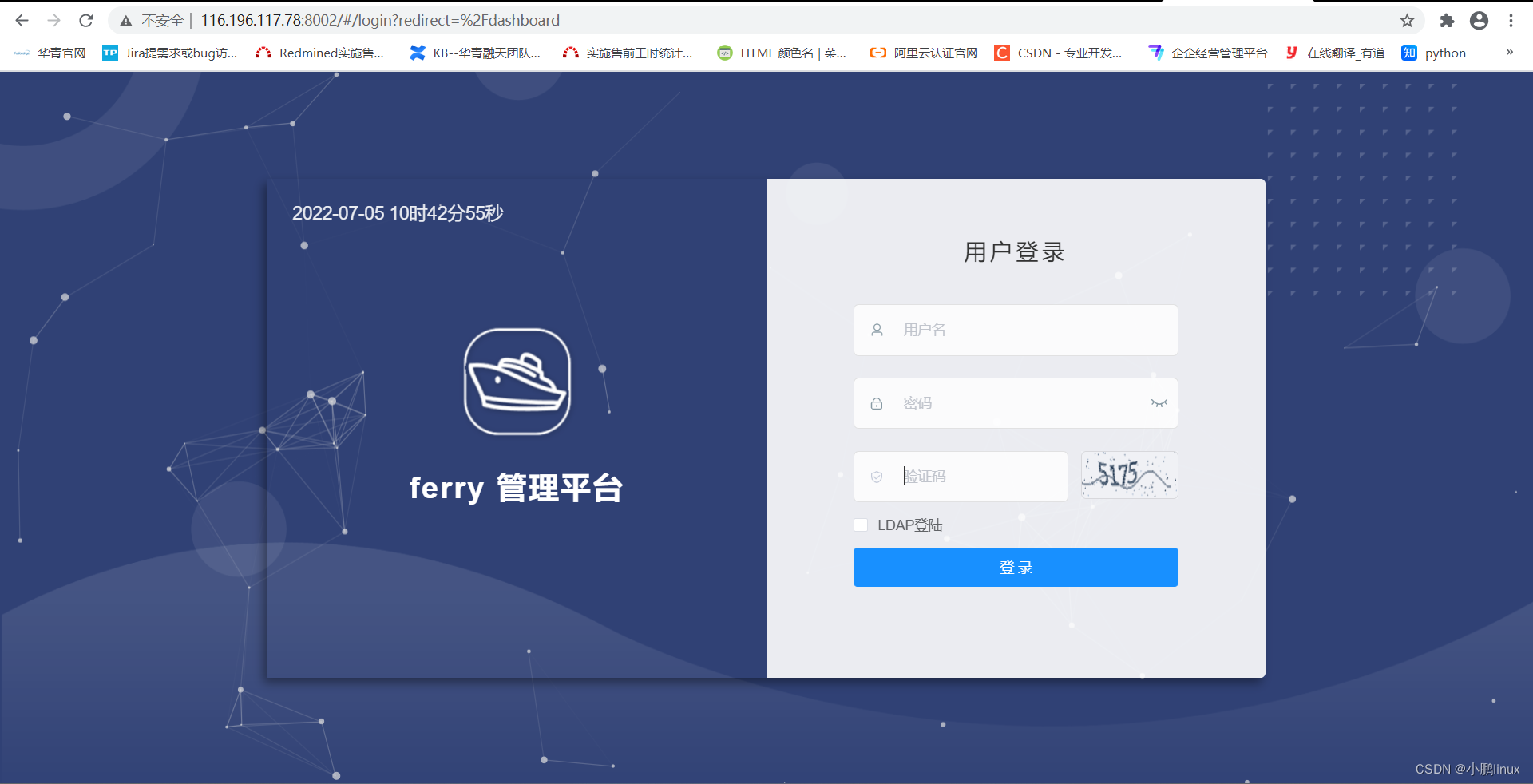
输入账号:admin
输入密码:123456
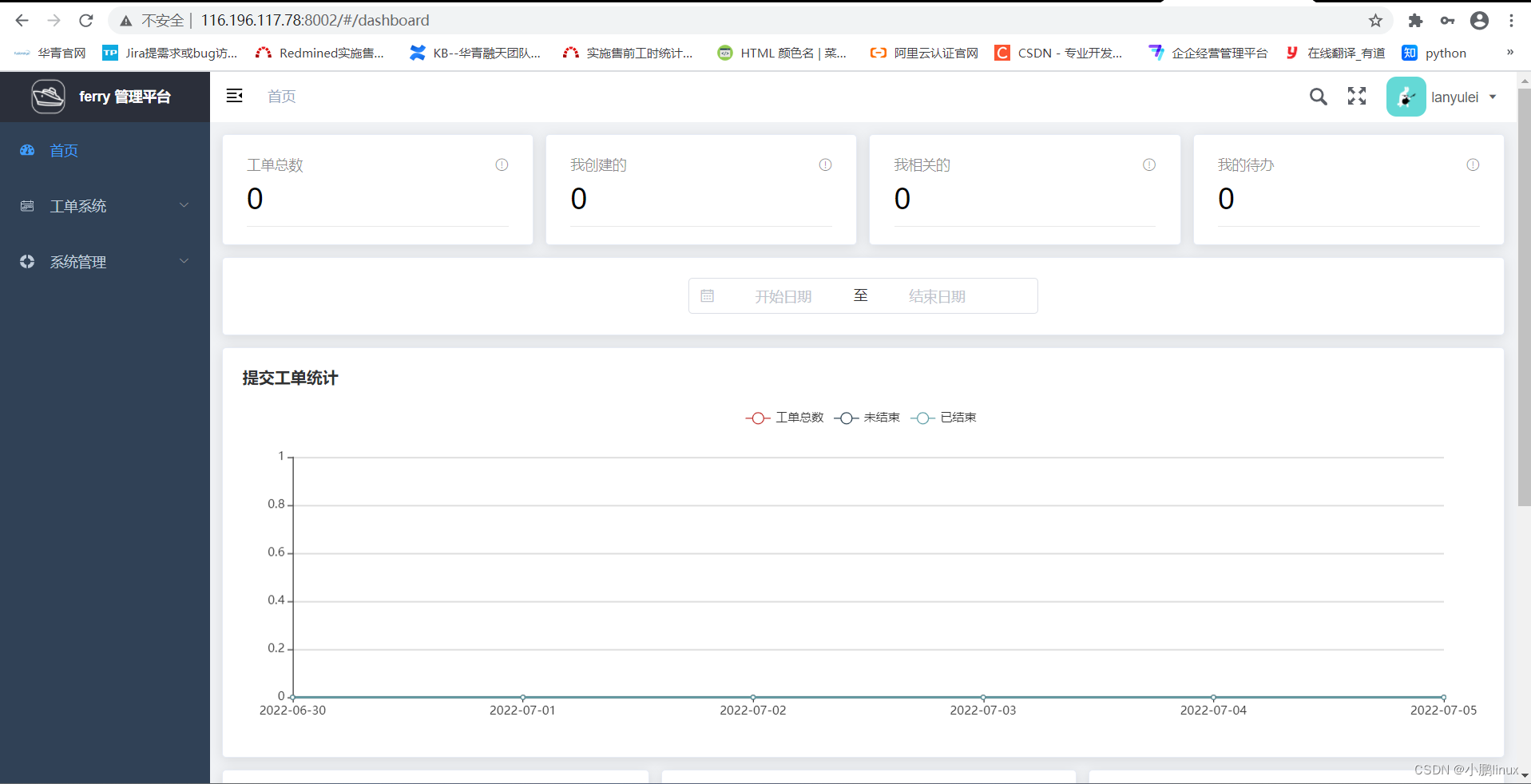
登录进入,如图:
结束语

边栏推荐
- (lightoj - 1410) consistent verbs (thinking)
- Secure captcha (unsafe verification code) of DVWA range
- shu mei pai
- Inspiration from the recruitment of bioinformatics analysts in the Department of laboratory medicine, Zhujiang Hospital, Southern Medical University
- TS 类型体操 之 extends,Equal,Alike 使用场景和实现对比
- Comparison of usage scenarios and implementations of extensions, equal, and like in TS type Gymnastics
- In the era of digital economy, how to ensure security?
- Type of data in energy dashboard
- A Closer Look at How Fine-tuning Changes BERT
- C intercept string
猜你喜欢

The Vice Minister of the Ministry of industry and information technology of "APEC industry +" of the national economic and information technology center led a team to Sichuan to investigate the operat
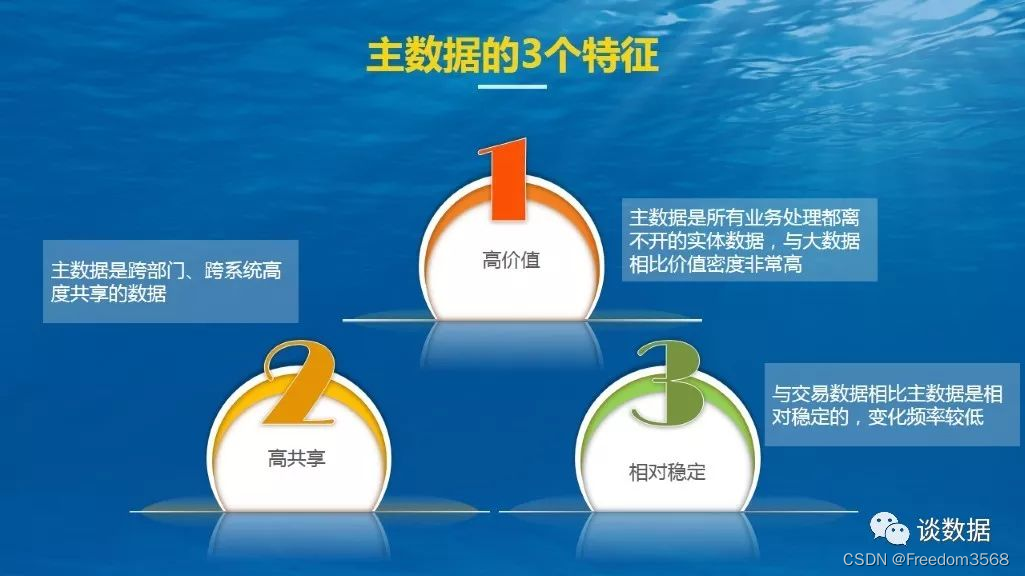
Data governance: 3 characteristics, 4 transcendence and 3 28 principles of master data
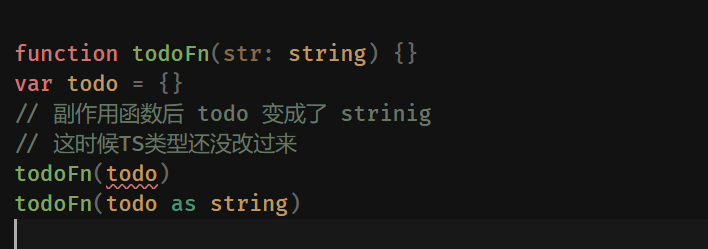
Pre knowledge reserve of TS type gymnastics to become an excellent TS gymnastics master
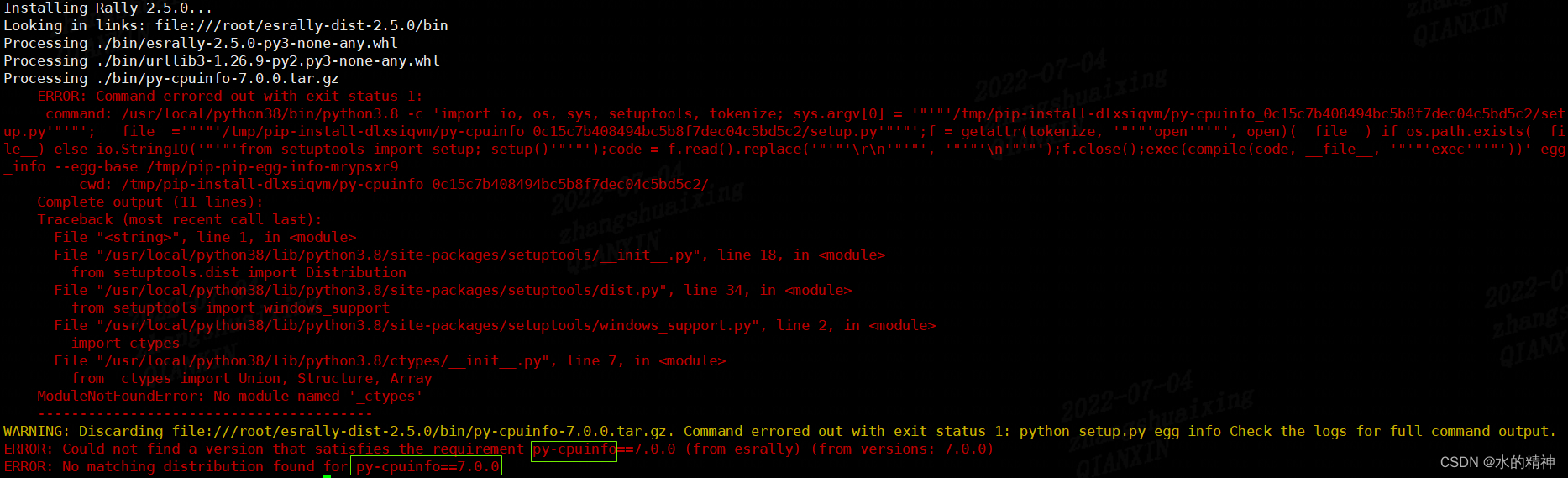
esRally国内安装使用避坑指南-全网最新
"Designer universe" APEC design +: the list of winners of the Paris Design Award in France was recently announced. The winners of "Changsha world center Damei mansion" were awarded by the national eco
Asia Pacific Financial Media | designer universe | Guangdong responds to the opinions of the national development and Reform Commission. Primary school students incarnate as small community designers
Machine learning - decision tree
让学指针变得更简单(三)

"Designer universe": "benefit dimension" APEC public welfare + 2022 the latest slogan and the new platform will be launched soon | Asia Pacific Financial Media

. Net 6 learning notes: what is NET Core
随机推荐
07- [istio] istio destinationrule (purpose rule)
软件开发的一点随记
. Net 6 learning notes: what is NET Core
Onie supports pice hard disk
Linked list interview questions (Graphic explanation)
洛谷P4127 [AHOI2009]同类分布 题解
A Closer Look at How Fine-tuning Changes BERT
Circuit breaker: use of hystrix
Data governance: 3 characteristics, 4 transcendence and 3 28 principles of master data
Le chemin du navigateur Edge obtient
DataX self check error /datax/plugin/reader/_ drdsreader/plugin. Json] does not exist
Nft智能合约发行,盲盒,公开发售技术实战--拼图篇
Simulation of Michelson interferometer based on MATLAB
08- [istio] istio gateway, virtual service and the relationship between them
Description of octomap averagenodecolor function
24. Query table data (basic)
在 uniapp 中使用阿里图标
Wireshark grabs packets to understand its word TCP segment
Asia Pacific Financial Media | designer universe | Guangdong responds to the opinions of the national development and Reform Commission. Primary school students incarnate as small community designers
http缓存,强制缓存,协商缓存