当前位置:网站首页>Wechat applet obtains mobile number
Wechat applet obtains mobile number
2022-07-06 17:41:00 【Flying wings】
1、 Main interface
 // Applet  AppID
    private static final String appid = "wxa******e0b3";
    // Applet  AppSecret
    private static final String secret = "8ffc**************bc0896e937d";

    @PostMapping("/wxphone")
    public Map<String,Object> wxphone(@RequestBody Image image)
    {
        Map<String,Object> map=new HashMap<>();

        String encryptedData=image.getParams().get("encryptedData").toString();
        String session_key="";
        String iv=image.getParams().get("iv").toString();
        String code=image.getParams().get("code").toString();

//       obtain session_key, Perfect it   Save to database
        HttpUtil httpUtil=new HttpUtil();
        String params = "appid=" + appid + "&secret=" + secret + "&js_code=" + code + "&grant_type=authorization_code";
        String session_keyData=HttpUtil.sendGet("https://api.weixin.qq.com/sns/jscode2session", params);
        JSONObject json_session=JSONObject.parseObject(session_keyData);
        session_key=json_session.get("session_key").toString();

//       Get cell phone number
        String result= WXBizDataCrypt.decrypt1(encryptedData,session_key,iv);
        JSONObject json=JSONObject.parseObject(result);

        if (!StringUtils.isEmpty(result)&&result.length()>0) {
            map.put("purePhoneNumber", json.getString("purePhoneNumber"));
            map.put("phoneNumber", json.getString("phoneNumber"));
            map.put("countryCode", json.getString("countryCode"));
            map.put("msg","success");
        }
        map.put("msg"," Press to operate successfully ");
        map.put("code",200);
        return map;
    }
2. Tool class Request interface
import java.io.BufferedReader;
import java.io.InputStreamReader;
import java.net.URL;
import java.net.URLConnection;
import java.util.List;
import java.util.Map;

public class HttpUtil {

    /**
     *  Assign to URL send out GET Method request
     *
     * @param url  Send requested URL
     * @param param  Request parameters , Request parameter should be  name1=value1&name2=value2  In the form of .
     * @return URL  Response result of the remote resource represented
     */
    public static String sendGet(String url, String param) {
        String result = "";
        BufferedReader in = null;
        try {
            String urlNameString = url + "?" + param;
            URL realUrl = new URL(urlNameString);
            //  Open and URL Connection between
            URLConnection connection = realUrl.openConnection();
            //  Set common request properties
            connection.setRequestProperty("accept","*/*");
            connection.setRequestProperty("connection","Keep-Alive");
            connection.setRequestProperty("user-agent","Mozilla/4.0 (compatible; MSIE 6.0; Windows NT 5.1;SV1)");
            //  Establish the actual connection
            connection.connect();
            //  Get all response header fields
            Map<String, List<String>> map = connection.getHeaderFields();
            //  Traverse all response header fields
            for (String key : map.keySet()) {
                System.out.println(key + "--->" + map.get(key));
            }
            //  Definition  BufferedReader Input stream to read URL Response
            in = new BufferedReader(new InputStreamReader(
                    connection.getInputStream()));
            String line;
            while ((line = in.readLine()) != null) {
                result += line;
            }
        } catch (Exception e) {
            System.out.println(" send out GET Exception in request !" + e);
            e.printStackTrace();
        }
        //  Use finally Block to close the input stream
        finally {
            try {
                if (in != null) {
                    in.close();
                }
            } catch (Exception e2) {
                e2.printStackTrace();
            }
        }
        return result;
    }

}
3. For decryption
import org.apache.commons.codec.binary.Base64;

import javax.crypto.BadPaddingException;
import javax.crypto.Cipher;
import javax.crypto.IllegalBlockSizeException;
import javax.crypto.NoSuchPaddingException;
import javax.crypto.spec.IvParameterSpec;
import javax.crypto.spec.SecretKeySpec;
import java.io.UnsupportedEncodingException;
import java.security.InvalidAlgorithmParameterException;
import java.security.InvalidKeyException;
import java.security.NoSuchAlgorithmException;
import java.security.spec.AlgorithmParameterSpec;

public class WXBizDataCrypt {


        /**
         * AES Decrypt
         *
         * @param data   // Ciphertext , Encrypted data
         * @param key    // Secret key
         * @param iv     // Offset
         * @return
         * @throws Exception
         */
        public static String decrypt1(String data, String key,String iv){
            // Encrypted data
            byte[] dataByte = Base64.decodeBase64(data);
            // Encryption key
            byte[] keyByte = Base64.decodeBase64(key);
            // Offset
            byte[] ivByte = Base64.decodeBase64(iv);
            try {
                AlgorithmParameterSpec ivSpec = new IvParameterSpec(ivByte);
                Cipher cipher = Cipher.getInstance("AES/CBC/PKCS5Padding");
                SecretKeySpec keySpec = new SecretKeySpec(keyByte, "AES");
                cipher.init(Cipher.DECRYPT_MODE, keySpec, ivSpec);
                return new String(cipher.doFinal(dataByte),"UTF-8");
            } catch (NoSuchAlgorithmException e) {
                e.printStackTrace();
            } catch (NoSuchPaddingException e) {
                e.printStackTrace();
            } catch (InvalidKeyException e) {
                e.printStackTrace();
            } catch (InvalidAlgorithmParameterException e) {
                e.printStackTrace();
            } catch (IllegalBlockSizeException e) {
                e.printStackTrace();
            } catch (BadPaddingException e) {
                e.printStackTrace();
            } catch (UnsupportedEncodingException e) {
                e.printStackTrace();
            }
            return null;
        }

}
边栏推荐
- Yarn: unable to load file d:\programfiles\nodejs\yarn PS1, because running scripts is prohibited on this system
- About selenium starting Chrome browser flash back
- Wordcloud colormap color set and custom colors
- [reverse intermediate] eager to try
- FlutterWeb瀏覽器刷新後無法回退的解决方案
- pip install pyodbc : ERROR: Command errored out with exit status 1
- The art of Engineering
- C WinForm series button easy to use
- 【MySQL入门】第一话 · 初入“数据库”大陆
- How to submit data through post
猜你喜欢
02个人研发的产品及推广-短信平台
C version selenium operation chrome full screen mode display (F11)
Final review of information and network security (full version)
Concept and basic knowledge of network layering
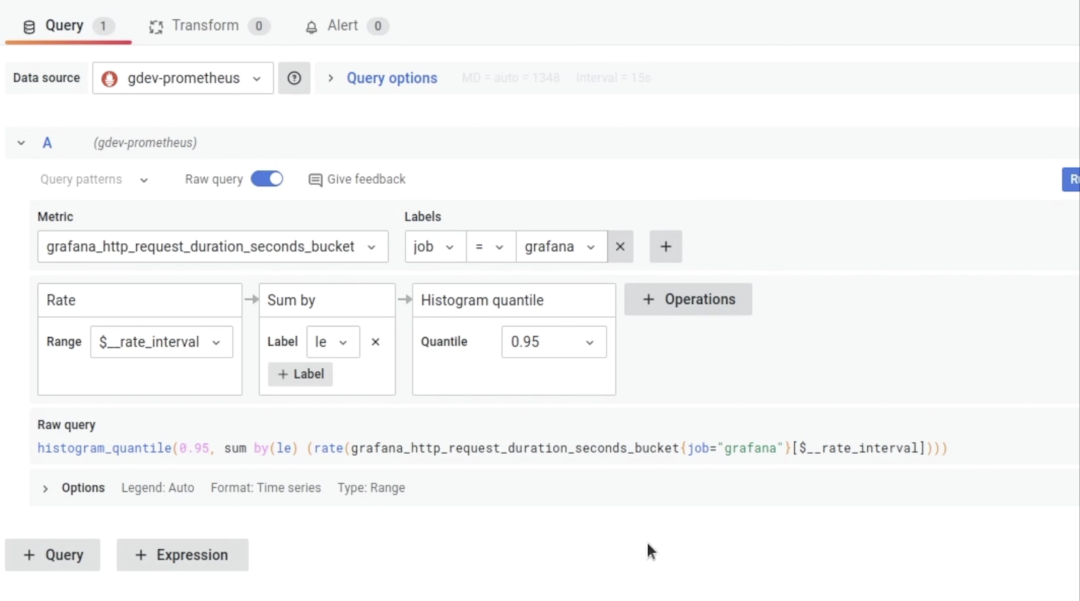
Grafana 9 正式发布,更易用,更酷炫了!
![[introduction to MySQL] third, common data types in MySQL](/img/11/66b4908ed8f253d599942f35bde96a.png)
[introduction to MySQL] third, common data types in MySQL
![[reverse primary] Unique](/img/80/9fcef27863facc9066e48f221c6686.png)
[reverse primary] Unique
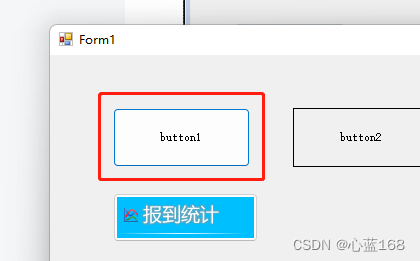
C# WinForm系列-Button简单使用
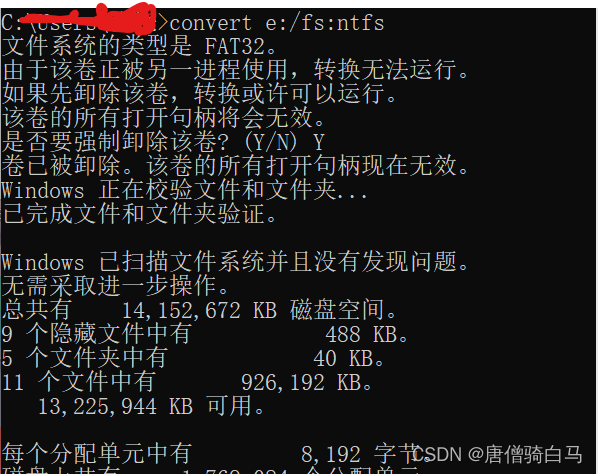
The NTFS format converter (convert.exe) is missing from the current system
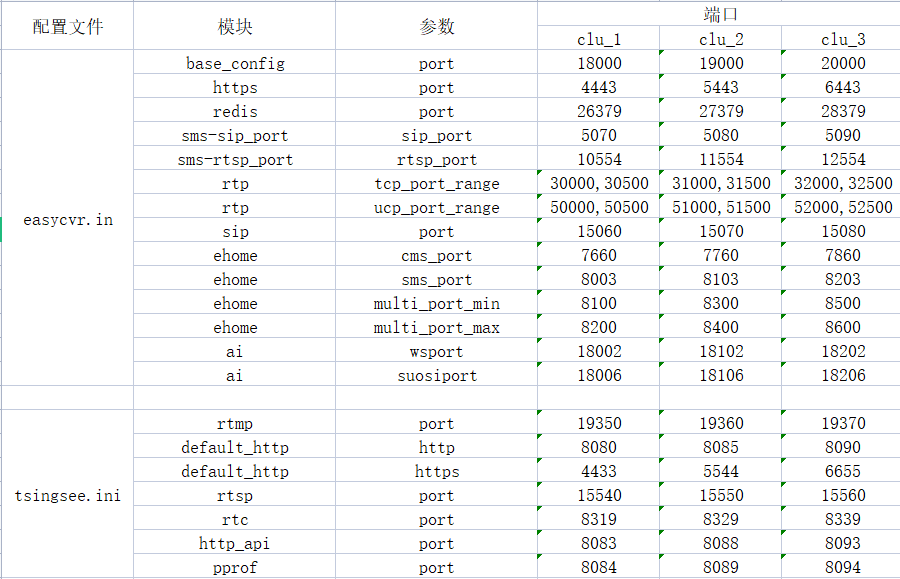
在一台服务器上部署多个EasyCVR出现报错“Press any to exit”,如何解决?
随机推荐
Run xv6 system
Xin'an Second Edition: Chapter 26 big data security demand analysis and security protection engineering learning notes
About selenium starting Chrome browser flash back
Distributed (consistency protocol) leader election (dotnext.net.cluster implements raft election)
Pyspark operator processing spatial data full parsing (5): how to use spatial operation interface in pyspark
自动化运维利器-Ansible-Playbook
Example of batch update statement combining update and inner join in SQL Server
The solution to the left-right sliding conflict caused by nesting Baidu MapView in the fragment of viewpager
The art of Engineering
Grafana 9 正式发布,更易用,更酷炫了!
Akamai anti confusion
EasyCVR授权到期页面无法登录,该如何解决?
学 SQL 必须了解的 10 个高级概念
Establishment of graphical monitoring grafana
05个人研发的产品及推广-数据同步工具
2022年大厂Android面试题汇总(一)(含答案)
虚拟机启动提示Probing EDD (edd=off to disable)错误
C# NanoFramework 点灯和按键 之 ESP32
The art of Engineering (2): the transformation from general type to specific type needs to be tested for legitimacy
Redis installation on centos7