当前位置:网站首页>Anaconda下安装Jupyter notebook
Anaconda下安装Jupyter notebook
2022-07-06 09:28:00 【萌褚】
镜像下载、域名解析、时间同步请点击 阿里云开源镜像站
一、下载安装Anaconda
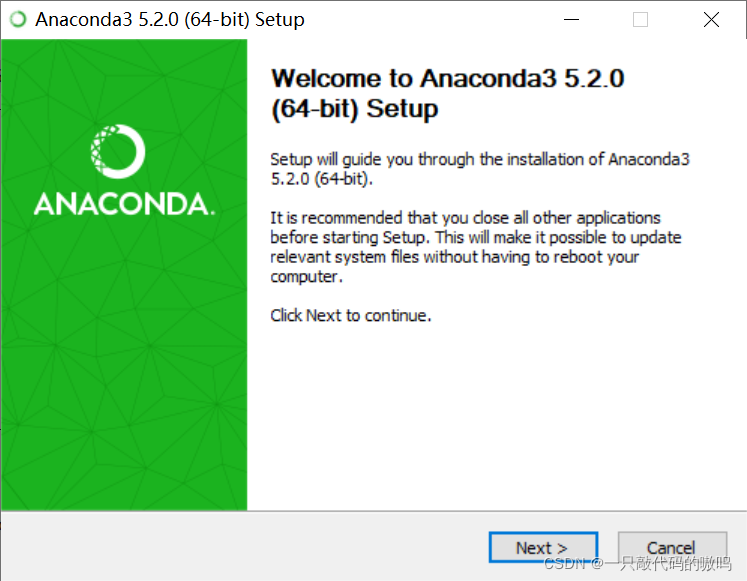
1.双击运行anaconda安装包,点击下一步
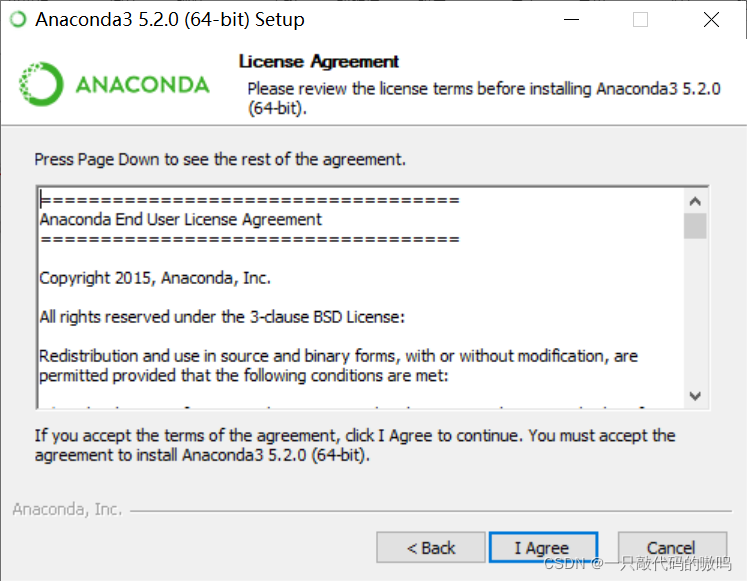
2.同意协议
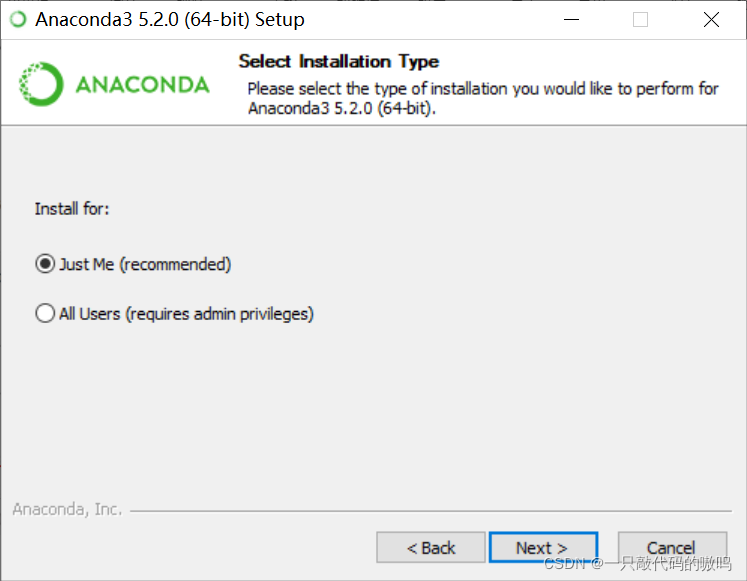
3.这里有两个选项,假如你的电脑里有好几个Users,可以选择All Users,但一般来说我们电脑里只有一个User,所以默认勾选Just Me
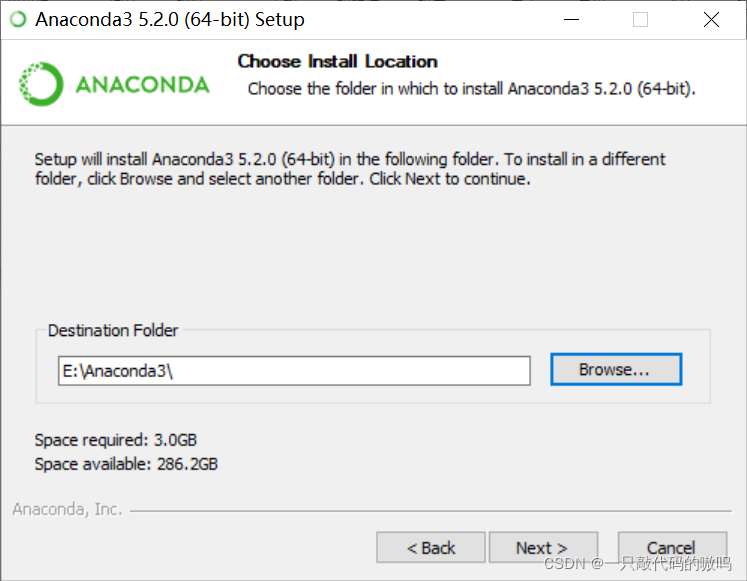
4.选择安装路径,但不建议安装到系统盘中,这里我安装到E盘
5.这里有两个复选框,第一个复选框是添加环境变量,官方不建议将Anaconda添加到PATH环境变量中,怕会干扰其他软件,可以通过打开Anaconda Navigator或者Anaconda Prompt来使用;第二个复选框是将anaconda注册为我默认的Python 3.6,我选择不勾选,因为我计划安装和运行多个版本的Python
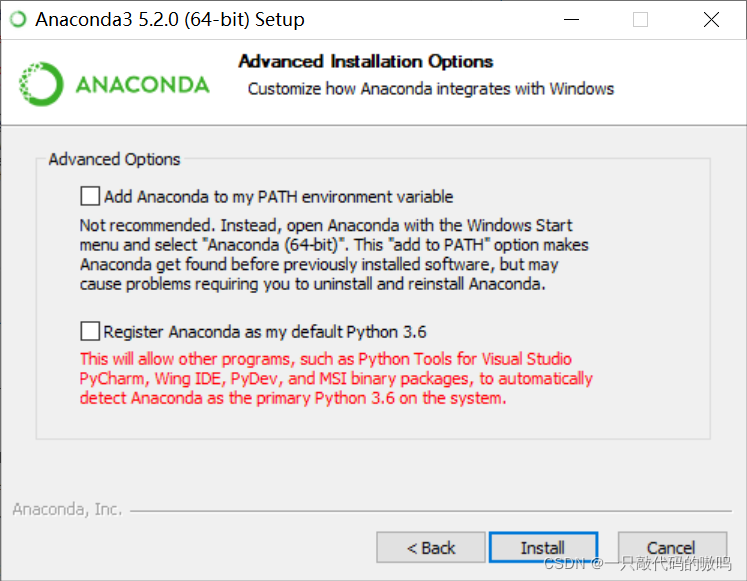
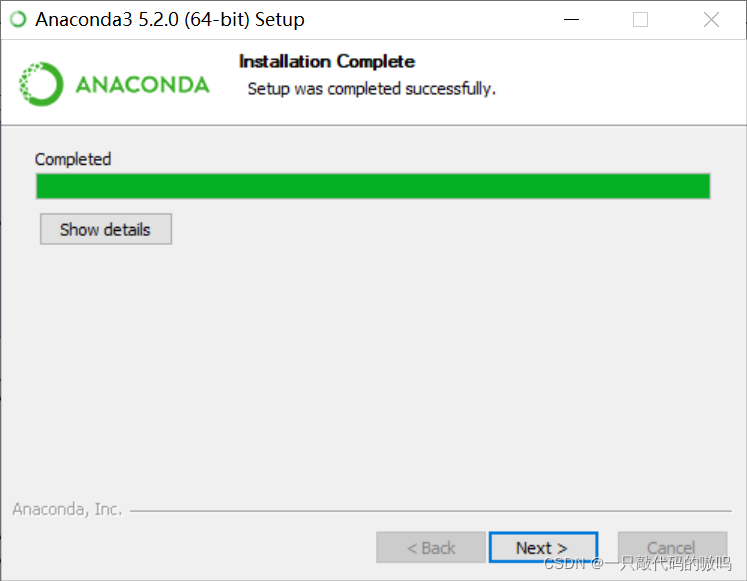
6.点击安装并耐心等待,安装完成后点击下一步,再点击跳过
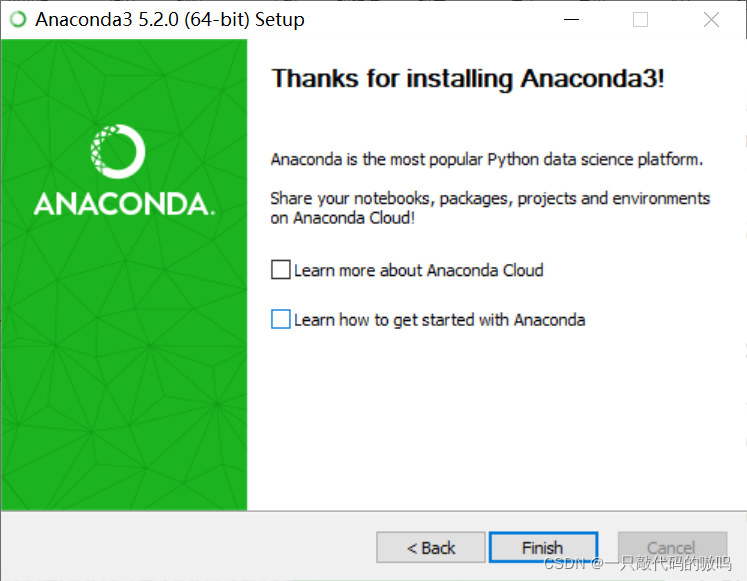
7.两个复选框取消勾选,点击完成
二、Juputer notebook安装与配置
1.一般来说,安装Anaconda后已经自动安装了Jupyter notebook,在搜索框里进行搜索,并打开文件位置
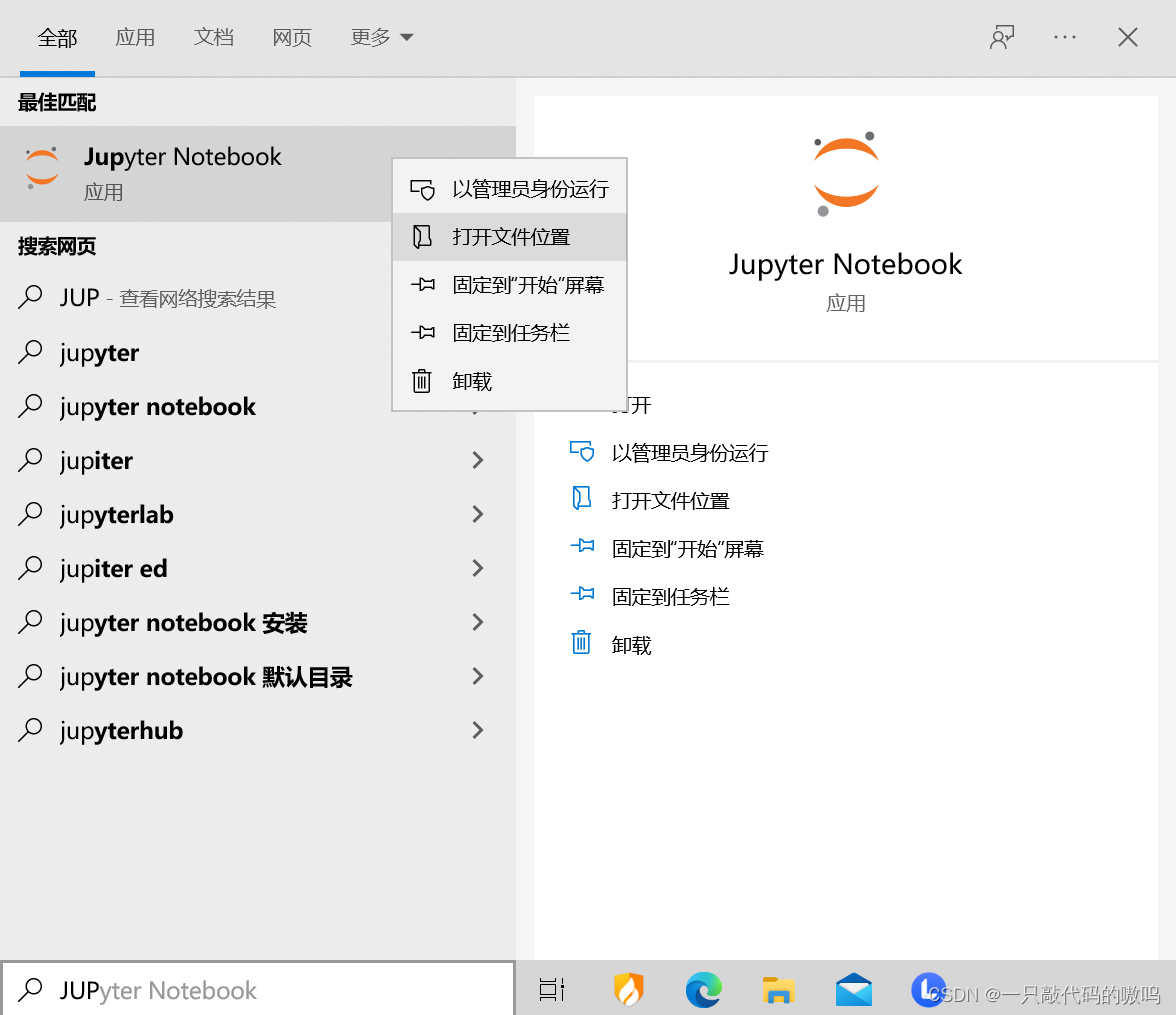
2.双击运行Jupyter notebook
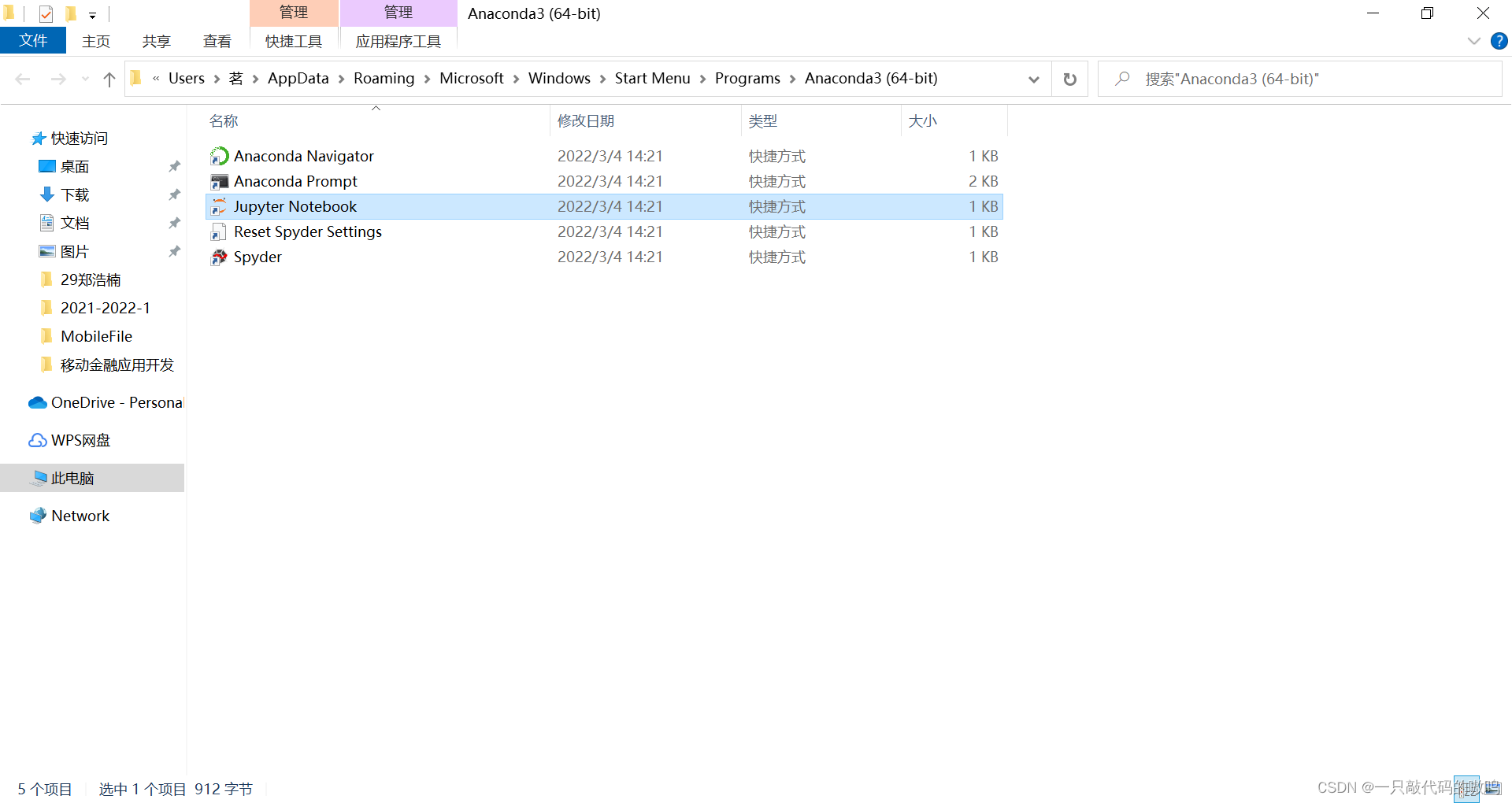
3.等待一段时间会自动弹出,就可以开始使用了
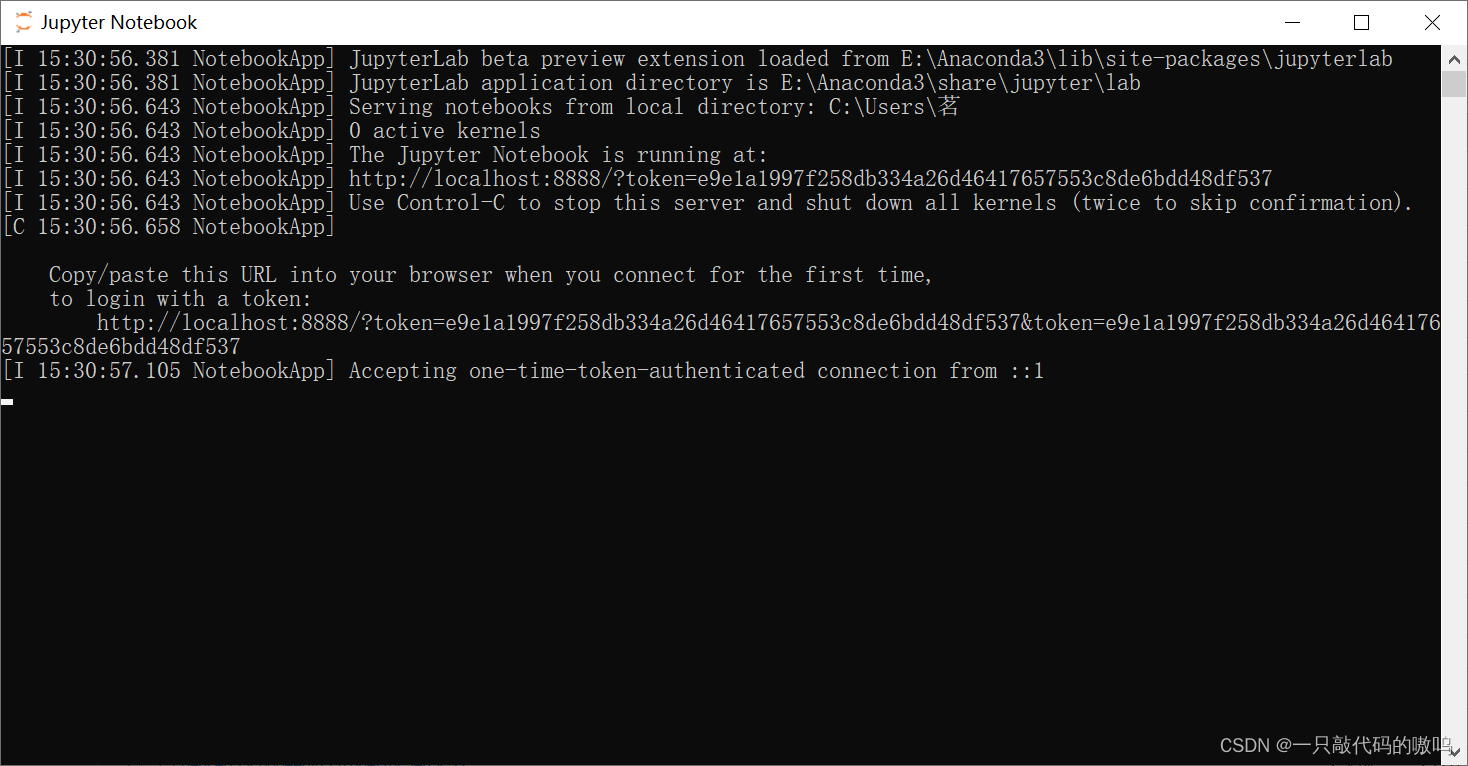
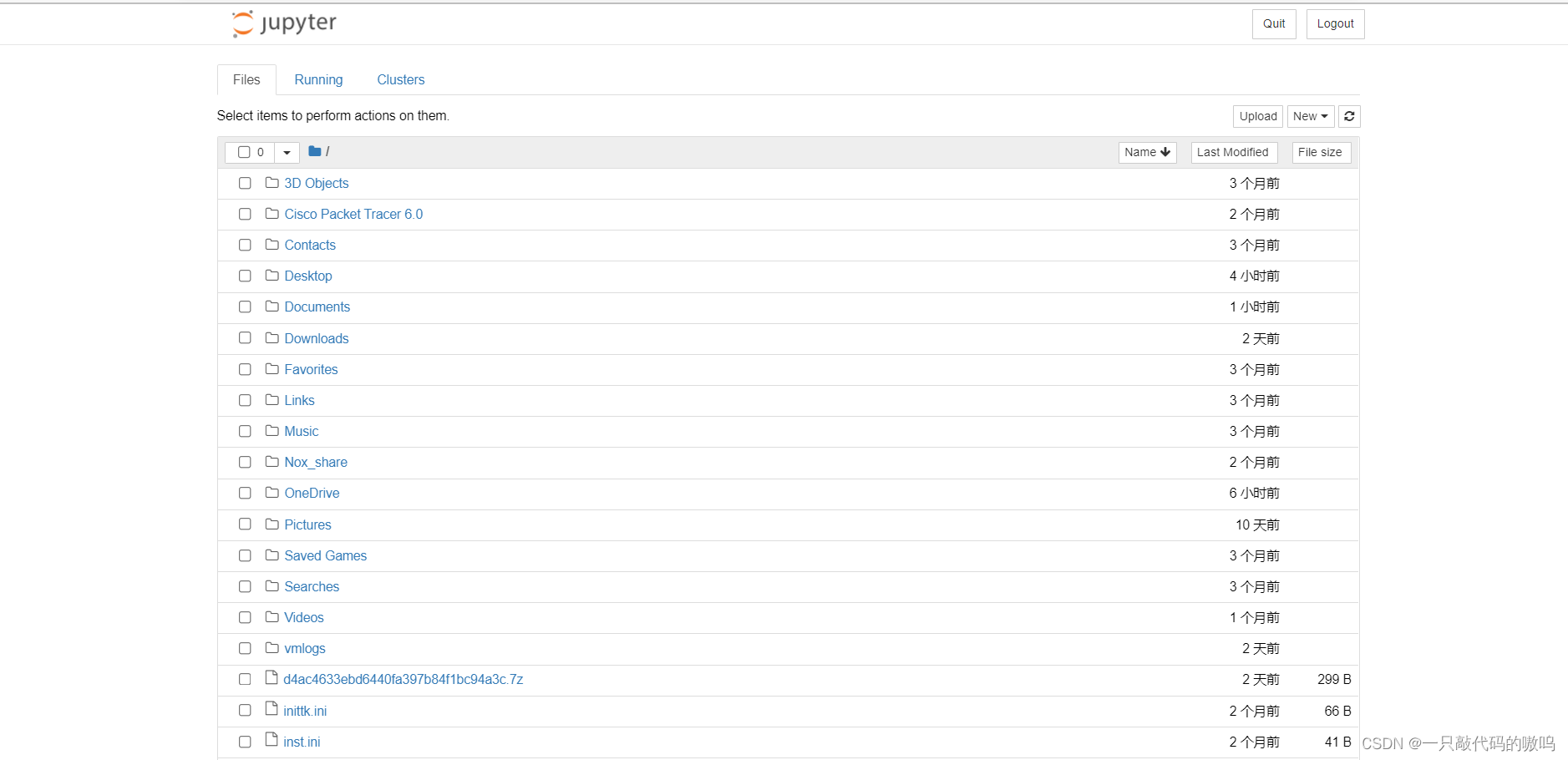
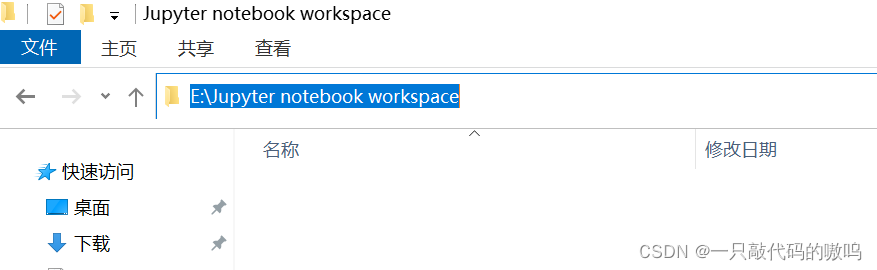
4.Jupyter notebook安装启动后,默认工作空间为当前用户目录,为了方便管理文档,建议自行设置工作空间。首先在磁盘中创建一个文件夹用以保存,并复制其路径
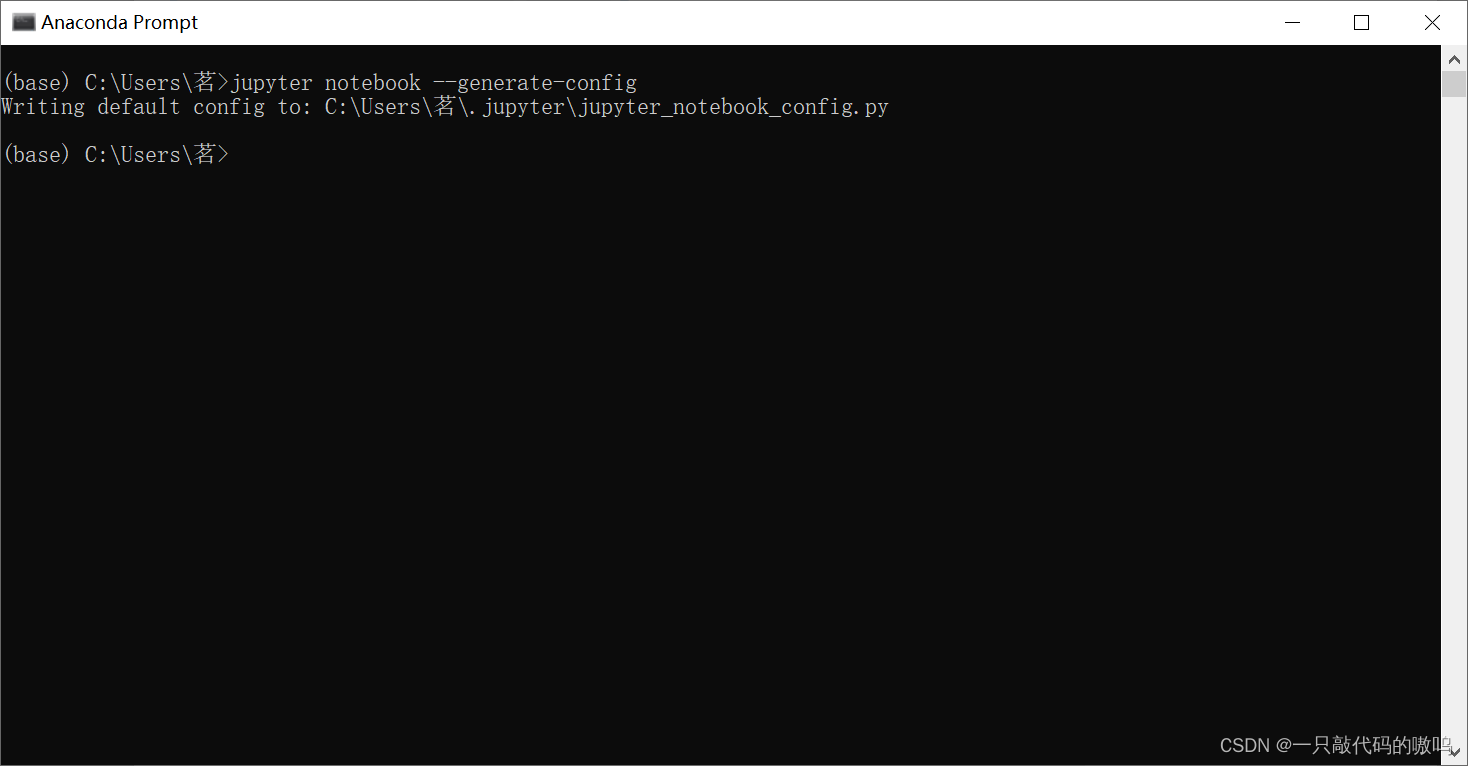
5.双击运行Jupyter notebook同级目录下的Anaconda Prompt,输入如下代码
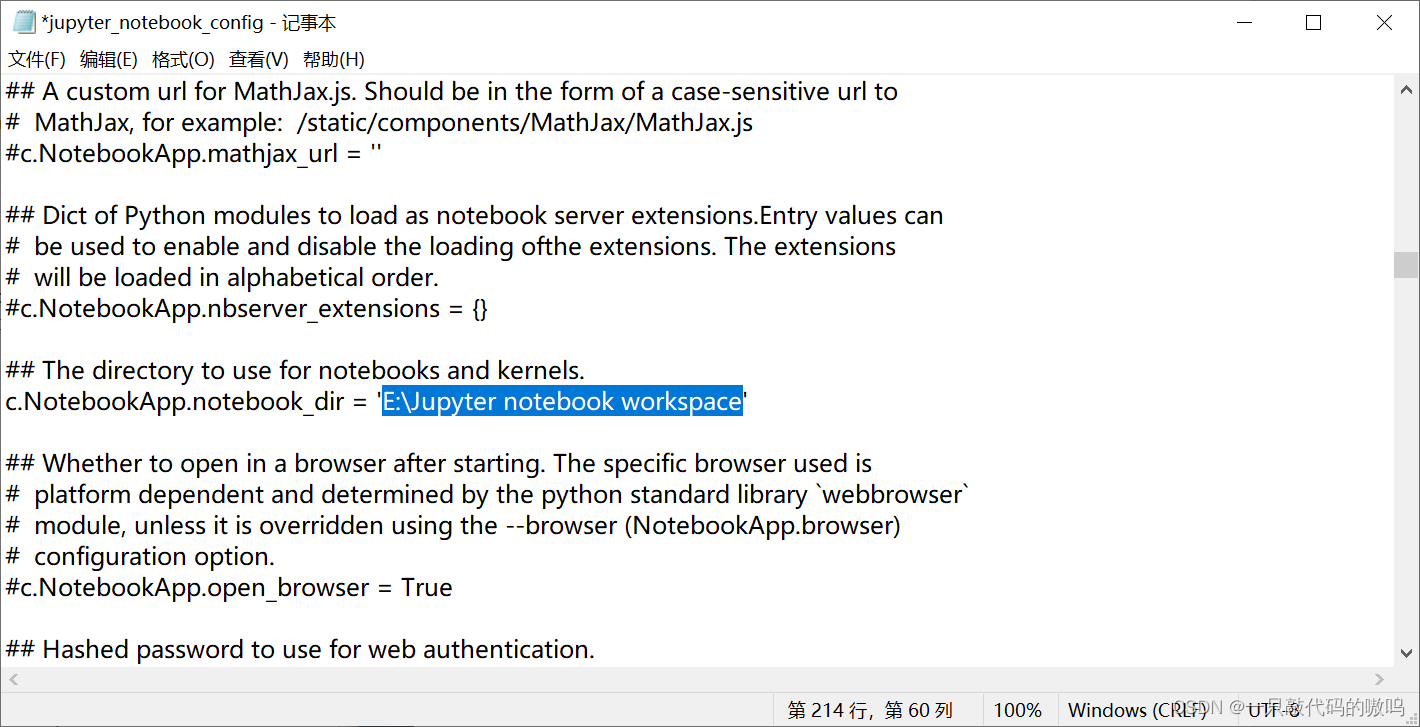
6.根据相应路径找到jupyter_notebook_config,以记事本方式打开,使用ctrl+F查找功能找到代码## The directory to use for notebooks and kernels. #c.NotebookApp.notebook_dir = '' 修改为刚才复制的路径,记得将注释去掉,并保存
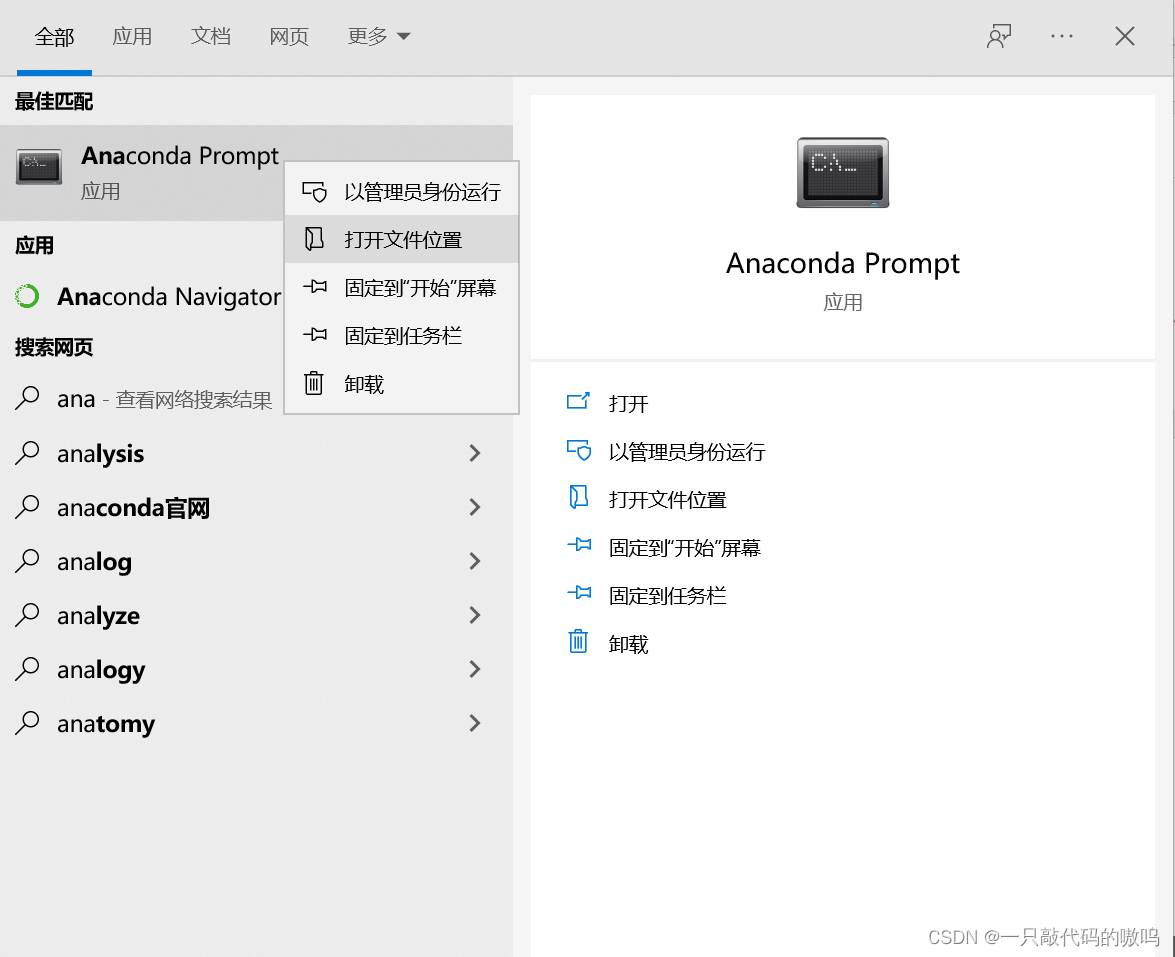
7.在搜索框输入Anaconda Prompt,打开文件所在位置
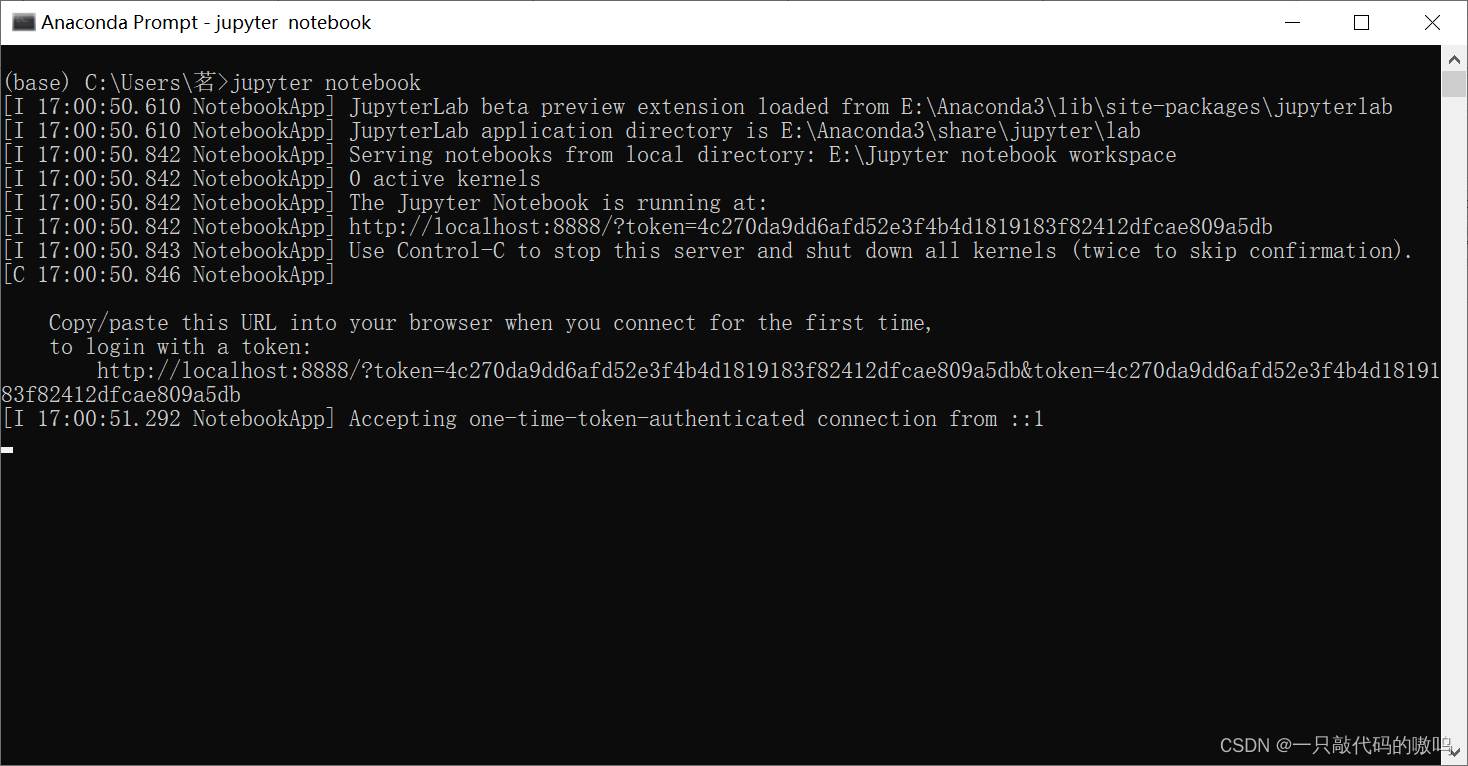
8.双击运行Anaconda Prompt,输入jupyter notebook,回车 注意:打开文件所在位置后请不要双击Jupyter Notebook,那个仍然是当前用户的工作空间目录,并非自行配置的
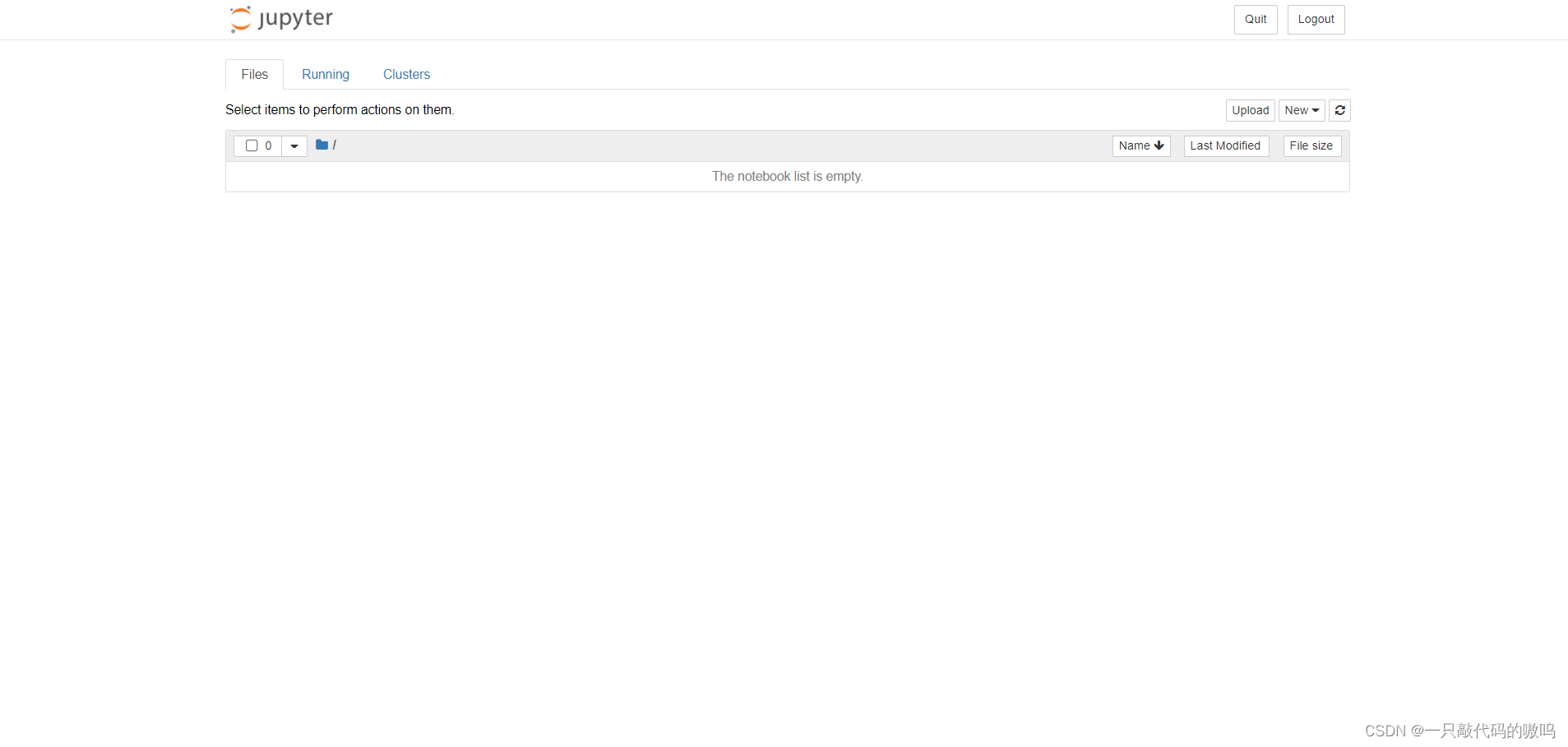
9.创建python文件即可开始使用
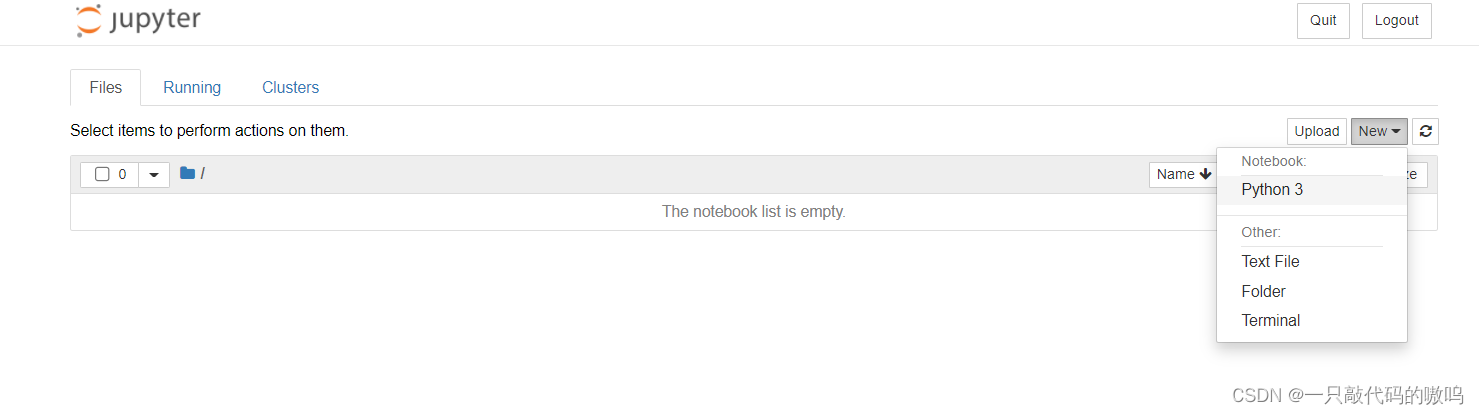
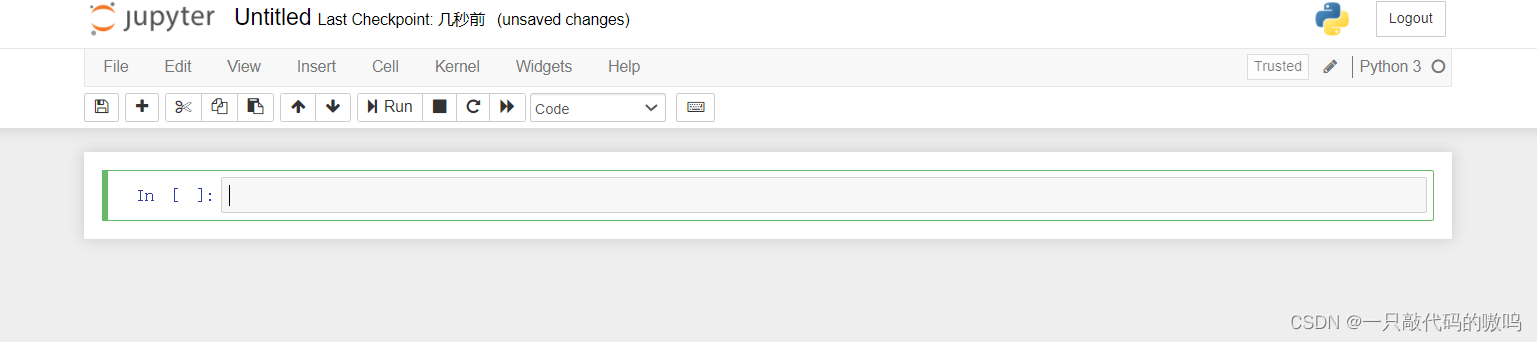
原文链接:https://blog.csdn.net/m0_66309026/article/details/123274869
边栏推荐
- AcWing:第58场周赛
- QT实现窗口渐变消失QPropertyAnimation+进度条
- Penetration test (3) -- Metasploit framework (MSF)
- What is the difficulty of programming?
- (POJ - 3685) matrix (two sets and two parts)
- Ball Dropping
- b站 实时弹幕和历史弹幕 Protobuf 格式解析
- Penetration test 2 --- XSS, CSRF, file upload, file inclusion, deserialization vulnerability
- Alice and Bob (2021 Niuke summer multi school training camp 1)
- Determine the Photo Position
猜你喜欢
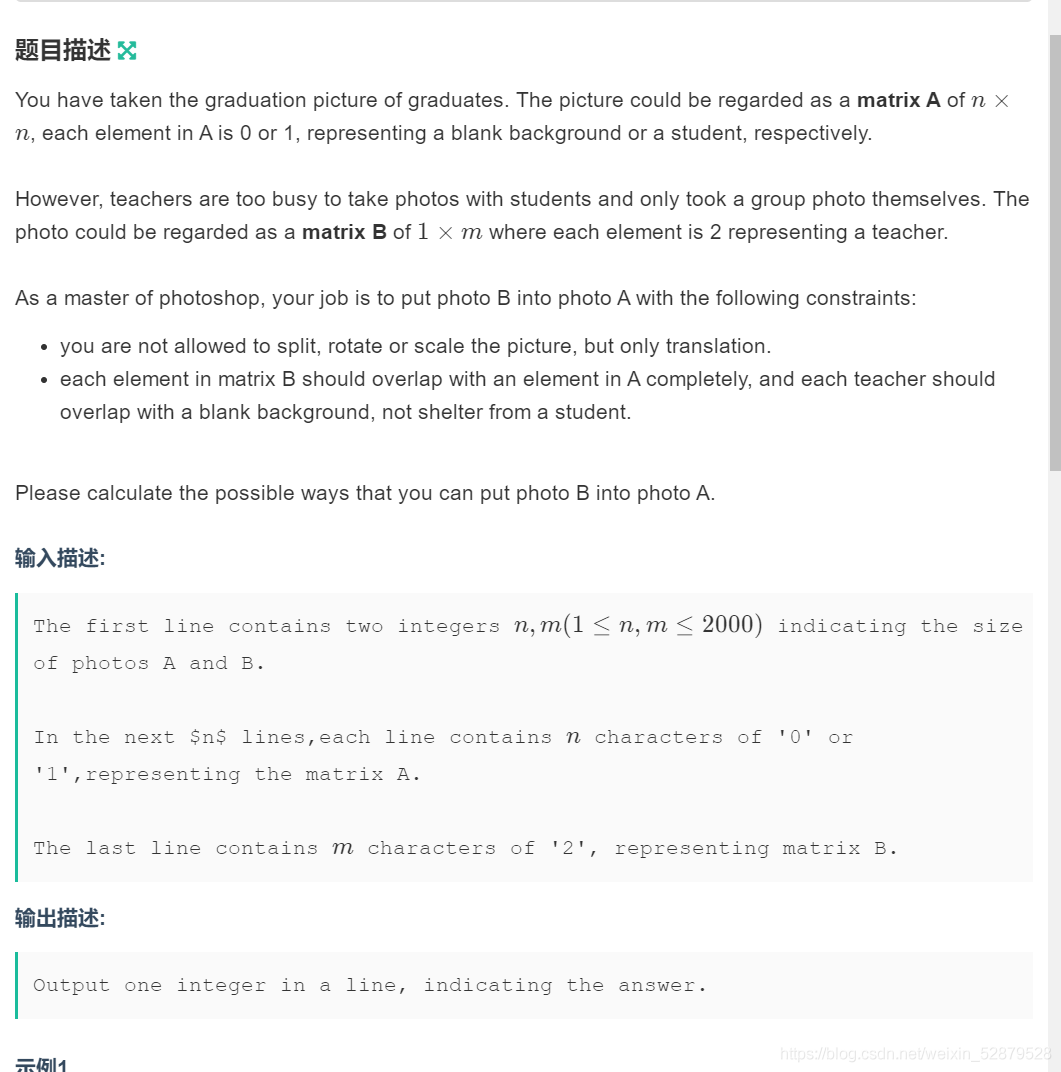
Determine the Photo Position

Basic Q & A of introductory C language
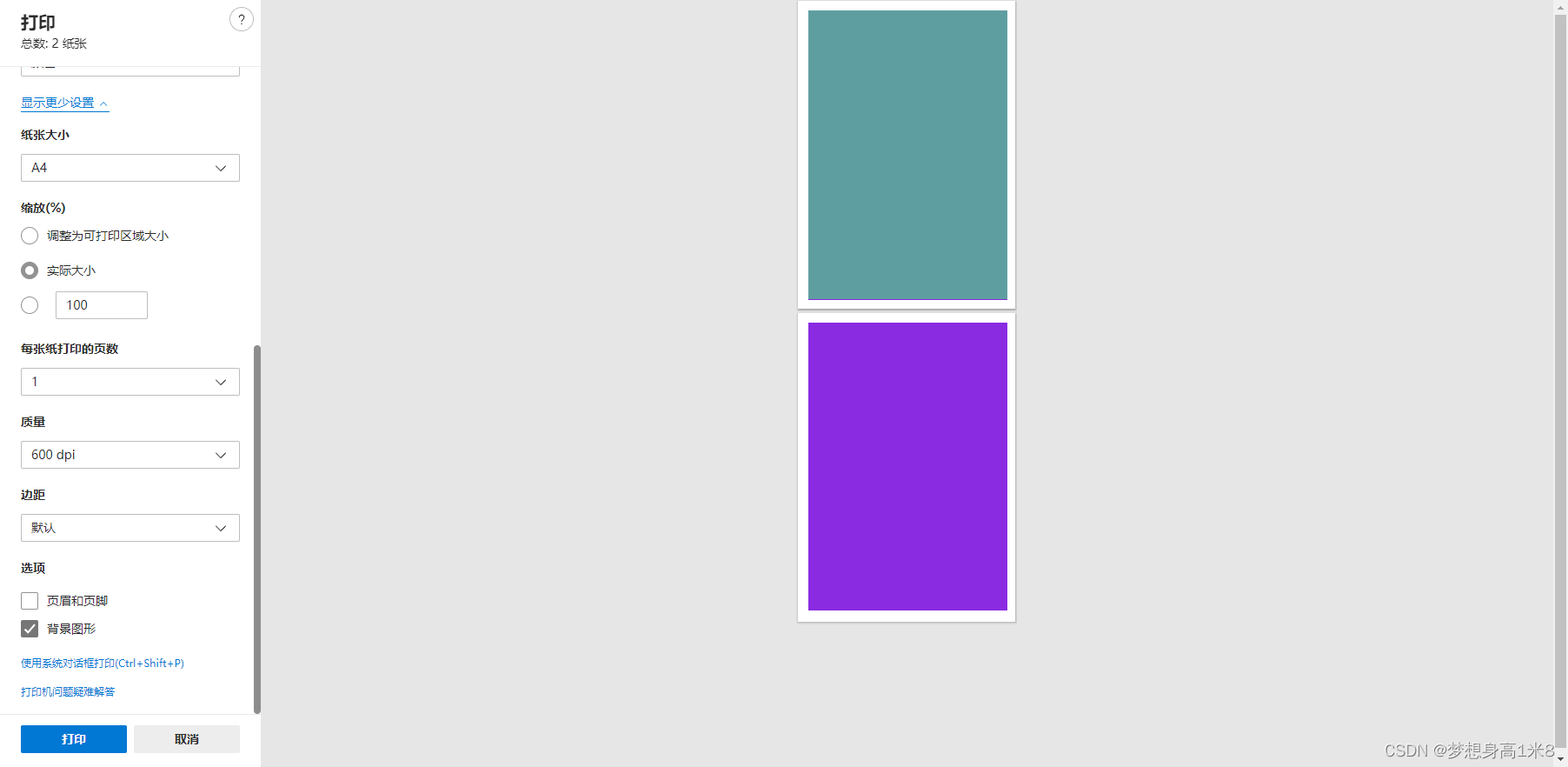
Browser print margin, default / borderless, full 1 page A4
Vs2019 initial use

628. Maximum product of three numbers

C language must memorize code Encyclopedia
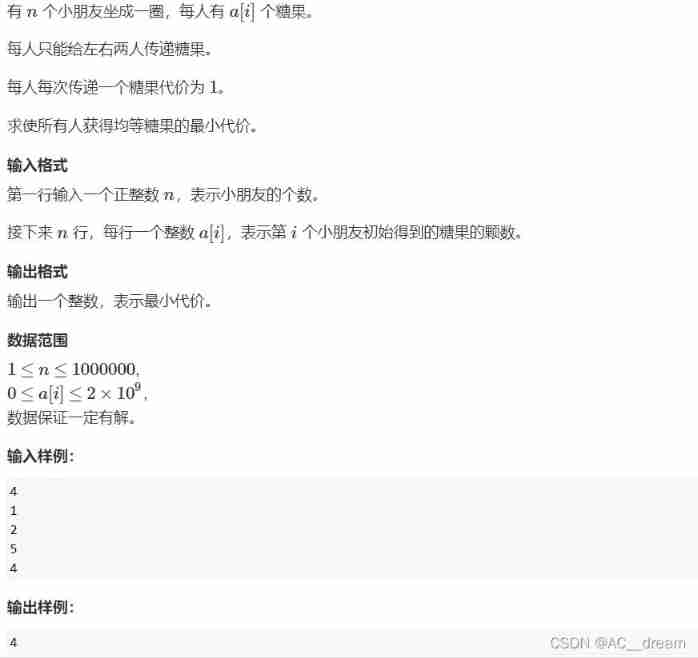
Candy delivery (Mathematics)
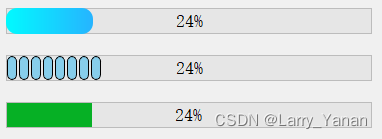
QT实现窗口渐变消失QPropertyAnimation+进度条
1605. Sum the feasible matrix for a given row and column
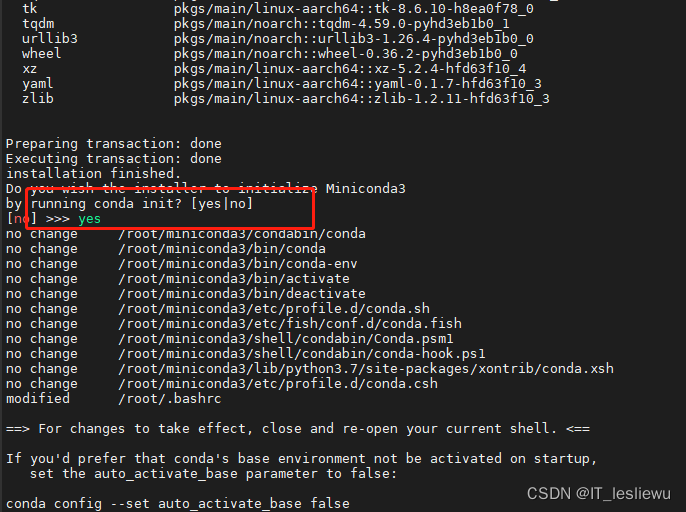
树莓派4B64位系统安装miniconda(折腾了几天终于解决)
随机推荐
QWidget代码设置样式表探讨
树莓派CSI/USB摄像头使用mjpg实现网页摄像头监控
树莓派4B64位系统安装miniconda(折腾了几天终于解决)
The "sneaky" new asteroid will pass the earth safely this week: how to watch it
If you want to apply for a programmer, your resume should be written like this [essence summary]
Problem - 1646C. Factorials and Powers of Two - Codeforces
栈的经典应用—括号匹配问题
[exercise-7] crossover answers
The most complete programming language online API document
QT实现窗口置顶、置顶状态切换、多窗口置顶优先关系
MySQL grants the user the operation permission of the specified content
Penetration test (1) -- necessary tools, navigation
Socket communication
双向链表—全部操作
Interval sum ----- discretization
[exercise-9] Zombie's Treasury test
渗透测试 2 --- XSS、CSRF、文件上传、文件包含、反序列化漏洞
Read and save zarr files
Flask框架配置loguru日志庫
window11 conda安装pytorch过程中遇到的一些问题