当前位置:网站首页>Vert. x: A simple login access demo (simple use of router)
Vert. x: A simple login access demo (simple use of router)
2022-07-06 11:47:00 【You are little KS】
current version :jdk1.8、vert.x 4.2.4
1. Statement
The current content is mainly for recording and learning Vert.x Implement a simple login access control operation demo, Current content reference : Official documents , This is a very simple and interesting project
The main function :
- Realize very simple login function
- It is very simple to realize the logout function
- Implement access control ( Only after logging in can you access )
- Implementation is based on Vert.x Of session Login control function ( Reference resources Official documents )
pom rely on
<properties>
	<project.build.sourceEncoding>UTF-8</project.build.sourceEncoding>
	<vertx.version>4.2.4</vertx.version>
</properties>
<dependencyManagement>
	<dependencies>
		<dependency>
			<groupId>io.vertx</groupId>
			<artifactId>vertx-stack-depchain</artifactId>
			<version>${vertx.version}</version>
			<type>pom</type>
			<scope>import</scope>
		</dependency>
	</dependencies>
</dependencyManagement>

<dependencies>
	<dependency>
		<groupId>io.vertx</groupId>
		<artifactId>vertx-web</artifactId>
	</dependency>
</dependencies>
2. Custom login control demo
1. Main programming
import io.vertx.core.AbstractVerticle;
import io.vertx.core.MultiMap;
import io.vertx.core.Promise;
import io.vertx.core.http.HttpMethod;
import io.vertx.core.json.JsonObject;
import io.vertx.ext.auth.User;
import io.vertx.ext.web.Router;

public class MainVerticle extends AbstractVerticle {

	boolean login = false;
	@Override
	public void start(Promise<Void> startPromise) throws Exception {


		 // Create a Router
	    Router router = Router.router(vertx);

	    //  Login operation

	    router.route("/login").handler(context->{

	    	MultiMap queryParams = context.queryParams();
			String username = queryParams.get("username");
			String password = queryParams.get("password");
	    	User user = User.create(new JsonObject().put("username", username).put("password", password));
	    	context.setUser(user);
	    	login=true;
	    	context.json( new JsonObject().put("status", 200).put("msg", "login success!"));
	    });

	    //  All operations are allowed only after login verification ( Certified operating )
	    router.route().handler(context->{

			User user = context.user();
			System.out.println(user);
	    	if(!login){

	    		System.out.println(" Failed to authenticate user !");
	    		context.json( new JsonObject().put("status", 500).put("msg", "no login"));
	    	}else {

	    		//  Direct release executes the next router
	    		context.next();
	    	}

	    });

	    router.route("/logout").handler(context->{

	    	login=false;
	    	context.json( new JsonObject().put("status", 200).put("msg", "login out success!"));
	    });


	    //  Perform the requested operation
	    router.route("/hello").method(HttpMethod.GET).handler(context->{

	    	//context.json( new JsonObject().put("status", 200).put("msg", "ok"));
	    	context.json(new JsonObject("{\"status\":200,\"msg\":\"ok\"}"));
	    });

	 // Create the HTTP server
	    vertx.createHttpServer()
	      .requestHandler(router)
	      .listen(8888)
	      .onSuccess(server ->
	        System.out.println(
	          "HTTP server started on port " + server.actualPort()
	        )
	      );

	}
}
The most important one is context.next();, Release means to let the next matching continue , Be careful login Of router Must be in front of full match login authentication , otherwise login It will also be blocked , Here you can log in without a password , Watch out for interception router The question of order
2. The deployment process
public class Application {

	public static void main(String[] args) {

		Vertx vertx = Vertx.vertx();
		//  Deploy one directly vertx Program
		vertx.deployVerticle(new MainVerticle());

	}
}
3. Test custom login demo
1. Start the service program 
Direct access to protected , Found as 500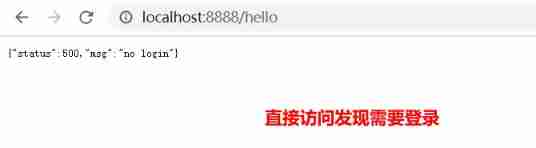
Log in 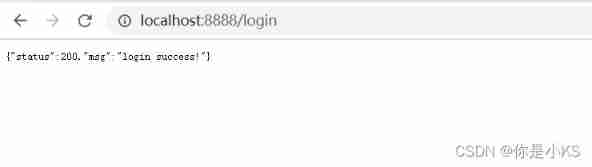
Revisit /hello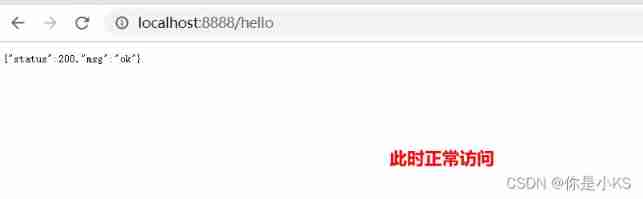
Log out 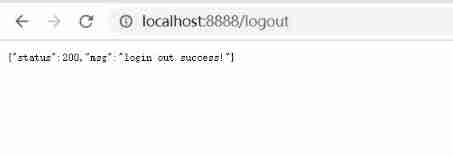
Revisit /hello, Be intercepted again 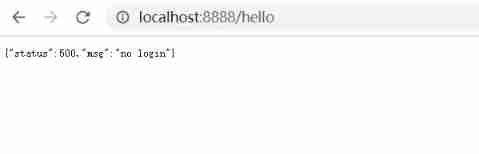
Test success !
4. be based on Vert.x Of Session Login control of mechanism demo
This function mainly depends on Session Realization , It is better than the previous manual control
@Override
public void start(Promise<Void> startPromise) throws Exception {


	 // Create a Router
    Router router = Router.router(vertx);
    //bindLoginAndLogoutRouter(router);
	 router.route().handler(SessionHandler.create(LocalSessionStore.create(vertx)));
	 AuthenticationProvider authenticationProvider = new AuthenticationProvider() {


			@Override
			public void authenticate(JsonObject credentials, Handler<AsyncResult<User>> resultHandler) {

				//String username = credentials.getString("username");
				//String password = credentials.getString("password");
				//System.out.println("username:"+username+",password="+password);
				//  An empty implementation
			}
		};
	//  Process login interface , Use form login
	//router.post("/login").handler(FormLoginHandler.create(authenticationProvider));

	// Set a static server to serve static resources, e.g. the login page
	//  Open login static page
	//router.route().handler(StaticHandler.create());
	//  Start binding login routes

    router.route("/login").handler(context->{

    	MultiMap queryParams = context.queryParams();
		String username = queryParams.get("username");
		String password = queryParams.get("password");

		//  The user name and password are admin Is allowed to login
    	if(username!=null&&password!=null&&"admin".equals(username.trim())&&"admin".equals(password.trim())) {

    		User user = User.create(new JsonObject().put("username", username).put("password", password));
	    	context.setUser(user);
	    	context.json( new JsonObject().put("status", 200).put("msg", "login success!"));
    	}else {

    		context.json( new JsonObject().put("status", 500).put("msg", "login failed!"));
    	}


    });
    router.route("/loginpage").handler(context->{

    	context.json( new JsonObject().put("status", 200).put("msg", "please login!"));
    });

    //  Bind authentication route
    //  All operations are allowed only after login verification ( Certified operating )

	RedirectAuthHandler authHandler = RedirectAuthHandler.create(authenticationProvider);
    router.route().handler(authHandler);

    //  Bind logout route
    router.route("/logout").handler(context->{

    	//  Clear the logged in user operation
    	context.clearUser();
    	context.json( new JsonObject().put("status", 200).put("msg", "login out success!"));
    });

    //  Perform the requested operation
    router.route("/hello").method(HttpMethod.GET).handler(context->{

    	context.json(new JsonObject("{\"status\":200,\"msg\":\"ok\"}"));
    });

 // Create the HTTP server
    vertx.createHttpServer()
      // Handle every request using the router
      .requestHandler(router)
      // Start listening
      .listen(8888)
      // Print the port
      .onSuccess(server ->
        System.out.println(
          "HTTP server started on port " + server.actualPort()
        )
      );

}
1.router.route().handler(SessionHandler.create(LocalSessionStore.create(vertx))); Open for indication session Control storage mechanism
Only open Session And open the certification to provide , Then create User It will be saved in the server after successful login
2. context.setUser(user); Indicates that the authentication object is set to the server based on session The way
3. context.clearUser(); Indicates deleting session Corresponding user
4. /loginpage Indicates the default login location , That is, the location of redirection after login failure
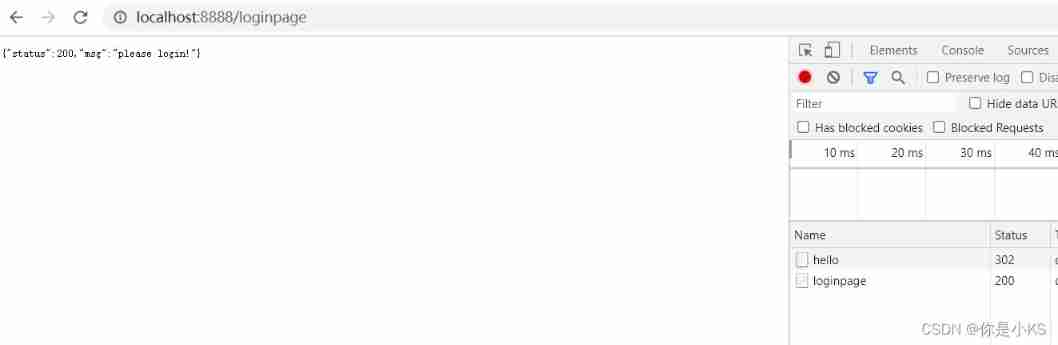
Test access /hello, Directly redirected to /loginpage Address 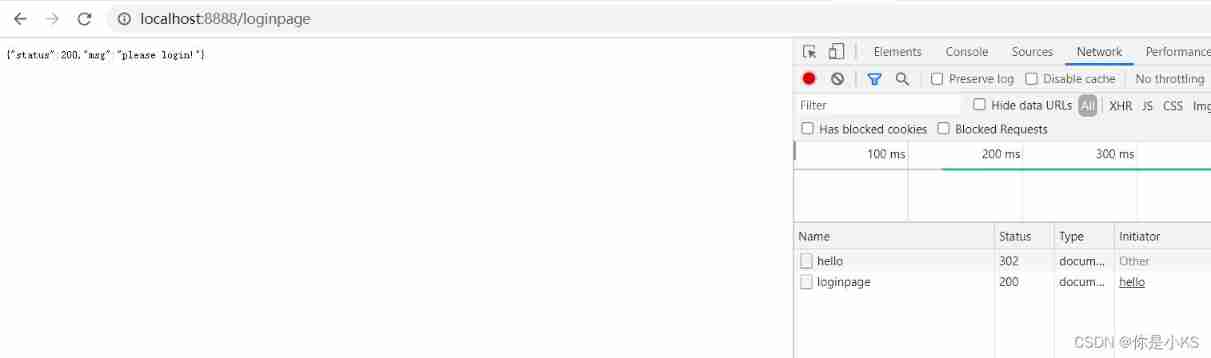
Wrong login 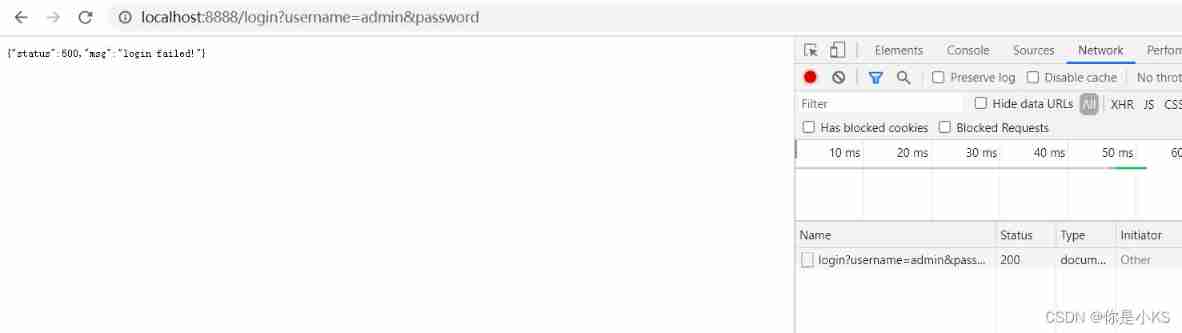
Correct login 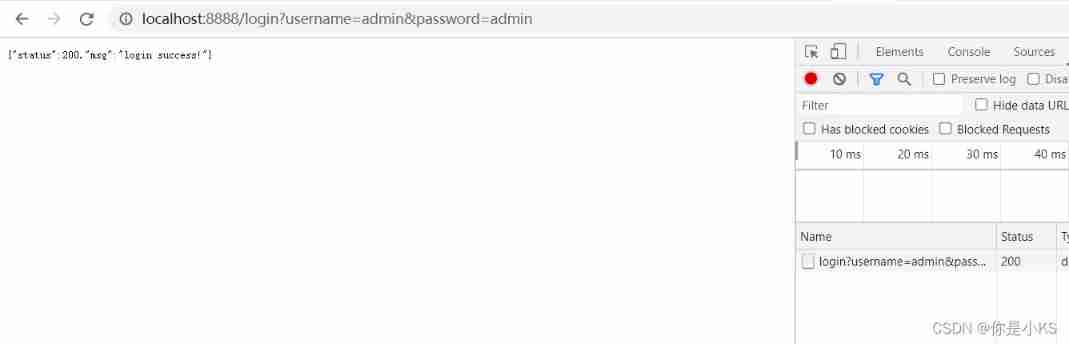
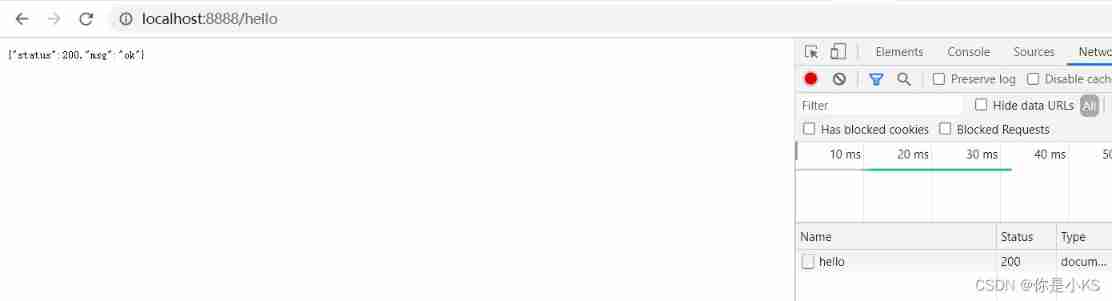
You can visit at will after logging in
Log out 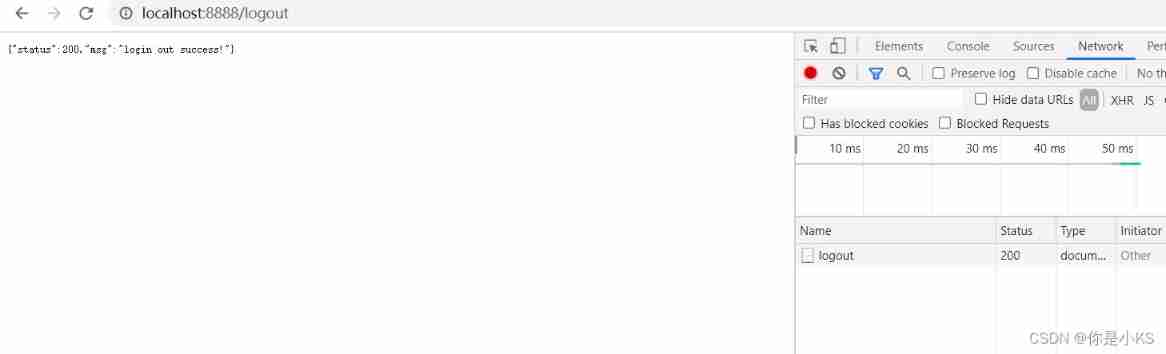
Found this after debugging : adopt cookie controlled 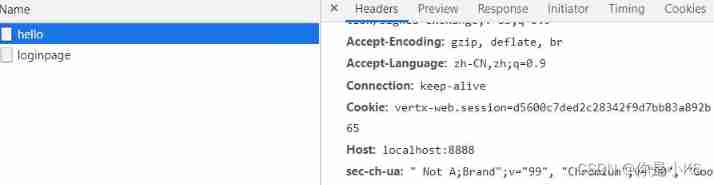
Test success !
边栏推荐
猜你喜欢

Case analysis of data inconsistency caused by Pt OSC table change
vs2019 使用向导生成一个MFC应用程序

解决安装Failed building wheel for pillow
![[Blue Bridge Cup 2017 preliminary] grid division](/img/e9/e49556d0867840148a60ff4906f78e.png)
[Blue Bridge Cup 2017 preliminary] grid division

Linux yum安装MySQL
Software I2C based on Hal Library
Vs2019 use wizard to generate an MFC Application
Integration test practice (1) theoretical basis
QT creator custom build process
vs2019 第一个MFC应用程序
随机推荐
Codeforces Round #753 (Div. 3)
vs2019 使用向导生成一个MFC应用程序
天梯赛练习集题解LV1(all)
Solve the problem of installing failed building wheel for pilot
SQL时间注入
[Blue Bridge Cup 2017 preliminary] grid division
L2-007 家庭房产 (25 分)
Why can't STM32 download the program
[Flink] Flink learning
[蓝桥杯2017初赛]方格分割
Nanny level problem setting tutorial
Word排版(小计)
ES6 promise object
Linux yum安装MySQL
double转int精度丢失问题
Cookie setting three-day secret free login (run tutorial)
【CDH】CDH/CDP 环境修改 cloudera manager默认端口7180
Detailed explanation of express framework
Machine learning notes week02 convolutional neural network
Nodejs connect mysql