当前位置:网站首页>Unity 动态合并网格纹理
Unity 动态合并网格纹理
2022-07-07 21:48:00 【weixin_44489379】
    public static class CarControlMeshCombine
    {

        /// <summary>
        /// 图片缓存路径,这个路径在运行时不可访问,可以使用StreamAssets
        /// </summary>
        [SerializeField]
        private static string TGAPath = "Assets/ArtAssets/A_3D/Cars/LicensePlates/Textures/texture.tga";
        /// <summary>
        /// material缓存路径,这个路径在运行时不可访问,可以使用StreamAssets
        /// </summary>
        [SerializeField]
        private static string MaterialPath = "Assets/ArtAssets/A_3D/Cars/LicensePlates/Materials/mat.mat";
        /// <summary>
        /// 合并网格
        /// </summary>
        /// <param name="gameObject"></param>
        public static void CombineMesh(GameObject gameObject)
        {

            //获取所有子物体MeshFilter/MeshRenderer
            MeshFilter[] mfChildren = gameObject.GetComponentsInChildren<MeshFilter>();
            MeshRenderer[] mrChildren = gameObject.GetComponentsInChildren<MeshRenderer>();
            //组合的网格
            CombineInstance[] combine = new CombineInstance[mfChildren.Length];

            //在父物体上创建MeshFilter和MeshRenderer
            MeshRenderer mrSelf = gameObject.AddComponent<MeshRenderer>();
            MeshFilter mfSelf = gameObject.AddComponent<MeshFilter>();

            //创建一组材质球和纹理,并采集保存到数组
            Material[] materials = new Material[mrChildren.Length];
            Texture2D[] textures = new Texture2D[mrChildren.Length];
            for (int i = 0; i < mrChildren.Length; i++)
            {

                materials[i] = mrChildren[i].sharedMaterial;
                Texture2D tx = materials[i].GetTexture("_BaseMap") as Texture2D;
                Texture2D tx2D = new Texture2D(tx.width, tx.height, TextureFormat.ARGB32, false);
                tx2D.SetPixels(tx.GetPixels(0, 0, tx.width, tx.height));
                tx2D.Apply();
                textures[i] = tx2D;
            }
            //获取第一个材质,并拷贝参数,赋给父物体
            Material materialNew = new Material(materials[0].shader);
            materialNew.CopyPropertiesFromMaterial(materials[0]);
            mrSelf.sharedMaterial = materialNew;
            //创建一张纹理,并将纹理赋给父物体
            Texture2D texture = new Texture2D(1024, 1024);
            materialNew.SetTexture("_MainTex", texture);
            //将数组中的纹理保存在2d矩形空间中
            Rect[] rects = texture.PackTextures(textures, 10, 1024);

            for (int i = 0; i < mfChildren.Length; i++)
            {

                if (mfChildren[i].transform == gameObject.transform)
                {

                    continue;
                }
                Rect rect = rects[i];

                Mesh meshCombine = mfChildren[i].mesh;
                Vector2[] uvs = new Vector2[meshCombine.uv.Length];
                //把网格的uv根据贴图的rect刷一遍
                for (int j = 0; j < uvs.Length; j++)
                {

                    uvs[j].x = rect.x + meshCombine.uv[j].x * rect.width;
                    uvs[j].y = rect.y + meshCombine.uv[j].y * rect.height;
                }
                meshCombine.uv = uvs;
                combine[i].mesh = meshCombine;
                combine[i].transform = mfChildren[i].transform.localToWorldMatrix;
                mfChildren[i].gameObject.SetActive(false);
            }

            //合并网格
            Mesh newMesh = new Mesh();
            newMesh.CombineMeshes(combine, true, true);
            mfSelf.mesh = newMesh;


            FileWriteTexture(texture, TGAPath);
            CreateMaterial(materialNew);
            LoadTextureAlter(TGAPath);
            MaterialSetTexture(MaterialPath, TGAPath);
        }

        /// <summary>
        /// 把合并好的图片缓存对应在路径下
        /// </summary>
        /// <param name="texture"></param>
        static void FileWriteTexture(Texture2D texture, string jpgPath)
        {

            var bytes = texture.EncodeToTGA();
            FileStream file = File.Open(jpgPath, FileMode.Create);
            BinaryWriter writer = new BinaryWriter(file);
            writer.Write(bytes);
            file.Close();
            texture.Apply();
        }

        /// <summary>
        /// 合并后的材质球缓存到MaterialPath路径下,刷新
        /// </summary>
        /// <param name="materialNew"></param>
        static void CreateMaterial(Material materialNew)
        {

            AssetDatabase.CreateAsset(materialNew, MaterialPath);
            AssetDatabase.Refresh();
        }

        /// <summary>
        /// 加载缓存合并图片,修改里面的参数
        /// </summary>
        static void LoadTextureAlter(string path)
        {

            TextureImporter textureImporter = AssetImporter.GetAtPath(path) as TextureImporter;
            textureImporter.textureType = TextureImporterType.Default;
            textureImporter.isReadable = true;
            AssetDatabase.ImportAsset(path);
            AssetDatabase.Refresh();
        }

        /// <summary>
        /// 缓存的Material存在上面贴图丢失的现象,重新绑定贴图数据
        /// </summary>
        static void MaterialSetTexture(string materialPath, string jpgPath)
        {

            Material LoadMaterial = AssetDatabase.LoadAssetAtPath<Material>(materialPath);
            Texture2D Loadtextur = AssetDatabase.LoadAssetAtPath<Texture2D>(jpgPath);
            LoadMaterial.SetTexture("_MainTex", Loadtextur);
            AssetDatabase.Refresh();
        }
    }
边栏推荐
- 【测试面试题】页面很卡的原因分析及解决方案
- Two minutes, talk about some wrong understandings of MySQL index
- Visual design form QT designer design gui single form program
- 行测-图形推理-7-相异图形类
- Debezium系列之:源码阅读之SnapshotReader
- Details of the open source framework of microservice architecture
- Revit secondary development - Hide occlusion elements
- 微生物健康網,如何恢複微生物群落
- 一次搞明白 Session、Cookie、Token,面试问题全稿定
- 7-51 combination of two ordered linked list sequences
猜你喜欢
详解全志V853上的ARM A7和RISC-V E907之间的通信方式
php 获取图片信息的方法
Microbial Health Network, How to restore Microbial Communities
Force deduction - question 561 - array splitting I - step by step parsing
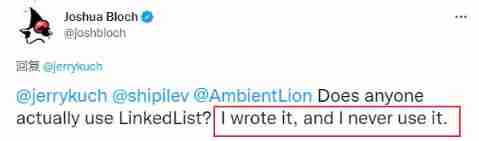
The author of LinkedList said he didn't use LinkedList himself
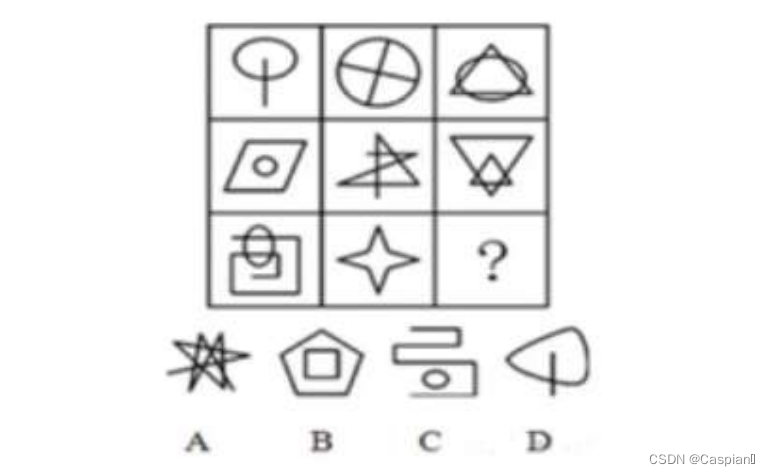
Line measurement - graphic reasoning -9- line problem class
Redis官方ORM框架比RedisTemplate更优雅

Robot autonomous exploration series papers environment code
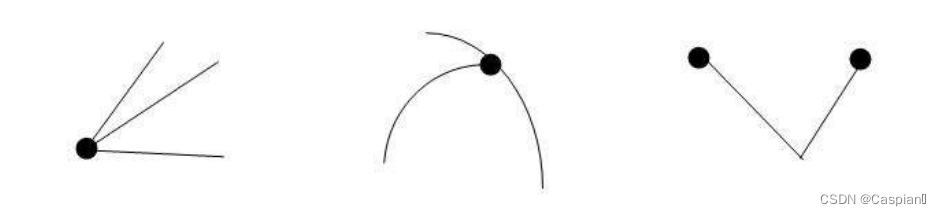
Line test - graphic reasoning -5- one stroke class
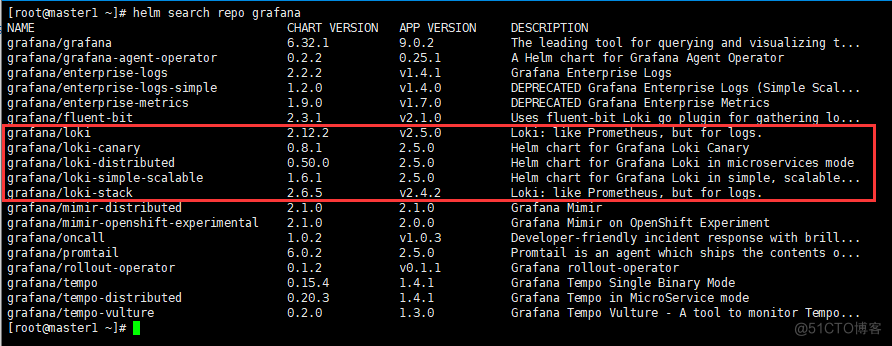
「开源摘星计划」Loki实现Harbor日志的高效管理
随机推荐
Debezium系列之:支持 mysql8 的 set role 语句
6-3 find the table length of the linked table
IP网络主动测评系统——X-Vision
Revit secondary development - intercept project error / warning pop-up
ADC采样率(HZ)是什么怎么计算
Aspose. Word operation word document (I)
Revit secondary development - collision detection
行测-图形推理-1-汉字类
Matplotlib quick start
行测-图形推理-4-字母类
Basic knowledge of binary tree
行测-图形推理-3-对称图形类
Signal feature extraction +lstm to realize gear reducer fault diagnosis -matlab code
Debezium series: support the use of variables in the Kill Command
Common verification rules of form components -2 (continuously updating ~)
Debezium series: set role statement supporting mysql8
Typeorm automatically generates entity classes
Revit secondary development - modify wall thickness
Debezium系列之:mysql墓碑事件
Unity technical notes (I) inspector extension