当前位置:网站首页>Getting started with pytest ----- allow generate report
Getting started with pytest ----- allow generate report
2022-07-06 17:49:00 【Peng Yuyan in the testing industry】
allure Generate test reports
First of all, make sure that allure-pytest plug-in unit
1) If it is Windows System , Want to go Git download 、 decompression 、 To configure path route .
2) If it is Mac, To install allure, I tried brew install allure But the installation failed , Always can't download . Only in a stupid way :
1. download allure
Address https://github.com/allure-framework/allure2/releases download zip file , Then unzip it and put it in the directory you want to put .
2. Make sure you put allure Of bin Where is the folder
hold bin Drag the folder to the terminal , then pwd You can see the path :

3. Mac Configure environment variables
Input... At the terminal :open -t ~/.bash_profile Open profile , Input :
PATH="/Users/macbook/allure-2.17.2/bin:${PATH}"
export PATH

chart 1: The open .bash_profile file

chart 2: Handwritten allure PATH
4. Make the configured environment variables take effect
Back to the terminal , Input source ~/.bash_profile Enable environment variables
5. Input allure --version
Display version number , Prove that the configuration is successful

6. restart pycharm
modify pytest.ini file , stay addopts increase --alluredir ./temp It means setting it up allure Generate json Temporary report path in format ./temp It is put in the current path temp Under the folder .

And then execute pytest
You can see in the temp Many are generated in the folder .json The file of

And then in pytest.main() Add below
os.system("allure generate ./temp -o ./report --clean")

explain :
allure generatecommand , fixed./temptemporary json Path to format report-oOutput output./reportGenerated allure Report path--cleanEmpty report The original report under the folder
In this way report You can see the generated report under the folder

After opening :

There are many areas for improvement in this report , It can be displayed according to your needs , Let's talk about it later .
The following is the supporting information , For doing 【 software test 】 For our friends, it should be the most comprehensive and complete war preparation warehouse , This warehouse also accompanied me through the most difficult journey , I hope it can help you !
Last : It can be in the official account : Programmer Xiaohao ! Get a free copy of 216 Page software testing engineer interview guide document information . And the corresponding video learning tutorial is free to share !, It includes basic knowledge 、Linux necessary 、Shell、 The principles of the Internet 、Mysql database 、 Special topic of bag capturing tools 、 Interface testing tool 、 Test advanced -Python Programming 、Web automated testing 、APP automated testing 、 Interface automation testing 、 Testing advanced continuous integration 、 Test architecture development test framework 、 Performance testing 、 Safety test, etc. .
If my blog helps you 、 If you like my blog content , please “ give the thumbs-up ” “ Comment on ” “ Collection ” One button, three links ! Friends who like software testing , You can join our testing technology exchange group :779450660 There are various software testing resources and technical discussions )
边栏推荐
- MySQL 8 sub database and table backup database shell script
- Example of batch update statement combining update and inner join in SQL Server
- The shell generates JSON arrays and inserts them into the database
- Basic configuration and use of spark
- 网络分层概念及基本知识
- [rapid environment construction] openharmony 10 minute tutorial (cub pie)
- Pyspark operator processing spatial data full parsing (4): let's talk about spatial operations first
- TCP connection is more than communicating with TCP protocol
- Xin'an Second Edition; Chapter 11 learning notes on the principle and application of network physical isolation technology
- Uipath browser performs actions in the new tab
猜你喜欢

一体化实时 HTAP 数据库 StoneDB,如何替换 MySQL 并实现近百倍性能提升
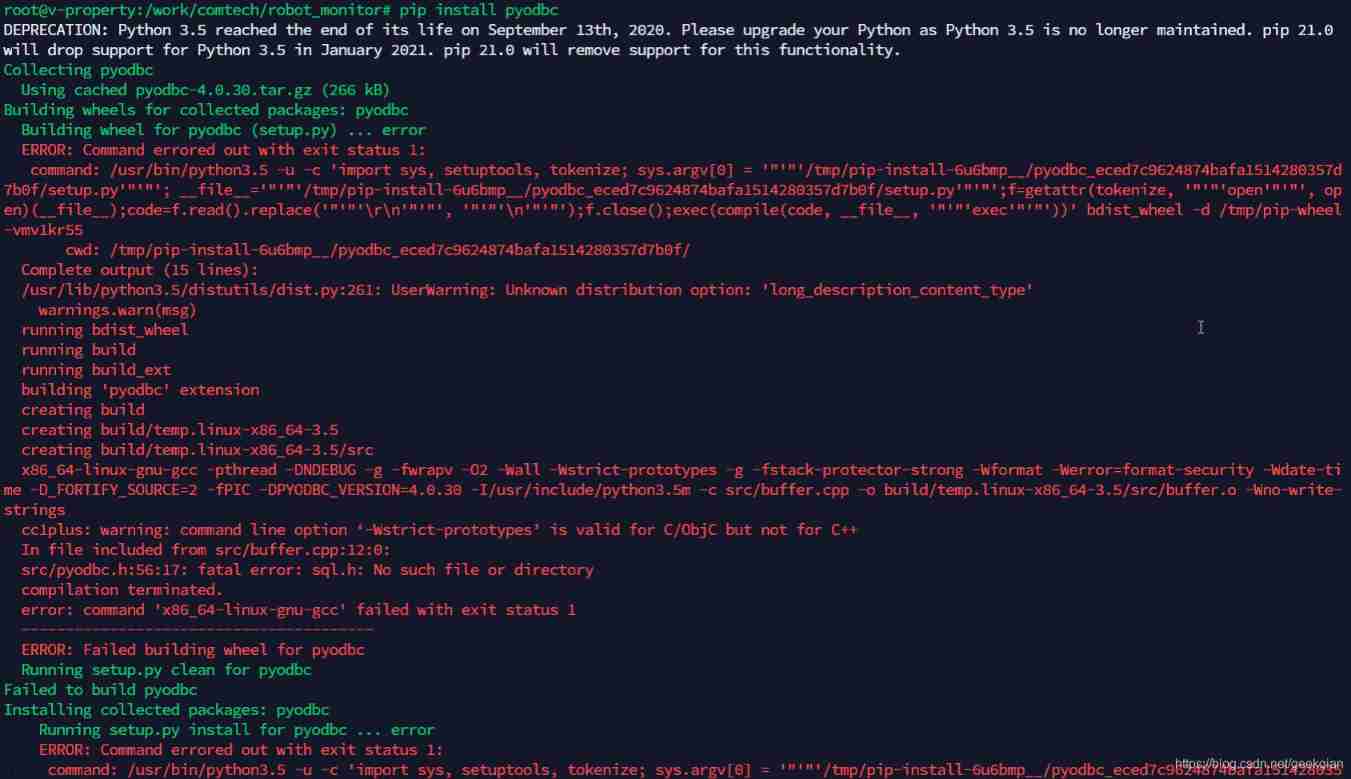
pip install pyodbc : ERROR: Command errored out with exit status 1
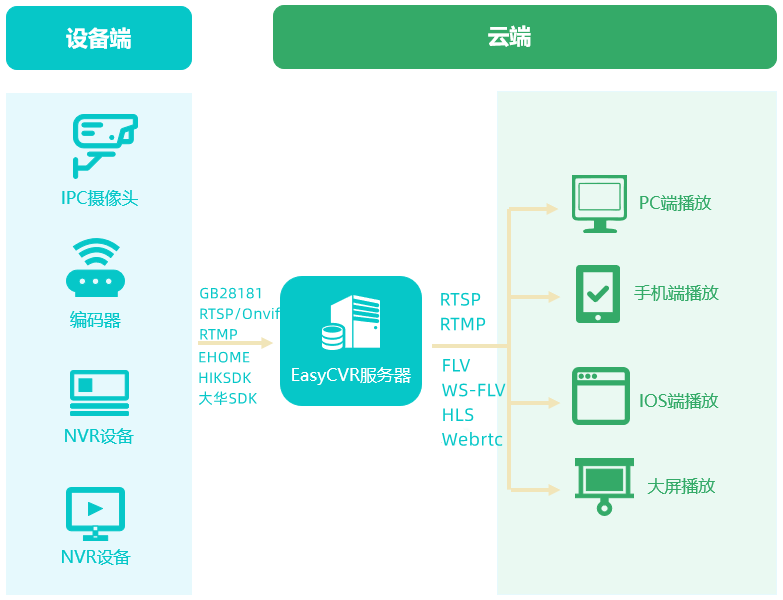
EasyCVR平台通过接口编辑通道出现报错“ID不能为空”,是什么原因?

【MySQL入门】第四话 · 和kiko一起探索MySQL中的运算符

历史上的今天:Google 之母出生;同一天诞生的两位图灵奖先驱
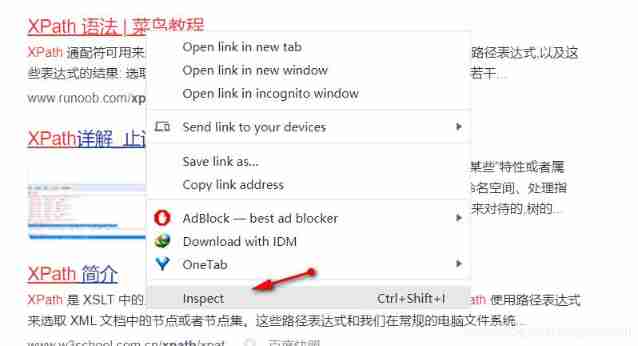
Vscode matches and replaces the brackets
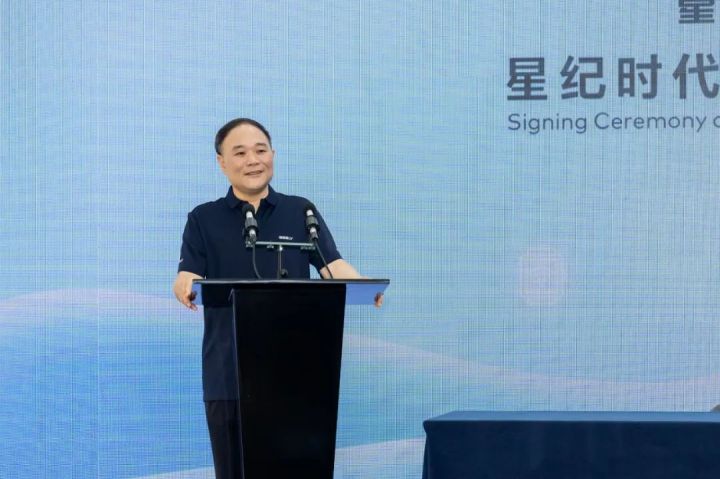
李书福为何要亲自挂帅造手机?
C WinForm series button easy to use

sql语句优化,order by desc速度优化

2022年大厂Android面试题汇总(二)(含答案)
随机推荐
遠程代碼執行滲透測試——B模塊測試
[ASM] introduction and use of bytecode operation classwriter class
中移动、蚂蚁、顺丰、兴盛优选技术专家,带你了解架构稳定性保障
Debug xv6
Sqoop I have everything you want
【ASM】字节码操作 ClassWriter 类介绍与使用
Run xv6 system
02 personal developed products and promotion - SMS platform
Selenium test of automatic answer runs directly in the browser, just like real users.
远程代码执行渗透测试——B模块测试
Unity tips - draw aiming Center
分布式(一致性协议)之领导人选举( DotNext.Net.Cluster 实现Raft 选举 )
Automatic operation and maintenance sharp weapon ansible Foundation
Solrcloud related commands
Summary of Android interview questions of Dachang in 2022 (II) (including answers)
node の SQLite
Xin'an Second Edition: Chapter 25 mobile application security requirements analysis and security protection engineering learning notes
Distributed (consistency protocol) leader election (dotnext.net.cluster implements raft election)
Debug and run the first xv6 program
Precipitated database operation class - version C (SQL Server)