当前位置:网站首页>常用函数detect_image/predict
常用函数detect_image/predict
2022-07-07 02:14:00 【逆夏11111】
detect_image
    #---------------------------------------------------#
    # 检测图片
    #---------------------------------------------------#
    def detect_image(self, image):
        start = timer()
        image_shape = np.array(np.shape(image)[0:2])
        crop_img, x_offset, y_offset = letterbox_image(image, (self.model_image_size[0], self.model_image_size[1]))
        photo = np.array(crop_img, dtype=np.float64)

        # 图片预处理,归一化
        photo = preprocess_input(np.reshape(photo, [1, self.model_image_size[0], self.model_image_size[1], 3]))
        preds = self.ssd_model.predict(photo)

        # 将预测结果进行解码
        results = self.bbox_util.detection_out(preds, confidence_threshold=self.confidence)
        # print(results)

        if len(results[0]) <= 0:
            return image, []

        # 筛选出其中得分高于confidence的框
        det_label = results[0][:, 0]
        det_conf = results[0][:, 1]
        det_xmin, det_ymin, det_xmax, det_ymax = results[0][:, 2], results[0][:, 3], results[0][:, 4], results[0][:, 5]
        top_indices = [i for i, conf in enumerate(det_conf) if conf >= self.confidence]
        top_conf = det_conf[top_indices]
        top_label_indices = det_label[top_indices].tolist()
        top_xmin, top_ymin, top_xmax, top_ymax = np.expand_dims(det_xmin[top_indices], -1), np.expand_dims(
            det_ymin[top_indices], -1), np.expand_dims(det_xmax[top_indices], -1), np.expand_dims(det_ymax[top_indices],
                                                                                                  -1)

        # 去掉灰条
        boxes = retinanet_correct_boxes(top_ymin, top_xmin, top_ymax, top_xmax,
                                  np.array([self.model_image_size[0], self.model_image_size[1]]), image_shape)

        font = ImageFont.truetype(font='model_data/simhei.ttf',
                                  size=np.floor(3e-2 * np.shape(image)[1] + 0.5).astype('int32'))

        thickness = (np.shape(image)[0] + np.shape(image)[1]) // self.model_image_size[0]

        record_pred = []
        for i, c in enumerate(top_label_indices):
            predicted_class = self.class_names[int(c) - 1]
            score = top_conf[i]

            top, left, bottom, right = boxes[i]
            top = top - 5
            left = left - 5
            bottom = bottom + 5
            right = right + 5

            top = max(0, np.floor(top + 0.5).astype('int32'))
            left = max(0, np.floor(left + 0.5).astype('int32'))
            bottom = min(np.shape(image)[0], np.floor(bottom + 0.5).astype('int32'))
            right = min(np.shape(image)[1], np.floor(right + 0.5).astype('int32'))
            print(top, left, bottom, right)

            # 画框框
            label = '{} {:.2f}'.format(predicted_class, score)
            draw = ImageDraw.Draw(image)
            label_size = draw.textsize(label, font)
            # label = label.encode('utf-8') # 这里如果要变成utf8
            print(label, (left, top), (right, bottom))
            record_pred.append(label + " %s %s %s %s" % (left, top, right, bottom))

            if top - label_size[1] >= 0:
                text_origin = np.array([left, top - label_size[1]])
            else:
                text_origin = np.array([left, top + 1])

            for i in range(thickness):
                draw.rectangle(
                    [left + i, top + i, right - i, bottom - i],
                    outline=self.colors[int(c) - 1])
            draw.rectangle(
                [tuple(text_origin), tuple(text_origin + label_size)],
                fill=self.colors[int(c) - 1])
            draw.text(text_origin, label, fill=(0, 0, 0), font=font)  # 如果前面label换成utf-8这里应该转变回来:str(label,'UTF-8')
            del draw

        end = timer()
        print("detect time:", end - start)
        return image, record_pred
不同模型要换的只有: boxes = ssd_correct_boxes(top_ymin,top_xmin,top_ymax,top_xmax,np.array([self.model_image_size[0],self.model_image_size[1]]),image_shape)
去掉灰条的部分,ssd模型就是ssd_correct,retinanet模型就是retinanet_correct。。。依次类推
predict
from keras.layers import Input
from retinanet import Retinanet
from PIL import Image
import os

retinanet = Retinanet()

img_path = "data/train1/domain1" # TODO:输入的要测试的图片文件夹
predict_path = "mAP/predict/"
filename_list = os.listdir(img_path)


for filename in filename_list:
    print(filename)
    img = input(filename)
    try:
        image = Image.open(img)
    except:
        print('Open Error! Try again!')
    else:
        r_image,record_pred = retinanet.detect_image(image)
        with open(predict_path + filename.split(".")[0] + '.txt', "w") as f:
            f.write("\n".join(record_pred))
        # r_image.save("mAP/predict_images/"+filename)


retinanet.close_session()
边栏推荐
- Open the blue screen after VMware installation
- C language sorting (to be updated)
- When we talk about immutable infrastructure, what are we talking about
- 隐马尔科夫模型(HMM)学习笔记
- [Shell]常用shell命令及测试判断语句总结
- [solution] final app status- undefined, exitcode- 16
- Developers don't miss it! Oar hacker marathon phase III chain oar track registration opens
- 微信小程序隐藏video标签的进度条组件
- 肿瘤免疫治疗研究丨ProSci LAG3抗体解决方案
- 安装mongodb数据库
猜你喜欢

You don't know the complete collection of recruitment slang of Internet companies
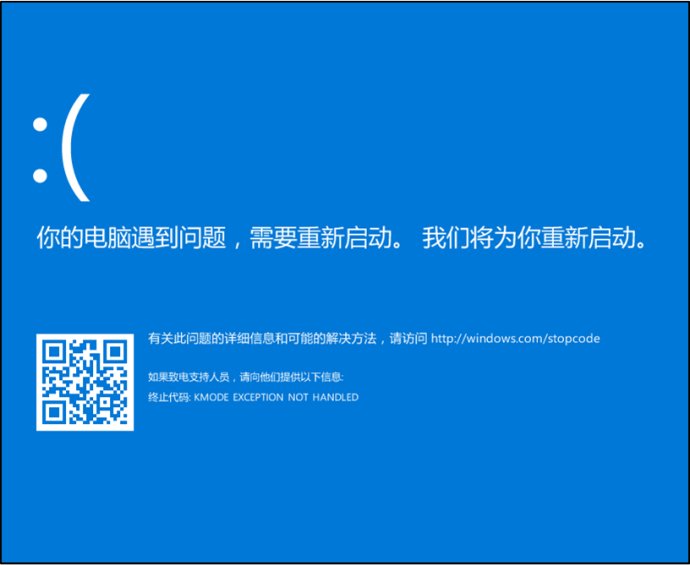
VMware安装后打开就蓝屏

Which foreign language periodicals are famous in geology?
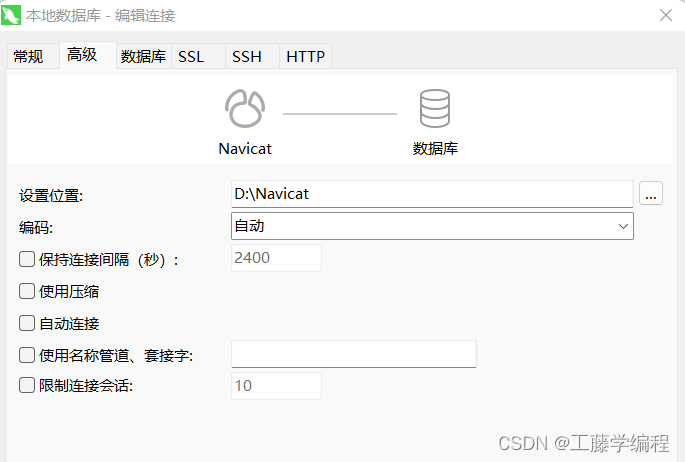
Navicat导入15G数据报错 【2013 - Lost connection to MySQL server during query】 【1153:Got a packet bigger】
![[start from scratch] detailed process of deploying yolov5 in win10 system (CPU, no GPU)](/img/77/bd80ed602208be6a9ef8be60c6ad06.png)
[start from scratch] detailed process of deploying yolov5 in win10 system (CPU, no GPU)
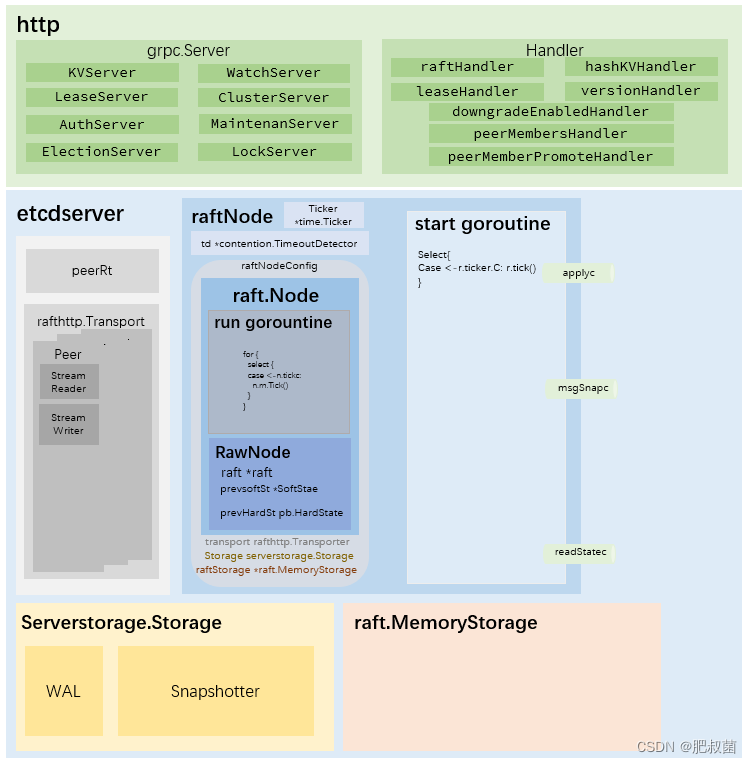
ETCD数据库源码分析——从raftNode的start函数说起
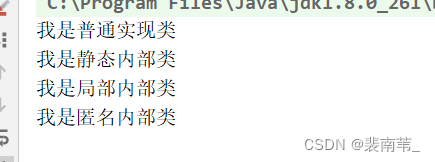
A program lets you understand what static inner classes, local inner classes, and anonymous inner classes are

matlab / ENVI 主成分分析实现及结果分析
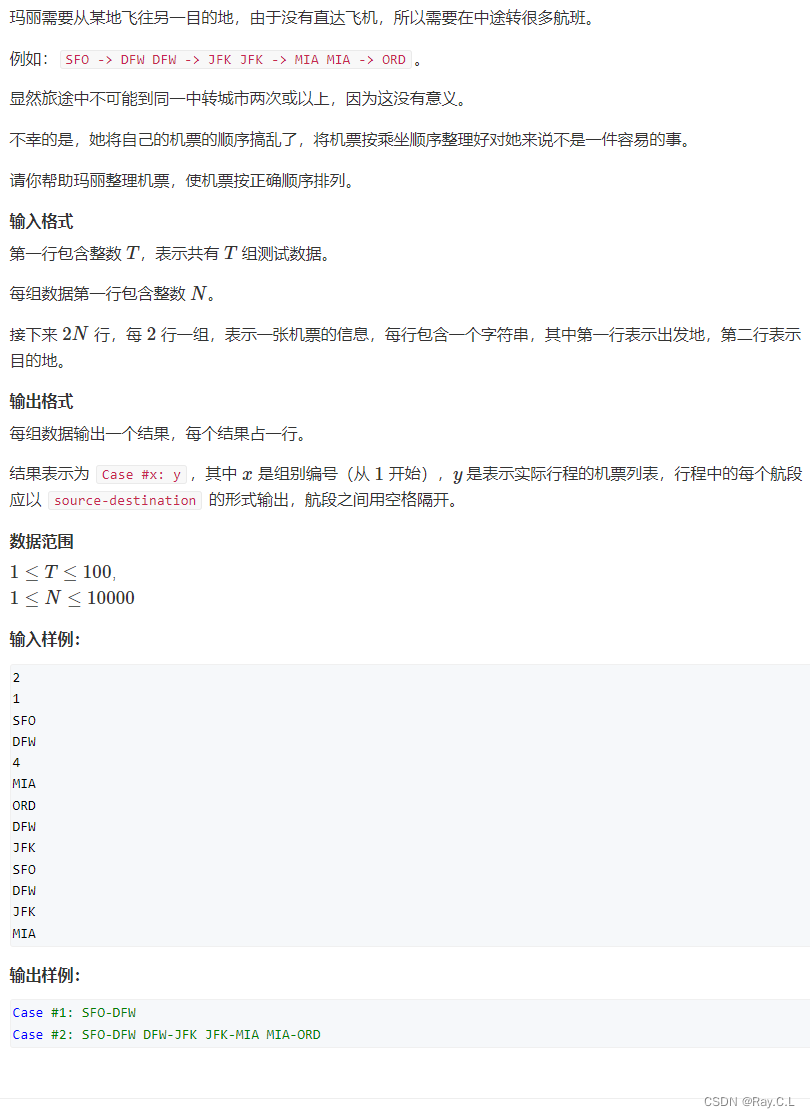
693. Travel sequencing
博士申请 | 上海交通大学自然科学研究院洪亮教授招收深度学习方向博士生
随机推荐
Audio distortion analysis of DSP and DAC based on adau1452
uniapp开发小程序如何使用微信云托管或云函数进行云开发
C language sorting (to be updated)
Laravel uses Tencent cloud cos5 full tutorial
LM11丨重构K线构建择时交易策略
缓存在高并发场景下的常见问题
2022 Android interview essential knowledge points, a comprehensive summary
[opencv] morphological filtering (2): open operation, morphological gradient, top hat, black hat
Symmetric binary tree [tree traversal]
基于FPGA的VGA协议实现
POI导出Excel:设置字体、颜色、行高自适应、列宽自适应、锁住单元格、合并单元格...
Navicat导入15G数据报错 【2013 - Lost connection to MySQL server during query】 【1153:Got a packet bigger】
Experience sharing of contribution of "management world"
Can't you really do it when you are 35 years old?
开发者别错过!飞桨黑客马拉松第三期链桨赛道报名开启
Redis (II) - redis General Command
matlab / ENVI 主成分分析实现及结果分析
C语言整理(待更新)
[SOC FPGA] peripheral PIO button lights up
Google Chrome browser released patch 103.0.5060.114 to fix the 0-day vulnerability