当前位置:网站首页>基于OpenHarmony的智能金属探测器
基于OpenHarmony的智能金属探测器
2022-07-05 10:43:00 【InfoQ】
一、简介
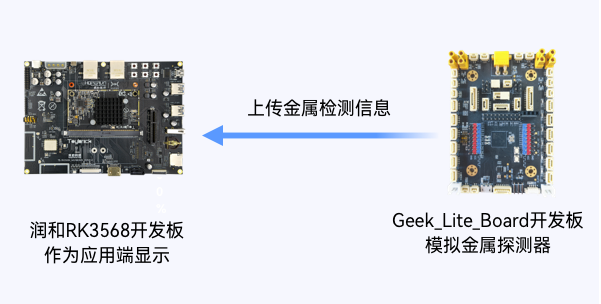
二、运行效果

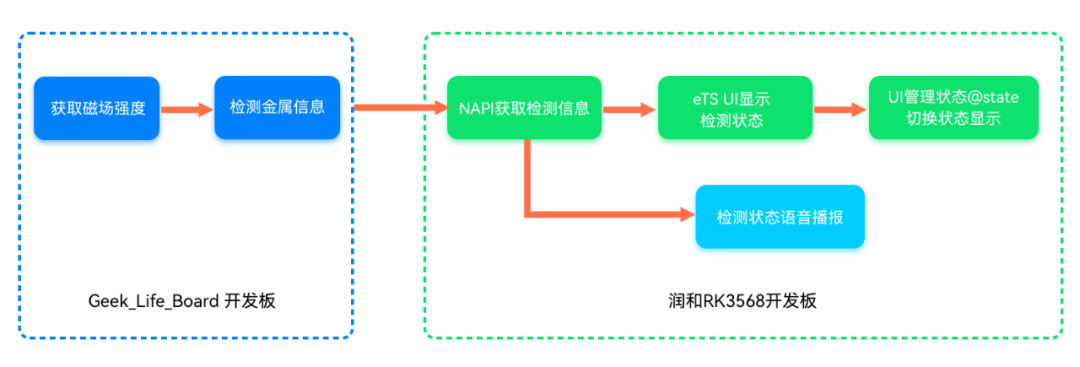
三、功能实现
uint8_t Mpu_Read_Bytes(uint8_t const regAddr, uint8_t *pData, uint8_t len)
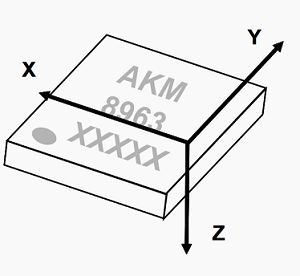
Mpu_Data.mag_x = (MPU_BUFF[16] << 8) | MPU_BUFF[15]; // x轴磁场数据
Mpu_Data.mag_y = (MPU_BUFF[18] << 8) | MPU_BUFF[17]; // y轴磁场数据
Mpu_Data.mag_z = (MPU_BUFF[20] << 8) | MPU_BUFF[19]; // z轴磁场数据
Gauss_Mag_z = Mpu_Calc.mag_z * 0.15f * 0.01f;
const uint16_t calibrateCount = 1000; // 测量最大次数为1000
const uint16_t calibrateFrequency = 5; // 每测量5次取一次有效值
const uint16_t calibrateAverageCount = 100; // 取100次有效值
if(i < calibrateCount){
i++;
if(i%calibrateFrequency == calibrateFrequency){
Mag_z_buff[j++] = Gauss_Mag_z;
if(j >= calibrateAverageCount){
i = calibrateCount;
Mag_z_Flag = true;
for(k=0;k<calibrateAverageCount;k++){
origin_mag_z += Mag_z_buff[k];
}
origin_mag_z = origin_mag_z / calibrateAverageCount;
// 校准完成,蓝灯亮,发送给应用端 "CalibrateOK"
BLUE_LED_ON();
memset(buff,0x00,sizeof(buff));
sprintf(buff,"angle:%s","CalibrateOK");
ESP8266_send_data(buff,strlen(buff));
}
}
}
// 先挂载,再send
hdc_std shell mount -oremount,rw /
hdc_std file send libtcpserverapi.z.so system/lib/module/libtcpserverapi.z.so
import tcpserverapi from '@ohos.tcpserverapi'
// 调用initServer接口 初始化 TCP 服务器
tcpserverapi.initServer()
// 调用recvMsg 获取并解析Geek_Lite_Board开发板发送过来的角度
tcpserverapi.recvMsg().then((result) => {
 var resultAngle = result.angle;
})

Flex(options?: { direction?: FlexDirection, wrap?: FlexWrap, justifyContent?: FlexAlign, alignItems?: ItemAlign, alignContent?: FlexAlign })
aboutToAppear() {
 var intervalID = setInterval(() => {
 tcpserverapi.recvMsg().then((result) => {
 }
 }
}
if (resultMetal.match("metal:")) {
 this.metal = resultMetal.slice(6);
 console.info('=======' + this.metal)
 if (this.metal === 'Detected') {
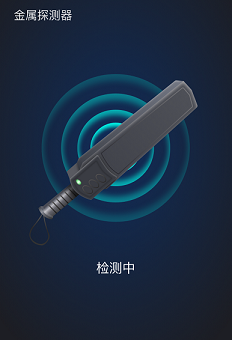
 this.detectionState = '发现金属';
 this.detection = $r("app.media.img_detected");
 this.isDisplay = false;
 }
 else if (this.metal === 'UnDetected' || this.metal ==='CalibrateOK') {
 this.detectionState = '检测中';
 this.detection = $r("app.media.img_detecting");
 this.isDisplay = true;
 }
}
import media from '@ohos.multimedia.media';
// OH media对象
private player = media.createAudioPlayer();
play():void
四、总结
五、参考链接

边栏推荐
猜你喜欢
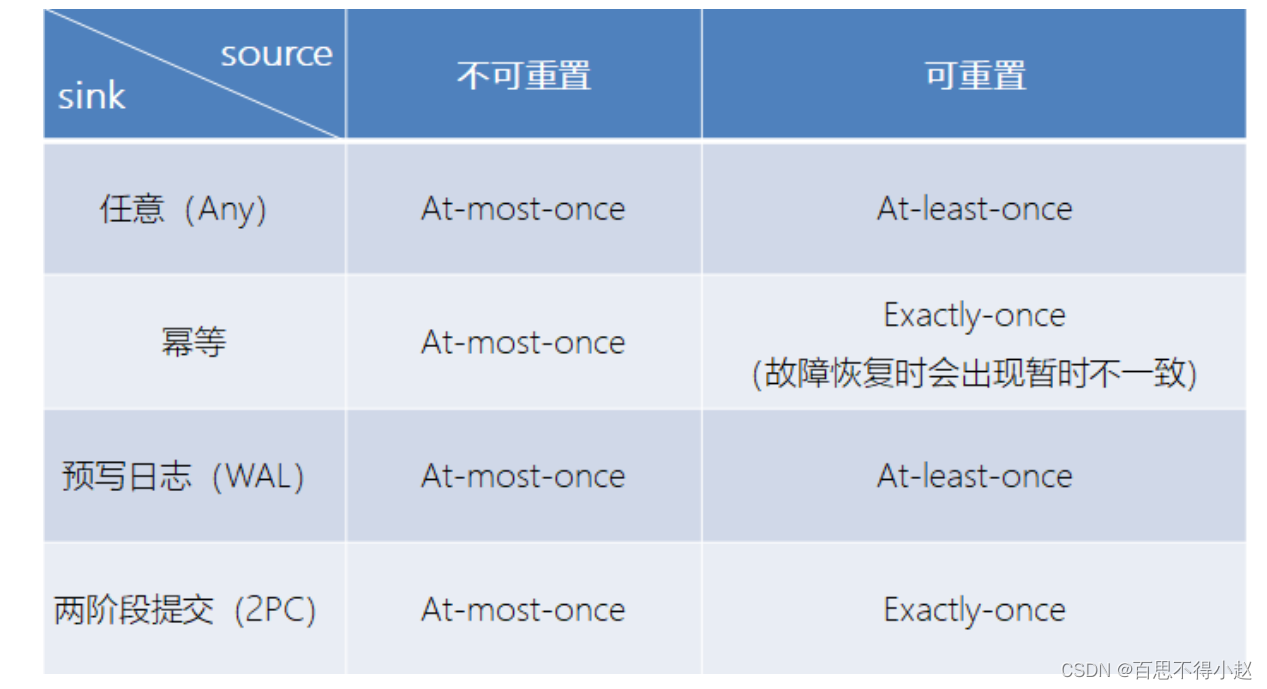
Talk about the understanding of fault tolerance mechanism and state consistency in Flink framework
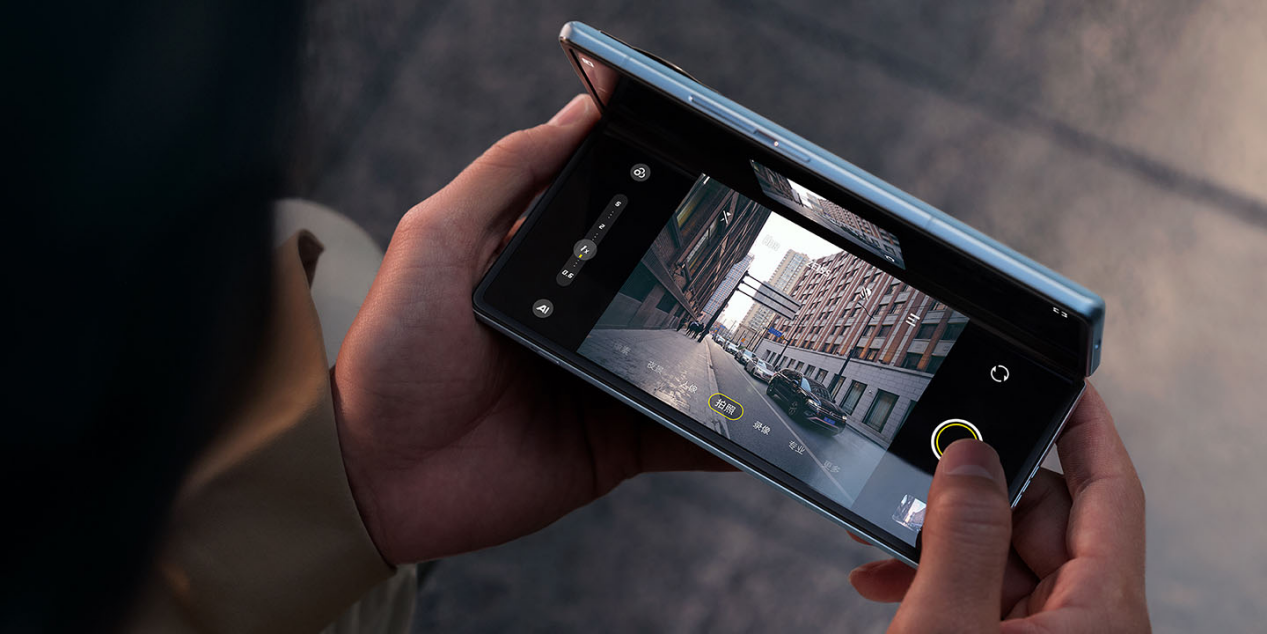
In the year of "mutual entanglement" of mobile phone manufacturers, the "machine sea tactics" failed, and the "slow pace" playing method rose
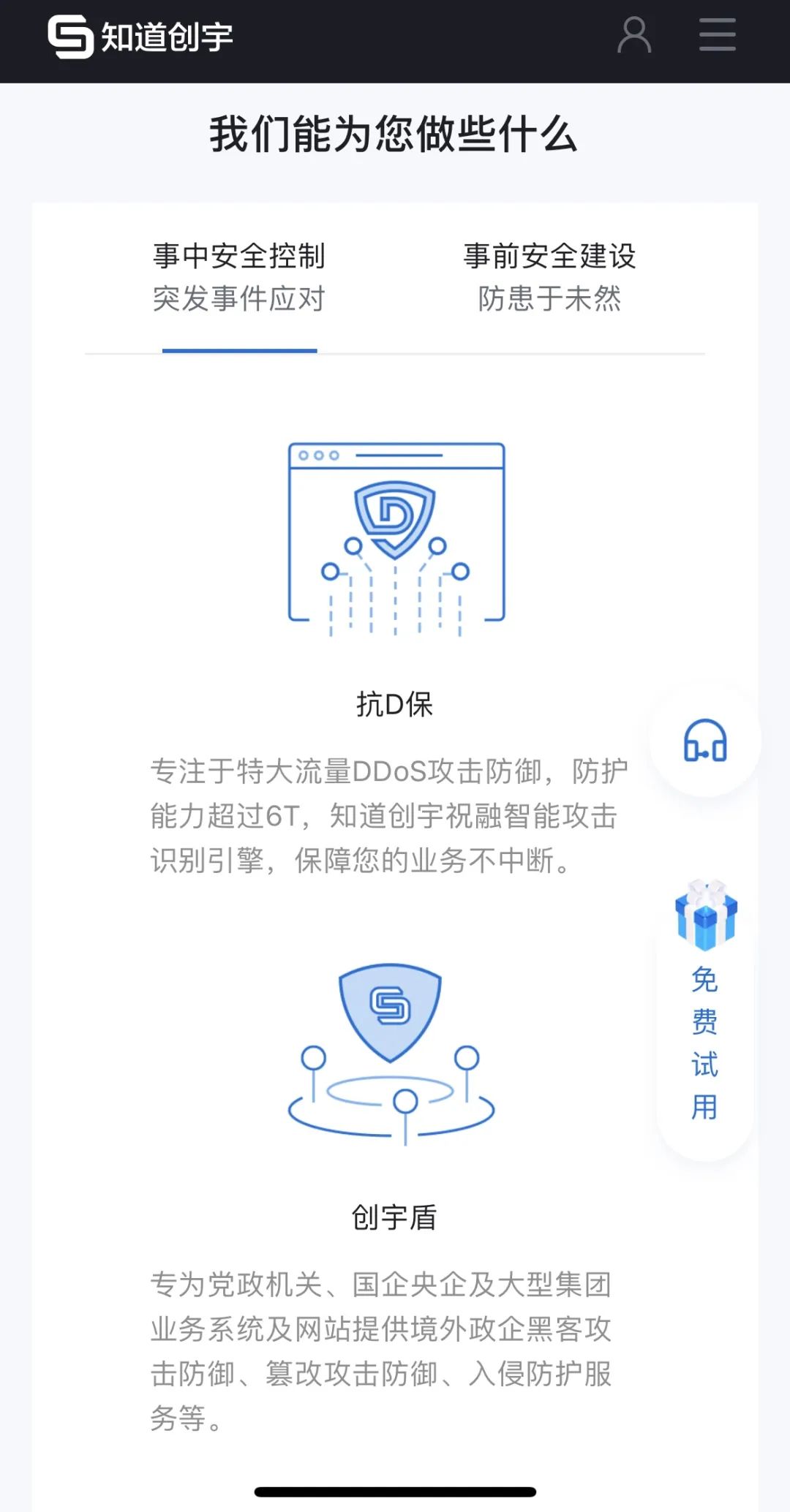
Honing · fusion | know that the official website of Chuangyu mobile terminal is newly launched, and start the journey of digital security!
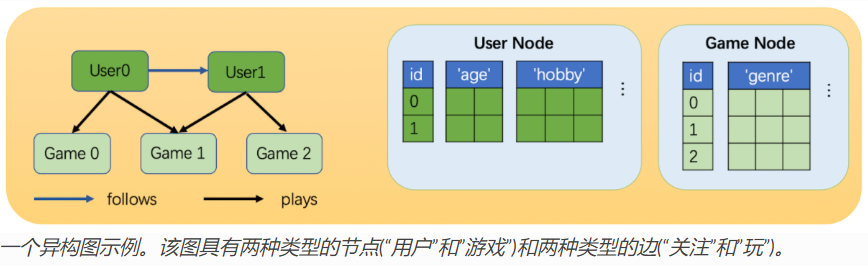
Some understandings of heterogeneous graphs in DGL and the usage of heterogeneous graph convolution heterographconv

Web3基金会「Grant计划」赋能开发者,盘点四大成功项目
2022年危险化学品经营单位主要负责人特种作业证考试题库及答案
Go-3-第一个Go程序
matlab cov函数详解
About the use of Vray 5.2 (self research notes)

Operation of simulated examination platform of special operation certificate examination question bank for safety production management personnel of hazardous chemical production units in 2022
随机推荐
使用GBase 8c数据库过程中报错:80000502,Cluster:%s is busy,是怎么回事?
BOM//
第五届 Polkadot Hackathon 创业大赛全程回顾,获胜项目揭秘!
微信核酸检测预约小程序系统毕业设计毕设(6)开题答辩PPT
32:第三章:开发通行证服务:15:浏览器存储介质,简介;(cookie,Session Storage,Local Storage)
DGL中异构图的一些理解以及异构图卷积HeteroGraphConv的用法
Coneroller执行时候的-26374及-26377错误
脚手架开发进阶
NAS and San
flex4 和 flex3 combox 下拉框长度的解决办法
关于vray 5.2的使用(自研笔记)
Process control
磨砺·聚变|知道创宇移动端官网焕新上线,开启数字安全之旅!
beego跨域问题解决方案-亲试成功
websocket
[TCP] TCP connection status JSON output on the server
Go project practice - Gorm format time field
matlab cov函数详解
Web Components
GBase 8c数据库如何查看登录用户的登录信息,如上一次登录认证通过的日期、时间和IP等信息?